 EN
 IT Italiano
 ES Español
 FR Français
 DE Deutsch
Description
Technical Specifications
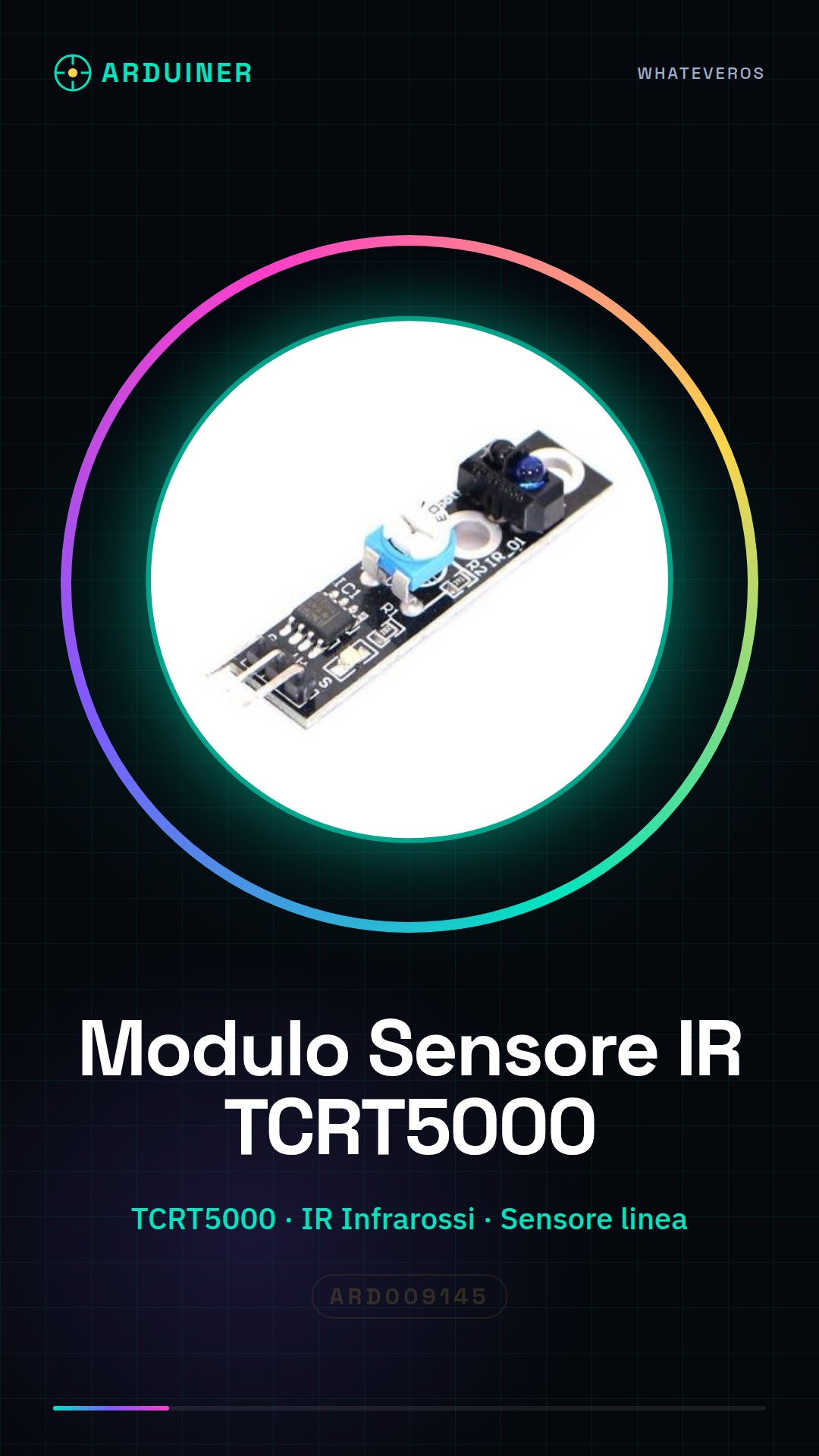
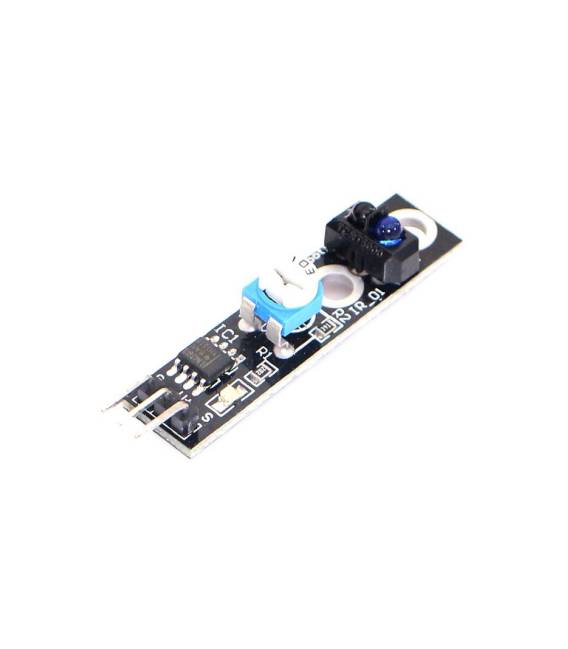
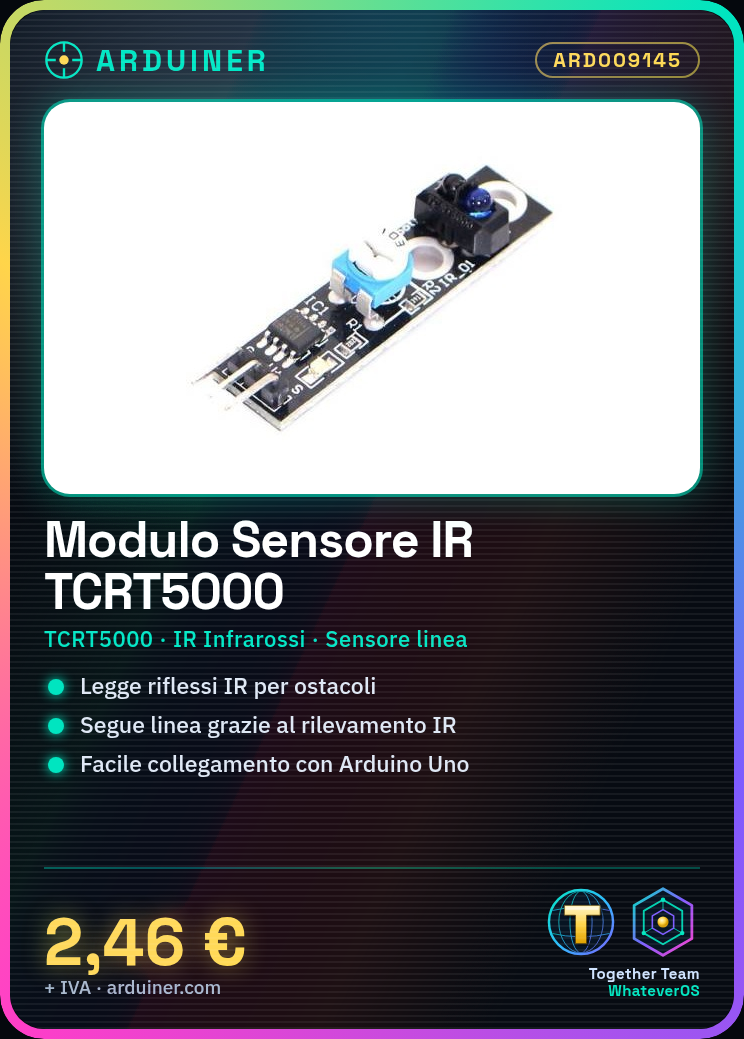
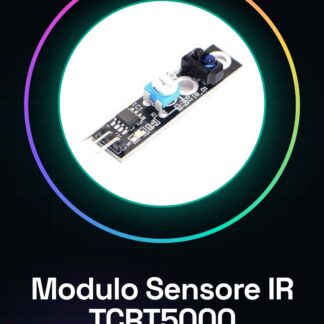
The TCRT5000 IR sensor module is a component used for obstacle detection and line following in robotics and prototyping projects. The TCRT5000 sensor uses infrared technology to detect objects and black lines on a light background. It is suitable for applications requiring short distance detection and obstacle detection.
The TCRT5000 sensor consists of an infrared emitter and receiver mounted on a single module. When the emitter sends an infrared signal, the receiver measures the reflection of the signal to determine the presence of an object or black line. The received signal is converted into an analog value that can be read by a microcontroller such as Arduino.
The module is designed to be easily integrated into projects requiring obstacle detection or line following, providing a simple and reliable method for distance detection and object detection.
Key Specifications
| Parameter | Value |
| Model | TCRT5000 |
| Quantity | 1 piece |
| Interface | Analog |
| Supply Voltage | N/D (see manufacturer’s datasheet) |
| Dimensions | N/D (see manufacturer’s datasheet) |
| Packaging | N/D (see manufacturer’s datasheet) |
Installation and Usage
- Connect the TCRT5000 IR sensor module to the Arduino microcontroller using jumper wires.
- Check the connection specifications in the sensor datasheet to determine the correct pin configuration.
- Power the sensor module with the correct voltage specified in the datasheet.
- Upload a sample sketch to the Arduino microcontroller to test the functionality of the sensor.
- Verify the proper functionality of the sensor through the Arduino serial monitor.
Compatibility and Requirements
- The TCRT5000 IR sensor module is compatible with Arduino microcontrollers such as Arduino Uno.
- A development software like Arduino IDE is required for programming the microcontroller.
- For physical connection, jumper wires are needed to connect the module to the microcontroller.
Limitations and Important Notes
- The TCRT5000 IR sensor module is not designed for long distance detection.
- Obstacle detection depends on infrared reflection, so it may not be effective on transparent materials.
- It is important to verify the correct operating voltage specified in the datasheet to avoid damaging the module.
- Black line detection on a light background requires a well-defined black line.
Troubleshooting
The sensor does not detect obstacles.
Probable cause: Incorrect pin connections of the sensor.
Solution: Check the pin connections of the sensor according to the datasheet and reconnect correctly.
The sensor detects obstacles inaccurately.
Probable cause: Inappropriate operating voltage.
Solution: Verify the operating voltage specified in the datasheet and recalibrate if necessary.
The sensor does not send data to the microcontroller.
Probable cause: Sketch not compiled or uploaded correctly.
Solution: Compile and upload the sketch to the microcontroller again.
The sensor detects false positives.
Probable cause: Presence of unwanted reflections.
Solution: Reduce unwanted reflections or use a filter to improve accuracy.
Use cases
Obstacle-avoiding robot.
Objective: Create a robot that moves in a straight line and changes direction when it detects an obstacle.
What you need: Arduino Uno, jumper wires, TCRT5000 IR sensor module.
Steps: 1) Connect the sensor module to the Arduino microcontroller. 2) Load a sample sketch to test obstacle detection. 3) Program the robot to change direction when it detects an obstacle. 4) Test the robot in a controlled environment.
Expected result: The robot avoids obstacles and moves safely.
Line following.
Objective: Create a robot that follows a black line on a light background.
What is needed: Arduino Uno, jumper wires, TCRT5000 IR sensor module.
Steps: 1) Connect the sensor module to the Arduino microcontroller. 2) Load an example sketch to test line detection. 3) Program the robot to follow the line. 4) Test the robot in a controlled environment.
Expected result: The robot follows a black line on a light background.
Distance detection.
Objective: Create a system that detects distance from an obstacle.
What is needed: Arduino Uno, jumper wires, TCRT5000 IR sensor module.
Steps: 1) Connect the sensor module to the Arduino microcontroller. 2) Load an example sketch to test distance detection. 3) Program the system to display the detected distance. 4) Test the system in a controlled environment.
Expected result: The system correctly detects distance from an obstacle.
Presence control.
Objective: Create a system that detects the presence of an object.
What you need: Arduino Uno, jumper wires, TCRT5000 IR sensor module.
Steps: 1) Connect the sensor module to the Arduino microcontroller. 2) Load an example sketch to test object presence detection. 3) Program the system to signal the presence of an object. 4) Test the system in a controlled environment.
Expected result: The system correctly signals the presence of an object.
Security system.
Objective: Create a security system that detects the entry of people.
What you need: Arduino Uno, jumper wires, TCRT5000 IR sensor module.
Steps: 1) Connect the sensor module to the Arduino microcontroller. 2) Load an example sketch to test motion detection. 3) Program the system to activate an alarm when motion is detected. 4) Test the system in a controlled environment.
Expected result: The system correctly activates the alarm when it detects movement.
Access control system.
Objective: Create a system that detects the presence of people to control access.
What’s needed: Arduino Uno, jumper wires, TCRT5000 IR sensor module.
Steps: 1) Connect the sensor module to the Arduino microcontroller. 2) Load a sample sketch to test presence detection. 3) Program the system to control access when presence is detected. 4) Test the system in a controlled environment.
Expected result: The system correctly controls access when presence is detected.
Monitoring system.
Objective: Create a system that monitors the presence of objects.
What’s needed: Arduino Uno, jumper wires, TCRT5000 IR sensor module.
Steps: 1) Connect the sensor module to the Arduino microcontroller. 2) Load a sample sketch to test the presence detection. 3) Program the system to signal the presence of objects. 4) Test the system in a controlled environment.
Expected result: The system correctly signals the presence of objects.
Home security system.
Objective: Create a home security system that detects movement.
What you need: Arduino Uno, jumper wires, TCRT5000 IR sensor module.
Steps: 1) Connect the sensor module to the Arduino microcontroller. 2) Load a sample sketch to test the movement detection. 3) Program the system to activate an alarm when movement is detected. 4) Test the system in a controlled environment.
Expected result: The system correctly activates the alarm when movement is detected.
In the package
- 1 piece of TCRT5000 IR sensor module
Complete the project
- Adjustable 2 – 100CM Infrared Obstacle Avoidance Detector Digital Module: For physical connection between the sensor module and the Arduino microcontroller.
- Infrared Obstacle Avoidance Sensor Module for Arduino: For programming the Arduino microcontroller.
- E18-D80NK Obstacle Avoidance Infrared Sensor Detector Adjustable 3 – 80Cm: For the mobility of the robot.
- Suspension Damping Speed Control Obstacle Avoidance Robot Patrol Line Remote Investigation Frame: For building the robot.
- 50NK Obstacle Avoidance Detector 3-50CM Infrared Photoelectric 5VDC: For detecting obstacles at longer distances.
Technical FAQs
How can I check if the sensor is working?
Check the sensor reading on the Arduino serial monitor.
Which obstacles does this sensor detect best?
Metallic objects or dark objects at about 1-2 cm from the sensor.
Why does the sensor not detect obstacles?
Check the sensor pin connections according to the datasheet and reconnect correctly.
Why does the sensor detect false positives?
Reduce unwanted reflections or use a filter to improve accuracy.
Tutorial: How to use TCRT5000 IR Sensor Module
The TCRT5000 IR Sensor Module is a useful component for obstacle avoidance and line follower projects. It is ideal for beginners who want to create robots or interactive prototypes.
What you need
- Arduino Uno
- USB Connection
- Jumper Wire M-M
Steps
- Connect the jumper wires between the pins of the TCRT5000 IR module and the Arduino (check the datasheet for connection specifications).
- Download or install the Arduino IDE software on a computer.
- Open a new sketch in the Arduino IDE software.
- Insert the provided code in the ‘code’ section.
- Compile and upload the sketch to your connected Arduino.
- Verify the proper functionality of the sensor through the Arduino serial monitor.
Example code
void setup() {
  Serial.begin(9600);
}

void loop() {
  int sensorValue = analogRead(A0); // Verifica sul datasheet per la pin corretta.
  Serial.println(sensorValue);
}
Mini project
Create an obstacle-avoiding robot that moves in a straight line and changes direction when it detects an obstacle.
Common mistakes
- Incorrectly connect the sensor pins.
- Use an inappropriate voltage for the module.
- Forget to compile the sketch before uploading it to the Arduino.
Recommended accessories
- Arduino Robot Kit
- DC Motor with L298N Driver
- 3D Printed Case for Robot
Frequently asked questions
How can I check if the sensor is working?
Check the sensor reading on the Arduino serial monitor.
What obstacles does this sensor detect best?
Metallic or dark obstacles at about 1-2 cm from the sensor.
Reviews
There are no reviews yet.