 EN
 IT Italiano
 ES Español
 FR Français
 DE Deutsch
Description
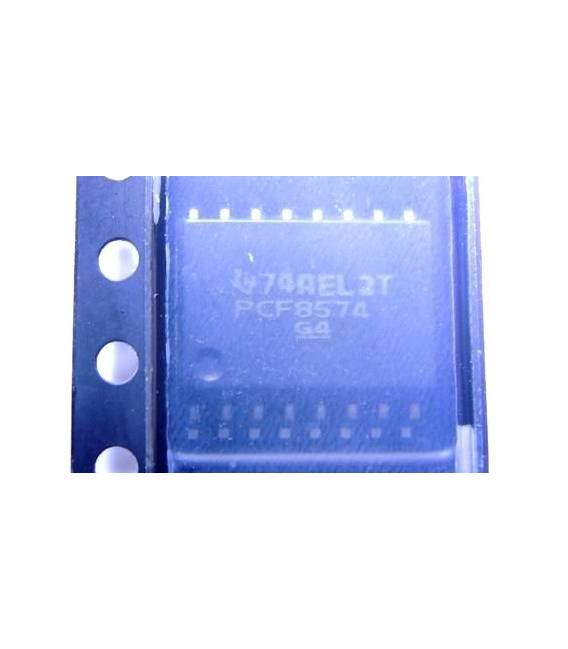
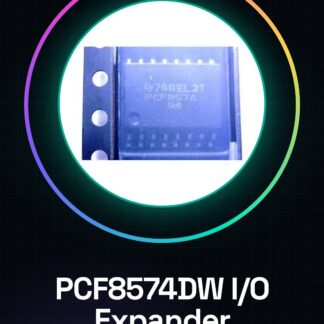
PCF8574DW IC Integrated Circuits
| Datasheets | PCF8574 |
|---|---|
| Product Photos | 16 SOIC |
| Product Training Modules | I2C and SMBus Solutions |
| Standard Package | 2.000 |
| Category | Integrated Circuits (IC) |
| Family | Interface – I / O Expanders |
| Series | – |
| Interface | |
| Number of I / O | 8 |
| Interrupt Output | Yes |
| Frequency – Clock | 100kHz |
| Voltage – Supply | 2,5 V ~ 6 V |
| Operating Temperature | |
| Mounting Type | Surface Mount |
We have the technical sheet of all components available, if it is not present in the product download card, send us a message through the contact us form and we will publish it as soon as possible on our website.
Tutorial: How to use PCF8574DW IC (I2C Integrated Circuit)
The PCF8574DW is an I/O IC for I2C communication. Ideal for Arduino projects that require many digital pins.
What you need
- Arduino Uno/Nano
- PCF8574DW
- USB cable
- connectors
Steps
- Connect the PCF8574DW to the Arduino following the datasheet documentation
- Install the Wire.h library to manage I2C communication
- Write a sketch that initializes the IC and controls the digital pins
- Check the connections with a multimeter
- Test the IC functionality by changing the pin states
- Add sensors or devices to the PCF8574DW to expand input/output capabilities
Example code
/* Includi Wire.h */
#include <Wire.h>

void setup() {
  Wire.begin(); // inizializza I2C
}

void loop() {}
Mini project
Create an 8×8 LED matrix display controlled by PCF8574DW and Arduino.
Common mistakes
- I2C address error
- Incorrect connection between Arduino and IC
- Missing or incompatible libraries
Recommended accessories
- 8×8 LED matrix display
- Breadboard prototyping kit
- Batter for portable power
- Digital multimeter
Frequently asked questions
How can I control the pins of the PCF8574DW?
Using the Wire.h library and digitalWrite() functions
What devices can be connected to the PCF8574DW?
Sensors, LEDs, relays or any device requiring an input/output pin
Reviews
There are no reviews yet.