 EN
 IT Italiano
 ES Español
 FR Français
 DE Deutsch
Description
What it is
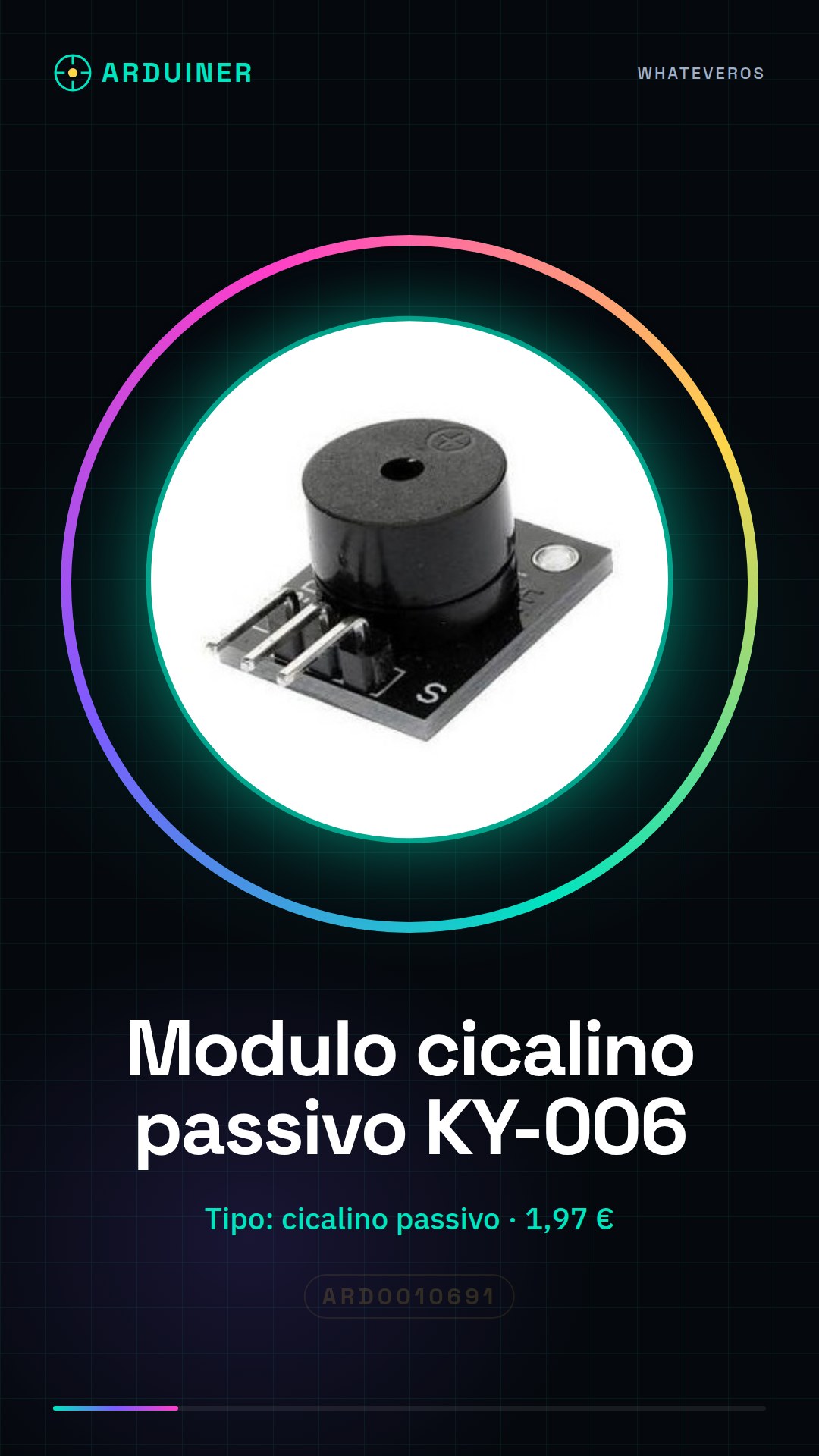
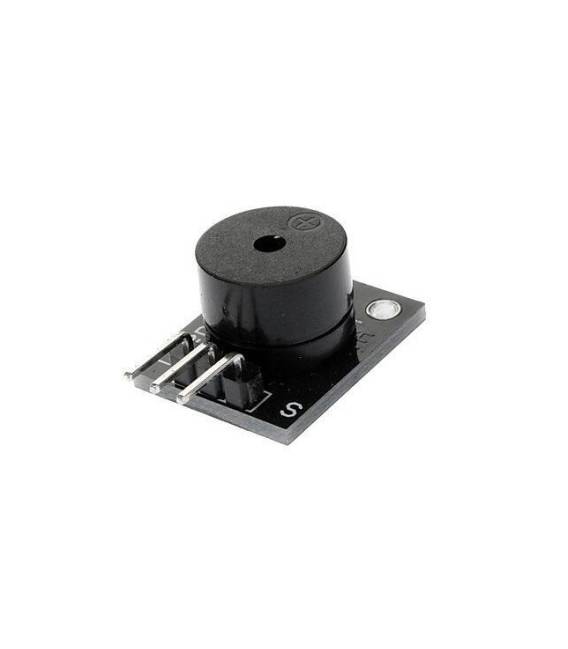
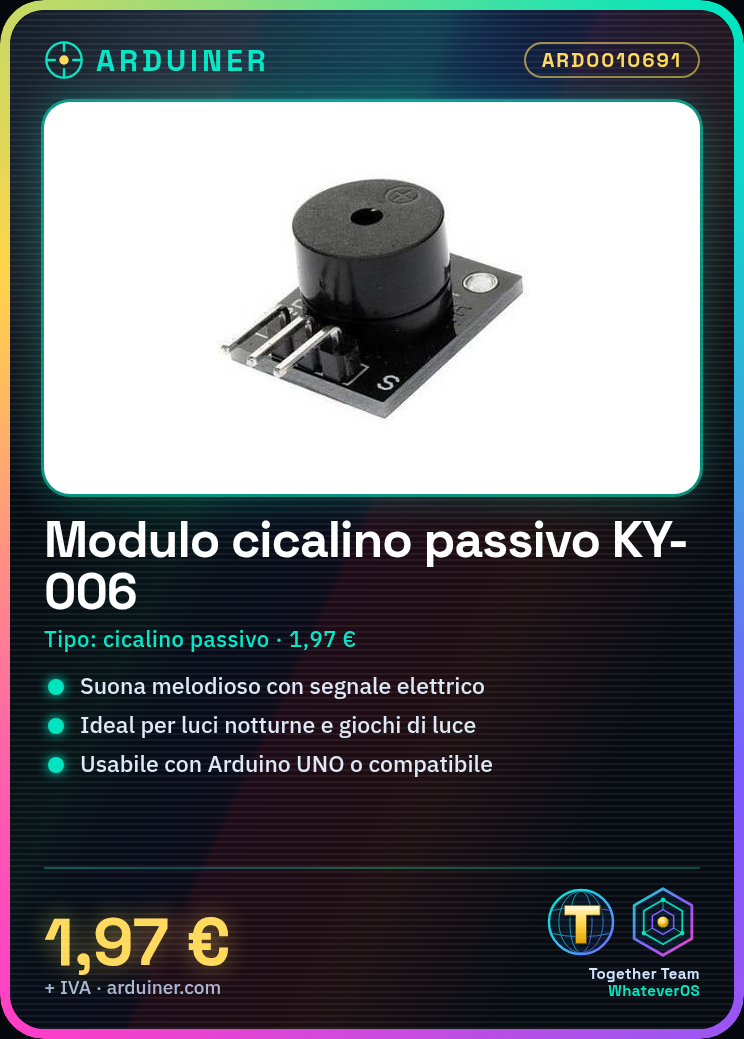
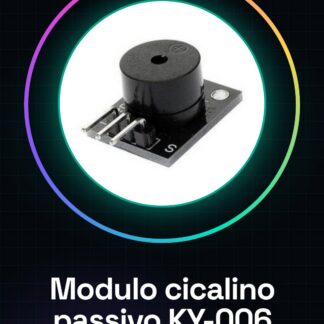
The KY-006 passive buzzer module is an electronic component that produces a melodic sound when activated by an electrical signal.
Features
- Name: Passive Buzzer Module KY-006
- SKU: ARD0010691
- Price: 1.97 €
- Type: Passive Buzzer
What it is for
The KY-006 passive buzzer module is ideal for audio projects that require a melodic sound. It can be used in projects such as night lights, light games, or any other application that needs an acoustic sound. Its compatibility with Arduino and other microcontrollers makes it a versatile solution for creating interactive electronic projects.
Tutorial: How to Use the Passive Buzzer Module KY-006
The Passive Buzzer Module KY-006 is an ideal component for anyone who wants to incorporate a melodic sound into their Arduino projects. It is particularly useful for creating night lights, light games, or any project that requires a melodic sound.
What you need
- Arduino UNO or compatible
- Buzzer KY-006
- Power cable
- 1 kΩ resistor
Steps
- 1. Connect the Arduino UNO to the computer using a USB cable.
- 2. Prepare the buzzer module KY-006 and check the datasheet for specifications.
- 3. Connect the buzzer module KY-006 to pin A0 of the Arduino using a cable.
- 4. Connect a 1 kΩ resistor between pin A0 and the GND of the Arduino.
- 5. Load the following sketch onto Arduino:
- 6. `void setup() {}`
- 7. `void loop() { tone(A0, 1000, 500); delay(500); }`
- 8. Listen to the sound produced by the buzzer.
Example code
```
void setup() {}
void loop() { tone(A0, 1000, 500); delay(500); }
```
Mini project
Create a night light project that turns on and off in sequence with the sound of the buzzer.
Common mistakes
- Do not connect the buzzer directly to pin A0 without a resistor.
- Make sure you have the latest version of the Arduino IDE driver.
- Check that the buzzer is properly powered.
- Verify that the code is running correctly before expecting a sound.
Recommended accessories
- Arduino UNO
- Buzzer KY-006
- 1 kΩ resistor
- Power supply cable
Frequently asked questions
The buzzer does not produce any sound.
Check that the resistor is properly connected and that the Arduino code is correct.
The sound is too low.
Check the buzzer’s power supply voltage and make sure it is correct.
The buzzer produces strange noises.
Check that the buzzer is not damaged and that there are no electrical interferences.
The module does not work with a compatible Arduino.
Check that the KY-006 module is compatible with your compatible Arduino.


Reviews
There are no reviews yet.