 EN
 IT Italiano
 ES Español
 FR Français
 DE Deutsch
Description
What it is
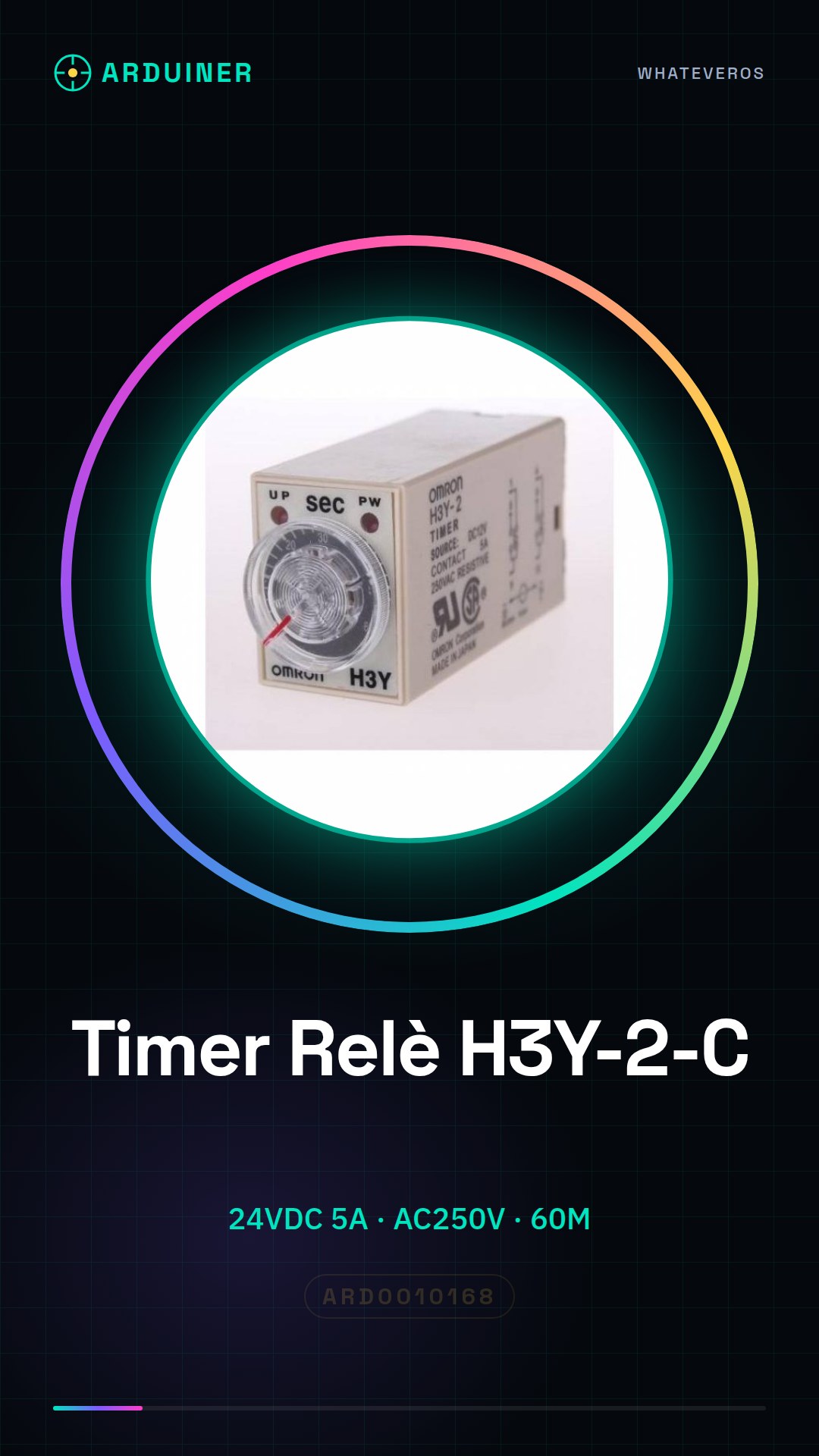
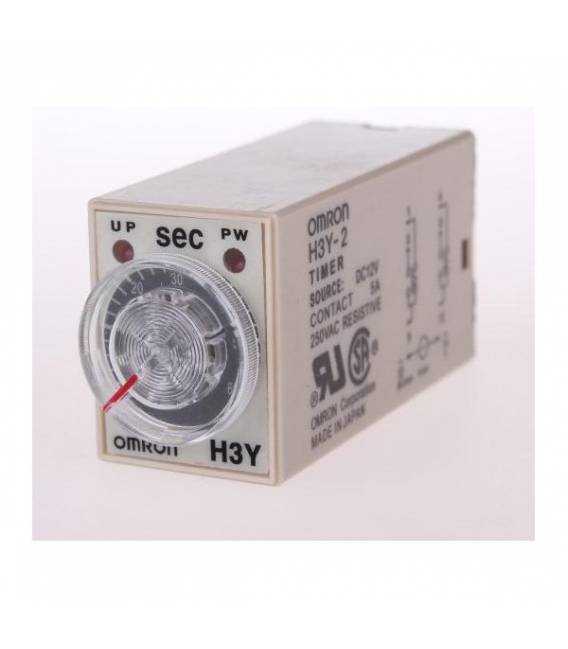
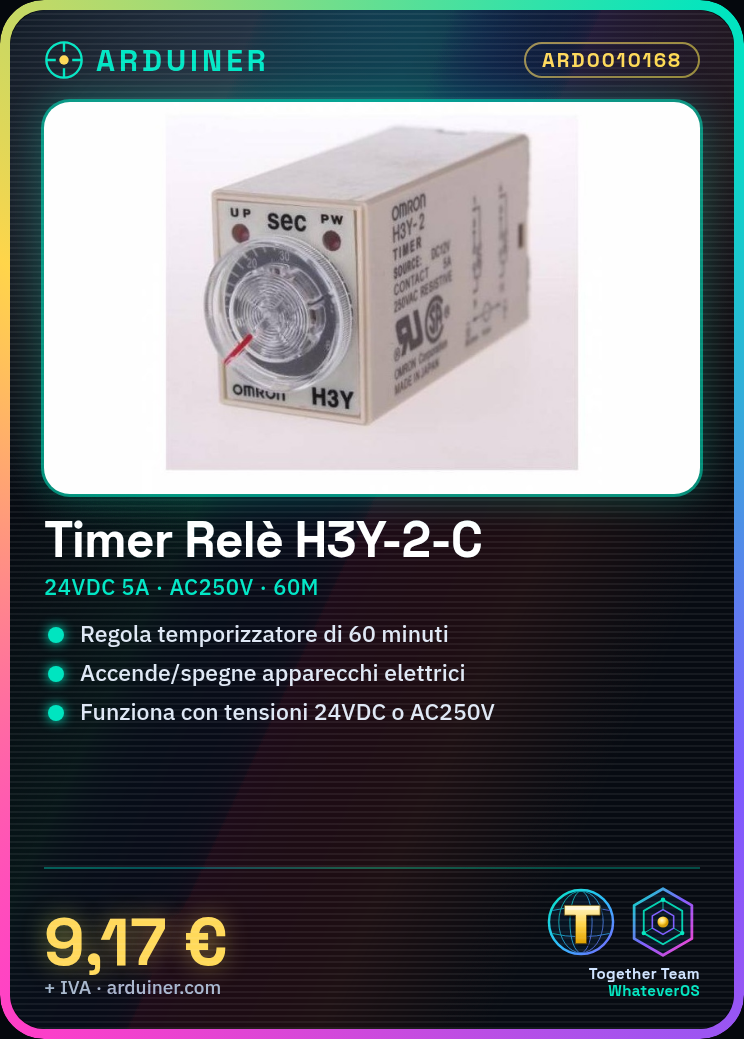
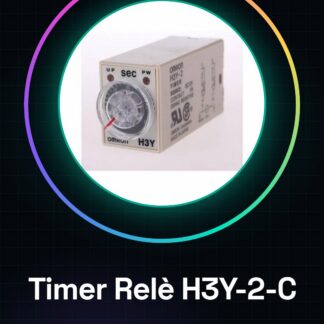
The H3Y-2-C Relay Timer is an electronic device designed to regulate circuits with a power supply voltage of 24VDC or AC mains voltage of 250V. This relay can be used in various types of projects, especially those that require automation and timed management of electrical device power supply.
Features
- Power Supply Voltage: 24VDC
- Maximum Current: 5A
- Operational AC Voltage: 250V
- Operational DC Voltage: check datasheet
- Maximum Activation Time: 60 minutes
What it is for
The H3Y-2-C Relay Timer is ideal for creating automatic lighting systems, regulating the activity of electrical appliances or any other device that requires timed control of power supply. It can be integrated into Arduino or ESP projects for custom programming of activation times.
Tutorial: How to use H3Y-2-C Relay Timer
The H3Y-2-C Timer Relay is an electronic component useful for controlling devices that require power from an AC or DC network. It is ideal for home automation projects, such as the automatic activation of lights or electrical appliances.
What you need
- Arduino Uno
- Type B USB cable
- 24VDC Power Supply
Steps
- Connect the relay to the AC (AC250V) or DC (DC30V) power circuit. Check the datasheet for connection details.
- Configure the Arduino with software that activates the timer. You can use the ‘TimerOne’ library.
- Write an Arduino sketch that activates the relay after a specific period (example: 60 minutes).
- Save and upload the sketch to the Arduino.
- Verify the activation of the relay based on the programmed timer.
Example code
void setup() {
  Timer1.initialize(3600000); // 1 ora in millisecondi
  Timer1.attachInterrupt(relayOn);
}
void loop() {}
void relayOn() { digitalWrite(RELAY_PIN, HIGH); }
Mini project
Create an automatic lighting system that turns on the lights at the desired time and turns off after a certain duration.
Common mistakes
- Set the timer with incorrect values
- Do not verify the correct connection of the relay
- Use incompatible voltages
Recommended accessories
- Arduino Uno R3
- USB Type B cable for Arduino
- Relay Shield for Arduino
- Light or motion sensors
Frequently asked questions
How can I check if the timer is working?
Check the duration of the timer cycle and verify if the relay activates correctly at the expected time.
Can I use this relay with low-power devices such as LEDs or sensors?
Yes, but make sure the power supplied is adequate for the device requirements.
Reviews
There are no reviews yet.