 EN
 IT Italiano
 ES Español
 FR Français
 DE Deutsch
Description
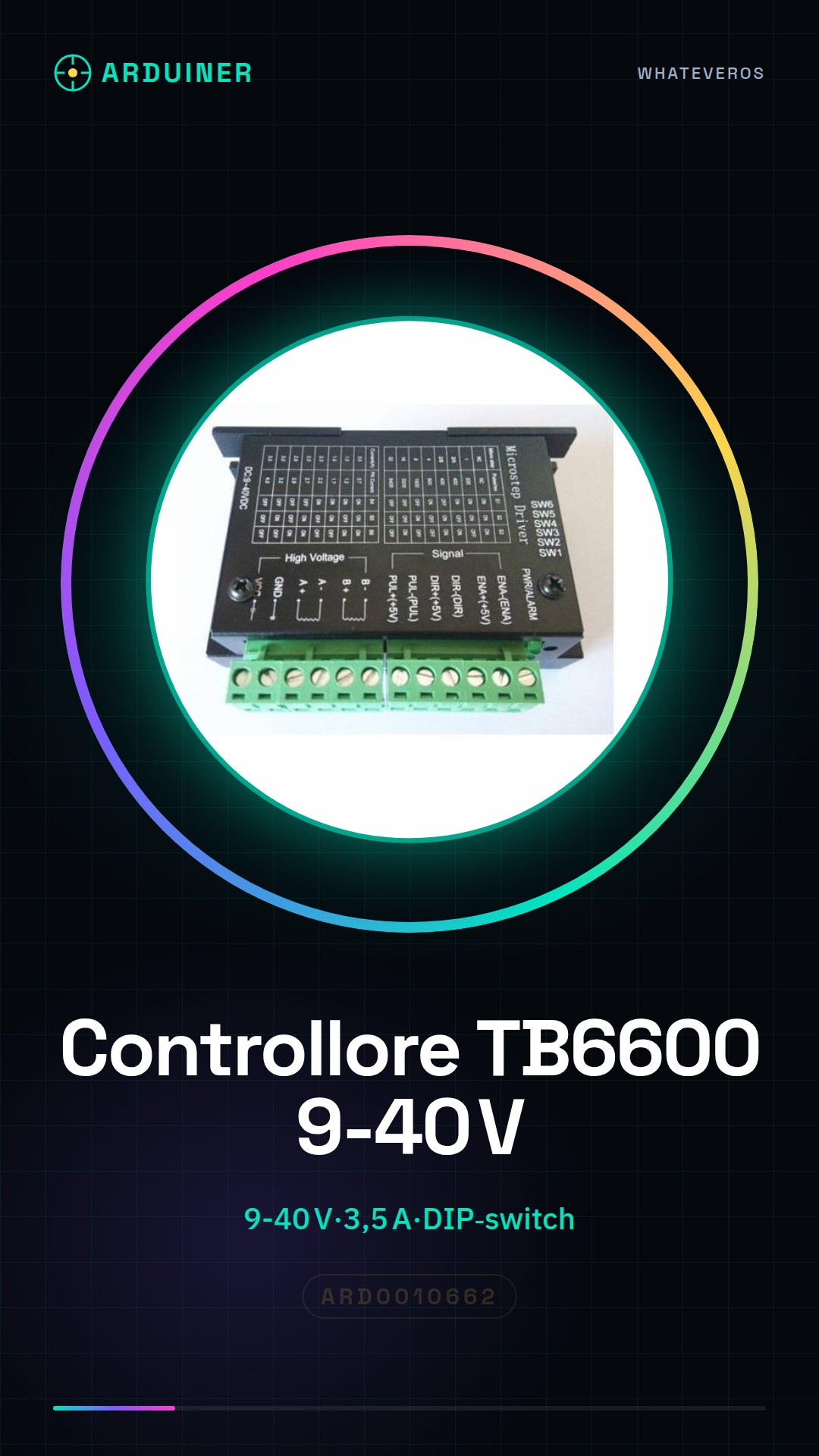
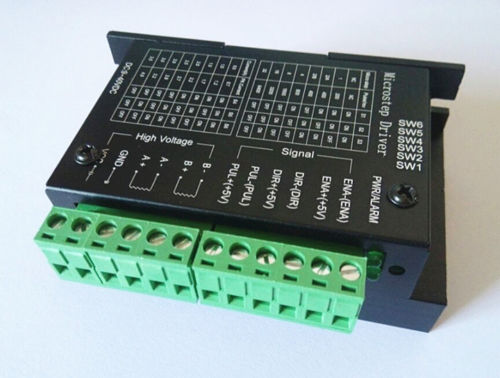
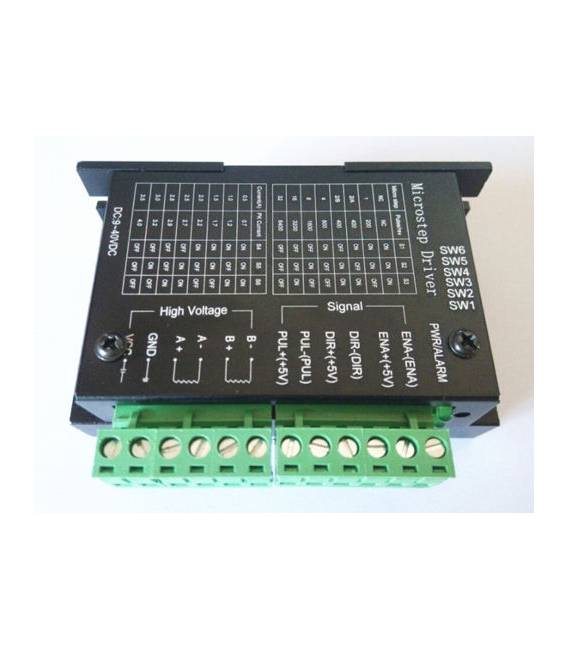
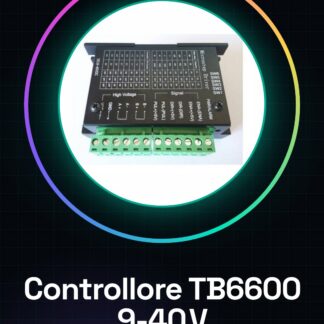
Stepper motor driver controller for 9 to 40 TB TB6600 0.2-3.5A CNC engraving stepper motor
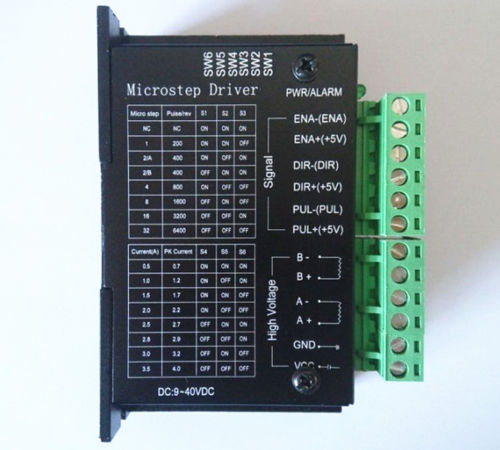
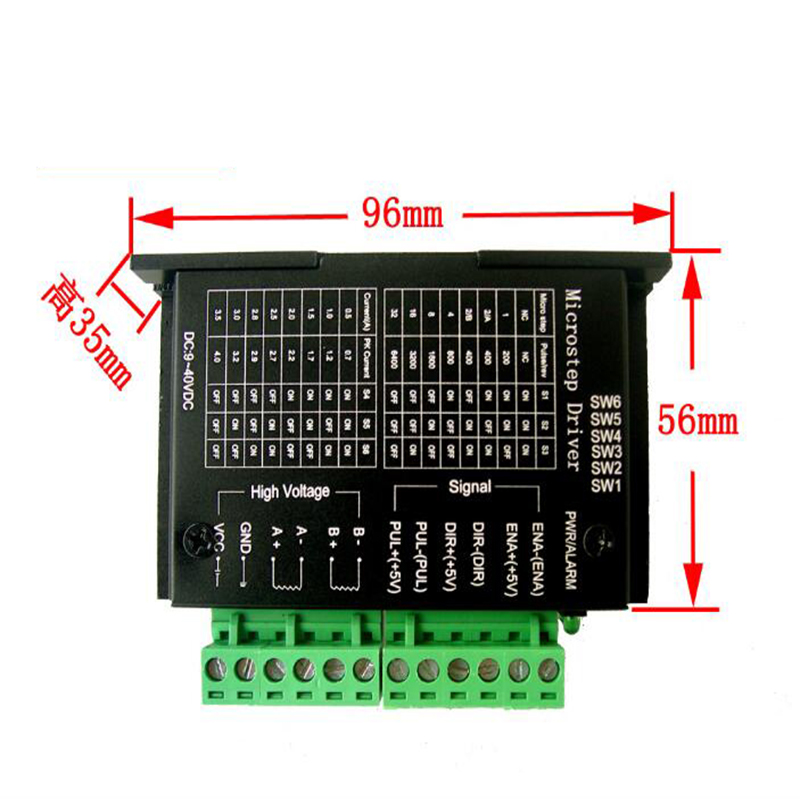
The updated version of the TB6600 stepper motor driver is a professional dual-phase stepper motor driver with 8 speed control segments (16, 32), 6 current control levels (0.5 A, 1 A, 1.5 A, 2 A, 2.5 A, 3 A, 3.5 A), silent or noisy operation, vibration-free, smooth running characteristics.
TB6600 stepper motor driver dedicated, high performance and excellent pricing. We undergo rigorous testing before shipping
Testing to ensure product quality. This product warranty for one year.
Features:
current generated by DIP switch selection
high-speed isolated optical coupler interface
eight types of adjustable segments
semi-automatic flow to reduce heat
large heat sink for high temperature environment
strong anti-frequency interference
reverse voltage input protection
overheating protection, overcurrent short circuit protection
red fault indicator
control signal connections:
PUL+: positive impulse signal input.
PUL-: negative impulse signal input.
DIR+: motor positive control inversion.
DIR-: motor negative control inversion.
ENA+: motor positive control off.
ENA-: motor negative control off.
Motor winding connection
A+: motor winding connection A+ phase.
A-: motor winding connection A phase.
B+: motor winding connection B+ phase.
B-: motor winding connection B phase.
Power supply voltage connection:
VCC: positive power supply terminal “+”
GND: negative power supply terminal “-”
Note: DC current range: recommended 9-40 V. Up to 50 V, it should not exceed this range, otherwise it will not work and may even damage the unit.
Tutorial: How to use TB6600 Controller
The TB6600 controller allows managing currents up to 3.5A for stepper motors, ideal for CNC machines. Useful for beginners and intermediate users.
What you need
- TB6600 Controller ARD0010662
- Arduino or compatible microcontroller
- 9-40V power supply cable
- Compatible stepper motors
Steps
- 1. Ensure power supply is within 9-40V range.
- 2. Connect the power supply cable to the controller.
- 3. Connect the motor pins to the TB6600 controller.
- 4. Configure the enable and direction pins on the microcontroller.
- 5. Load the provided Arduino code.
- 6. Check the datasheet for your motor specifications.
- 7. Test the stepper motor with the program.
- 8. Adjust the speed and direction of the motor.
Example code
```void setup() { pinMode(2, OUTPUT); pinMode(3, OUTPUT);}void loop() { digitalWrite(2, HIGH); delay(1000); digitalWrite(2, LOW); delay(1000); digitalWrite(3, HIGH); delay(1000); digitalWrite(3, LOW); delay(1000);}```Mini project
Create a simple rotating motor that moves back and forth.
Common mistakes
- Out-of-range power supply (9-40V).
- Incorrect connections on the controller.
- Enable pins not configured.
- Incompatible microcontroller.
Recommended accessories
- Compatible stepper motors
- Arduino Uno
- Power supply cable 9-40V
- Motors datasheet
Frequently asked questions
What are the pins of the TB6600 controller?
Enable, direction, enable2, direction2, VCC, GND.
Does the controller support 2 or 4 step motors?
It supports both types, check the specifications on the datasheet.
Can I use an Arduino Due?
Yes, but verify pin compatibility.
Reviews
There are no reviews yet.