 EN
 IT Italiano
 ES Español
 FR Français
 DE Deutsch
Description
What it is
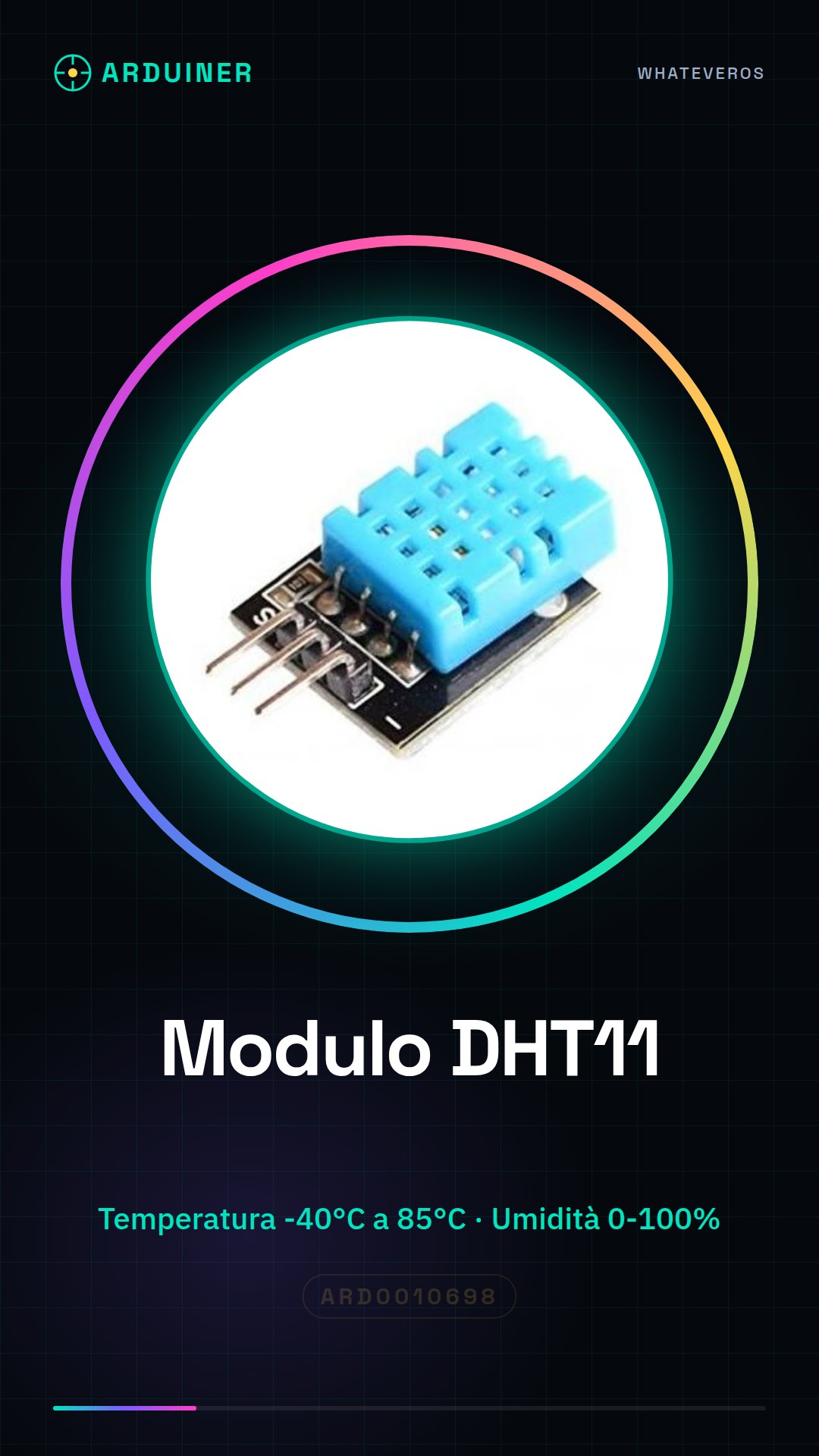
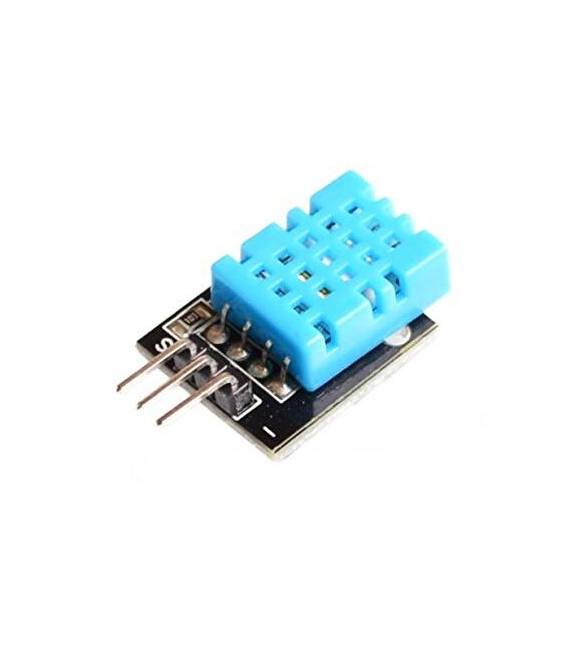
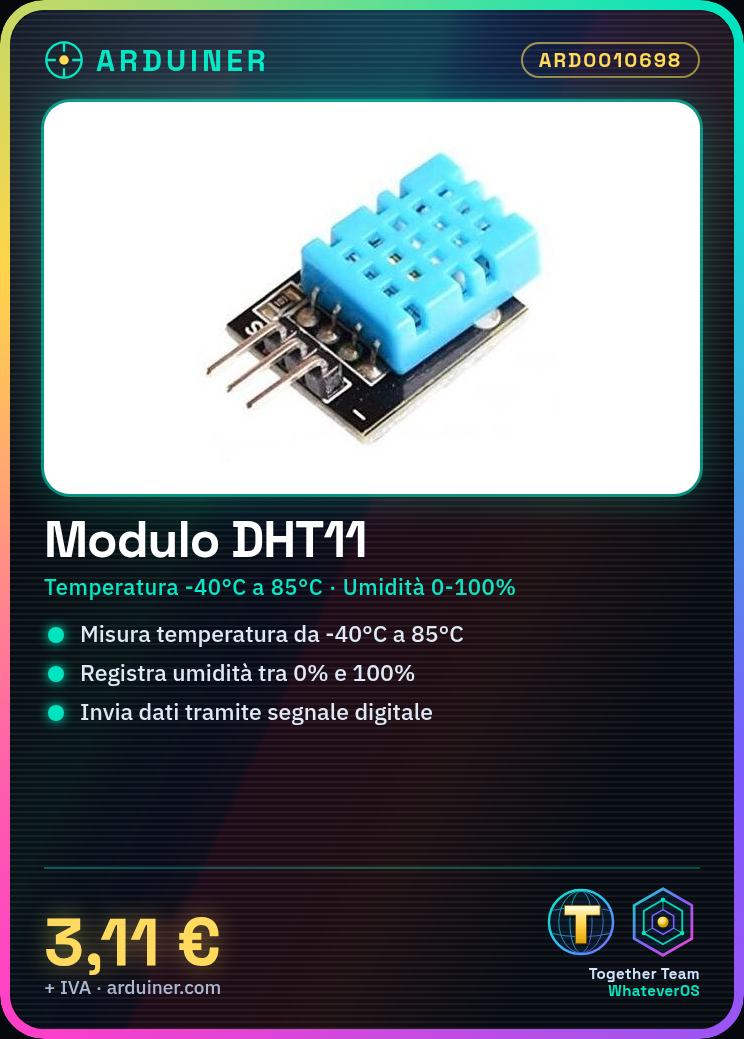
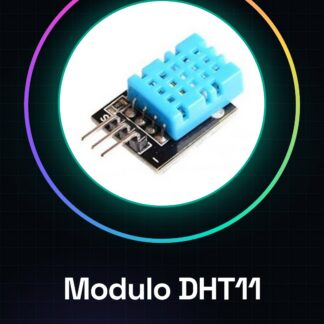
The DHT11 KY-015 is an economical sensor module that measures both temperature and humidity. It is a digital sensor that communicates with microcontrollers via a digital signal.
Features
- Measures temperature and humidity
- Digital communication
- KY-015 Module
- SKU: ARD0010698
- Price: 3.11 €
What it is for
The DHT11 KY-015 is ideal for home automation projects, such as creating an excessive humidity warning system. It can also be used in environmental or monitoring projects. It is compatible with Arduino and other microcontrollers.
Tutorial: How to use DHT11
The DHT11 is an economical sensor for measuring temperature and humidity. Useful for smart home and environmental projects.
What you need
- DHT11
- Arduino
- 10kΩ Resistor
- Power cable
Steps
- 1. Connect the DHT11 to pin 2 of Arduino (GPIO 4) and GND.
- 2. Connect a 10kΩ resistor between VCC of DHT11 and 5V of Arduino.
- 3. Download the DHT11 code from a GitHub repository.
- 4. Upload the code to Arduino.
- 5. Check the electrical connection on the datasheet.
- 6. Use Serial Monitor to display the data.
- 7. Add the DHT11 to a climate control project.
- 8. Verify the stability of the sensor.
Example code
```int sensorPin = 2; DHT dht(sensorPin, DHT11); void setup() { Serial.begin(9600); dht.begin(); } void loop() { float humidity = dht.readHumidity(); float temperature = dht.readTemperature(); Serial.print("Humidity: "); Serial.print(humidity); Serial.print(" %"); Serial.print(" | Temperature: "); Serial.print(temperature); Serial.println(" *C"); } ```Mini project
Create a high humidity warning device with an LED that turns on when the humidity exceeds 70%.
Common mistakes
- Connect the DHT11 to the 5V pin without a resistor.
- Omit checking the datasheet.
- Use an unsupported pin for the DHT11.
- Forget to update the DHT library.
Recommended accessories
- Arduino UNO
- LED
- 220Ω resistor
- Power cable
Frequently asked questions
How can I verify the stability of the sensor?
Measure temperature and humidity in different environmental conditions and compare the values.
Can I use the DHT11 with Arduino Nano?
Yes, but verify pin compatibility.
What are normal temperature and humidity values?
Temperature: -40°C to 85°C, Humidity: 0% to 100%.
Reviews
There are no reviews yet.