 EN
 IT Italiano
 ES Español
 FR Français
 DE Deutsch
Description
What it is
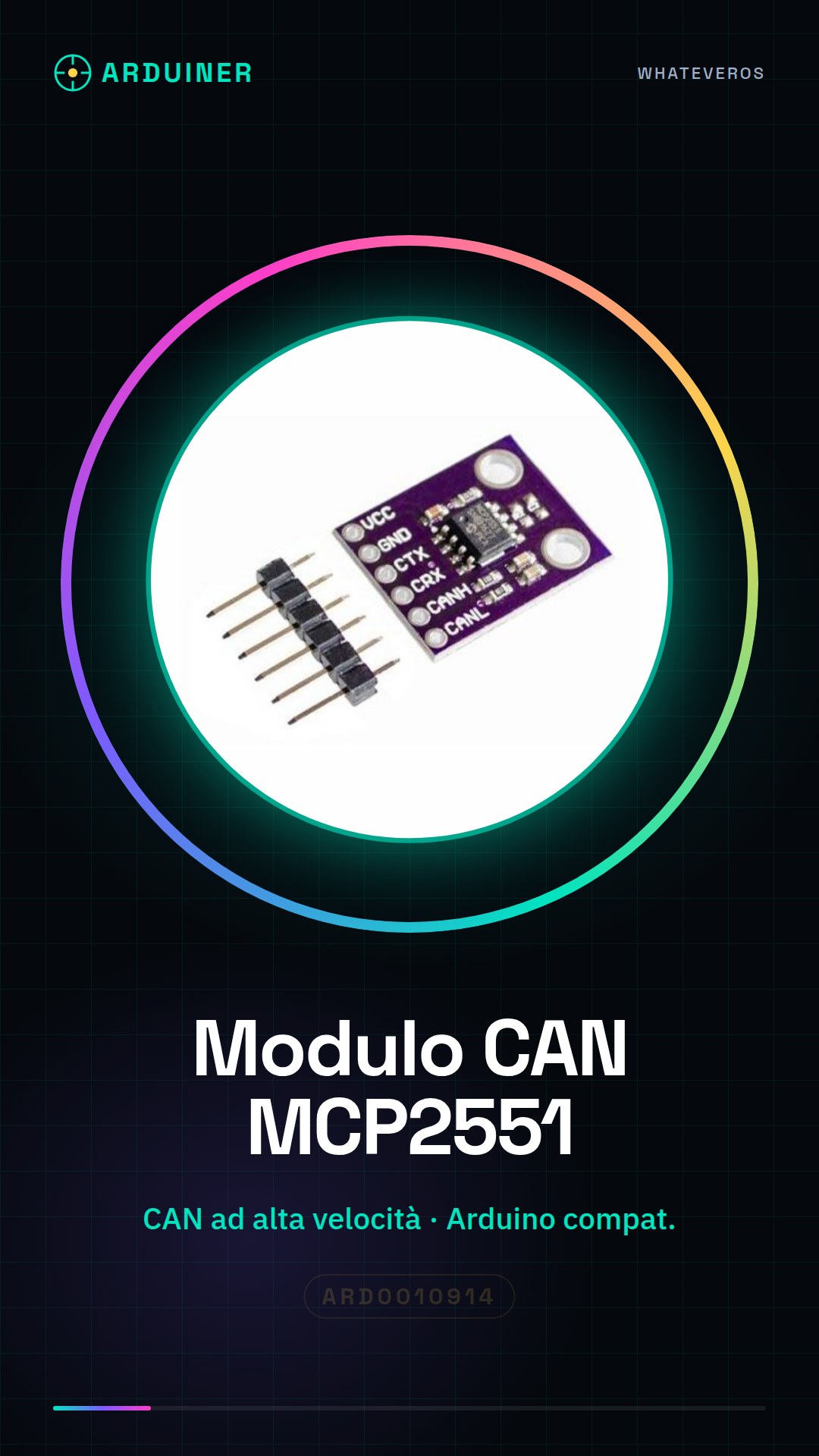
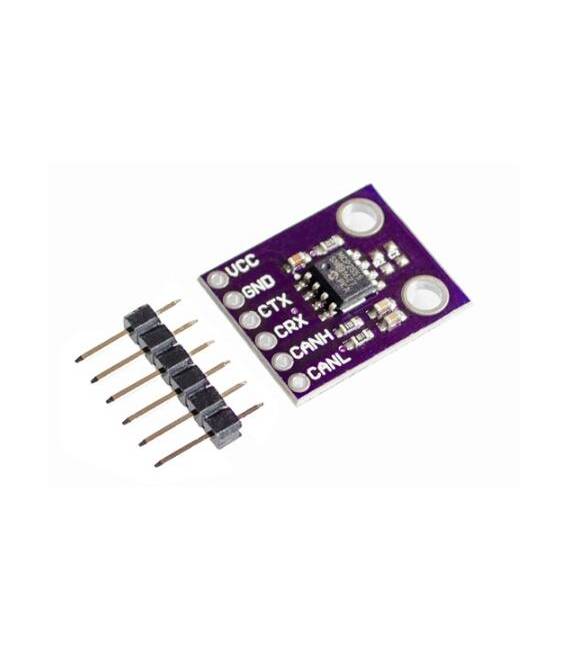
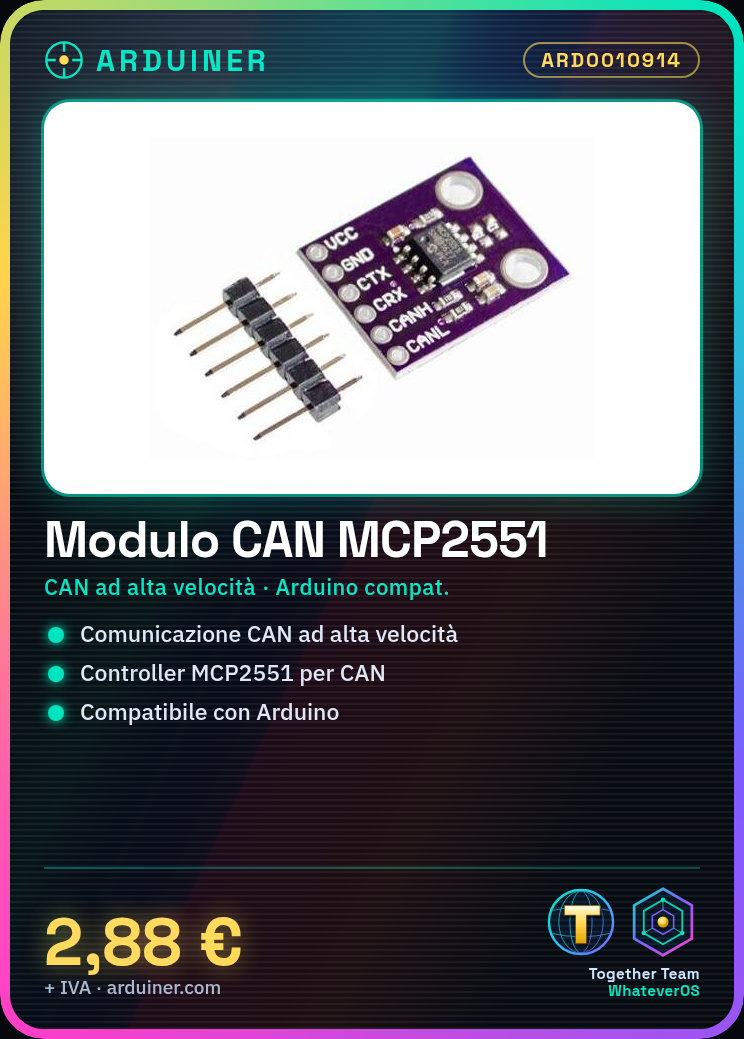
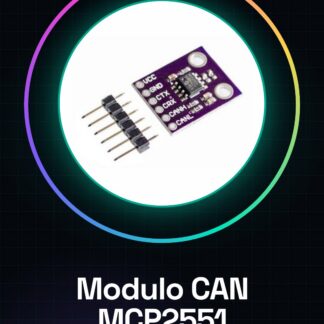
The MCP2551 High-Speed CAN Protocol Controller Interface Module is an electronic component that enables high-speed communication between devices via the CAN protocol. The module integrates the MCP2551 CAN controller, a dedicated chip for managing CAN communication.
Features
- MCP2551 CAN Controller
- High-Speed CAN Protocol
- Compatibility with Arduino
What it is for
The MCP2551 CAN Module is ideal for connecting CAN devices in an Arduino system. It can be used in automation projects, electronic vehicles, and communication systems. Examples of use include DC motor control, position sensor data reading, and CAN device network management.
Tutorial: How to Use the MCP2551 CAN Module
The CAN MCP2551 Module is ideal for connecting CAN devices in an Arduino system. Useful for automation projects, electronic vehicles, and communication systems.
What you need
- Arduino
- CAN Cable (RX and TX)
- Pull-up Resistor (10kΩ)
- Power Cable (5V)
Steps
- 1. Connect the VCC of the module to the 5V of the Arduino.
- 2. Connect the GND of the module to the GND of the Arduino.
- 3. Connect the CANRX of the module to the CANRX of the Arduino.
- 4. Connect the CANTX of the module to the CANTX of the Arduino.
- 5. Connect the CANINT of the module to an available digital pin of the Arduino.
- 6. Connect a pull-up resistor (10kΩ) between CANRX and GND.
- 7. Load the provided Sketch code.
- 8. Verify CAN communication using Serial Monitor.
Example code
void setup() { CAN.begin(); Serial.begin(9600); } void loop() { if (CAN.available()) { Serial.println(CAN.read()); } }Mini project
Build a simple CAN control system using a DC motor and a position sensor.
Common mistakes
- Omit the CANRX pull-up resistor.
- Connect CANRX to CANTX and vice versa.
- Use a power supply different from 5V.
- Forget to check CAN communication.
Recommended accessories
- DC Motors
- Position Sensor
- CAN Cable
- Pull-up Resistor (10kΩ)
Frequently asked questions
How can I test CAN communication?
Use Serial Monitor to display CAN messages.
Which Arduino pins can I use for CANINT?
Any free digital pin on the Arduino.
Can I use a different power supply than 5V?
Check the datasheet for compatible power supply voltage.
Reviews
There are no reviews yet.