 EN
 IT Italiano
 ES Español
 FR Français
 DE Deutsch
Description
What it is
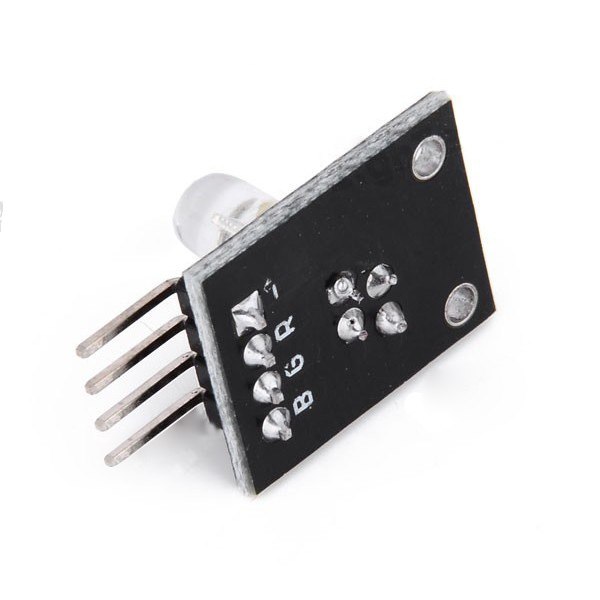
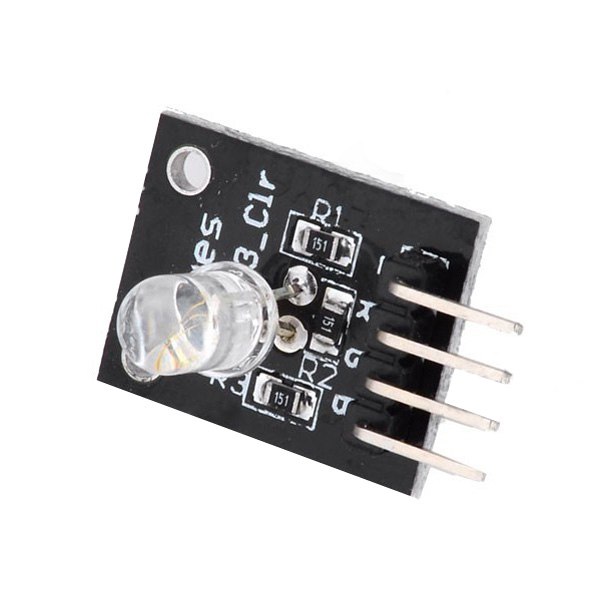
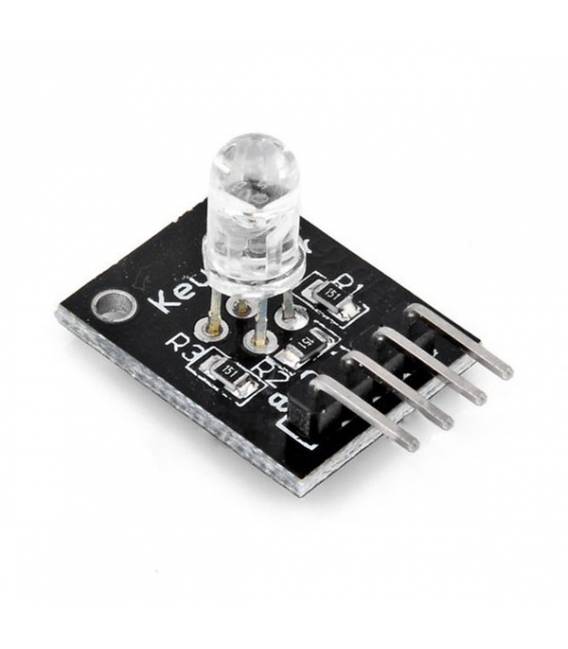
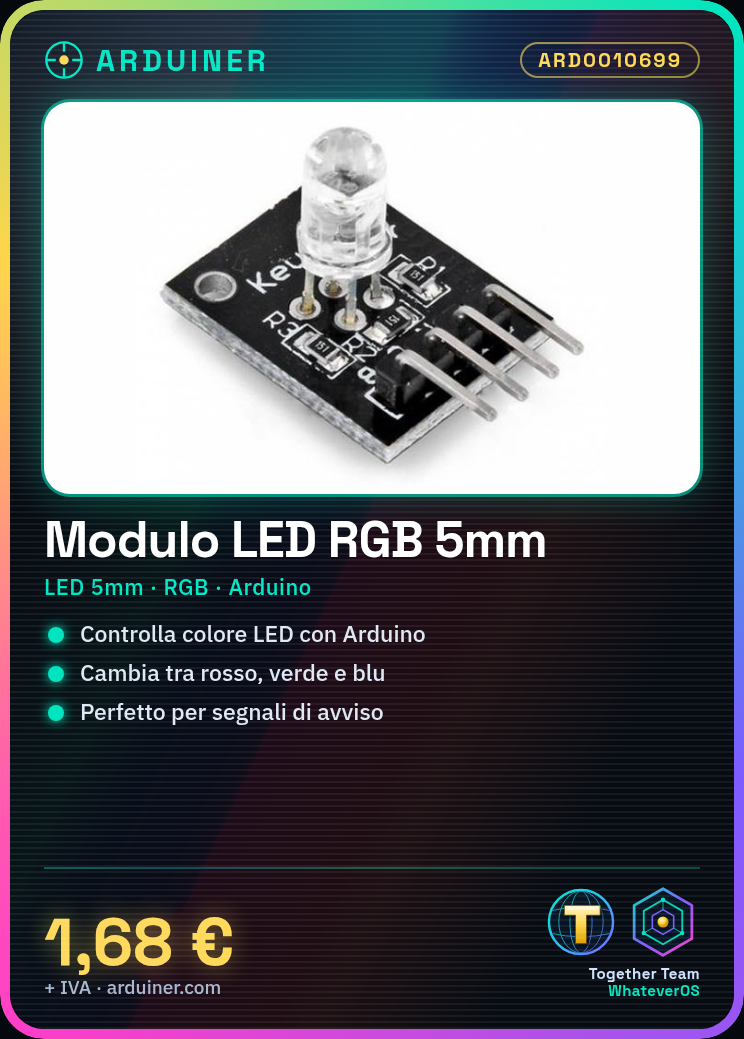
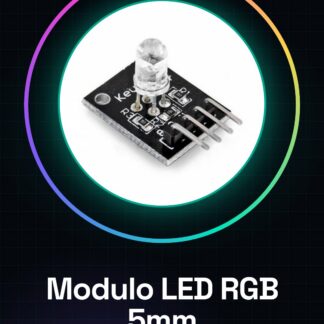
The KY-016 RGB 3 Color 5mm LED Module is an electronic component that allows controlling the lighting of a single LED with three different colors: red, green, and blue.
Features
- LED Size: 5mm
- LED Type: RGB (red, green, blue)
- Compatibility: Arduino
- SKU: ARD0010699
- Price: 1.68 €
What it is for
This module is ideal for projects requiring variable color lighting, such as warning signals, user interfaces, decorations, and artistic installations. You can use the module with an Arduino or other microcontrollers to program the on/off of the LED colors.
Tutorial: How to use KY-016 RGB 3 Color 5mm LED Module
The KY-016 RGB 3 Color 5mm LED Module allows displaying different colors on a single LED, ideal for lighting and user interface projects.
What you need
- Arduino or compatible
- Ground
- 220 ohm resistor
- 5 pin connector
Steps
- 1. Connect the module to the Arduino using the 5-pin connector.
- 2. Connect the GND pin of the module to the ground.
- 3. Connect the VCC pin of the module to the power supply voltage.
- 4. Connect the SDA pin to a digital pin of the Arduino.
- 5. Connect the SCL pin to an analog pin of the Arduino.
- 6. Connect a 220 ohm resistor between the GND pin and the anode of the LED.
- 7. Connect the anode of the LED to the SDA pin.
- 8. Check the specifications of the module in the datasheet.
Example code
```void setup() { pinMode(2, OUTPUT);}void loop() { analogWrite(2, 255); delay(1000); analogWrite(2, 0); delay(1000);}```Mini project
Create an alert signal that turns red and turns green off.
Common mistakes
- Connect the VCC pin to the 5V pin and not to the power supply voltage.
- Forget the protection resistor.
- Connect the SDA pin to a digital pin instead of an analog pin.
- Do not check the specifications in the datasheet.
Recommended accessories
- Arduino Uno
- 220 ohm resistor
- 5V power supply cable
- 5-pin connector
Frequently asked questions
How can I change the color of the LED?
Use the analogWrite functions to vary the brightness of the RGB channels.
Does the module require a driver?
No, it works directly with Arduino code.
Can I use the module with an Arduino Mega?
Yes, but check the pin compatibility.
Does the module support 8-bit colors?
Check the datasheet to know the supported color resolution.
Reviews
There are no reviews yet.