 EN
 IT Italiano
 ES Español
 FR Français
 DE Deutsch
Description
What it is
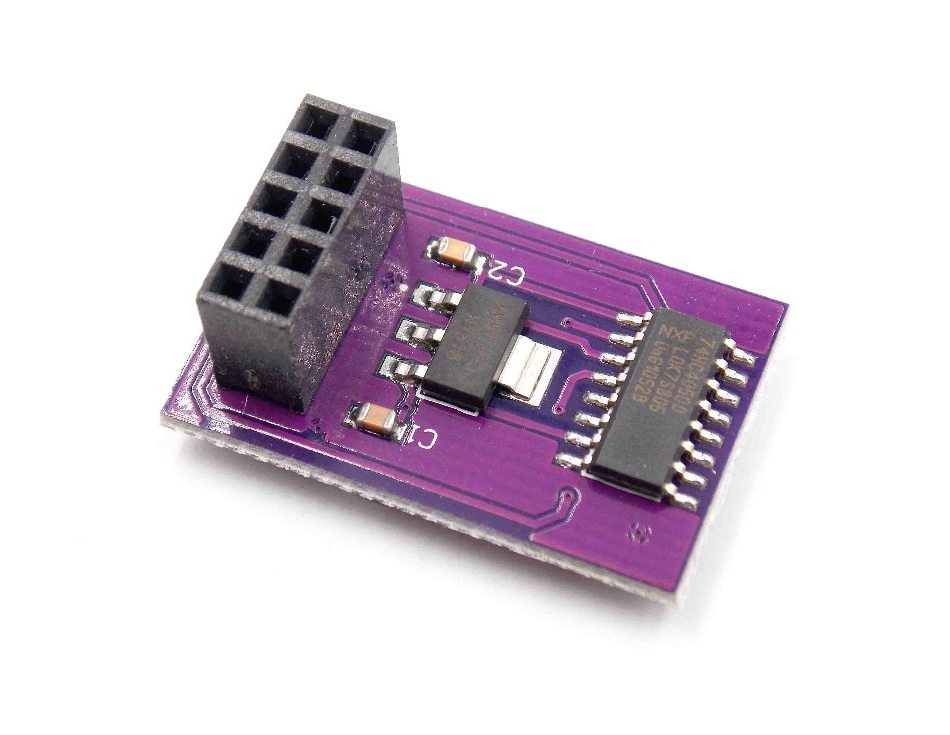
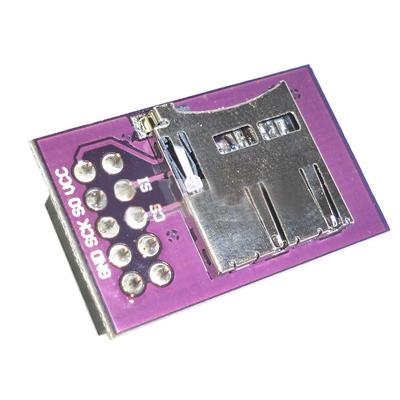
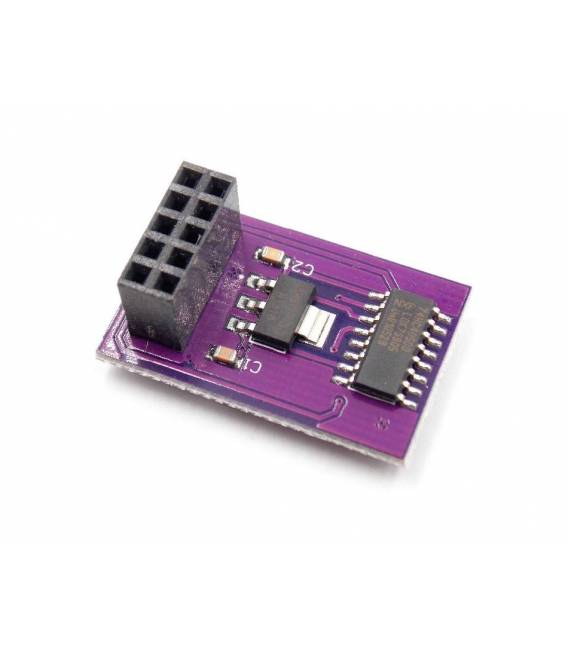
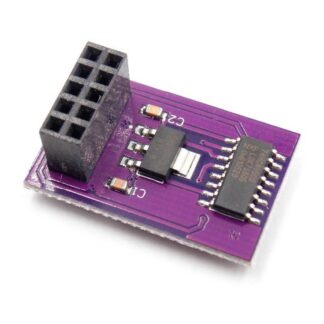
The SD TF Module DIP for RAMPS 1.4 is a module that allows an SD card to be connected to the RAMPS 1.4 controller, often used in 3d printers.
Features
- Compatible with RAMPS 1.4
- Interface: DIP
- Type of SD card: TF (microSD)
What it is for
This module allows you to store and read 3D print files directly from the SD card, avoiding the need to connect a computer each time. It is useful for projects that require the management of large amounts of data, such as the flight log of a drone.
Tutorial: How to use SD TF Module DIP
The SD TF Module DIP for RAMPS 1.4 is ideal for storing and reading SD files on devices based on Arduino. Useful for projects that require the management of large amounts of data.
What you need
- Arduino compatible with RAMPS 1.4
- SD Folder
- Power and data connections
- Check the datasheet for power specifications
Steps
- 1. Install the DIP module on the RAMPS 1.4 board, ensuring that the pins are connected correctly.
- 2. Connect the VCC and GND of the module to the RAMPS 1.4 board.
- 3. Connect the D10 and D11 pins of the module to pin 10 and 11 of the Arduino.
- 4. Load the source code onto the Arduino to test the connection.
- 5. Insert an SD card into the module and verify the file reading.
- 6. Check the power supply specifications on the datasheet.
- 7. Configure the code to handle file reading and writing.
- 8. Test the module with various files and folders.
Example code
```void setup() { SD.begin(10); Serial.begin(9600);}void loop() { if (SD.exists("test.txt")) { File testFile = SD.open("test.txt"); if (testFile) { Serial.println("File found"); testFile.close(); } }}```Mini project
Create a flight log for your drone using an SD module and Arduino. In 30 minutes, you can record and read data on an SD card.
Common mistakes
- Connecting the wrong pins can cause damage to the module or the Arduino.
- Not verifying the power supply specifications can lead to operational issues.
- Using an incompatible SD card can cause read errors.
- Using an inappropriate code can prevent proper file management.
Recommended accessories
- SD Card
- USB cable for uploading code
- Arduino compatible with RAMPS 1.4
- SD module datasheet
Frequently asked questions
How can I verify if the SD card is functioning correctly?
Insert the SD card into a USB reader and check for the presence of files.
Which pins of the SD module should I connect?
Connect VCC and GND to the module, then pins D10 and D11 to the Arduino.
What are the power specifications?
Check the datasheet for power specifications.
Reviews
There are no reviews yet.