 EN
 IT Italiano
 ES Español
 FR Français
 DE Deutsch
Description
What it is
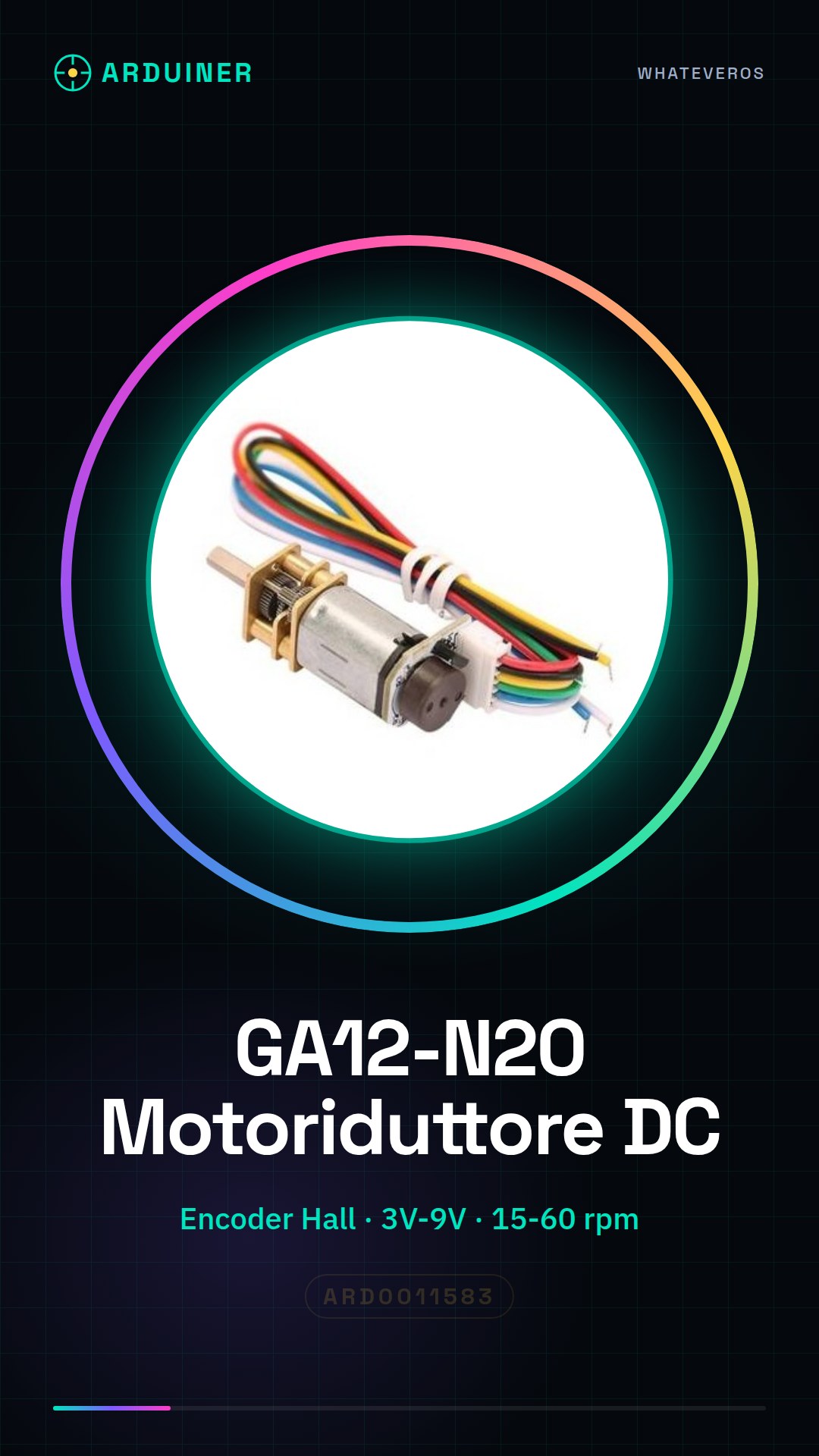
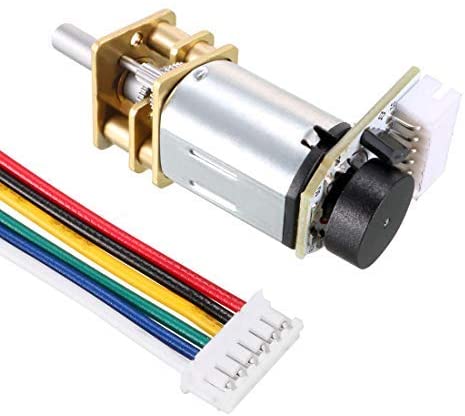
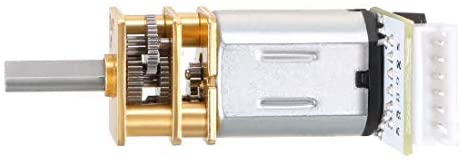
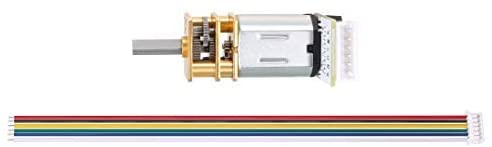
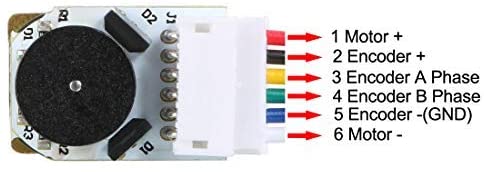
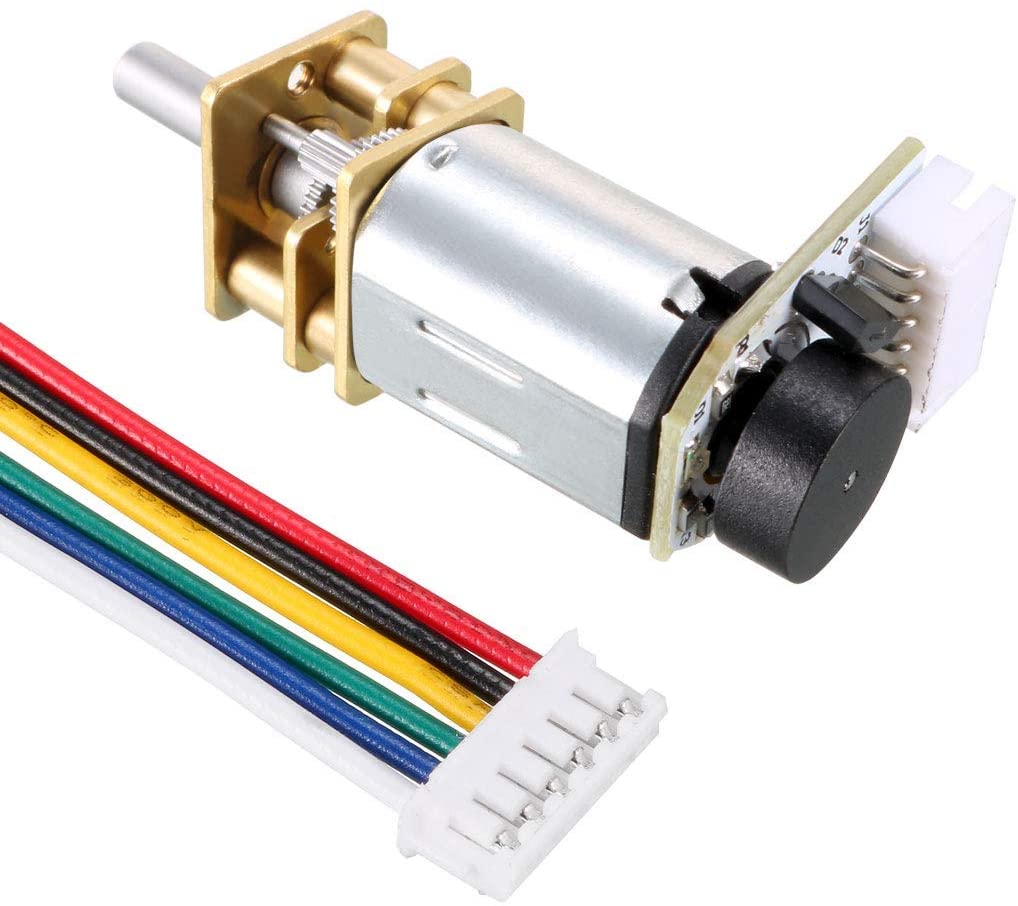
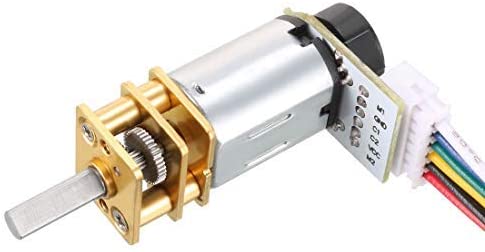
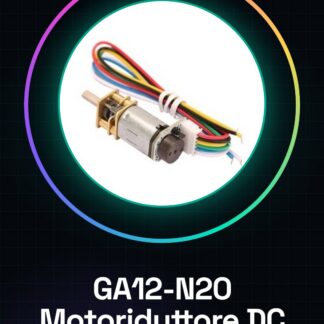
The GA12-N20 DC Gearmotor is an electronic component designed for robotics and mechatronics applications requiring precise speed control. With the integrated Hall encoder, the GA12-N20 allows for accurate measurement of motor speed.
Features
- Speed measurement with Hall encoder
- Power supply: 3V, 6V, 9V
- Rotation speed: 15 rpm, 30 rpm, 50 rpm, 60 rpm
What it is for
The GA12-N20 is ideal for robotics projects that require precise speed control, such as building small robots on a Lego base. It is compatible with Arduino and can be used with ESP32 or ESP8266 for advanced control implementation.
Tutorial: How to use GA12-N20 DC Gearmotor with Hall encoder
The GA12-N20 Gear Reducer DC is an ideal component for robotics and mechatronics projects that require precise speed control. This tutorial will guide you through the installation and configuration of the Hall encoder to measure the motor speed.
What you need
- Arduino Uno
- USB Cable
- Header Connections
- LCD or serial monitor to display data
- Pull-up Resistors
- Hall Sensors
Steps
- Connect the GA12-N20 motor to the test circuit with the appropriate cables.
- Check the motor power supply voltage (3V, 6V, 9V) and ensure it conforms to the datasheet specifications.
- Connect the encoder Hall output pins to the Arduino microcontroller.
- Install the TimerOne library on Arduino.
- Write an Arduino sketch to read the encoder Hall signals.
- Calibrate the motor rotation count with the encoder count.
- Test the motor speed at different levels of power supply.
- Display the speed data on the serial monitor or an LCD display.
Example code
void setup() {
  Serial.begin(9600);
  Timer1.initialize(1000); // Imposta il timer per un'aggiornamento ogni secondo
}

void loop() {
  // Leggi i segnali dell'encoder Hall e calcola la velocità del motore
  // Visualizza i dati di velocità sul monitor seriale
}
Mini project
Build a small robot on a Lego base that uses the GA12-N20 to move. Use the Hall encoder to measure the motor speed and regulate the robot’s speed.
Common mistakes
- Do not verify the correct power supply voltage for the motor.
- Do not install the TimerOne library for Arduino.
- Do not calibrate the motor’s RPM count correctly.
- Do not test the motor speed at different levels of power supply.
Recommended accessories
- Arduino Uno
- LCD 16×2
- 10kΩ pull-up resistors
- Header connections
- Hall sensors
Frequently asked questions
Which power supply voltages are supported by the GA12-N20?
Check the datasheet.
How can I calibrate the motor’s RPM count?
Use a RPM counter or dedicated software to measure the number of encoder pulses per revolution.
Which libraries do I need to install to read the signals from the Hall effect encoder?
Install the TimerOne library on Arduino.



Reviews
There are no reviews yet.