 EN
 IT Italiano
 ES Español
 FR Français
 DE Deutsch
Description
What it is
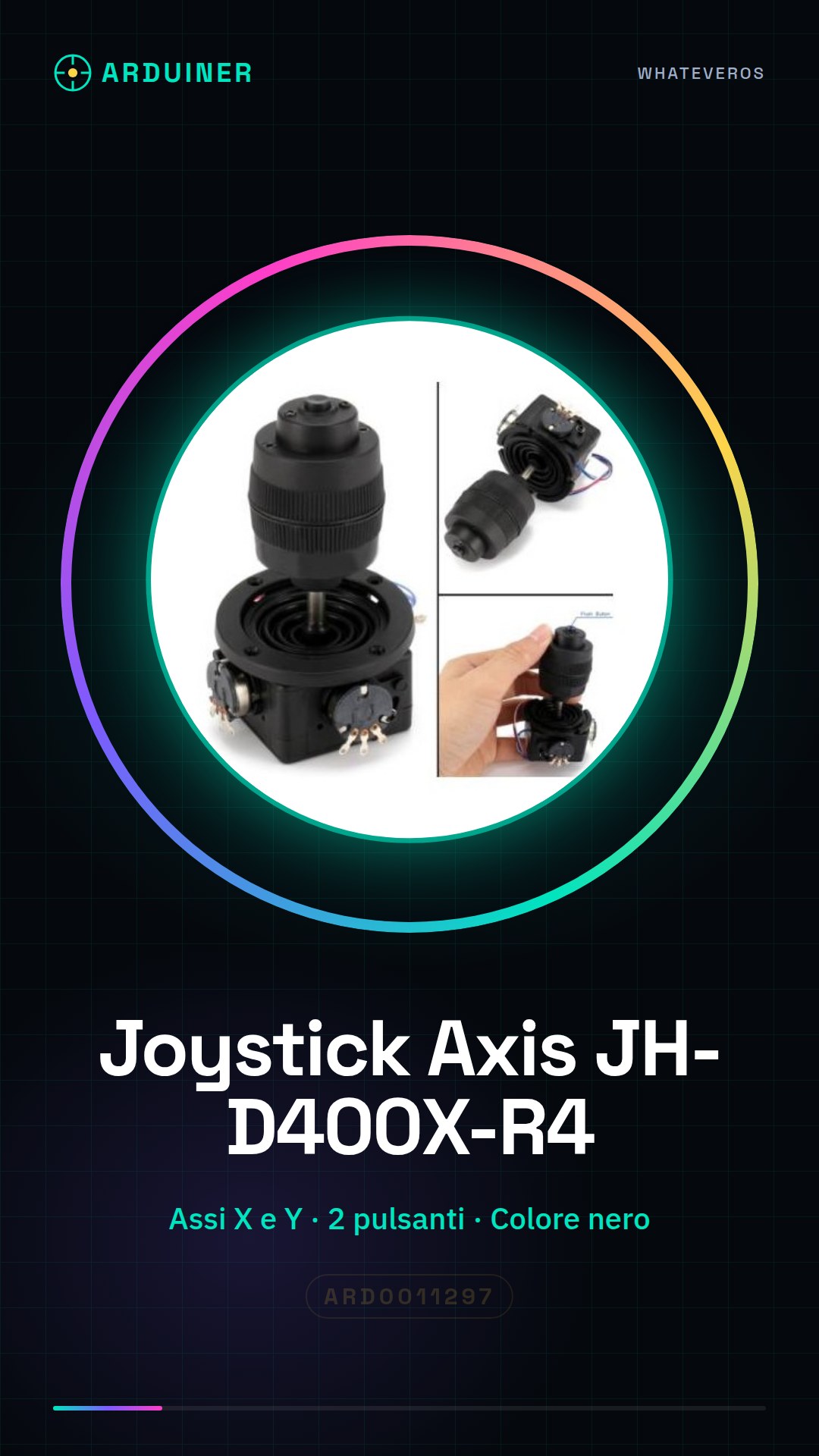
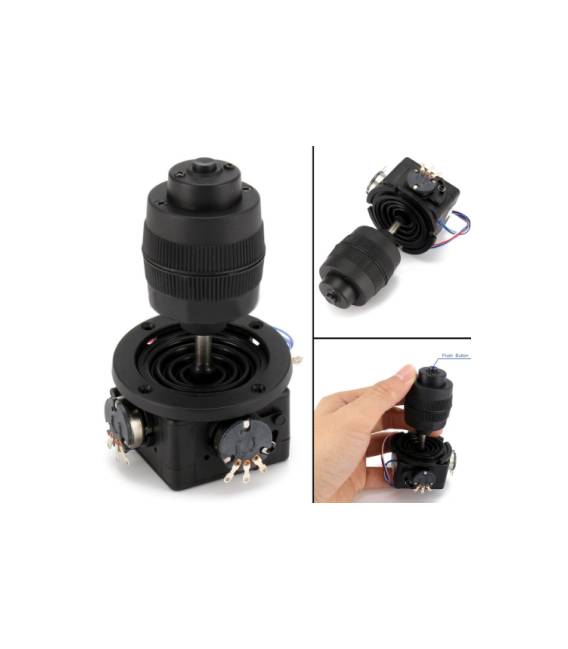
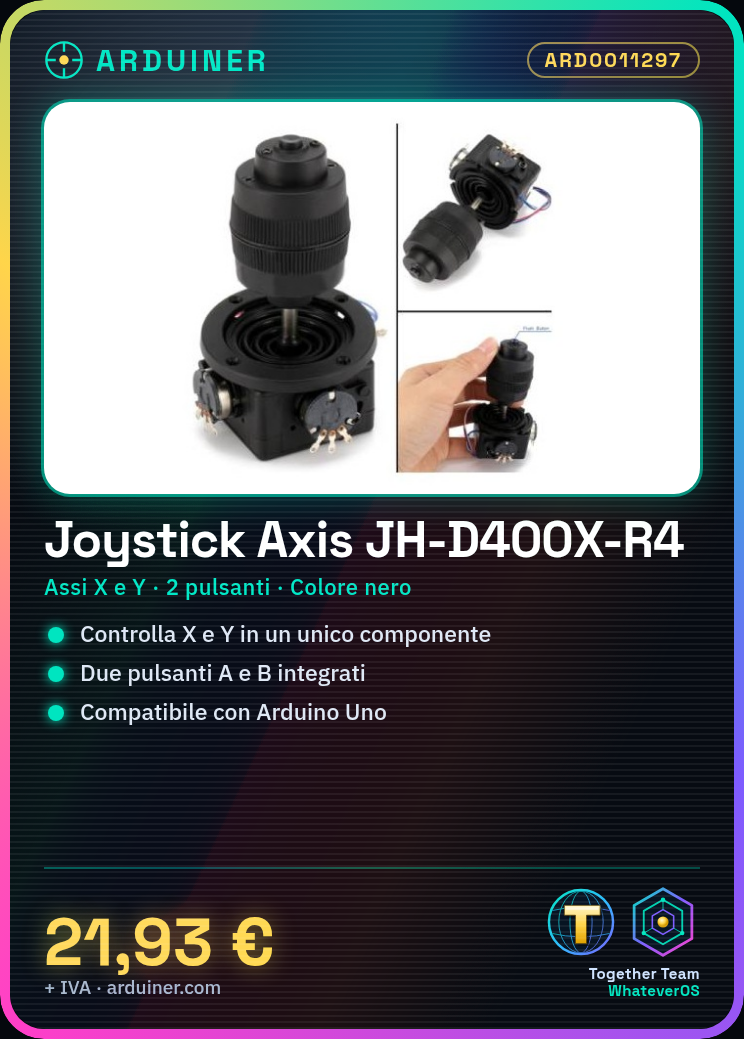
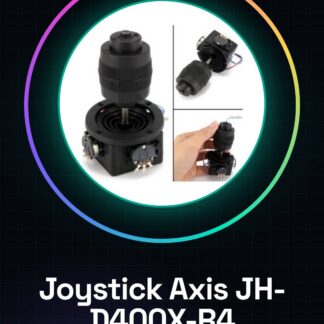
The Joystick Axis JH-D400X-R4 is a black button potentiometer designed for interactive user interfaces and fine controls. It allows for the management of two axes (X and Y) and two buttons (A and B) in a single component.
Features
- Color: Black
- Control: 2 axes (X and Y)
- Buttons: 2 (A and B)
What it is for
Ideal for motion control projects, games, or interactive user interfaces. It can be used to control simulated vehicles, game characters, or to manage settings in electronic devices. Compatible with Arduino and other microcontroller platforms.
Tutorial: How to use Joystick Axis JH-D400X-R4
The Joystick Axis JH-D400X-R4 is a black button potentiometer that allows for the control of two axes (X and Y) and two buttons (A and B). Ideal for motion control or game projects.
What you need
- Arduino Uno or compatible
- USB cable
- Head connections
- Arduino IDE software
Steps
- Connect the joystick to pin A0 for X and A1 for Y.
- Connect buttons A and B to pins 2 and 3 respectively.
- Open Arduino IDE and upload the sketch.
- Check the values read from the potentiometers.
- Check the state of the buttons.
- Modify the sketch to fit your project.
- Test the project.
- Resolve any issues.
Example code
void setup() {
  Serial.begin(9600);
  pinMode(2, INPUT_PULLUP);
  pinMode(3, INPUT_PULLUP);
}

void loop() {
  int xValue = analogRead(A0);
  int yValue = analogRead(A1);
  int buttonA = digitalRead(2);
  int buttonB = digitalRead(3);
  Serial.print(xValue);
  Serial.print(", ");
  Serial.print(yValue);
  Serial.print(", ");
  Serial.print(buttonA);
  Serial.print(", ");
  Serial.println(buttonB);
}
Mini project
Create a small chess game where the joystick controls the movement of the pieces and the buttons are used to make moves.
Common mistakes
- Connect the pins in reverse.
- Do not verify the datasheet for pin values.
- Do not set the buttons’ pins as input with pull-up.
- Do not test the project before implementing it.
Recommended accessories
- Arduino Uno
- Connector kit
- LiquidCrystal library for LCD display
- Prototype kit
Frequently asked questions
Which pins to use for the potentiometers?
Check the datasheet for the joystick.
How to connect the buttons?
The buttons can be connected to any digital pin as input with pull-up.
What is the difference between the two buttons?
Buttons A and B are identical and can be used as you prefer in your project.



Reviews
There are no reviews yet.