 EN
 IT Italiano
 ES Español
 FR Français
 DE Deutsch

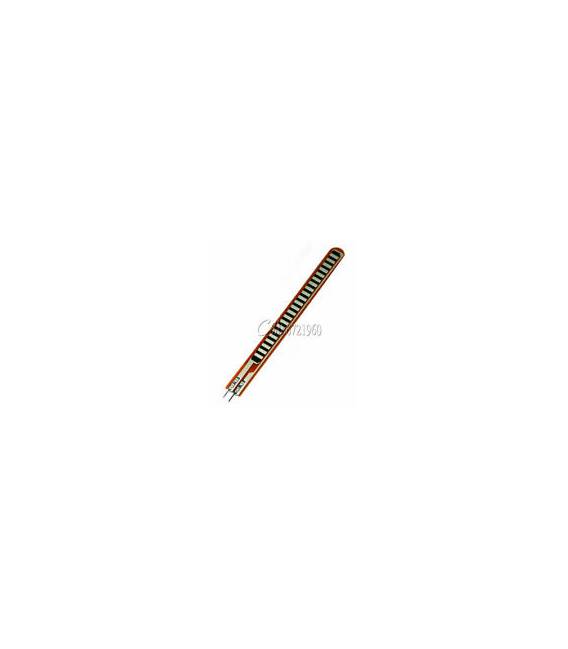
Description
What it is
The 4.5″ Flex Sensor is a device designed to measure the bending and flexing of objects or body parts.
Features
- Dimensions: 4.5 inches
- Type: Flex Bending Sensor
- SKU: ARD0011528
- Price: 25.96 €
What it is for
The Flex Bending Sensor is ideal for wearable electronics, robotics, and human-machine interaction projects. You can use it to create a wrist flexion monitoring system that sends data to a mobile app. Compatibility with Arduino or ESP is verified in the datasheet.
Tutorial: How to Use Flex Bending Sensor
The Flex Bending Sensor is a useful device for measuring the bending of objects or body parts. Ideal for wearable electronics, robotics, and human-machine interaction projects.
What you need
- Arduino Uno
- Sensor Connection
- Power Supply 3-5V
- Arduino IDE Software
- Serial Monitor
Steps
- Connect the Flex sensor to the Arduino Uno’s analog pin A0.
- Open the Arduino IDE software and upload the example sketch.
- Check the serial communication to see the sensor values.
- Modify the sketch to adapt it to your project.
- Test the sensor with different levels of flexion.
- Optimize the code to improve sensitivity and accuracy.
- Create a prototype that integrates the sensor into a larger project.
- Share the results of your project with the maker community.
Example code
void setup() {
  Serial.begin(9600);
}

void loop() {
  int val = analogRead(A0);
  Serial.println(val);
}
Mini project
Create a wrist flexion monitoring system that sends data to a mobile app.
Common mistakes
- Make sure the sensor is properly powered.
- Check that the connection pin is correct.
- Check that the sensor is not damaged.
- Optimize the code to reduce electronic noise.
Recommended accessories
- Arduino Uno
- Sensor connection
- LiPo battery
- Arduino Nano
Frequently asked questions
What is the minimum power supply voltage?
Check the datasheet.
How sensitive is the sensor?
The sensitivity varies with flexion and can be optimized in the code.
Can the sensor work with Arduino Mega?
Yes, but make sure to connect it to the correct analog pin.



Reviews
There are no reviews yet.