 EN
 IT Italiano
 ES Español
 FR Français
 DE Deutsch
Description
What it is
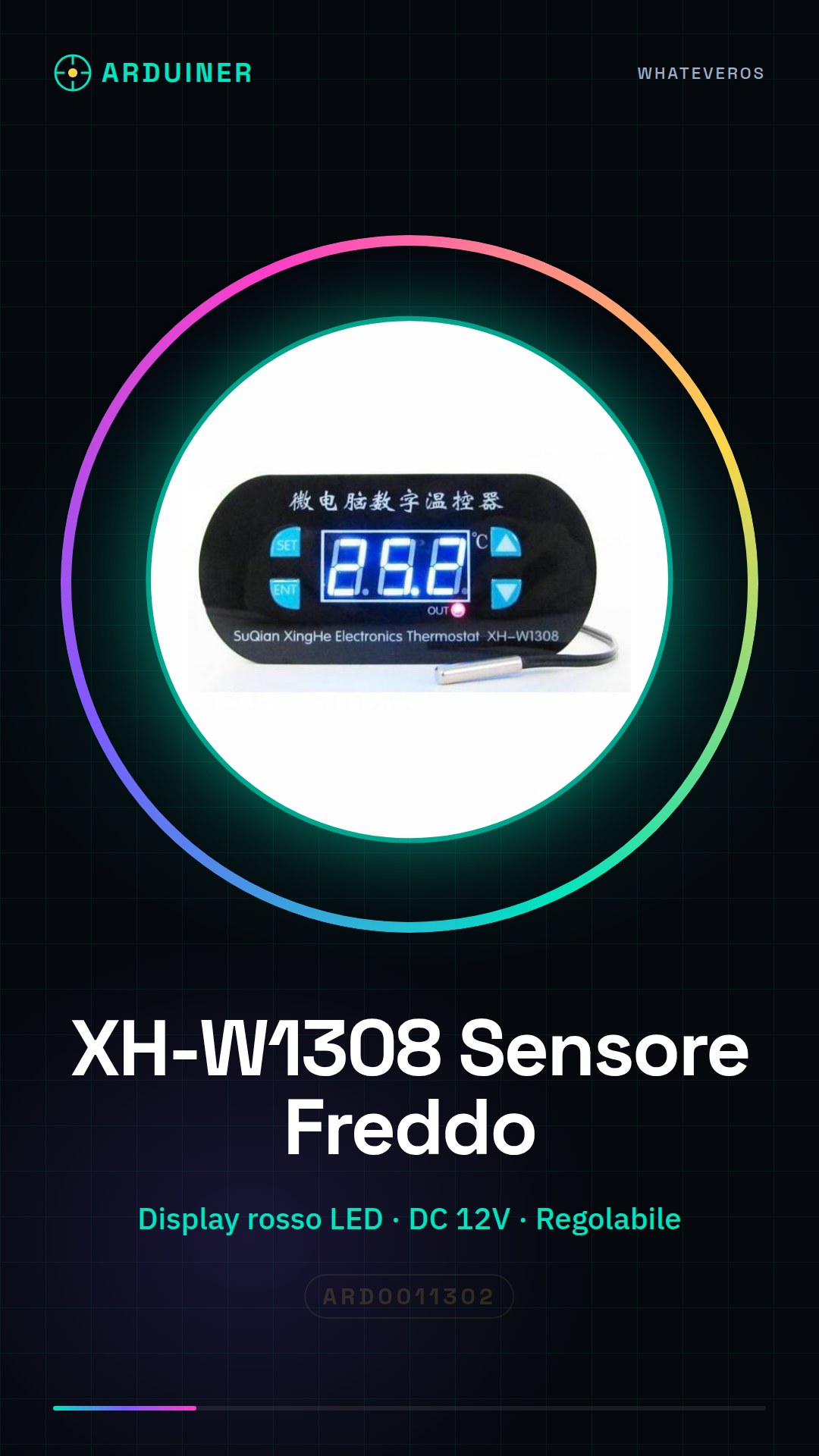
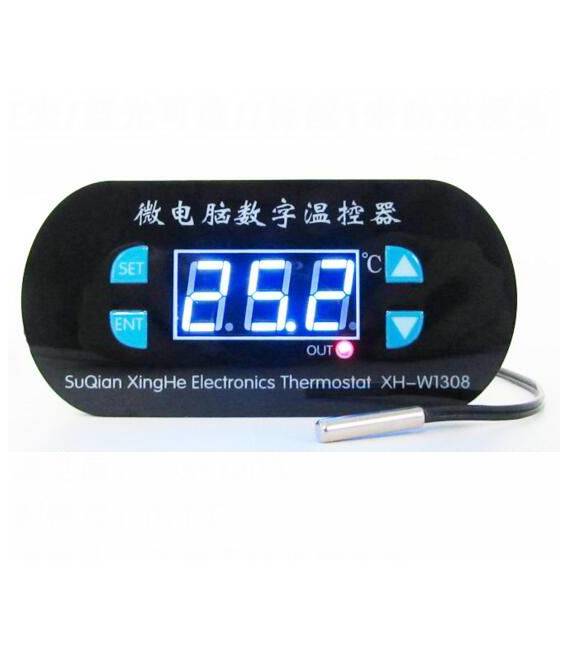
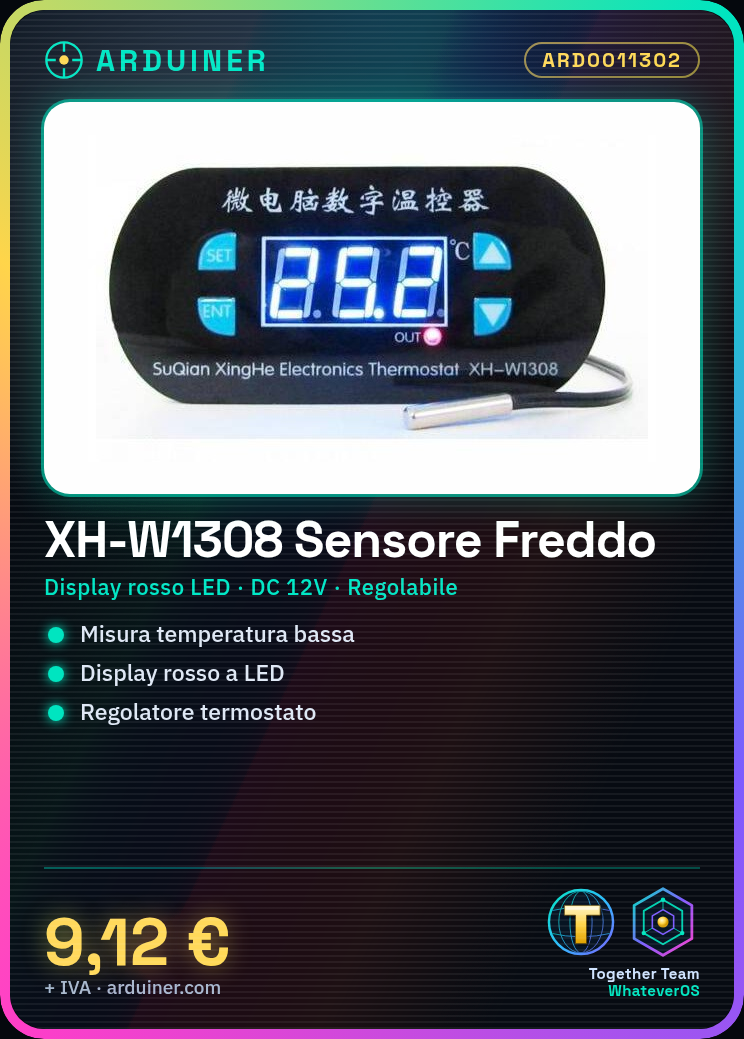
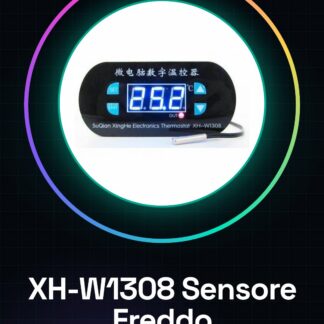
The XH-W1308 W1308 is a adjustable digital temperature sensor with a red LED display. It can be used as a temperature controller and thermostat in applications requiring precise ambient temperature control.
Features
- Adjustable digital temperature sensor for low temperatures
- Red LED display
- Power Supply: DC 12V
- SKU: ARD0011302
- Price: 9.12 €
What it is for
The XH-W1308 sensor is ideal for Arduino projects and environmental control systems. It can be used to build temperature warning devices, monitor the temperature of environments or systems, and manage heating or cooling systems. Its compatibility with Arduino makes it a popular choice for makers and beginners.
Tutorial: How to use XH-W1308
The XH-W1308 cold temperature sensor is ideal for projects requiring precise ambient temperature measurement. Useful for beginners and intermediate makers.
What you need
- XH-W1308
- Arduino
- 12V DC power cable
- Display or screen
Steps
- 1. Check the datasheet for the sensor specifications.
- 2. Connect the 12V DC power cable to the sensor.
- 3. Connect the sensor to Arduino pin A0.
- 4. Verify the connection with a multimeter.
- 5. Load the example code onto Arduino.
- 6. Ensure the display shows the temperature.
- 7. Adjust the thermostat if necessary.
- 8. Test the thermostat functionality.
Example code
```void loop() { int sensorValue = analogRead(A0); float voltage = sensorValue * (5.0 / 1023.0); float temperatureC = (voltage - 0.5) * 100; Serial.println(temperatureC); delay(1000);}Mini project
Build a temperature alert device. Connect the sensor to Arduino and send an email notification if the temperature exceeds 30°C.
Common mistakes
- Incorrect power supply: ensure a 12V DC power supply is used.
- Incorrect connection: check that the sensor is connected to pin A0.
- Incorrect temperature: check the electronic conversion.
- Non-functional display: ensure the display is properly powered and connected.
Recommended accessories
- Arduino UNO
- OLED Display 128×64
- Email Notification Service
Frequently asked questions
How can I adjust the thermostat?
Check the datasheet for the adjustment procedure.
Does the sensor work with other power supplies?
Check the datasheet for power supply specifications.
Does the sensor work with Arduino Nano?
The sensor should work with Arduino Nano, but check the datasheet.
How can I check the temperature in real-time?
Connect the sensor to Arduino and use a sketch like the provided code.



Reviews
There are no reviews yet.