 EN
 IT Italiano
 ES Español
 FR Français
 DE Deutsch
Description
What it is
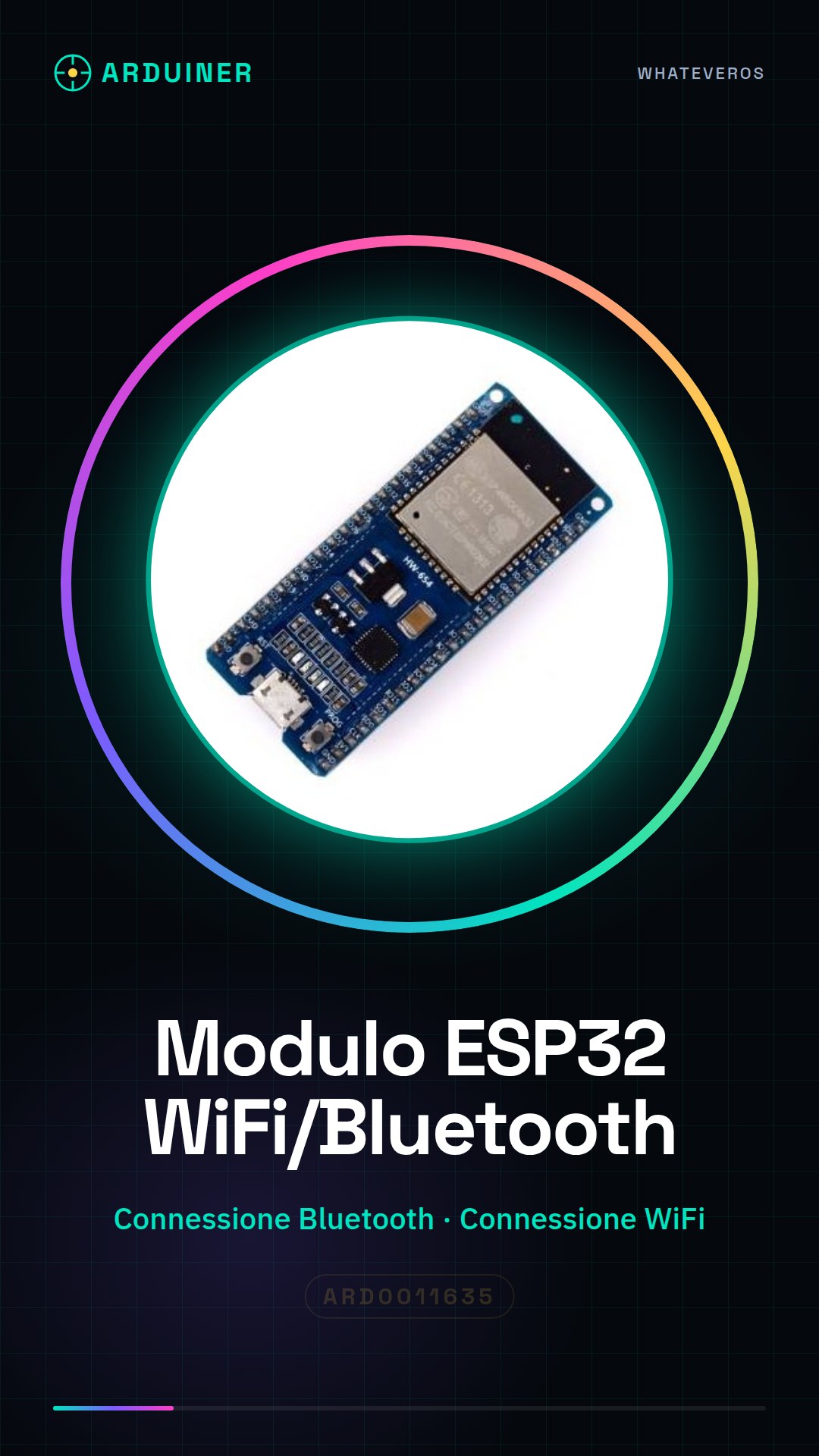
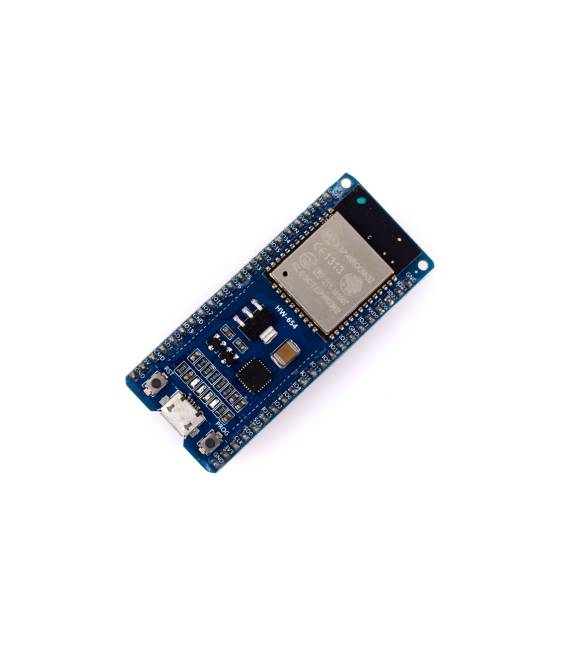
The ESP32 Bluetooth/WiFi module is an electronic component that allows you to add wireless communication capabilities to your Arduino projects.
Features
- Bluetooth Connection
- WiFi Connection
- ESP32 Processor
What it is for
This module is ideal for IoT projects, 3D printing, and drones. You can use it, for example, to create an environmental monitoring system that sends temperature and humidity data to a cloud platform. Compatibility with Arduino is guaranteed.
Tutorial: How to Use ESP32 Wireless Module
The ESP32 wireless module is a versatile component for Bluetooth and WiFi communication. Ideal for IoT projects, 3D printing, and drones.
What you need
- Arduino IDE installed
- Micro-B USB cable
- Computer with Windows, Mac, or Linux operating system
Steps
- 1. Connect the ESP32 module to the computer via the micro-B USB cable.
- 2. Install the ESP32 library in the Arduino IDE package manager.
- 3. Download and open an example sketch for the ESP32 module.
- 4. Configure the WiFi connection settings in the code.
- 5. Compile and upload the code to the ESP32 module.
- 6. Verify the WiFi connection through the serial console.
- 7. Test the Bluetooth functionality of the module.
- 8. Explore additional features such as MQTT or HTTP communication
Example code
void setup() {
  Serial.begin(115200);
  WiFi.begin("SSID", "PASSWORD");
  while (WiFi.status() != WL_CONNECTED) {
    delay(500);
    Serial.print(".");
  }
  Serial.println("nWiFi connected");
}
Mini project
Create an environmental monitoring system that sends temperature and humidity data to a cloud platform.
Common mistakes
- I am unable to upload the code to the ESP32 module.
- The ESP32 module is not connecting to the WiFi network.
- I am unable to establish a Bluetooth connection.
- The code does not work correctly after modifying some settings.
Recommended accessories
- DHT11 Temperature and Humidity Module
- 16×2 LCD Module
- 5V Relay Module
- RTC Module
Frequently asked questions
Which versions of Arduino IDE support the ESP32 module?
Versions 2.0 and later of Arduino IDE support the ESP32 module.
How can I update the firmware of the ESP32 module?
Use the ArduinoOTA library to update the firmware of the ESP32 module.




Reviews
There are no reviews yet.