 EN
 IT Italiano
 ES Español
 FR Français
 DE Deutsch
Description
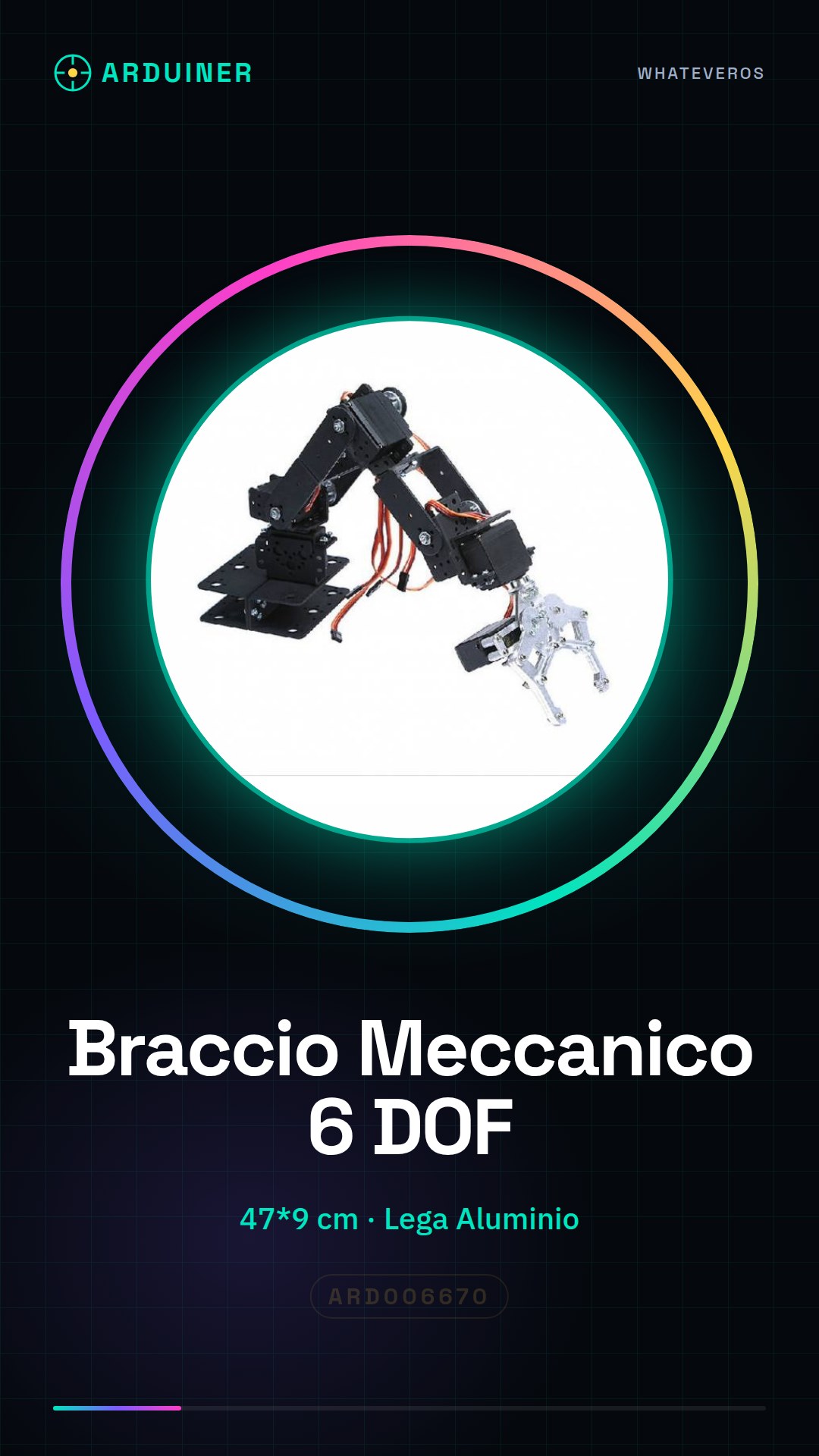
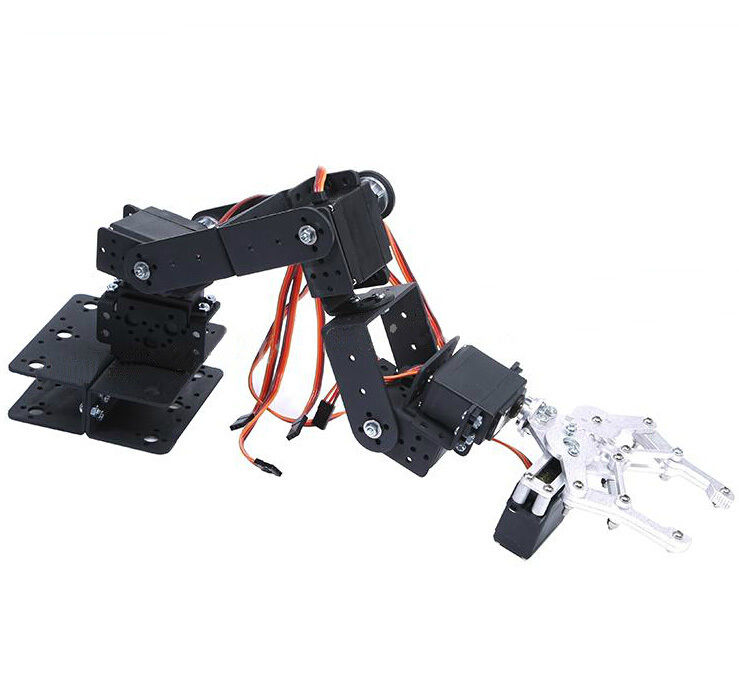
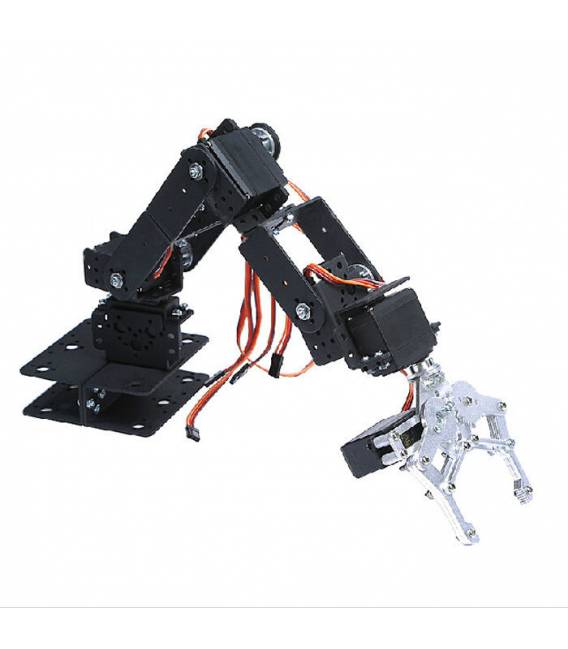
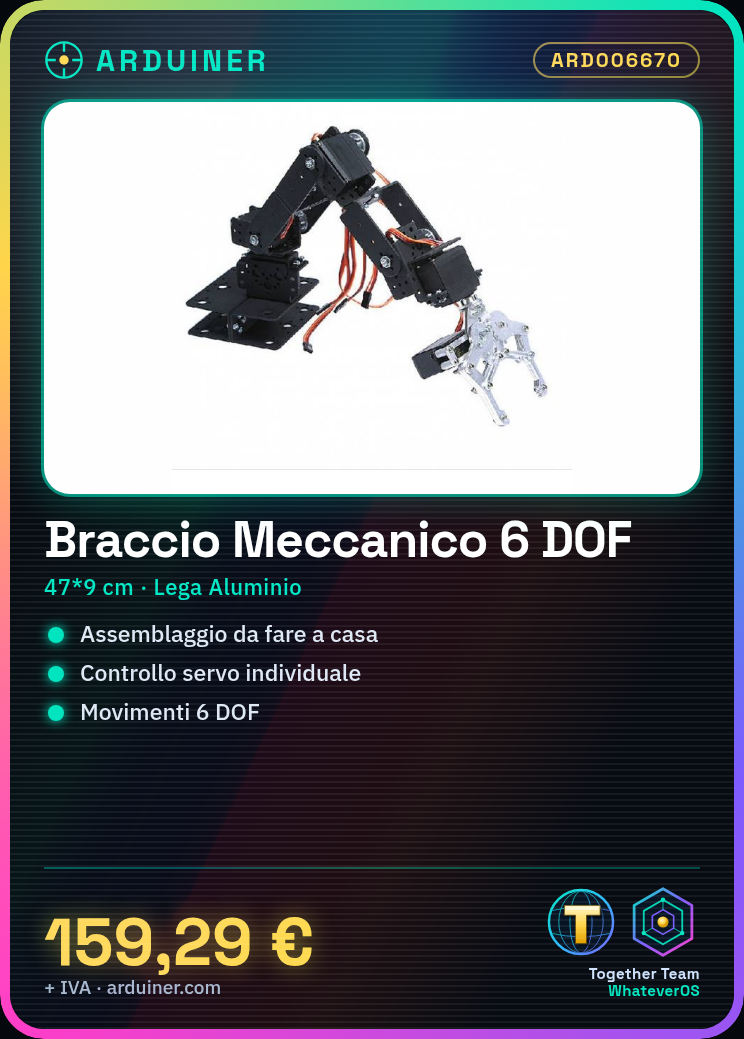
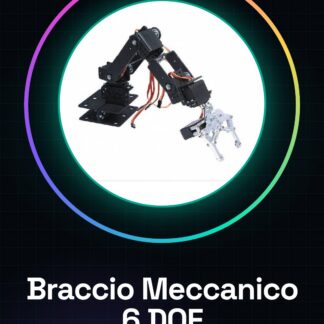
Rotary 6 DOF Mechanical Arm with Servo Motors
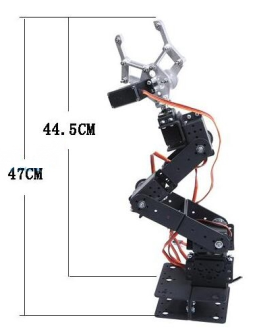
Dimensions: approximately 47 * 9 cm (assembly dimensions)
Material: Aluminum Alloy
Function: Gripping Objects
Color: Black
Note:
1. Please choose 1-3 cm measurement error
2. All products are shipped unassembled, kit assembly required.
3. Cable and servo not included.
Package Includes:
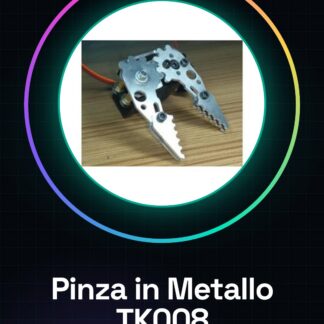
Mechanical Claw in Alloy x 1
Multi-functional Bracket x 5
Long U-shaped Bracket x 3
L-shaped Bracket x 1
U-shaped Radius Bracket x 2
Ball Bearing x 3
1 Set of Dowel (approximately 100 Pcs M3 * 8 Screws; 100 Pcs M3 Dowel; 10 Pcs M3 * 6 Screws; 5 Pcs M3 * 10 Screws)
Tutorial: How to Use Rotary 6 DOF Mechanical Arm with Servo Motors
The 6-degree-of-freedom rotating robotic arm is an ideal component for robotic projects such as manipulators, prototypes, and automation. This kit is suitable for both beginners and experienced makers.
What you need
- Arduino Uno
- Compatible servo motors
- USB connection
- External power supply (check the datasheet)
- Jumpers
Steps
- Connect the 6 servo motors to the robotic arm following the product guide.
- Connect the robotic arm to the Arduino using jumpers for each motor and power supply.
- Install the Servo library for Arduino (if not already installed).
- Write a simple sketch that controls each servo motor separately.
- Check the operation of each servo motor by identifying any connection or power supply issues.
- Try to create complex movements by combining commands for multiple servo motors.
- If necessary, adjust the power supply voltage based on the specifications of the robotic arm (check the datasheet).
- Customize your project with sensors or other Arduino modules.
Example code
// Esempio di codice
#include <Servo.h>
Servo myservo;
myservo.attach(9);
myservo.write(45); // muovi il servomotore a 45 gradi
Mini project
Create a simple manipulator that can pick up objects from a table and place them in a specific area.
Common mistakes
- Insufficient power supply
- Loose or incorrect connections
- Incorrect servo motor configuration
Recommended accessories
- Arduino Uno R3 (SKU: ARD001234)
- Arduino connector set (SKU: ARD005678)
- Ultrasonic sensor pack (SKU: ARD009101)
Frequently asked questions
How can I control multiple servomotors simultaneously?
Use the Servo library for Arduino and create separate objects for each servo.
What is the range of motion for the mechanical arm?
Check the datasheet for the exact specifications of the servomotors used.
Reviews
There are no reviews yet.