 EN
 IT Italiano
 ES Español
 FR Français
 DE Deutsch
Description
What it is
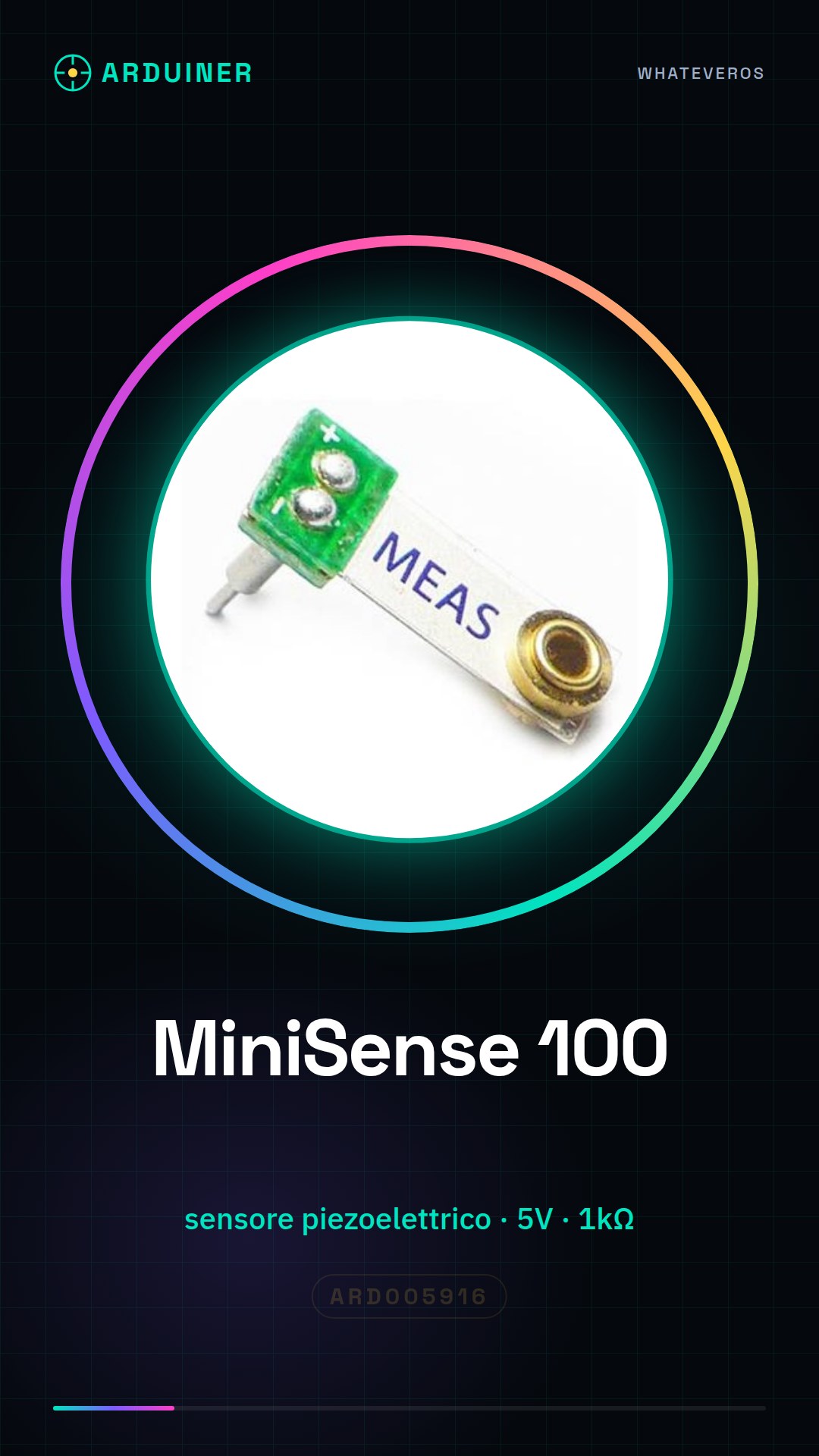
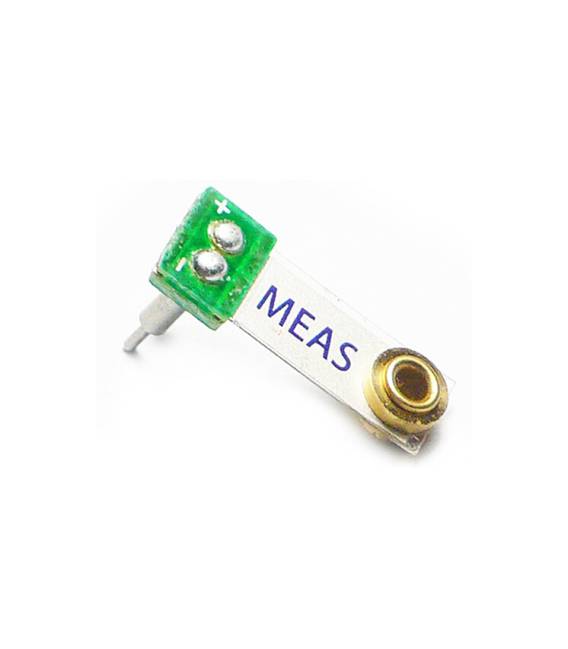
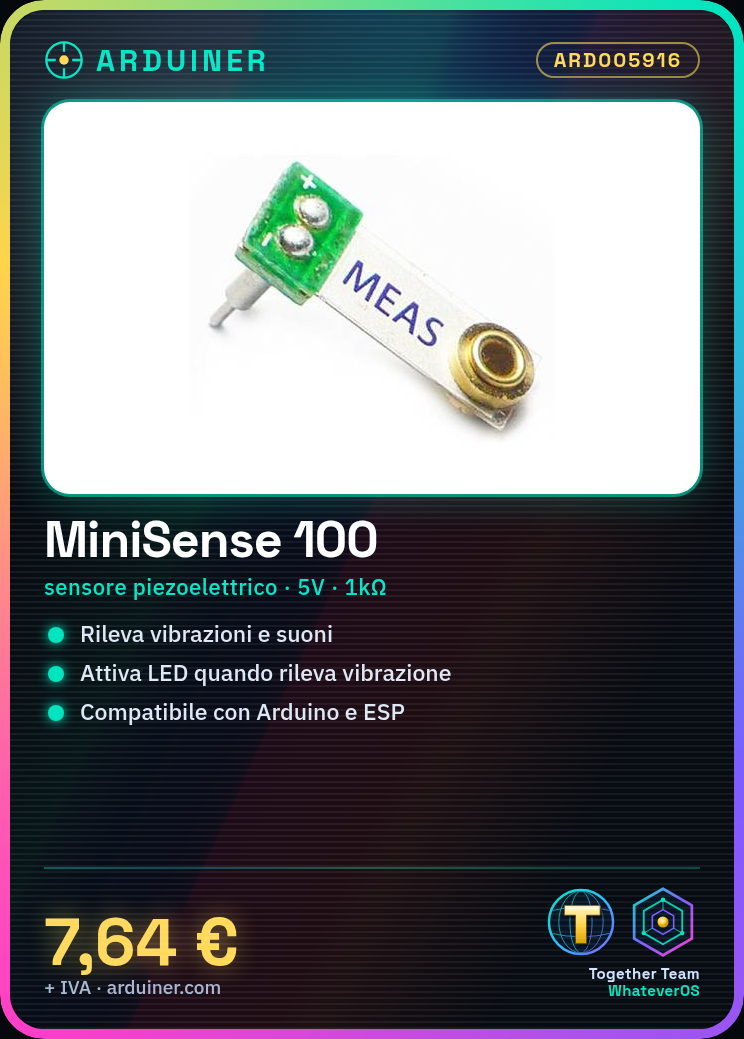
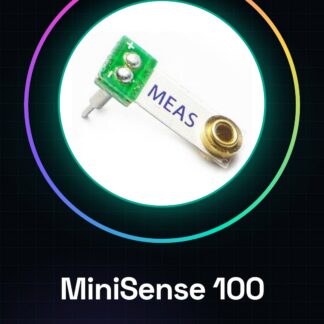
The MiniSense 100 Piezo Sensor is a piezoelectric sensor designed to detect vibrations and sounds. It is ideal for applications where monitoring movements or noises is necessary, such as in robot vehicles or smart cars.
Features
- Versatile piezoelectric sensor
- Great for detecting sounds and vibrations in robots and vehicles
What it is for
The main uses of the sensor include creating a vibration-based alarm signal, monitoring environmental conditions, or activating devices like LEDs when a vibration is detected. It is compatible with various microcontrollers such as Arduino and ESP.
Tutorial: How to use MiniSense 100 Piezo Sensor
The MiniSense 100 Piezo Sensor is perfect for projects that require vibrations or sounds. Useful for beginners and intermediates, it is ideal for controlling vibrations in robots or sounds in smart cars.
What you need
- MiniSense 100 Piezo Sensor
- Arduino or compatible microcontroller
- Power cable (5V)
- Resistor (1kΩ)
Steps
- 1. Connect the power cable to the VCC pin of the sensor.
- 2. Connect the GND pin of the sensor to the GND of the microcontroller.
- 3. Connect the OUT pin of the sensor to a digital pin of the microcontroller.
- 4. Connect a resistor (1kΩ) between the VCC pin and the OUT pin of the sensor.
- 5. Load the provided code.
- 6. Test the sensor by inserting vibrations or sounds.
- 7. Adapt the code to your specific needs.
- 8. Check the datasheet for further details.
Example code
const int piezoPin = 2;
int val;

void setup() {
  pinMode(piezoPin, INPUT);
}

void loop() {
  val = digitalRead(piezoPin);
  if (val == HIGH) {
    Serial.println("Sono stato vibrato!");
  }
}
Mini project
Create an alarm signal with vibrations for a robot. Connect the sensor to the microcontroller and write a code that turns on an LED when the sensor detects a vibration.
Common mistakes
- Do not read the datasheet specifications correctly.
- Do not use the correct resistor.
- Connect the wrong pins.
- Do not test the sensor before writing the code.
Recommended accessories
- LED
- Arduino Uno
- USB cable
- Compatible microcontroller
Frequently asked questions
Does the sensor work with batteries?
Yes, but make sure the power supply is compatible with the sensor’s voltage range.
Can you use an analog sensor?
Yes, but you might lose sensitivity. Check the datasheet.
How long does the battery last?
Not applicable, the sensor is powered directly.
Can you connect multiple sensors?
Yes, but make sure the microcontroller can handle them. Check the datasheet.
Reviews
There are no reviews yet.