 EN
 IT Italiano
 ES Español
 FR Français
 DE Deutsch
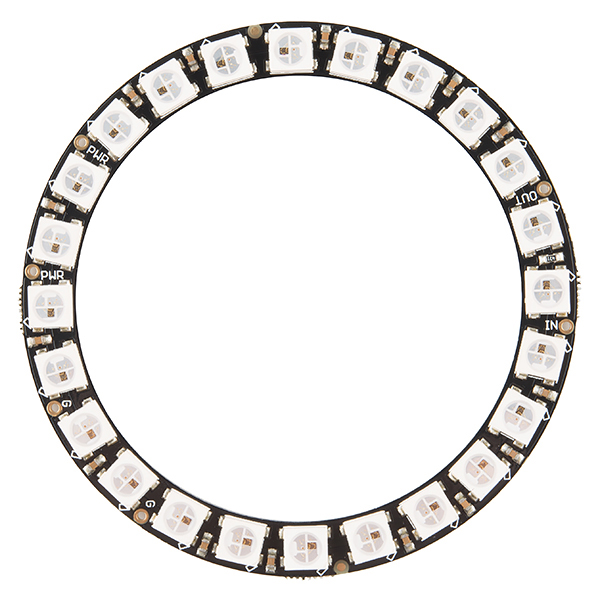
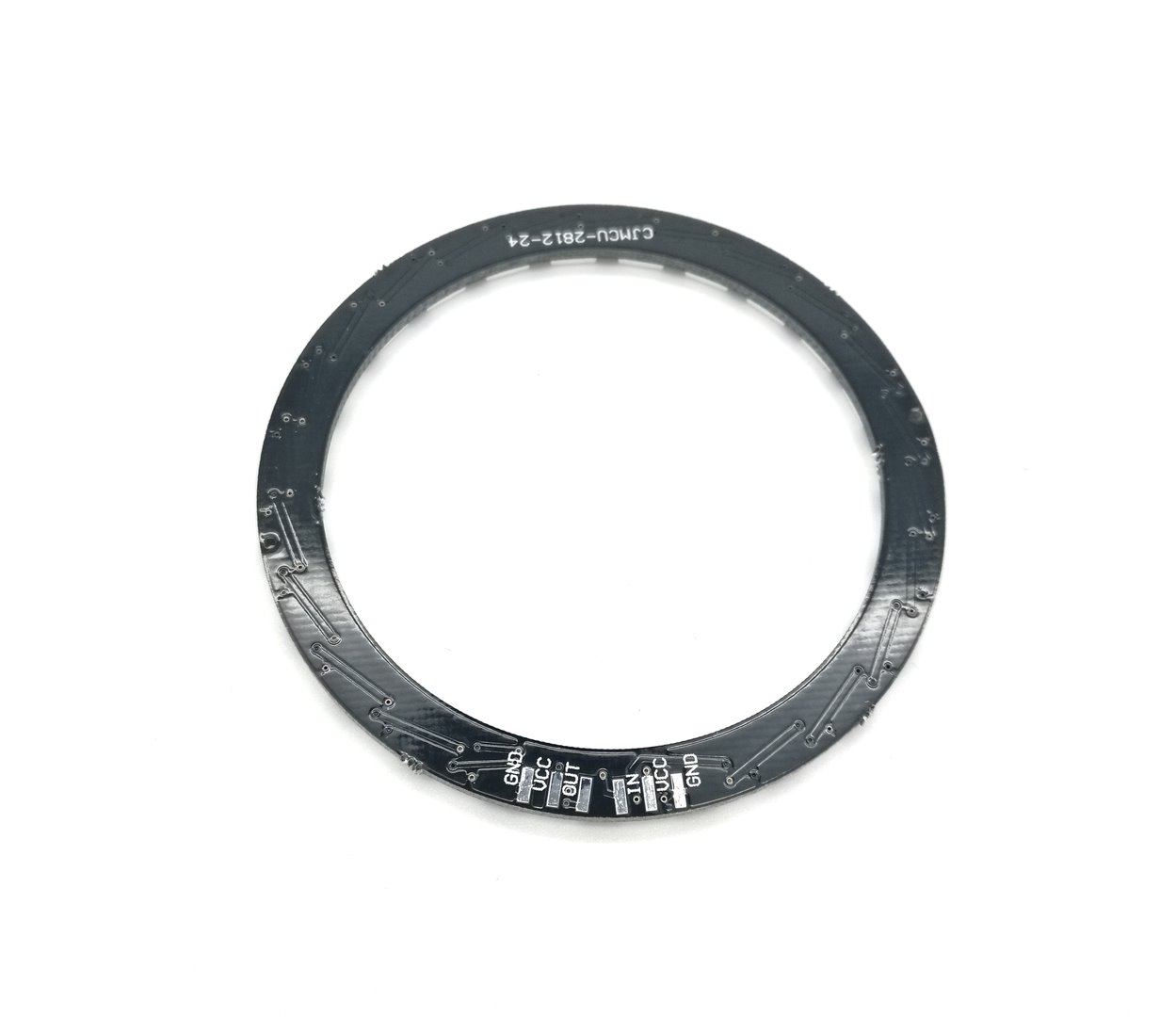
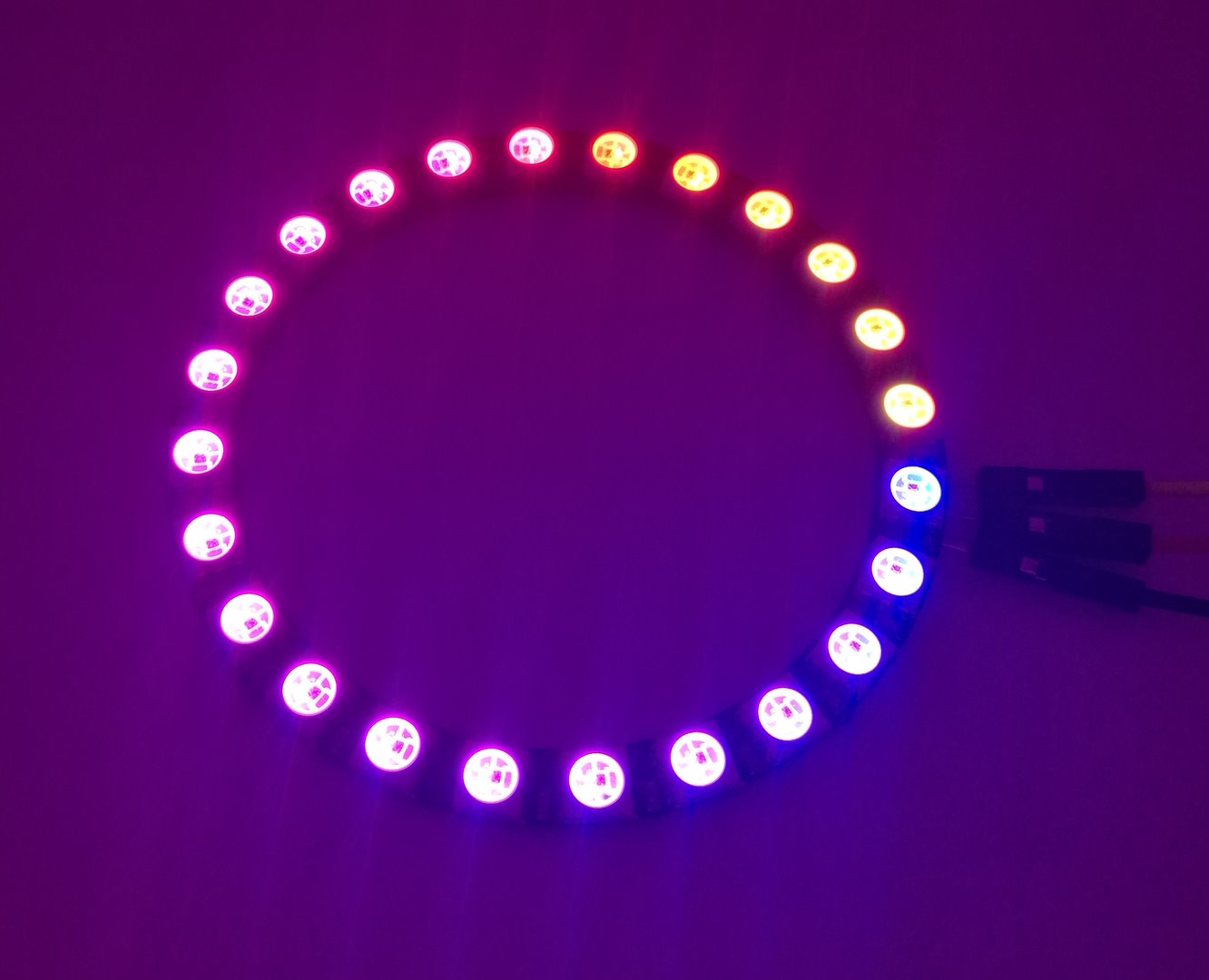
Description
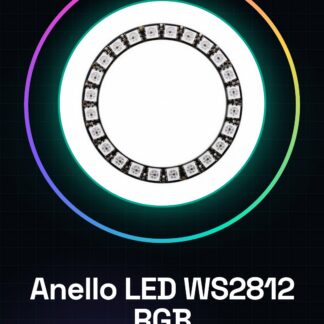
Tutorial: How to Use WS2812 RGB LED Ring
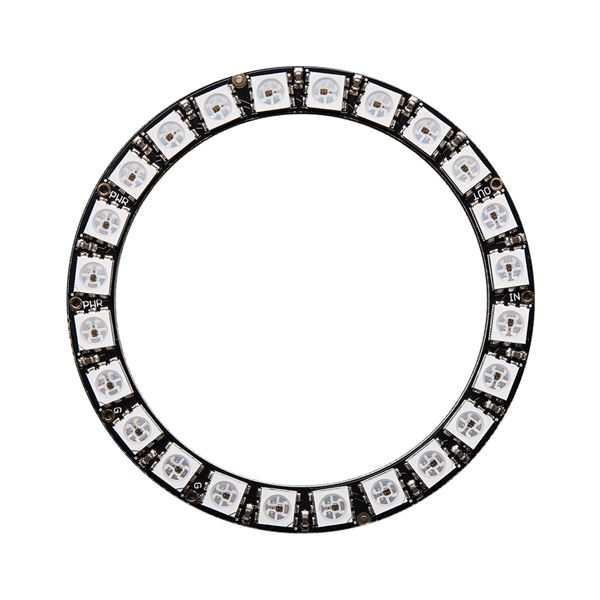
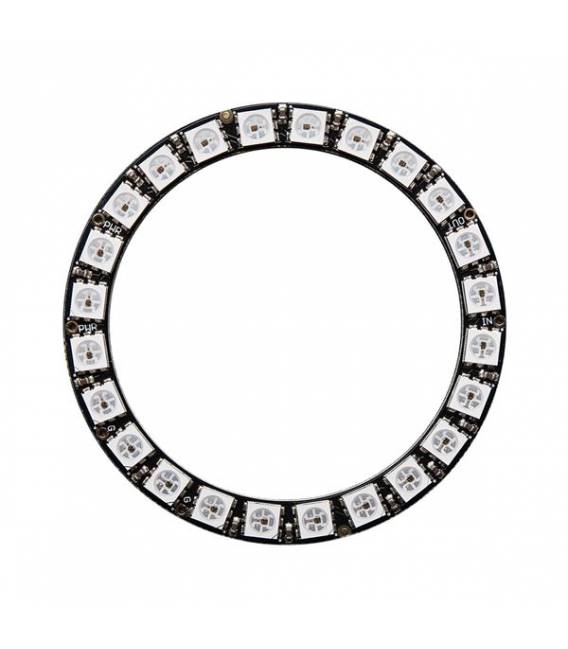
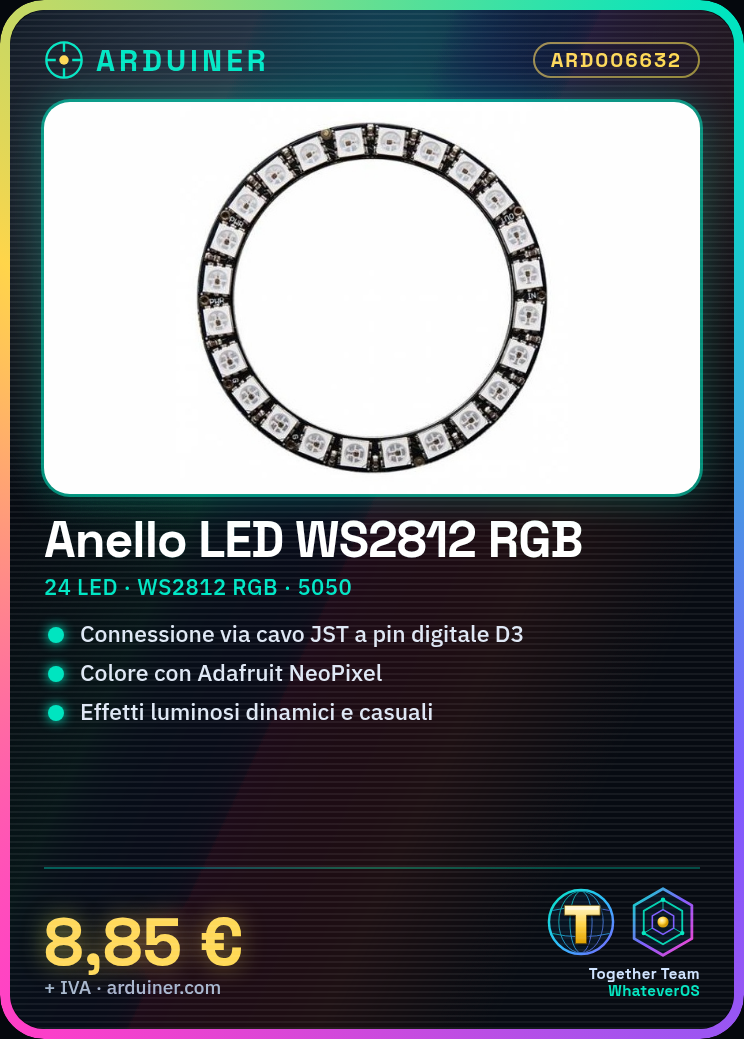
The WS2812 RGB LED ring is a versatile component that allows for the creation of complex and dynamic lighting effects. Ideal for custom lighting projects, suitable for both beginner and intermediate hobbyists.
What you need
- Arduino Uno
- USB Cable
- Arduino IDE Program
Steps
- Connect the WS2812 LED ring to a digital pin on the Arduino (e.g., D3) using the JST cable or any other available connector.
- Download and install the Adafruit NeoPixel library from the official Arduino IDE website.
- Open a new sketch in Arduino IDE and include the instructions for the NeoPixel library: #include
. - Define the number of LEDs in the ring (24) and the digital pin used: Adafruit_NeoPixel pixels = Adafruit_NeoPixel(24, 3, NEO_GRB + NEO_KHZ800);
- Insert the function to turn on a single LED in the code, for example: pixels.setPixelColor(0, pixels.Color(255, 0, 0)); pixels.show();
- Save and upload your sketch to Arduino.
- Check that the LED ring is responding correctly to the Arduino.
- Modify the code to explore further functionalities such as changing colors or adding lighting effects.
Example code
#include <Adafruit_NeoPixel.h>

#define PIN 3
#define NUMPIXELS 24
Adafruit_NeoPixel pixels = Adafruit_NeoPixel(NUMPIXELS, PIN, NEO_GRB + NEO_KHZ800);

void setup() {
  pixels.begin();
}

void loop() {
  pixels.setPixelColor(0, pixels.Color(255, 0, 0));
  pixels.show();
}
Mini project
Create a custom RGB lighting for your room or house. Configure the WS2812 LED ring with lighting effects that change color randomly.
Common mistakes
- Do not verify the correct installation of the NeoPixel library.
- Connect the wrong pin of the Arduino to the LED ring.
- Omit the inclusion of the .h file for the NeoPixel library in the Arduino code.
- Ignore the verification of the voltage values required to properly power the LED ring.
Recommended accessories
- Arduino Uno
- Micro B USB cable
- Adafruit NeoPixel library
- Motion sensors
Frequently asked questions
Where can I find the NeoPixel library?
The library is available on GitHub or can be installed via the Arduino IDE library manager.
Why doesn’t the LED ring light up?
Check that all connectors are properly connected and that the power supply voltage is correct. Also, check if you have uploaded a working sketch to Arduino.
Reviews
There are no reviews yet.