 EN
 IT Italiano
 ES Español
 FR Français
 DE Deutsch
Description
What it is
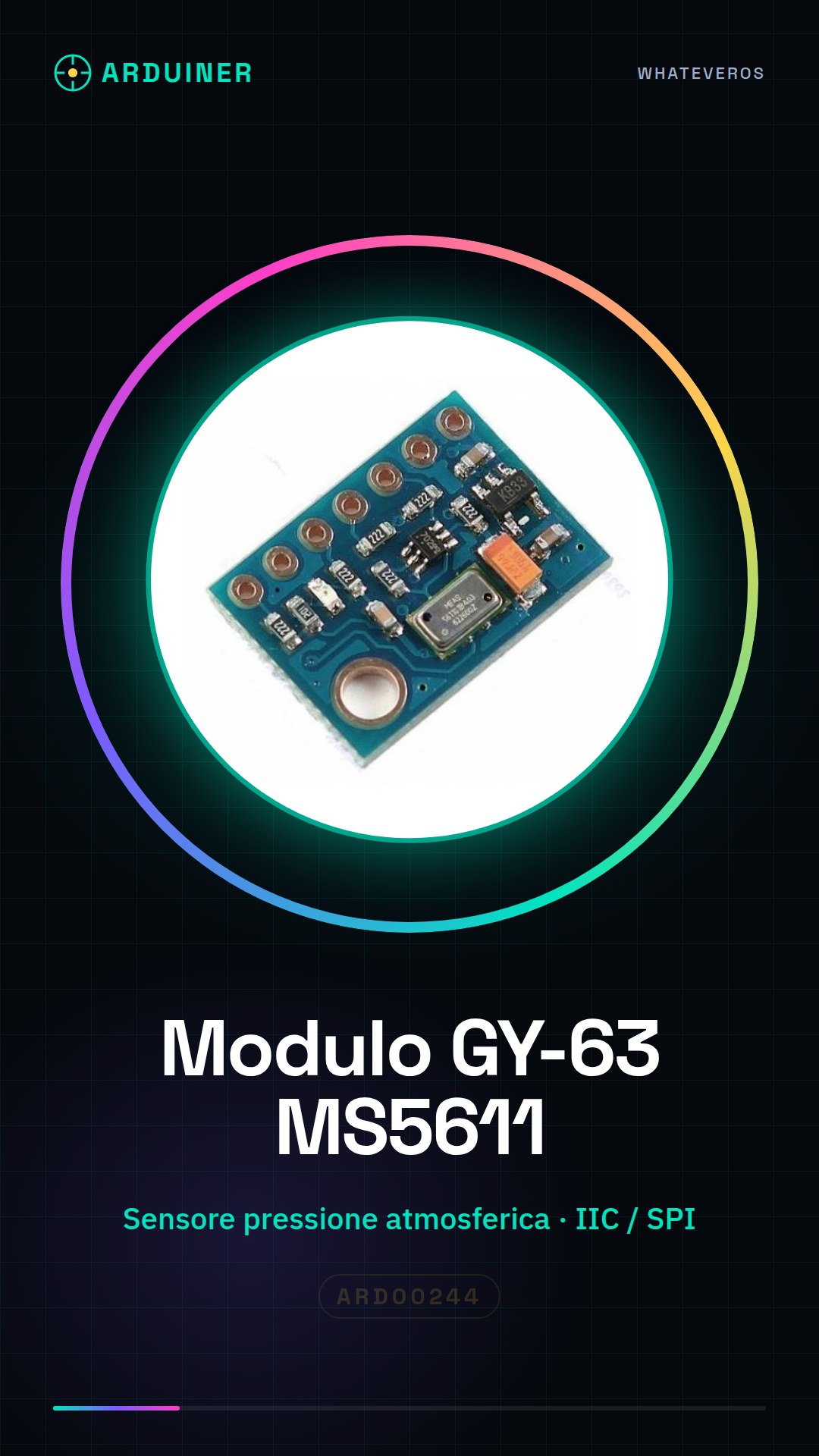
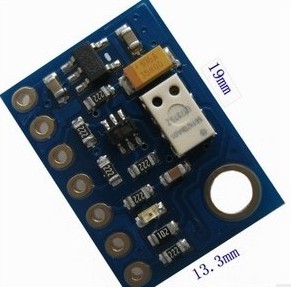
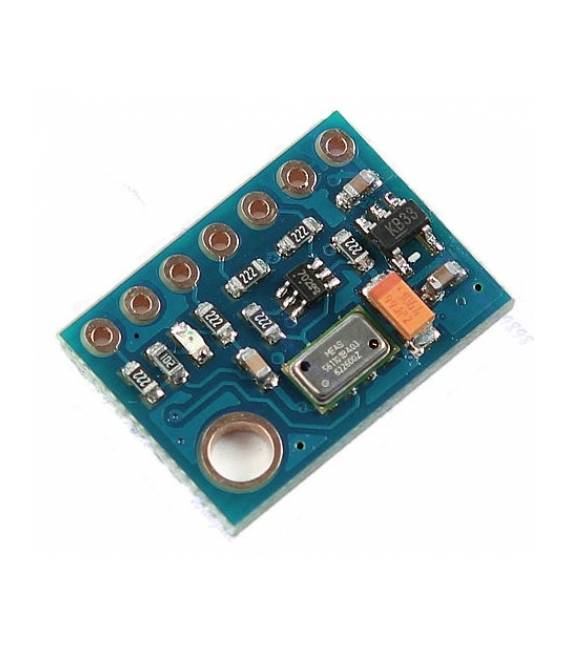
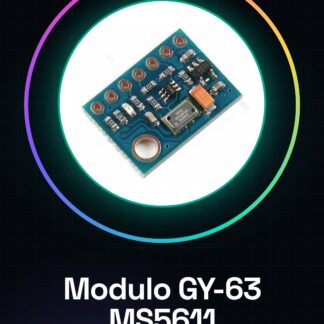
The GY-63 Altitude Sensor MS5611 Module is a high-precision device for measuring atmospheric pressure and altitude. This sensor uses IIC/SPI communications, making it suitable for projects requiring accurate measurements.
Features
- MS5611 Atmospheric Pressure Sensor
- IIC / SPI Communication
What it is for
GY-63 modules can be used to create altitude alarm systems, atmospheric pressure monitoring, and other projects that require accurate measurements. The sensor is compatible with Arduino and ESP.
Tutorial: How to Use GY-63
The GY-63 is a high-precision atmospheric pressure sensor, ideal for projects requiring accurate altitude and atmospheric pressure measurements.
What you need
- Arduino or compatible
- Multimeter
- 4-Pin Cable
- Jumper Connector
Steps
- 1. Installation: Download the IIC/SPI driver for your Arduino.
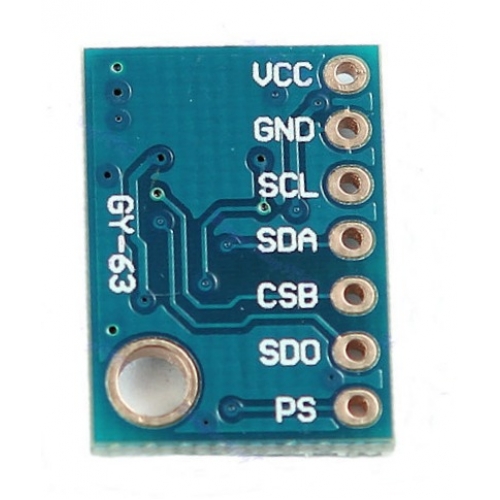
- 2. Connection: Connect GND of GY-63 to GND of Arduino, VCC to 5V, SDA to SDA and SCL to SCL.
- 3. Configuration: Use Wire.h for IIC communication.
- 4. Initialization: Initialize the sensor with the correct commands.
- 5. Read data: Use the readPressure() and readTemperature() functions to obtain values.
- 6. Calibration: Check the datasheet if necessary.
- 7. Display: Display the data on a display or Serial Monitor.
- 8. Test: Verify the accuracy of the sensor with various pressure levels.
Example code
```cpp
#include <Wire.h>
#include <Adafruit_MS5611.h>

Adafruit_MS5611 ms5611;

void setup() {
  Wire.begin();
  if (!ms5611.begin()) {
    Serial.println("Failed to initialize MS5611!");
    while (1);
  }
}

void loop() {
  int32_t p = ms5611.readPressure();
  float temp = ms5611.readTemperature();
  Serial.print("Pressure: "); Serial.println(p);
  Serial.print("Temperature: "); Serial.println(temp);
}
```
Mini project
Create an altitude alarm system based on GY-63. Connect the sensor to an Arduino, display the pressure values on a display and alarm when the altitude exceeds a certain level.
Common mistakes
- Forget to calibrate the sensor.
- Incorrectly connect the sensor pins.
- Do not use the IIC/SPI driver.
- Omit the correct initialization of the sensor.
Recommended accessories
- 16×2 LCD Display
- 5V Power Supply
- 0.96″ OLED Display
Frequently asked questions
How to calibrate the sensor?
Check the datasheet if necessary.
Which pins to use?
Connect GND, VCC, SDA and SCL.
Does the sensor work with Arduino UNO?
Yes, the GY-63 works with Arduino UNO.
Reviews
There are no reviews yet.