 EN
 IT Italiano
 ES Español
 FR Français
 DE Deutsch
Description
What it is
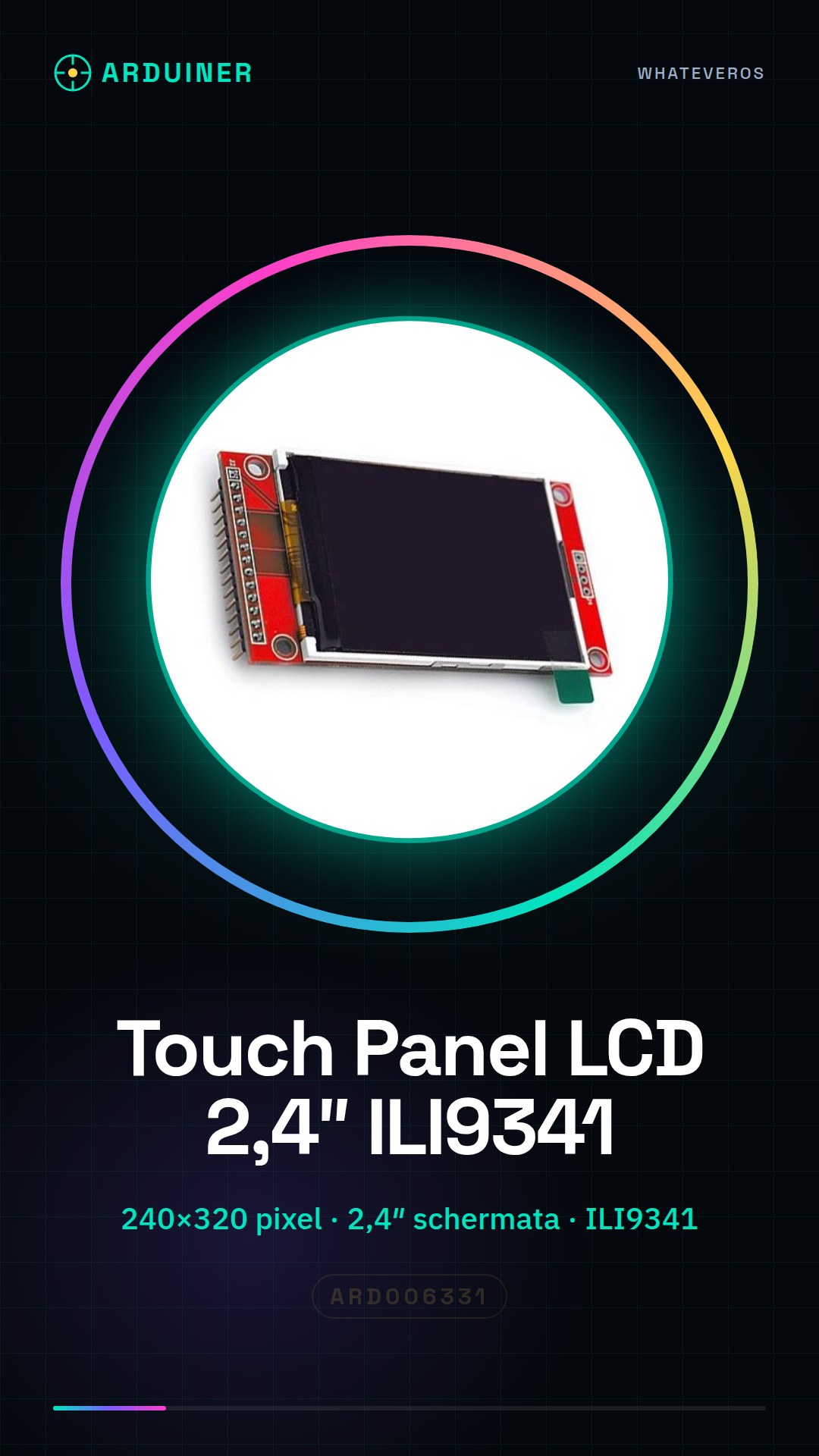
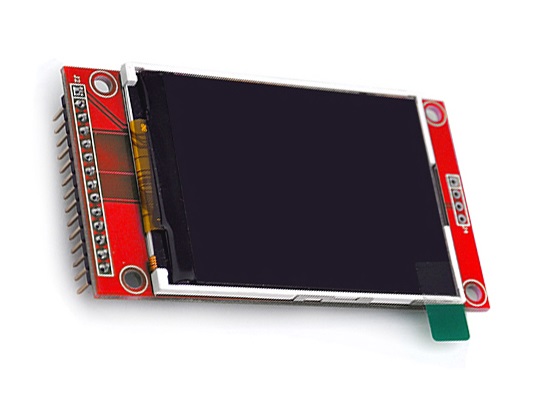
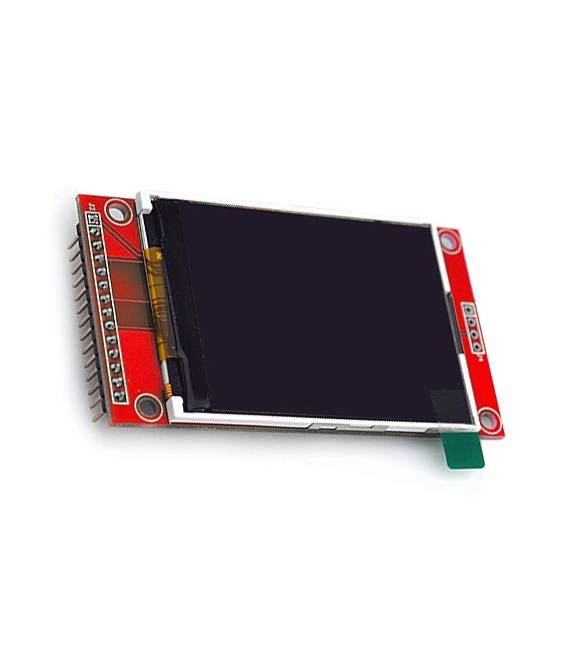
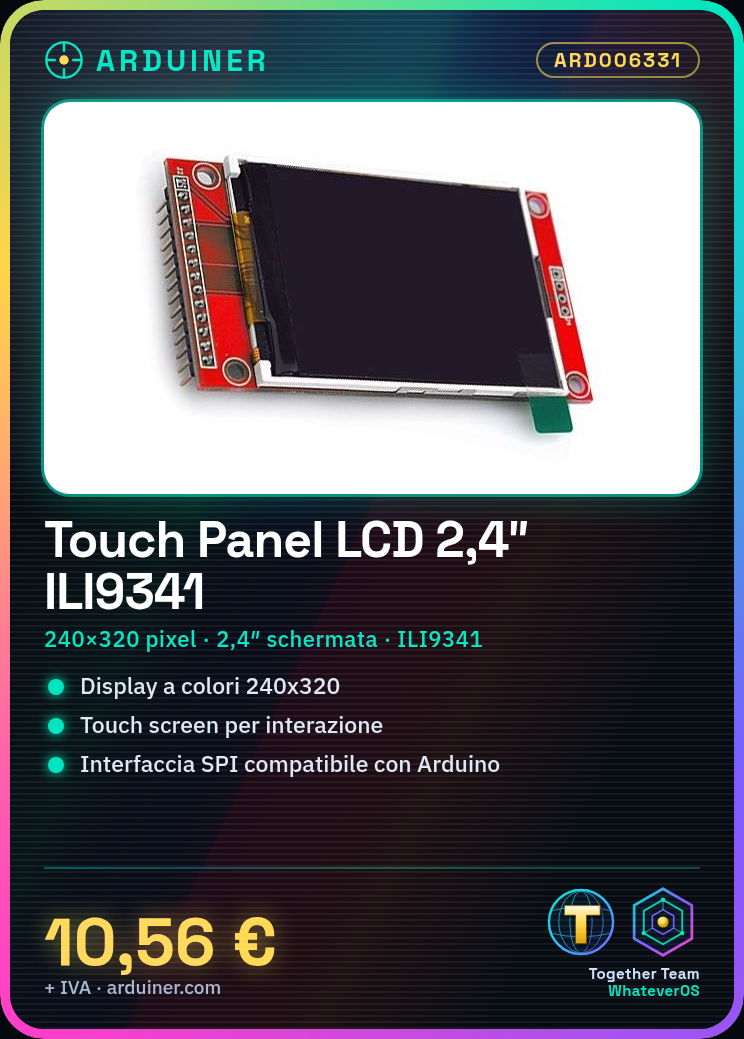
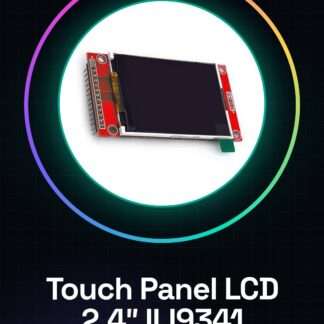
The 2.4″ SPI TFT Touch Panel LCD with a resolution of 240×320 pixels is a color display module that supports communication via serial port (SPI). This device includes a board with the ILI9341 chip to manage video output and allows user interaction through a touch screen.
Features
- Resolution: 240×320 pixels
- Connection Type: SPI (Serial Port)
- Screen Size: 2.4″
- Integrated Chipset: ILI9341
What it is for
This color and multitouch LCD module is ideal for electronic projects that require an interactive display. It is compatible with beginner and intermediate Arduino projects, allowing the creation of devices with advanced user interfaces. Common uses include the implementation of small interactive digital clocks or any other device that requires a color display and touch input.
Tutorial: How to use Touch Panel LCD SPI TFT 2.4″ with PBC ILI9341
This color LCD multitouch module is ideal for projects requiring an interactive display. It’s perfect for beginner and intermediate Arduino users who want to create devices with a user interface.
What you need
- Arduino Uno or compatible
- Micro-B USB cable
- Power connection (5V/3.3V)
- TFT_ILI9341 and Adafruit_GFX libraries
Steps
- Connect the LCD module pins to your Arduino following the connection table.
- Install the required libraries through the Arduino IDE library manager.
- Load a sample sketch to test the LCD and ensure everything works correctly.
- Configure the touch screen using the Adafruit_Touchscreen library or similar.
- Design a custom screen with icons, buttons, and images.
- Add logic to your project to interact with the LCD and touch screen.
- Test your user interface to ensure everything works as expected.
- Further customize your project by adding new features.
Example code
// Esempio di codice base
#include <Adafruit_GFX.h>
#include <Adafruit_ILI9341.h>
#include <TouchScreen.h>

#define YP A2 // Yellow wire on the touch screen
#define XM A0 // Blue wire on the touch screen
#define YM 5 // Green wire on the touch screen
#define XP 6 // Red wire on the touch screen

int joy_x_pos = 0; // horizontal position of joystick
int joy_y_pos = 0; // vertical position of joystick
TouchScreen ts = TouchScreen(XP, YP, XM, YM);
Adafruit_ILI9341 tft = Adafruit_ILI9341(TFT_CS, TFT_DC, TFT_RST);
Mini project
Create a small digital clock with an interactive display that shows the time and date. Add a function to set the time via the touchscreen.
Common mistakes
- Pin connection error
- Insufficient power supply issues
- Incorrect library configuration
- Touchscreen not detected properly
Recommended accessories
- Arduino Uno R3
- Micro-B USB cable
- LiPo 18650 batteries with protection
- Prototype kit for electronics
Frequently asked questions
How can I solve display issues?
Check the pin connections and power supply. Also, verify the library settings.
What is the simplest way to configure the touchscreen?
Use a library like Adafruit_Touchscreen that automatically configures the module.
Can I use this LCD with other microcontrollers besides Arduino?
Yes, but it may be necessary to adapt the libraries and drivers for the specific microcontroller.
Reviews
There are no reviews yet.