 EN
 IT Italiano
 ES Español
 FR Français
 DE Deutsch
Description
What it is
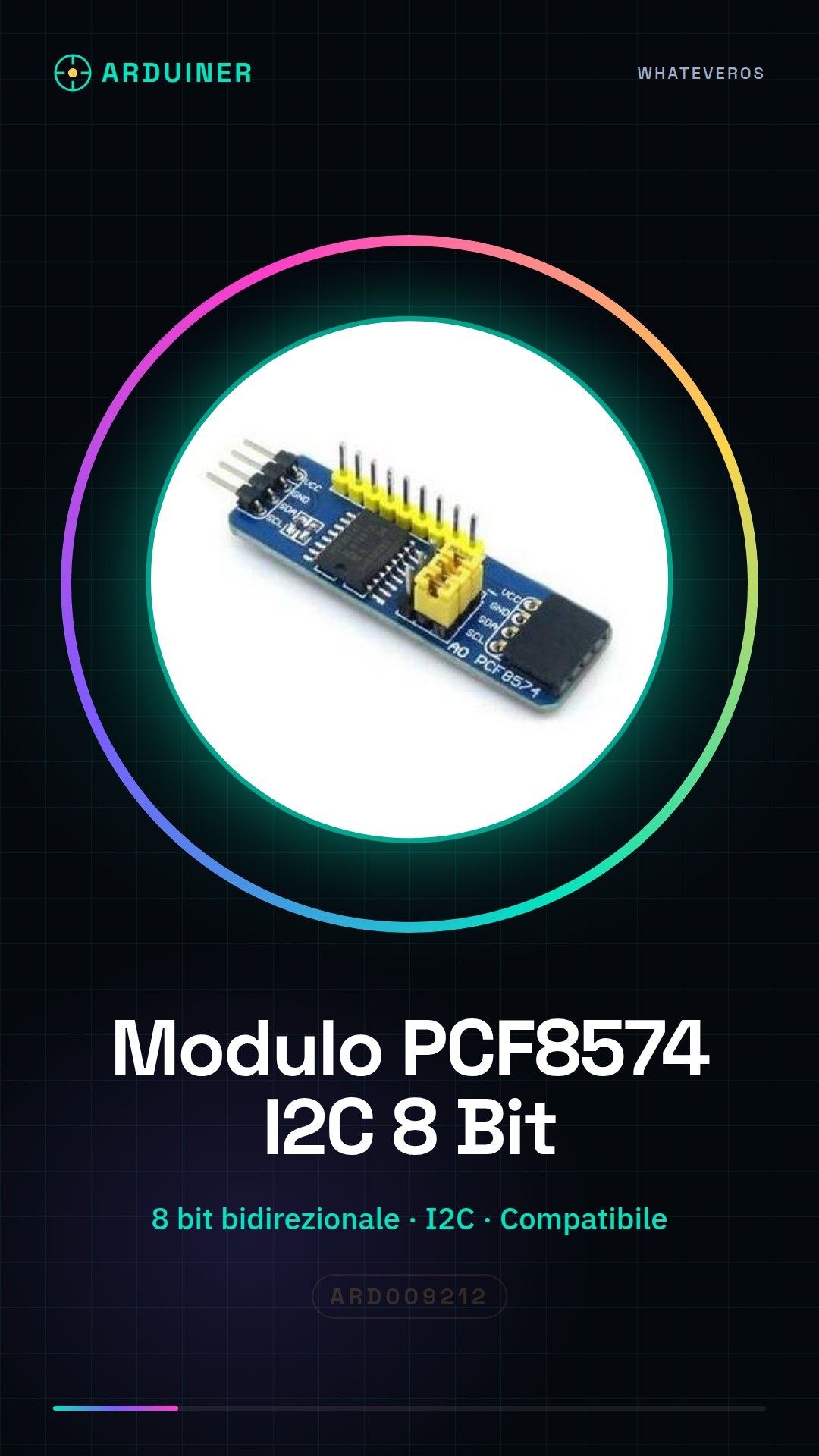
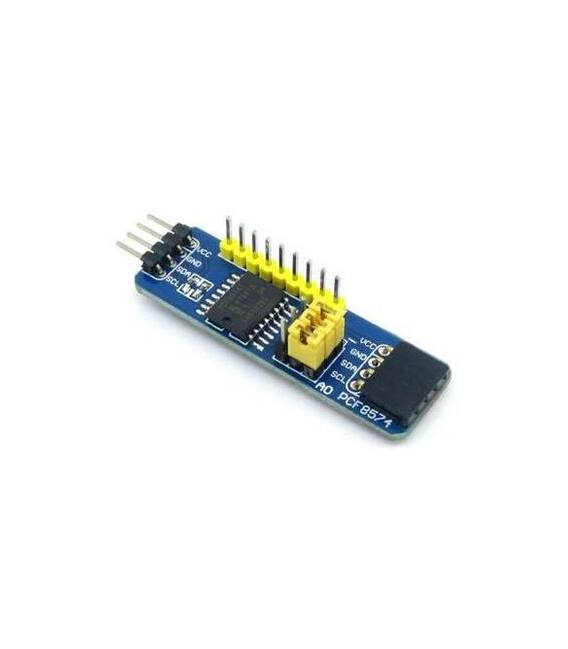
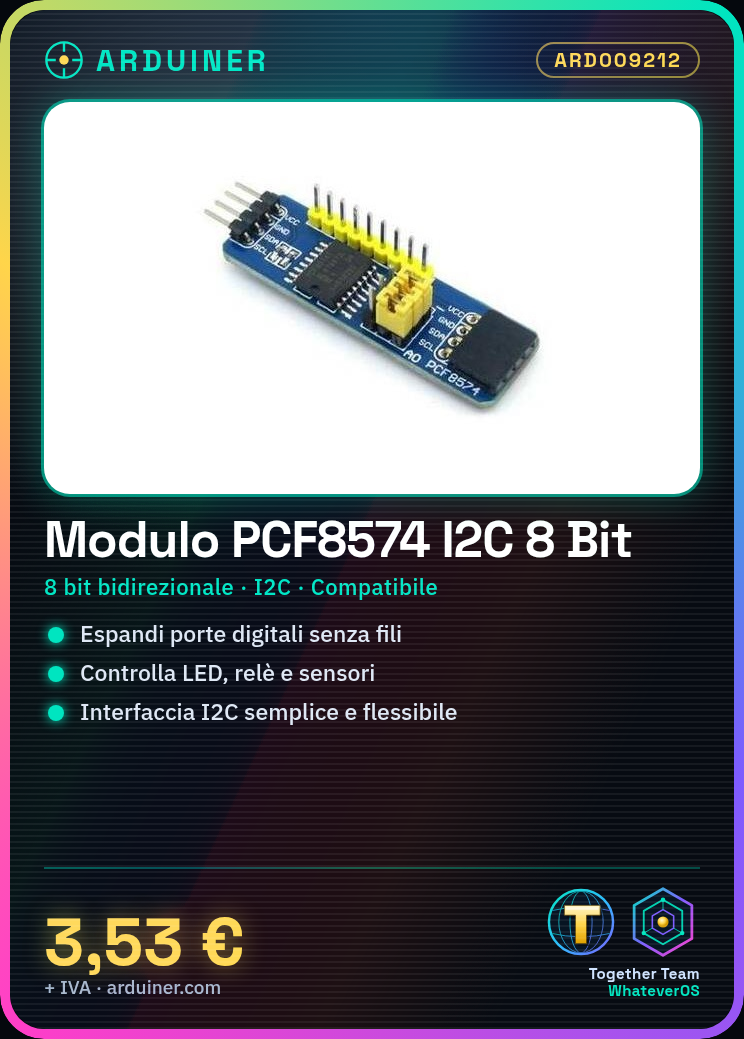
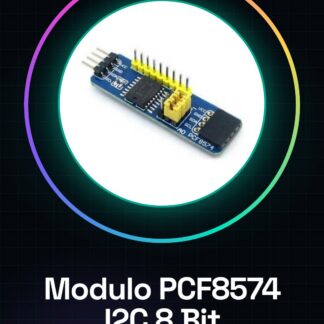
The PCF8574 I2C module is an 8-bit bidirectional expansion board for Arduino that allows increasing the number of available digital pins. Connected via the I2C bus, this module offers a simple and flexible interface for managing external devices such as LEDs, relays, and sensors.
Features
- 8-bit Bidirectional Expansion Board PCF8574 I2C
- Compatible with Arduino and other microcontrollers that support the I2C protocol
What it is for
The module is ideal for projects requiring a large number of digital pins, such as creating 8×8 LED matrix displays or interfacing with sensors and relays. It allows expanding the I/O capabilities of the Arduino microcontroller without adding additional physical connectors.
Tutorial: How to Use PCF8574 I2C Module
The PCF8574 I2C module is an 8-bit input/output expansion for Arduino. It is ideal for those who want to increase the number of available digital pins or control external devices such as LEDs, relays, and sensors.
What you need
- Arduino
- USB A-Micro B cable
- power supply
Steps
- Connect the PCF8574 I2C module to the Arduino using an FTDI cable or the Arduino USB port.
- Check the module address with a sample sketch like i2c_scanner.
- Install the Wire.h library if it is not already present in your Arduino environment.
- Write the code to read/stimulate the inputs/outputs of the PCF8574 I2C module.
- Check the datasheet for the specific pins you are using and their functions.
- Test the module with an LED or a resistor to see if everything works correctly.
- If necessary, adjust the code to fit your project requirements.
- Remember to check the power supply voltage and module specifications.
Example code
void setup() {
  Wire.begin();
  pinMode(0, INPUT);
}

void loop() {
  int val = digitalRead(0);
  Serial.println(val);
}
Mini project
Create an 8×8 LED matrix display with the PCF8574 I2C module and Arduino. Connect each column of the matrix to the module and write a sketch to turn the LEDs on and off.
Common mistakes
- Incorrect I2C address
- Insufficient power supply
- Incorrectly connected pins
- Libraries not installed correctly
Recommended accessories
- 8×8 LED matrix module
- Variable resistors
- Relay for Arduino
- RGB LEDs
Frequently asked questions
How can I find the I2C address of the module?
Use a sketch like the i2c_scanner included in the Wire library.
Can I connect a display directly to this module?
Yes, but make sure to check the specifications for voltage and data compatibility.
Which libraries are necessary?
Wire.h is sufficient to handle I2C commands.
Reviews
There are no reviews yet.