 EN
 IT Italiano
 ES Español
 FR Français
 DE Deutsch
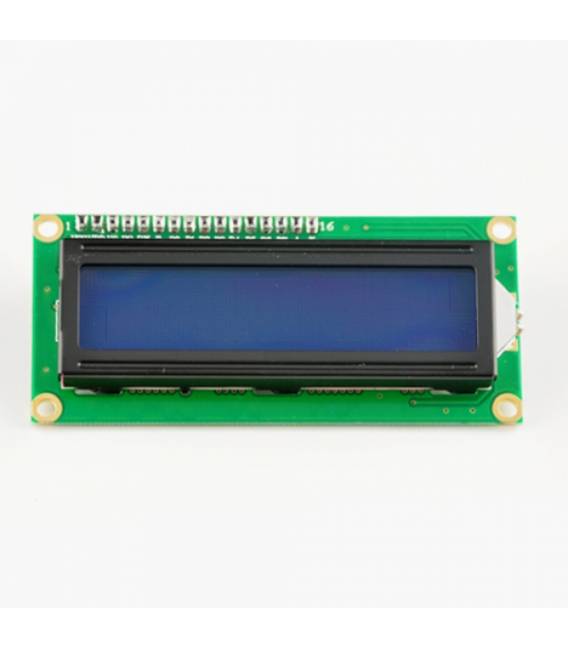
Description
What it is
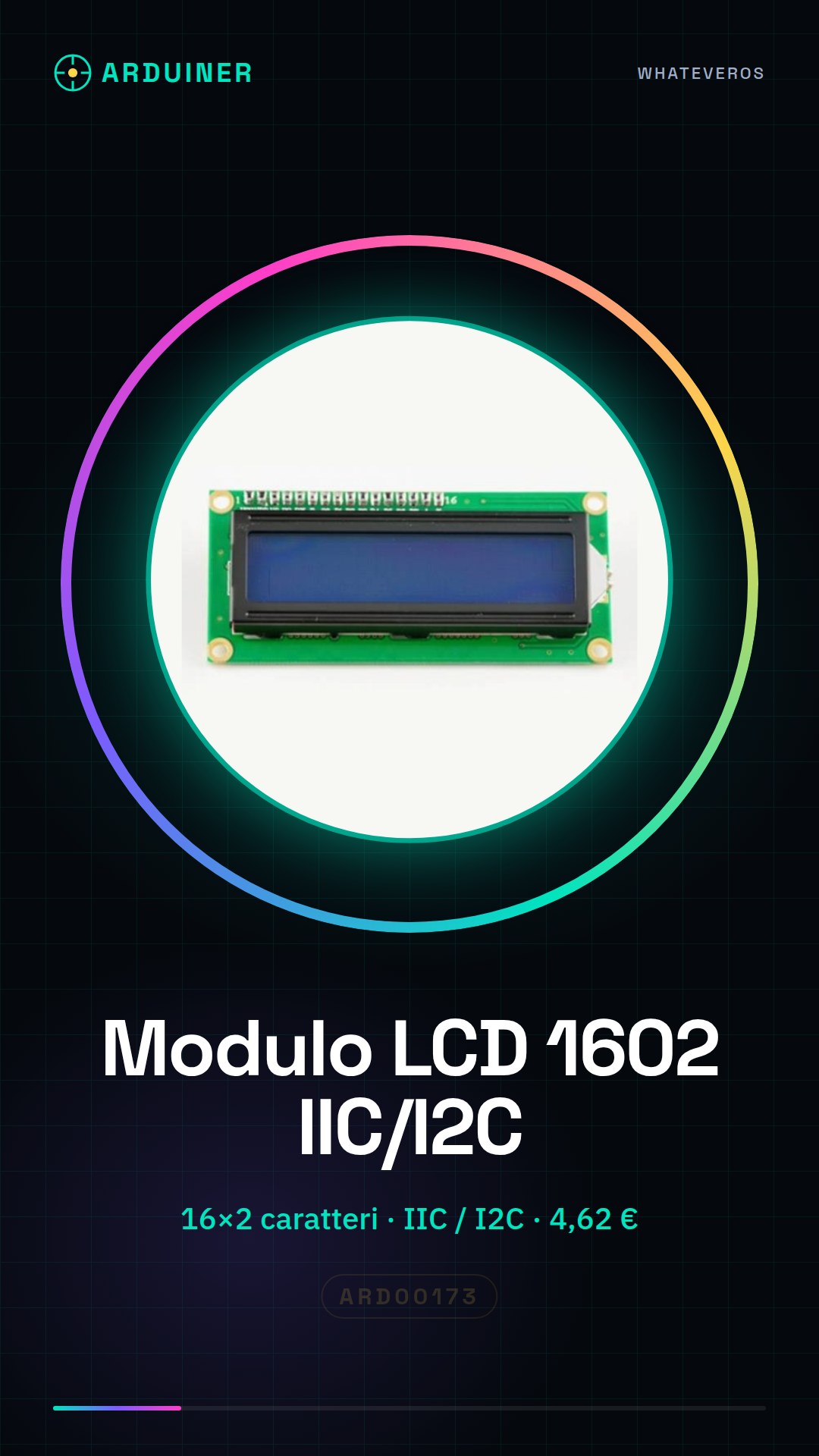
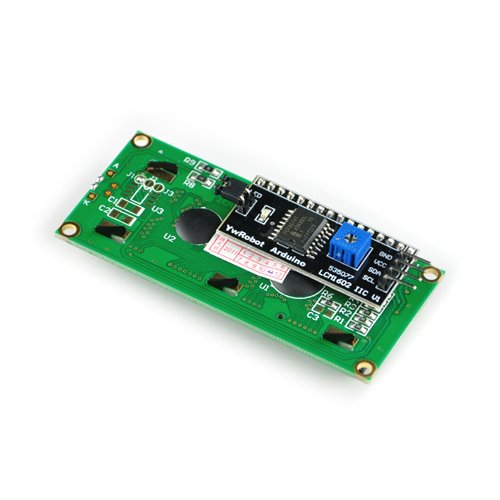
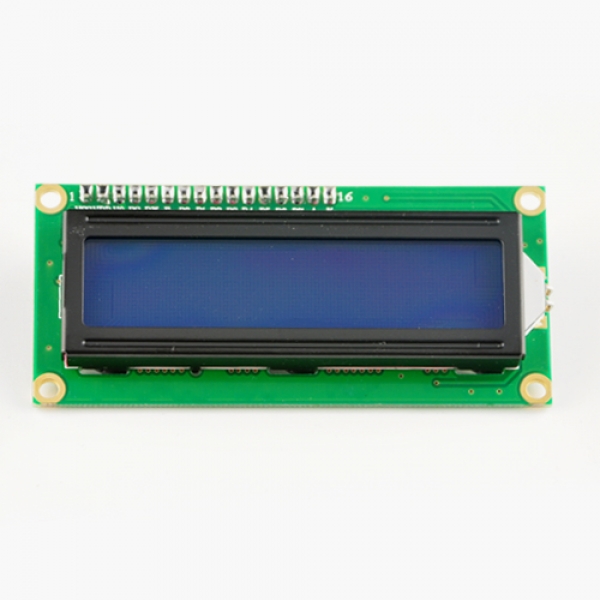
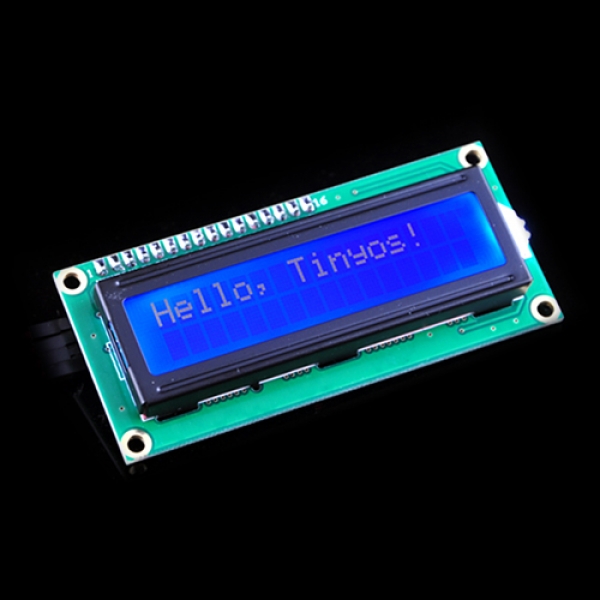
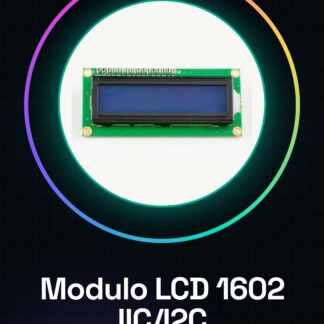
The Arduino IIC / I2C 1602 LCD module is a 16×2 character matrix display, ideal for Arduino projects requiring simple data visualization.
Features
- Dimensions: check the datasheet
- Display type: character matrix
- Resolution: 16×2 characters
- Interface: IIC / I2C
- Price: 4.62 €
What it is for
This module is perfect for displaying real-time data in your Arduino projects, such as: temperature, humidity, sensor values, status messages. It is suitable for both beginners and intermediate makers.
Tutorial: How to use IIC/I2C 1602 LCD Module
The IIC/I2C 1602 LCD module is an essential tool for Arduino projects that require simple and clear data visualization. Ideal for both beginners and intermediate makers, it allows easy display of text and numbers.
What you need
- Arduino Uno/Nano
- USB Type B cable
- I2C connection
Steps
- Connect the LCD module to the Arduino I2C bus using the module’s SDA and SCL pins. Check the datasheet for specifications.
- Install the LiquidCrystal_I2C library via the Arduino Library Manager.
- Configure the LiquidCrystal_I2C object with the I2C pin information and the display type (16×2).
- Enter a character or string to test the display on the screen.
- Verify that the data is correctly displayed on the LCD module.
- If necessary, add features such as cursor blink and cursor movement.
Example code
// Inserisci qui uno sketch semplice per testare il modulo
#include <Wire.h>
#include <LiquidCrystal_I2C.h>

// Definizione del display 16x2 con indirizzo I2C di default (0x27)
LiquidCrystal_I2C lcd(0x27, 16, 2);

void setup() {
    // Inizializza il display LCD
    lcd.begin();
    // Mostra messaggio iniziale
    lcd.print("Benvenuto!");
}

void loop() {
}
Mini project
Create a digital thermometer that displays ambient temperature and humidity on the LCD display. Use a DHT11 sensor or similar to collect the data.
Common mistakes
- I2C connection error (check the SDA and SCL pin connections).
- Data not displayed correctly (check the display configuration in the code).
- Problems with the LiquidCrystal_I2C library (make sure it is installed correctly).
- LCD display does not respond (check the module’s functionality and verify the power supply voltage)
Recommended accessories
- DHT11 sensor or similar for temperature and humidity measurement
- 9V battery for alternative power supply
- 3D printed protection for the LCD module
- JST connectors for more stable connection
Frequently asked questions
How can I change the I2C address of the module?
Check the datasheet to know how to change the I2C address if necessary.
Is the LCD display compatible with other microcontrollers besides Arduino?
Yes, but it may be necessary to adapt the code and the library used.
Reviews
There are no reviews yet.