 EN
 IT Italiano
 ES Español
 FR Français
 DE Deutsch
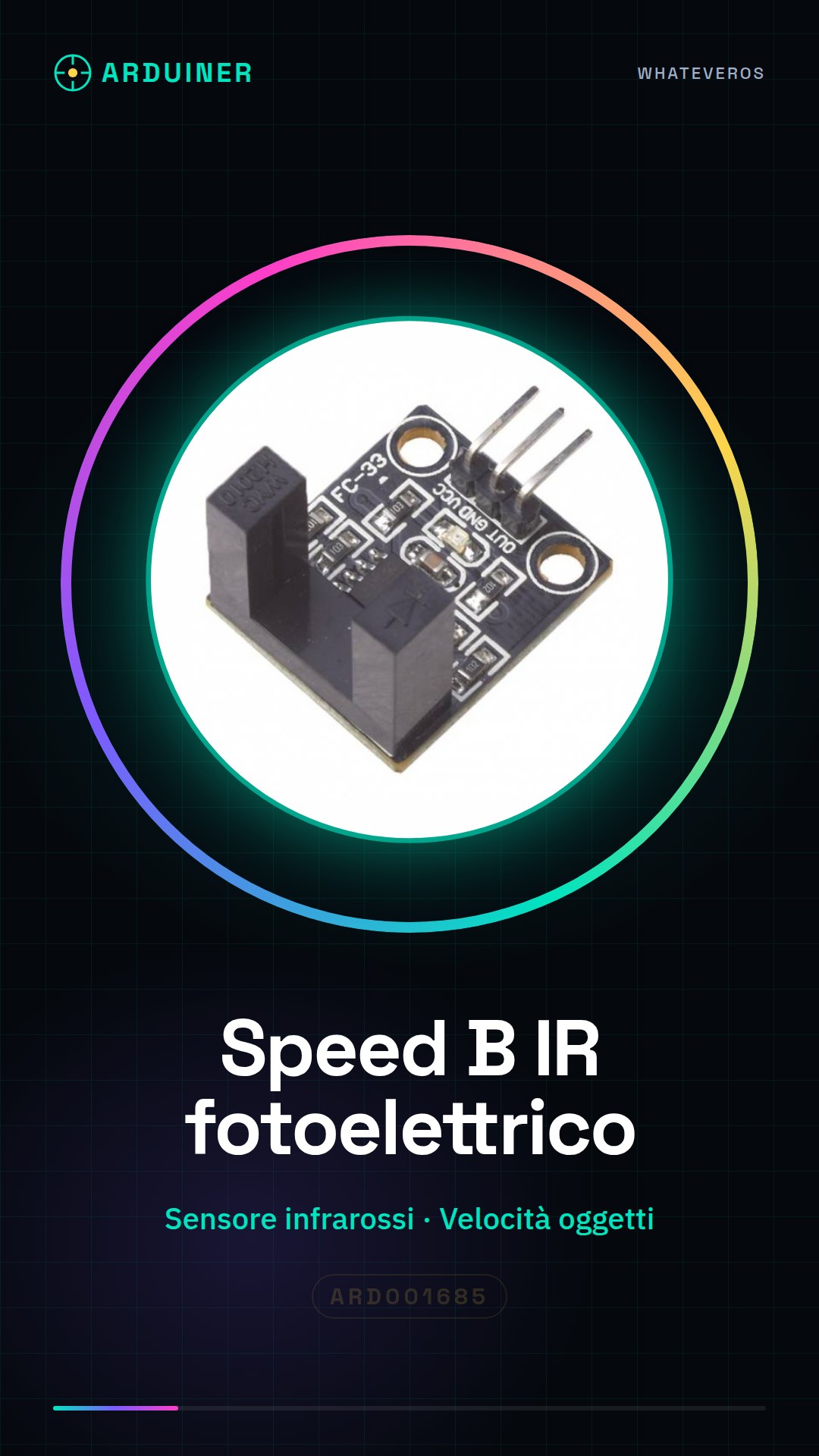
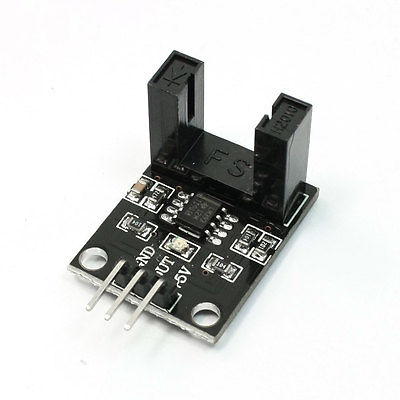
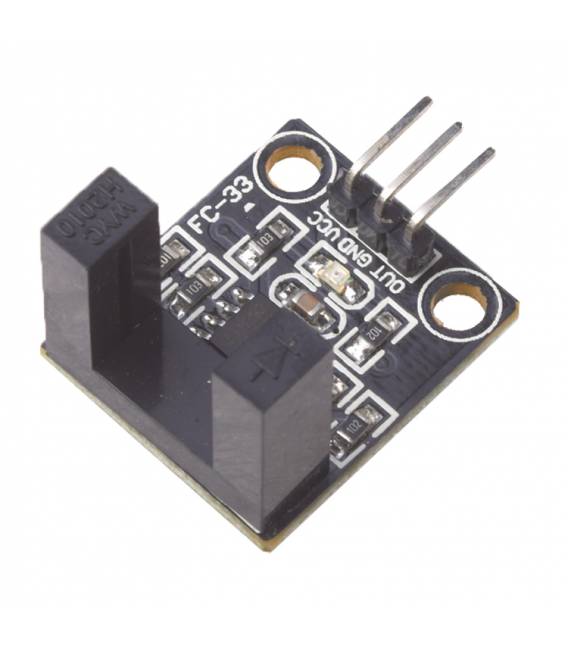
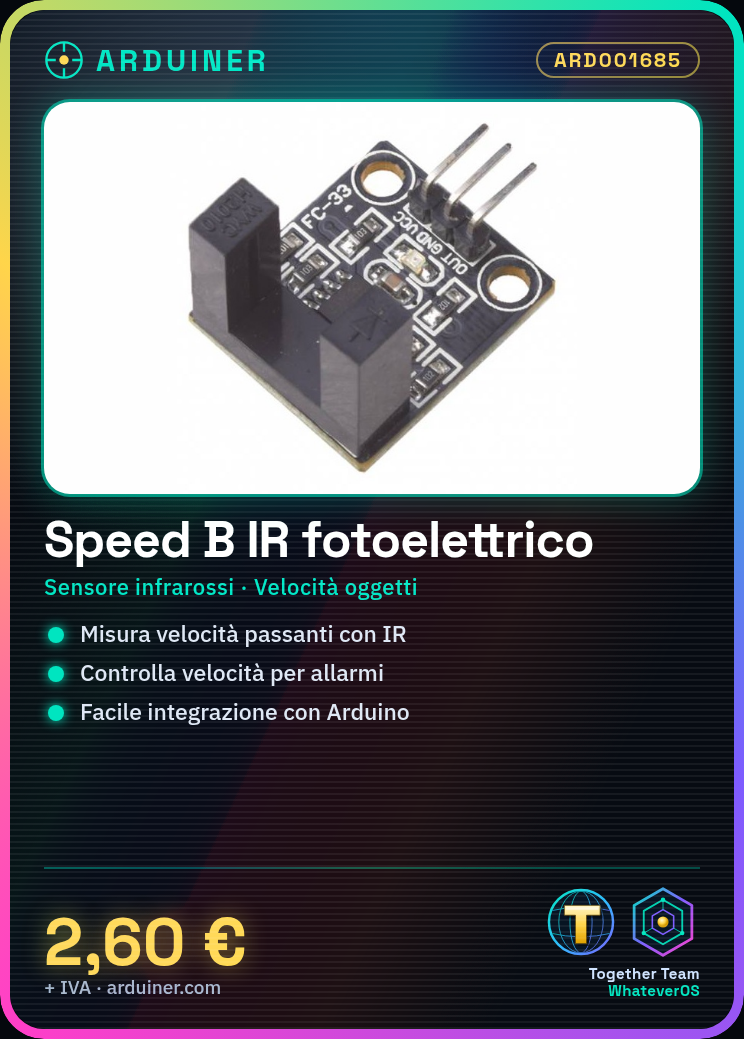
Description
What it is
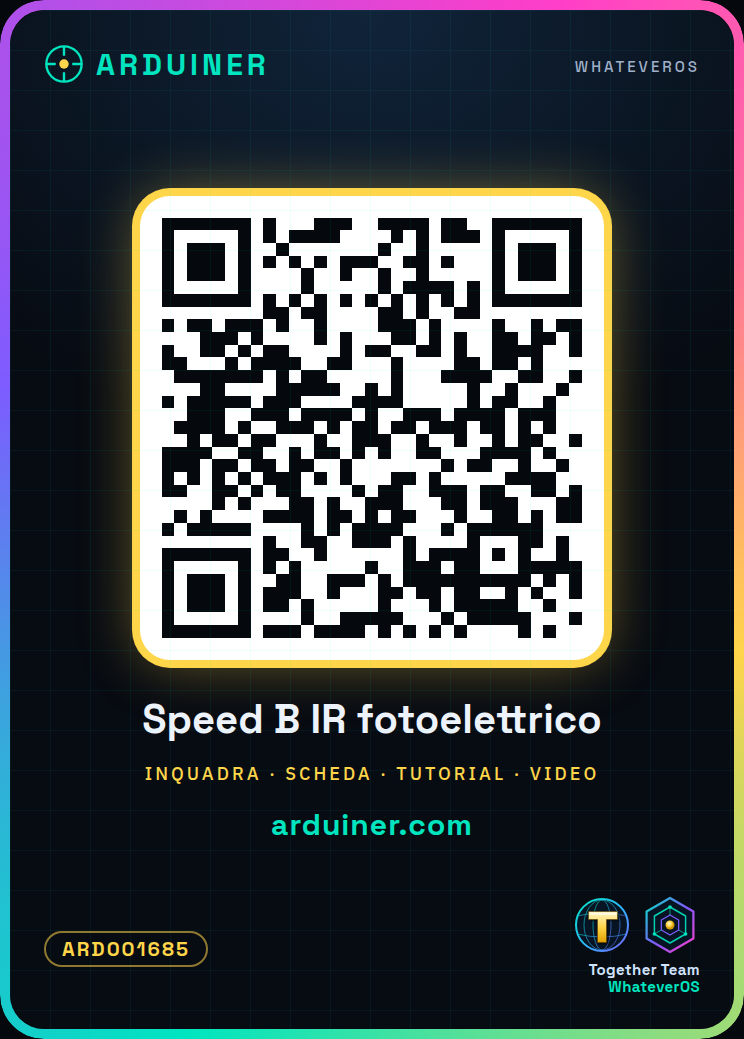
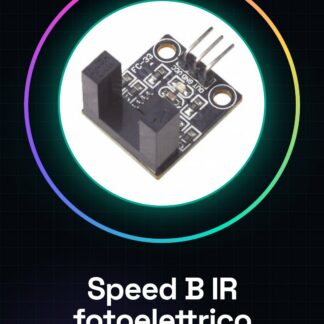
The infrared speed B photoelectric counter sensor is a useful device for automation and robotics projects. This infrared speed sensor measures the speed of objects passing in front of it.
Features
- Infrared speed B photoelectric counter sensor
- Perfect for automation and robotics projects
What it is for
This sensor can be used to build alarm systems that alert when an object or person enters a room at a speed higher than allowed. It is compatible with Arduino and ESP.
Tutorial: How to use Infrared Speed Sensor
The infrared speed sensor is a useful component for measuring the speed of objects passing in front of it, suitable for both beginners and experts.
What you need
- Arduino Uno or compatible
- USB Type B cable
- AAA batteries (if needed)
- Connect to PC
Steps
- Connect the sensor to the Arduino board following the product documentation.
- Install the necessary libraries for the sensor if they are not already present in the system.
- Write and upload a simple sketch that reads data from the sensor.
- Check the output on the serial monitor of Arduino IDE.
- Adjust the sensitivity of the sensor according to your needs.
- Implement an alarm or control system when the sensor detects movement above a certain speed.
- Test the sensor in real conditions, for example on a scale model.
- Document the results and improve the sketch if necessary.
Example code
void setup() {
  Serial.begin(9600);
}

void loop() {
  int velocita = speedSensor.readSpeed();
  Serial.println(velocita);
}
Mini project
Build an alarm system for the house that alerts when someone enters a room at a speed higher than allowed.
Common mistakes
- Do not verify the correct connection between Arduino and sensor.
- Use excessive ambient lighting without an adequate filter.
- Ignore the sensor sensitivity configuration for specific conditions.
- Do not add comments to the source code.
Recommended accessories
- Arduino Uno R3
- AAA Batteries (4 pieces)
- USB Type B Cable
- RGB LED
Frequently asked questions
How can I increase the sensor accuracy?
Check the datasheet and adjust the sensor sensitivity.
Does the sensor work in the dark?
Yes, but it may require an adaptation to reduce ambient noise.
Reviews
There are no reviews yet.