 EN
 IT Italiano
 ES Español
 FR Français
 DE Deutsch
Description
What it is
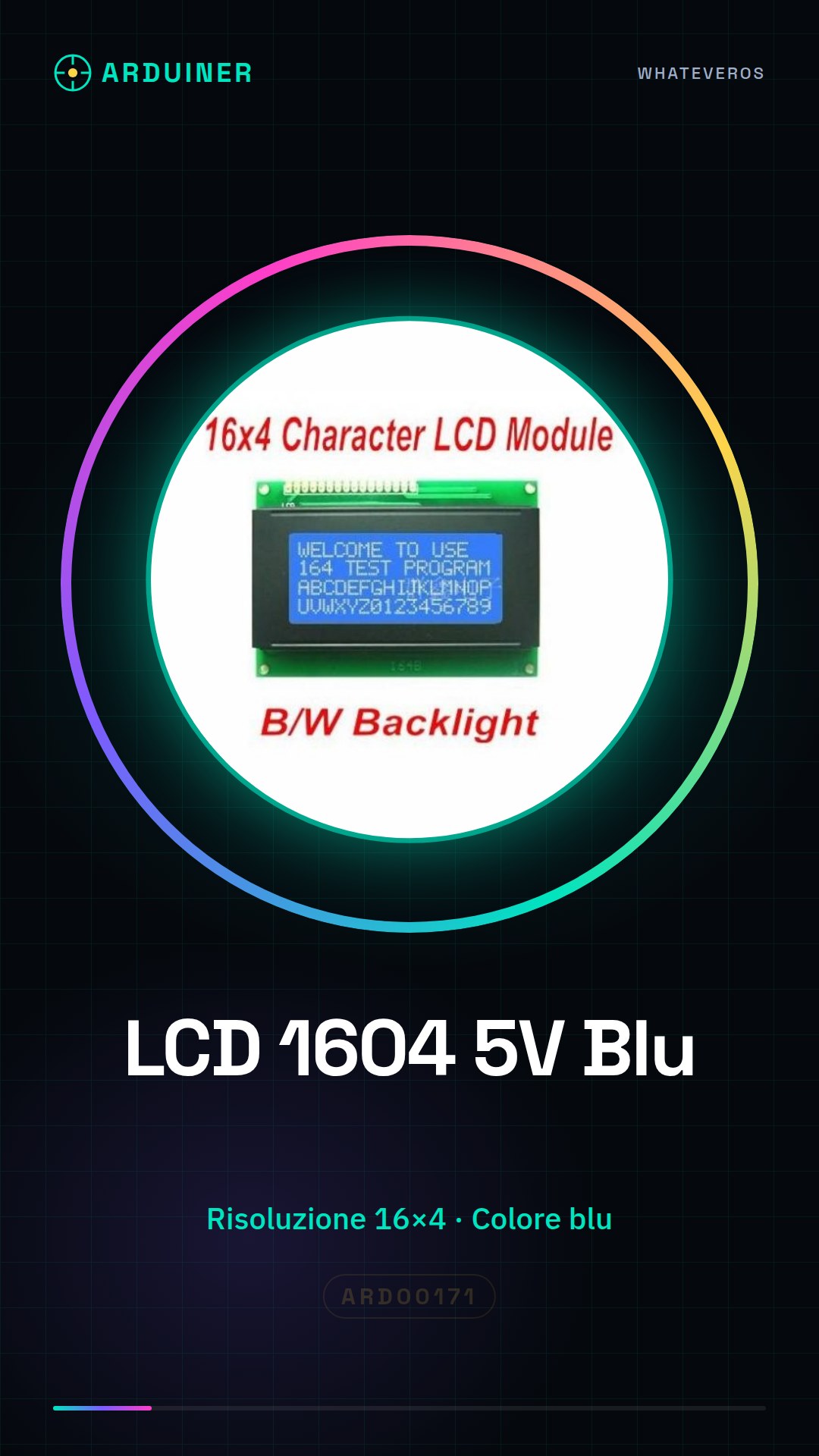
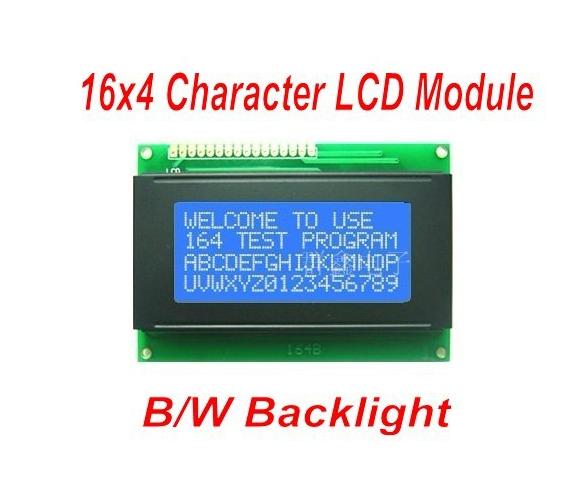
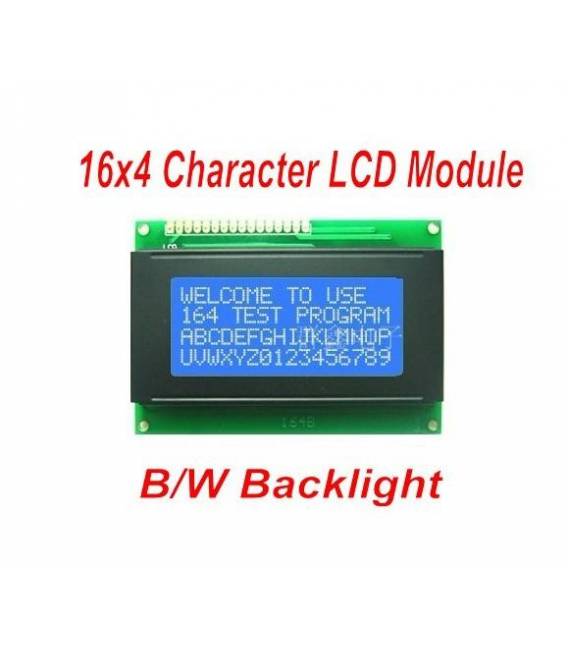
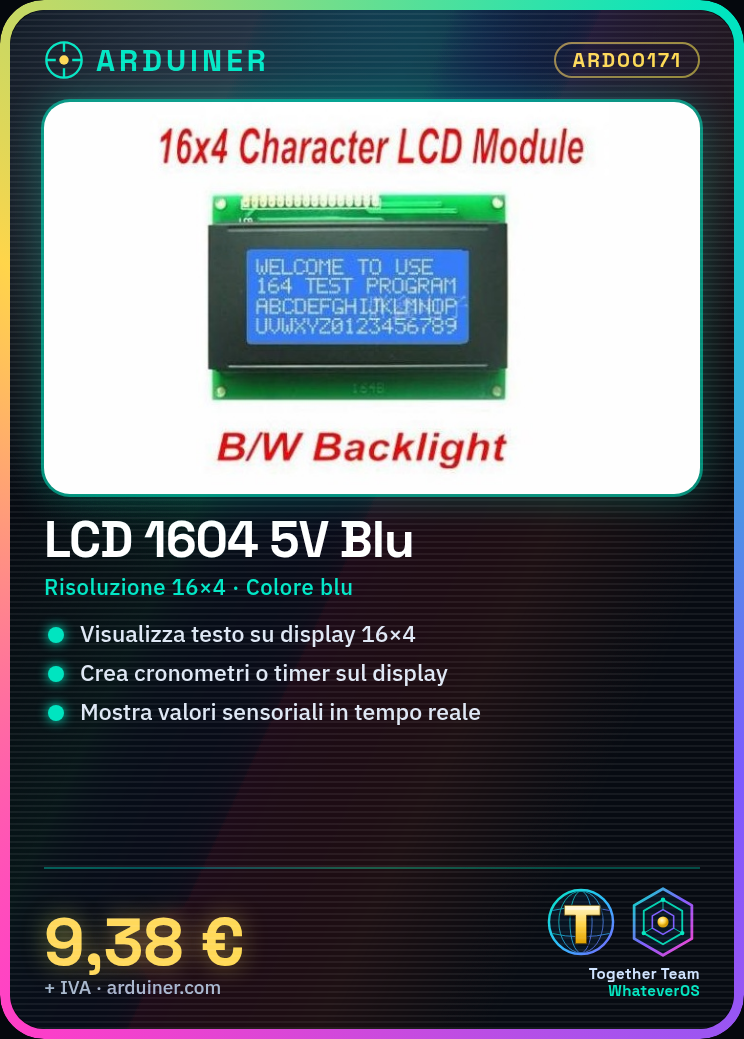
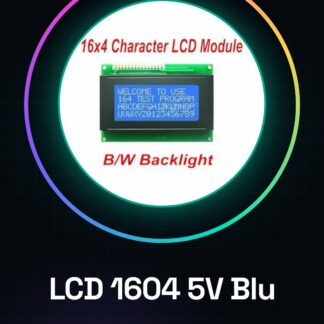
The LCD 1604 5V Blue Screen 16×4 is a character matrix display with a resolution of 16×4 characters. It is compatible with Arduino and other microcontrollers operating at 5V.
Features
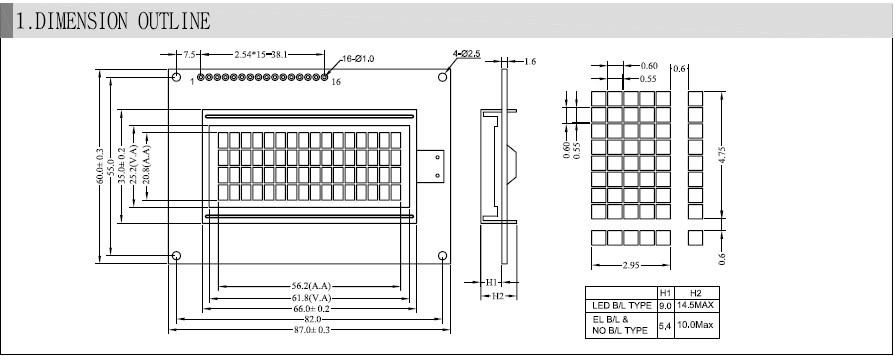
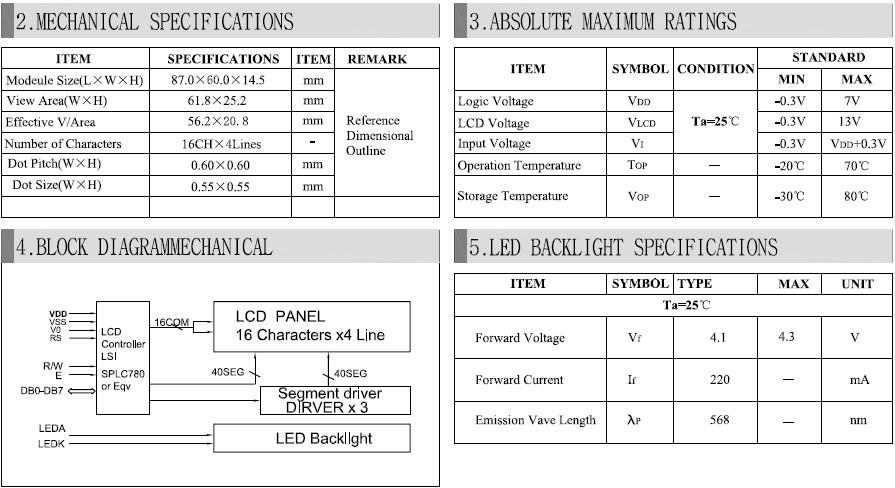
- Dimensions: check the datasheet
- Type: Character Matrix LCD
- Resolution: 16×4 characters
- Color: Blue
- Operating Voltage: 5V
- Compatibility: Arduino
What it is for
This LCD module is ideal for displaying textual information on Arduino projects. It can be used to create timers, display elapsed time in minutes and seconds, show sensor values or text messages. It is a useful component for beginners and intermediates who want to add a visual display to their projects.
Tutorial: How to Use the LCD 1604 5V Blue Screen 16×4 Arduino Compatible Module
The 1604 5V Blue LCD Screen Module is perfect for displaying information on Arduino projects. Ideal for beginners and intermediates, it allows text and small image display.
What you need
- 1604 LCD Module
- Arduino
- FPC Cable (provided)
- 10kΩ Pull-up Resistor (check datasheet)
Steps
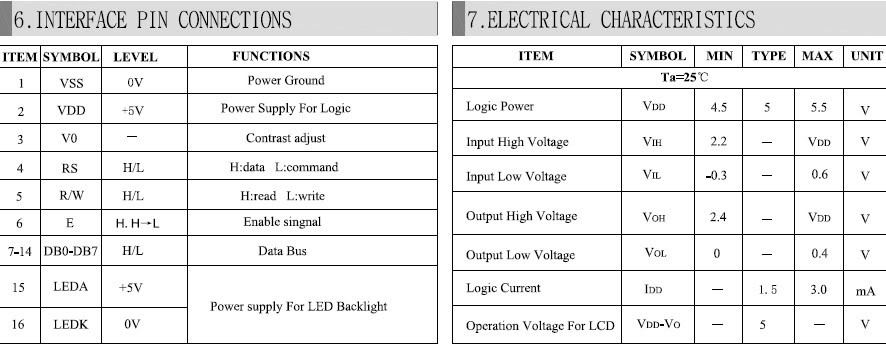
- 1. Connect the LCD module to the Arduino using the provided FPC cables. Check the datasheet for the correct pins.
- 2. Connect the pull-up resistor between VCC and GND on the LCD module.
- 3. Download the Graphics LCD library for Arduino from the Arduino website.
- 4. Open the Sketch and include the library: `#include
`. - 5. Initialize the LCD: `GLCD myGLCD;`.
- 6. Create a function to display text: `void printText(char *message) { myGLCD.locate(0, 0); myGLCD.print(message); }`.
- 7. Call the function in `loop()`: `printText(“Hello, Arduino!”);`.
- 8. Upload the Sketch to Arduino.
Example code
void loop() { stampaTesto("Ciao, Arduino!"); delay(2000); }Mini project
Create a simple stopwatch. Display elapsed time in minutes and seconds on LCD.
Common mistakes
- Omitting the pull-up resistor can cause malfunctioning issues.
- Incorrectly connecting the LCD module pins can damage the display.
- Do not use an unofficial library that may not work correctly.
- Ignoring the Arduino code update can cause display errors.
Recommended accessories
- Digital sensors
- Batteries
- Switches
- Buttons
Frequently asked questions
How can I customize the screen design?
Use the Graphics LCD library to draw shapes and images.
Does the LCD module work with Arduino UNO and Mega?
Yes, but check compatibility on the datasheet.
What features can the LCD module display?
It can display text, numbers, and simple images.
Does the LCD module consume a lot of power?
The consumption is low, but it uses a separate battery to work independently of the Arduino.
Reviews
There are no reviews yet.