 EN
 IT Italiano
 ES Español
 FR Français
 DE Deutsch
Description
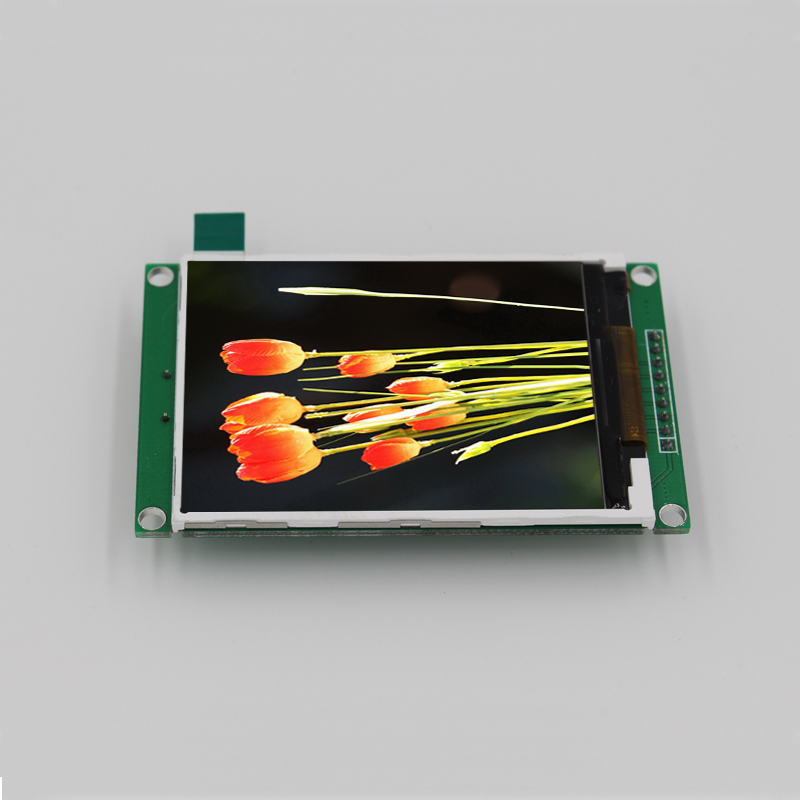
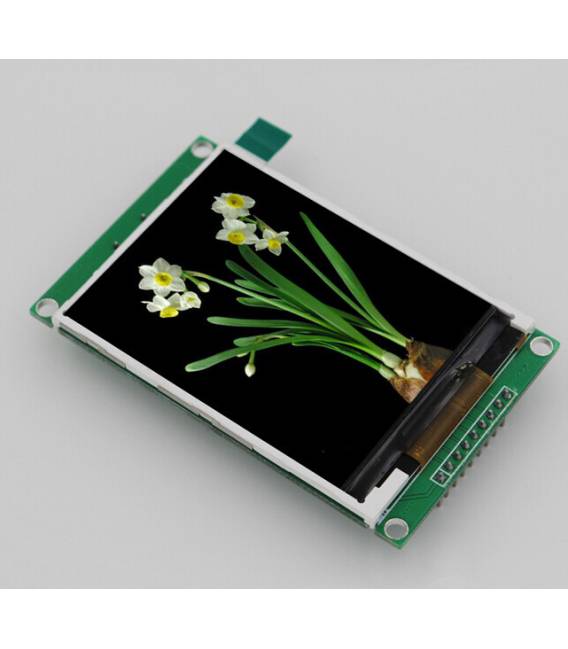
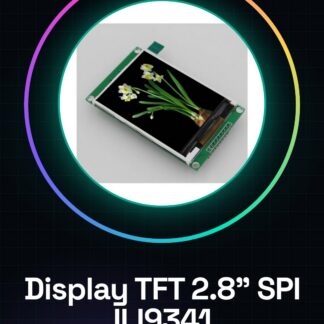
What is it? The 2.8″ SPI ILI9341 TFT display is an electronic component designed for data visualization and user interface in various electronic applications, including Arduino-based projects. Features: Type of display: Color TFT LCD Screen size: 2.8 inches Interface: SPI Display driver: ILI9341 What is it used for? This display is ideal for graphical display projects, such as digital clocks with real-time date and temperature display. It is compatible with Arduino and can be used by both beginners and intermediates. How to use it: 2.8″ ILI9341 SPI Color LCD Display is ideal for Arduino projects requiring graphical display. Suitable for both beginners and intermediates. What do you need? Arduino Uno or compatible USB Type B cable Power supply 5V/3.3V TFT_ILI9341 and Adafruit_GFX libraries Steps: Connect the display to the Arduino microcontroller following the pin mapping specified in the datasheet. Install the required libraries via the Arduino IDE: TFT_ILI9341 and Adafruit_GFX Configure display parameters in the library, check the datasheet for any necessary changes. Write a simple sketch that initializes the display and draws a rectangle or line. Verify correct text and color display on the entire screen. Add features like page scrolling, real-time clock display, or simple graphs to increase interactivity. Example code: /* Include libraries */ #include #include // Create a TFT object with defined pins TFT_ILI9341 tft = TFT_ILI9341(TFT_CS, TFT_DC, TFT_MOSI, TFT_SCLK, TFT_RST); tft.begin(); // Initialize the display tft.fillScreen(TFT_BLACK); // Set the display background to black Mini-project: Create a digital clock with real-time date and temperature display. Common errors: Incorrect power supply voltage for the display. Using incorrect libraries or not installing them correctly. Forgetting to initialize the display in the Arduino code. Incorrectly connecting pins, potentially damaging the display. Recommended accessories: USB Type B cable Breadboard Power supply 5V/3.3V Pull-up resistors Frequently asked questions: What is the display resolution? Check the datasheet for the display resolution.
Reviews
There are no reviews yet.