 EN
 IT Italiano
 ES Español
 FR Français
 DE Deutsch
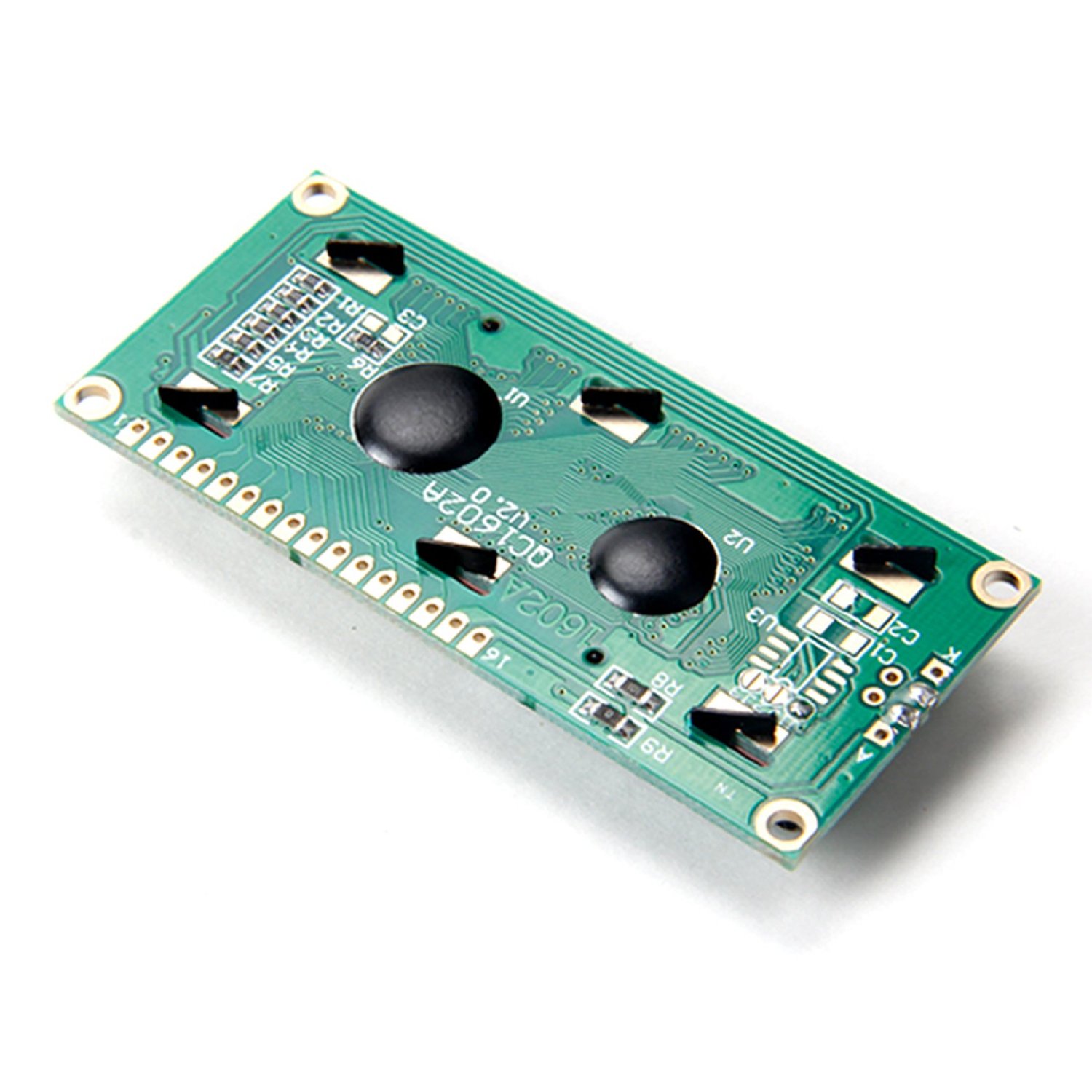
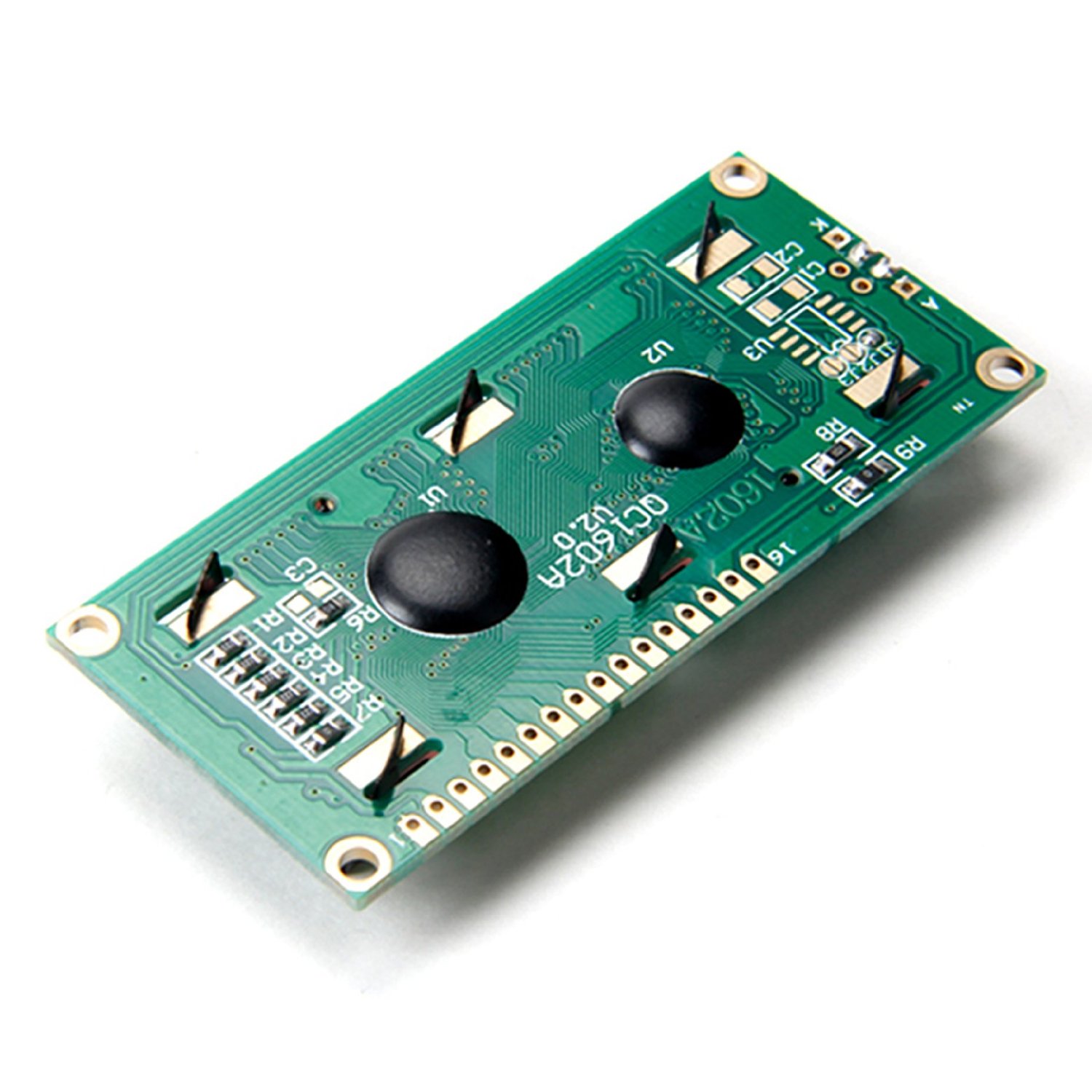
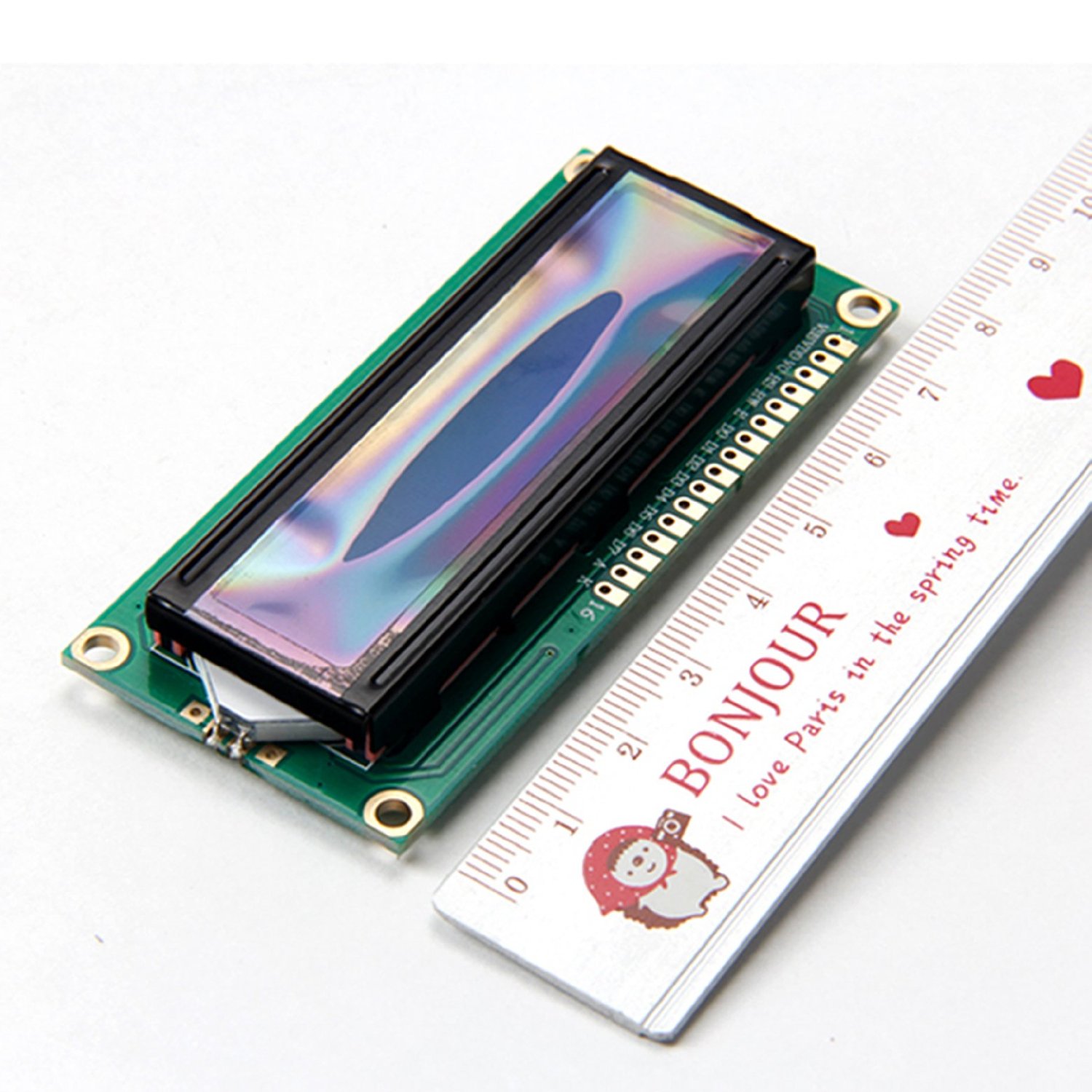
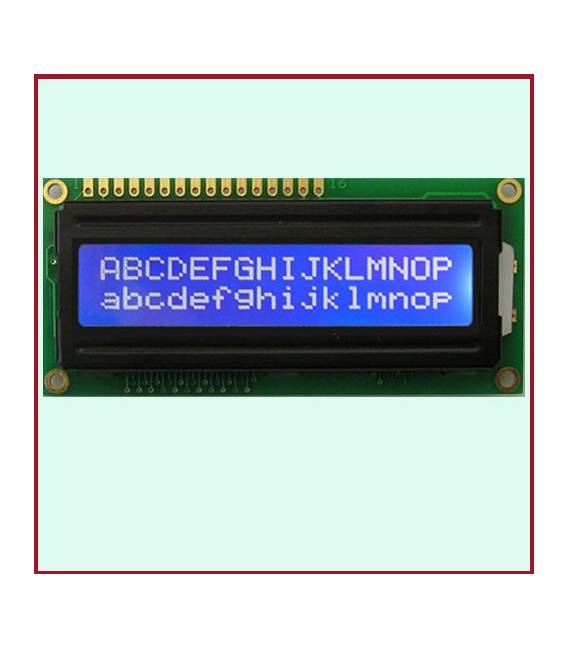
Description
What it is
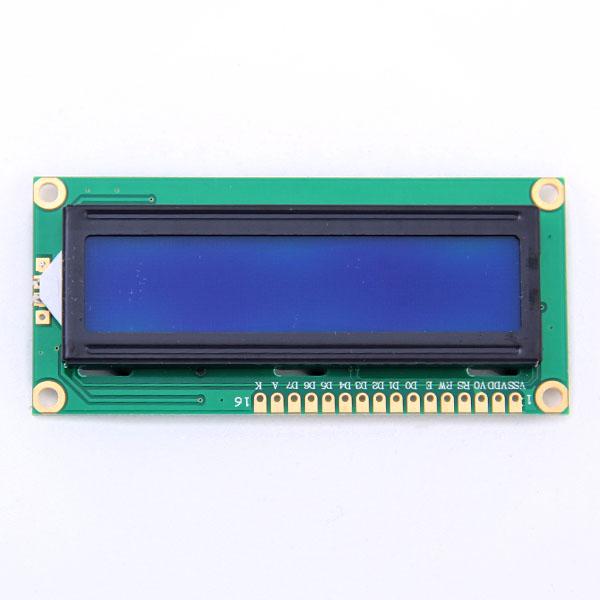
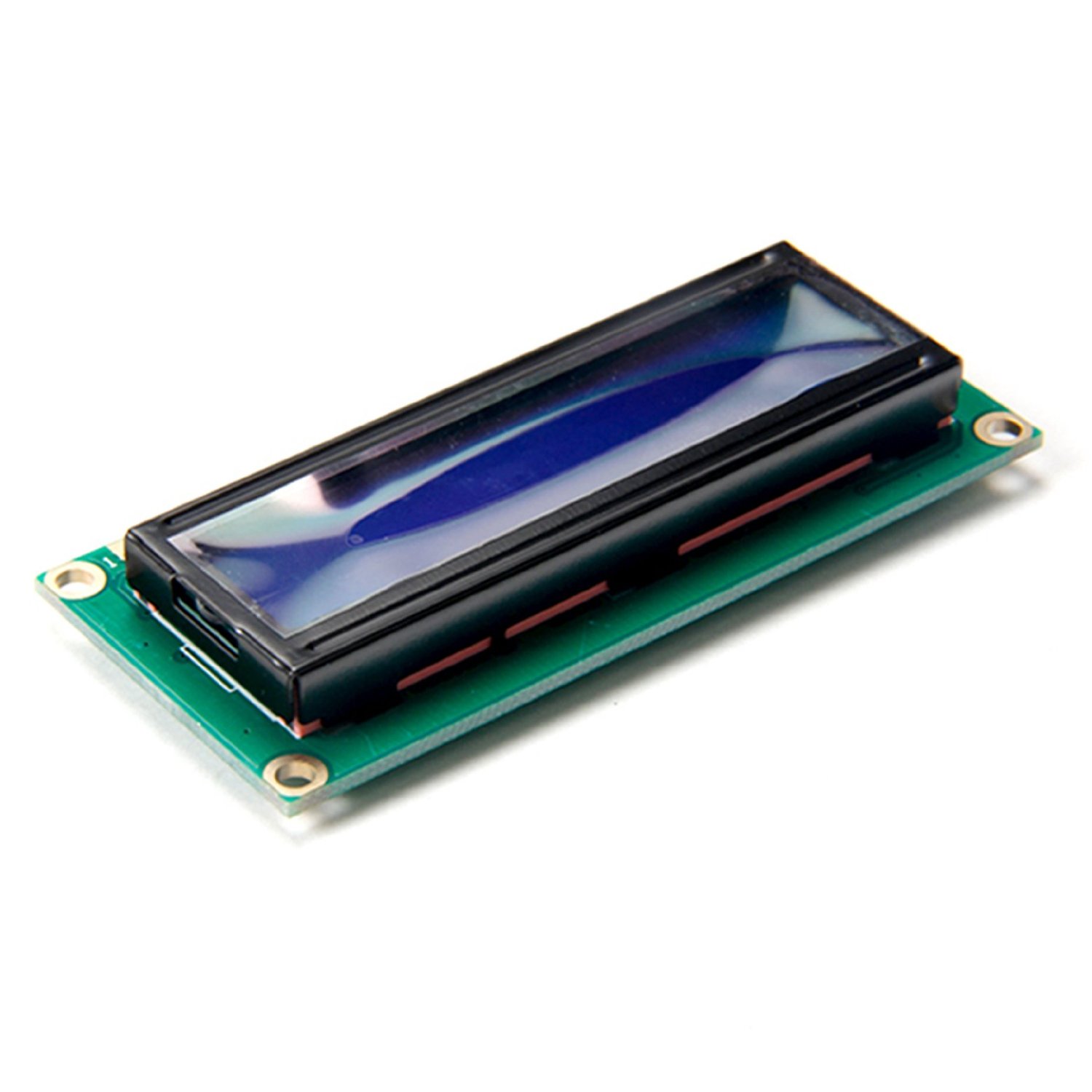
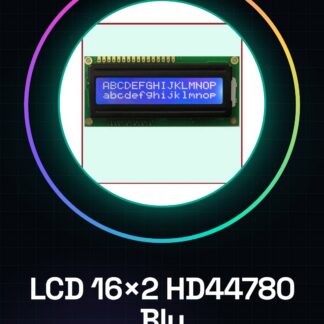
The LCD 16×2 HD44780 Module with blue backlight is an electronic component designed for displaying text and data in Arduino projects. This module offers a clear and readable screen, suitable for both beginners and more experienced makers.
Features
- Type: LCD 16×2 HD44780
- Blue backlight
- Compatible with Arduino and other microcontrollers
What it is for
The LCD 16×2 module can be used to display information such as temperature, battery level, or any other numeric or text data. For example, it is possible to create a digital thermometer that shows the temperature measured by a DS18B20 sensor.
Tutorial: How to use LCD Display Module Arduino 16×2 HD44780 LCM Blue Backlight
This LCD module is ideal for clearly and legibly displaying information on Arduino projects. It is suitable for both beginners and intermediate makers.
What you need
- Arduino Uno or compatible
- USB Type B cable
- 5V power supply connection
Steps
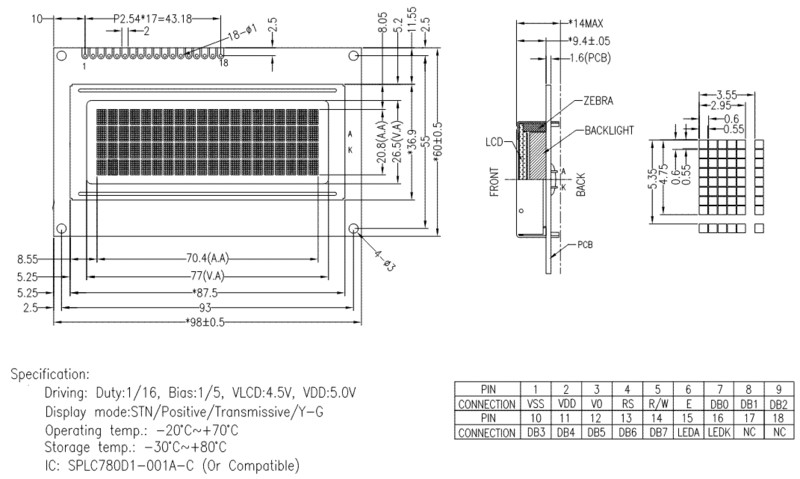
- Connect the VCC and GND pins of the LCD module to the Arduino’s 5V power supply and ground respectively.
- Connect the RS pin of the LCD module to digital pin 12 of the Arduino.
- Connect the E (Enable) pin of the LCD module to digital pin 11 of the Arduino.
- Connect the D4, D5, D6, and D7 pins of the LCD module to digital pins 8, 9, 10, and 13 of the Arduino respectively.
- Check the backlight by connecting the V0 pin to GND to turn on or off the blue illumination.
- Install the LiquidCrystal_I2C library from the Arduino IDE library manager.
- Configure the LCD module in the code using the correct pins and display dimensions (16×2).
- Write text to the display using methods like ‘lcd.print()’ or ‘lcd.setCursor()’.
Example code
// Includi la libreria LiquidCrystal_I2C
#include <LiquidCrystal_I2C.h>
// Definisci il modulo LCD
LiquidCrystal_I2C lcd(0x27, 16, 2);
void setup() {
  // Inizializza il display
  lcd.begin();
}
void loop() {
  // Scrivi testo sul display
  lcd.print("Benvenuto!");
}
Mini project
Create a digital thermometer that displays the temperature on this LCD module. Use a DS18B20 temperature sensor connected to the Arduino to measure the temperature and update the display every minute.
Common mistakes
- Pin connection error
- Wrong library selection
- Missing adequate power supply
- Incorrect display settings
Recommended accessories
- DS18B20 temperature sensor
- RTC module for date and time
- PIR motion sensors
- 5V relay
Frequently asked questions
The LCD module turns off after a few seconds.
Check that the backlight is not connected to GND. If necessary, add a resistor to limit the current flow.
I don’t see anything on the display.
Check the connections and verify that you have correctly installed the LiquidCrystal_I2C library.
Reviews
There are no reviews yet.