 EN
 IT Italiano
 ES Español
 FR Français
 DE Deutsch
Description
What it is
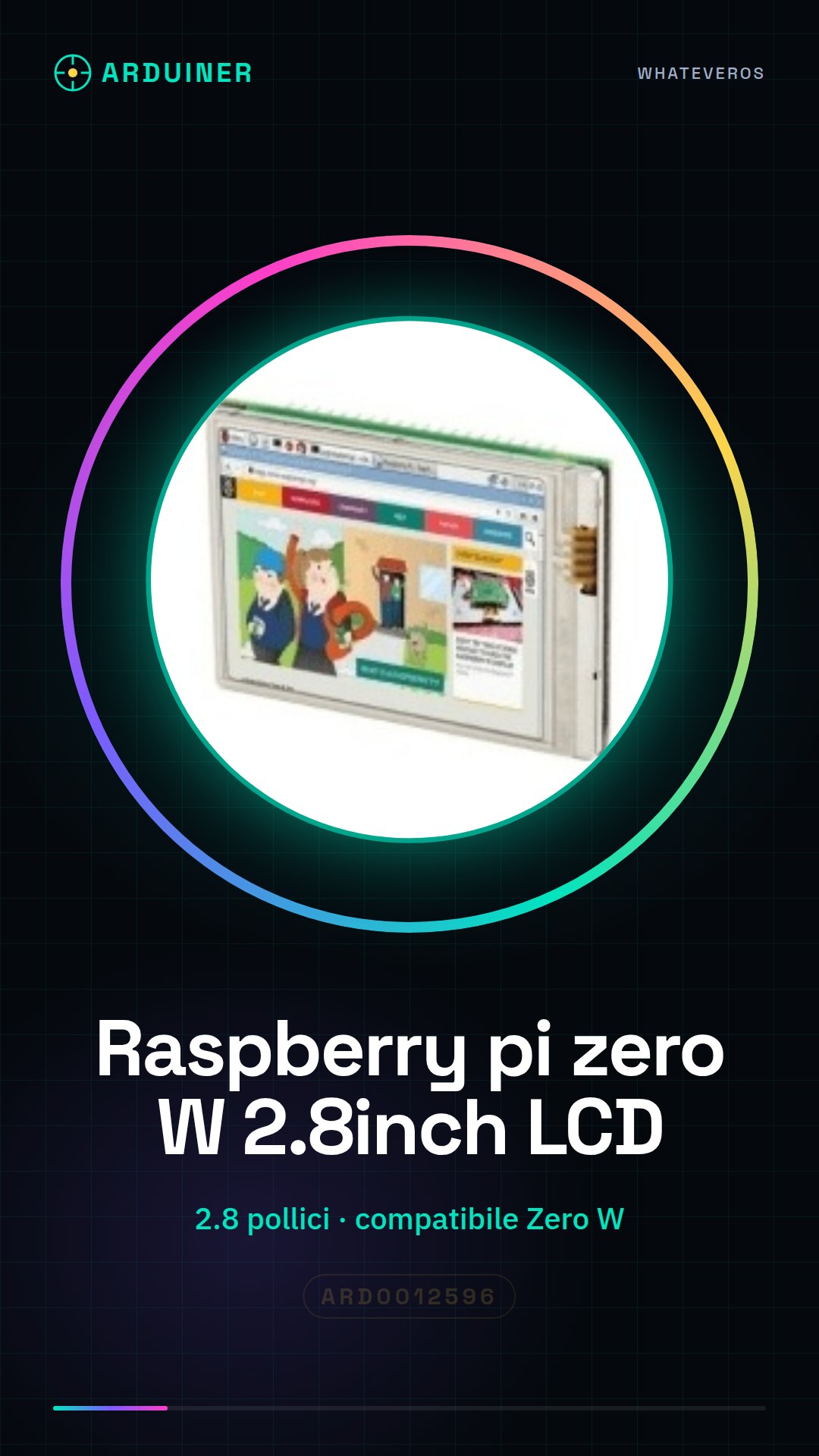
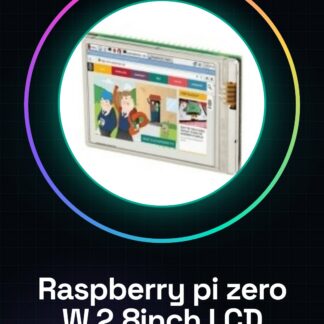
The Raspberry Pi Zero W 2.8inch LCD is a color LCD display compatible with the Raspberry Pi Zero W. This liquid crystal screen offers a clear resolution and vivid colors, making it ideal for electronic and programming projects that require graphical display.
Features
- Screen size: 2.8 inches
- Compatible with Raspberry Pi Zero W
- Allows for clear and colorful display of information
What it is for
This LCD display can be used to create home dashboards that show temperature, humidity, and ambient light levels in real-time. It is also ideal for monitoring sensors or any other project that requires a visual interface. Check the datasheet for further technical details.
Tutorial: How to use the Raspberry Pi Zero W 2.8inch LCD
This color LCD screen for the Raspberry Pi Zero W allows you to display information clearly and colorfully. Ideal for home dashboard projects, sensor monitoring, or any other project that requires a visual interface.
What you need
- Raspberry Pi Zero W
- microSD with Raspbian
- USB power supply / adapter
- micro USB cable
- connector kit
Steps
- Install Raspbian on a microSD card and insert it into the Raspberry Pi Zero W.
- Connect the Raspberry Pi Zero W to the USB power supply.
- Connect the connector kit to the Raspberry Pi Zero W and the LCD display.
- Install the necessary libraries for the display (check the datasheet).
- Configure the display in the Raspbian configuration file (check the datasheet).
- Verify the correct display of the screen.
- Test the display functionality with a simple Python script (check the datasheet).
- Customize the display with a custom application or script.
Example code
import RPi.GPIO as GPIO
from RPLCD.i2c import CharLCD
lcd = CharLCD('PCF8574', 0x27)
lcd.write_string('Ciao, mondo!')
Mini project
Create a home dashboard that shows temperature, humidity, and ambient light levels in real-time.
Common mistakes
- The display does not turn on. Check the connection and configuration.
- The text on the display is unreadable. Check the contrast and brightness configuration.
- The display shows only one character. Check the character buffer configuration.
- The display does not respond. Check the connection and driver compatibility.
Recommended accessories
- Connector kit for Raspberry Pi Zero W
- Temperature and humidity sensors
- Ambient light sensors
- Prototyping kit for Raspberry Pi Zero W
Frequently asked questions
How can I customize the display?
Use Python scripts to create custom interfaces and add features like input buttons.
Is the display compatible with other Raspberry Pi models?
Check compatibility and configuration on the display datasheet.
Reviews
There are no reviews yet.