 EN
 IT Italiano
 ES Español
 FR Français
 DE Deutsch
Description
What it is
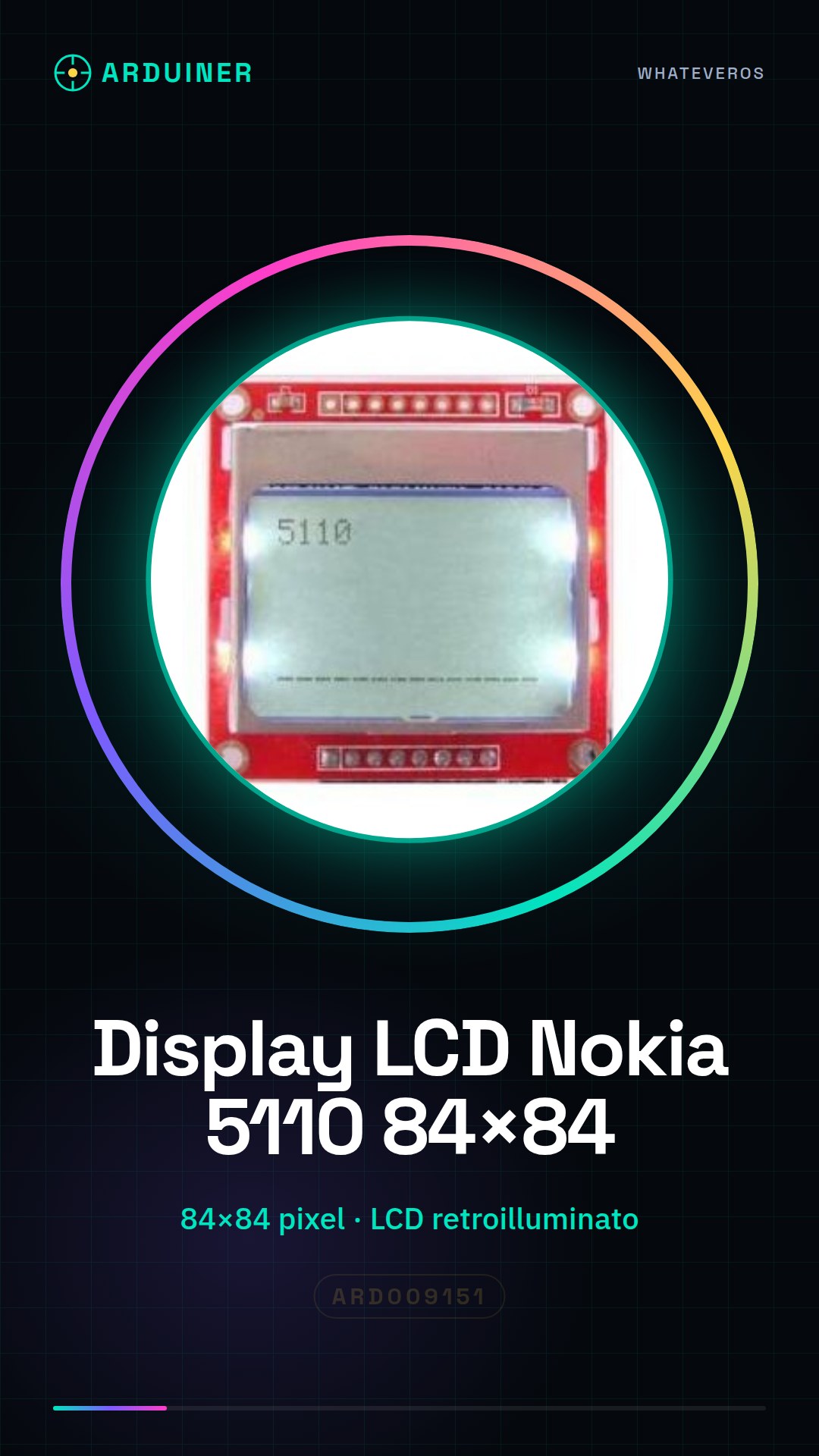
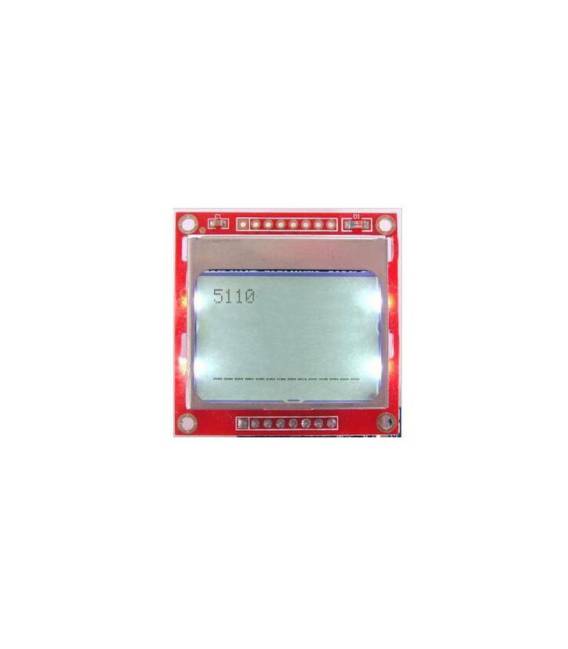
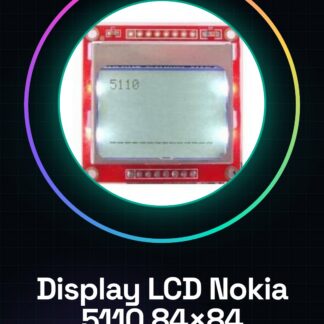
Nokia 5110 LCD Display Module with backlight, compatible with Arduino. Allows you to display text and simple images on a backlit display.
Features
- Display dimensions: 84×84 pixels
- Display type: LCD
- Backlight: Yes
- Compatibility: Arduino
- SKU: ARD009151
- Price: 4.48 €
What it is for
Ideal for electronics projects and prototypes. Useful for creating user interfaces and monitoring. Examples of use: digital timer, real-time information display.
Tutorial: How to use the Nokia 5110 LCD 84×84 Display
This module allows you to display text and simple images on a backlit display. Useful for user interface and monitoring projects.
What you need
- Arduino
- 10-pin dual cable
- 1 kΩ resistor (for contrast function)
Steps
- 1. Installation: Download the ‘Adafruit_GFX’ and ‘Adafruit_PCD8544’ libraries for Arduino.
- 2. Connection: Connect pins D11, D12, D13, GND, and VCC to your Arduino.
- 3. Connect the 1 kΩ resistor between VCC and D7.
- 4. Load the example code.
- 5. Test the display with the command ‘lcd.print(“Hello, Arduino!”)’.
- 6. Try to display simple images with ‘lcd.image(0, 0, img, 84, 84);’.
- 7. Adjust the contrast by varying the resistor.
- 8. Check the datasheet for further settings.
Example code
```
#include <Adafruit_GFX.h>
#include <Adafruit_PCD8544.h>

Adafruit_PCD8544 lcd = Adafruit_PCD8544(D11, D12, D13, D7);

void setup() {
  lcd.begin();
}

void loop() {
  lcd.print("Ciao, Arduino!");
}
```
Mini project
Create a digital timer with the display showing time in seconds.
Common mistakes
- Forget to connect the contrast resistor.
- Set the pins correctly on Arduino.
- Omit the necessary library.
- Do not adjust the contrast.
Recommended accessories
- Arduino Uno
- 1 kΩ resistor
- 10-pin dual cable
- Beginner’s electronics books
Frequently asked questions
How to set the contrast?
Connect the 1 kΩ resistor between VCC and D7 to adjust the contrast.
Which pins to use on Arduino?
Use pins D11, D12, D13, and D7.
Can I use this module with an Arduino Mega?
Yes, but check pin compatibility.
Reviews
There are no reviews yet.