 EN
 IT Italiano
 ES Español
 FR Français
 DE Deutsch
Description
What it is
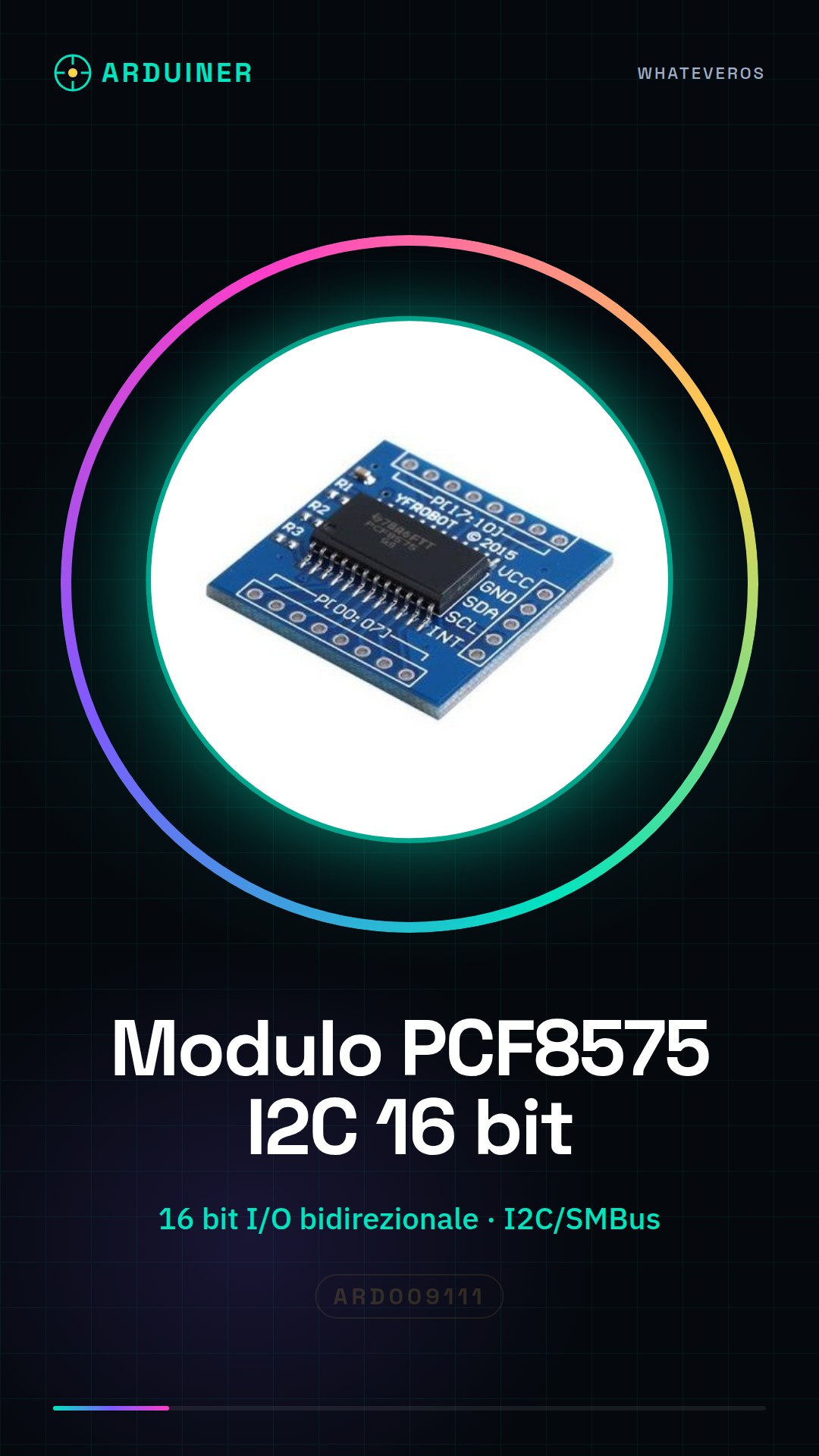
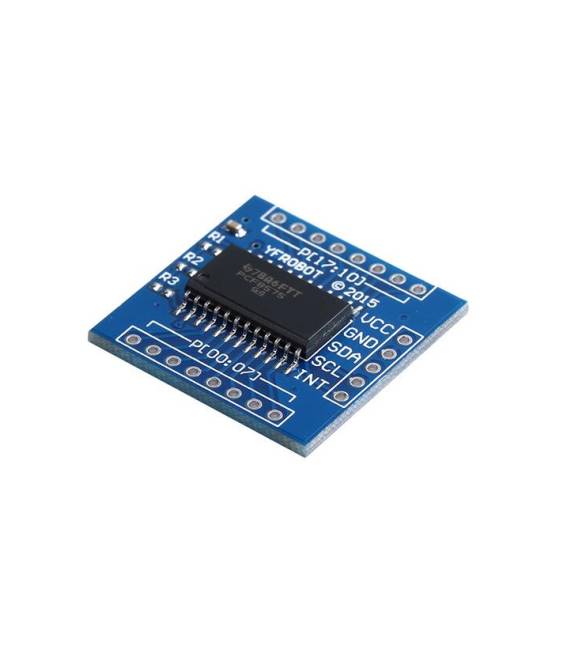
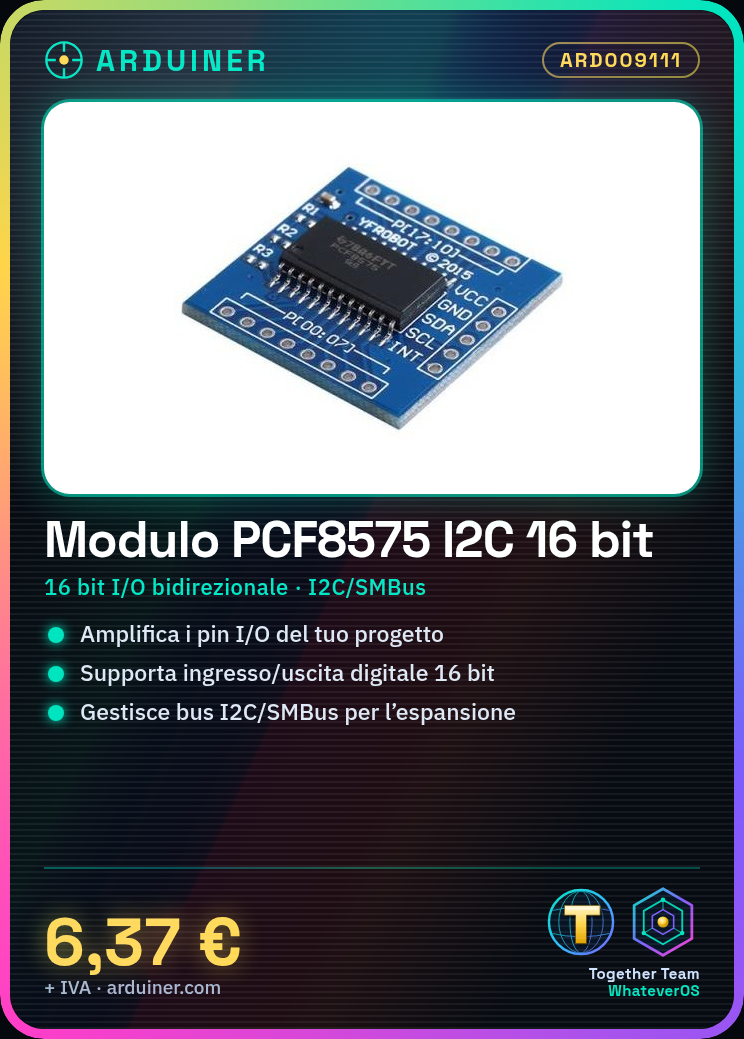
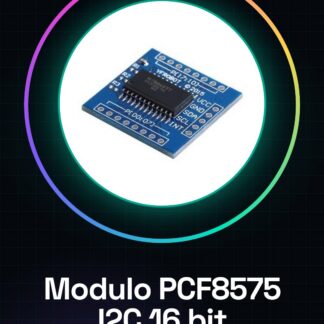
The PCF8575 I2C Expansion Board is a bidirectional device that allows you to expand the functionality of your Arduino and microcontroller projects by supporting I2C communication. This module enables you to extend the number of digital inputs and outputs, making it more flexible to manage interfaces.
Features
- I2C Expansion Board for Arduino and microcontrollers
- 16-bit bidirectional input/output
- Communication via I2C, SMBus
What it is for
This module is useful for projects that require a high number of digital inputs and outputs. You can use it to control 7-segment displays or LED matrices, easily integrating extended I/O pins through PCF8575. It is compatible with Arduino and other microcontrollers that support I2C communication.
Tutorial: How to use PCF8575
The PCF8575 is an I2C expansion module for your Arduino projects. It is useful for extending your I/O pins.
What you need
- Arduino
- I2C cable
- PCF8575
- Pull-up resistor (10kΩ)
Steps
- 1. Connect the pull-up resistor between VCC and SDA/SCL.
- 2. Connect VCC and GND of the PCF8575 to your Arduino.
- 3. Connect SDA and SCL of the PCF8575 to SDA and SCL of your Arduino.
- 4. Load the Arduino code.
- 5. Check the I2C configuration on the datasheet.
- 6. Check the specifications on the datasheet for power supply limits.
- 7. Try to control the extended digital pins with I2C commands.
- 8. Verify the stability of the module.
Example code
```cpp
#include <Wire.h>

void setup() {
  Wire.begin();
  Wire.beginTransmission(0x20);
  Wire.write(0xFF);
  Wire.endTransmission();
}

void loop() {
  // Codice principale
}
```
Mini project
Create a 7-segment display using the extended digital pins via PCF8575.
Common mistakes
- Forget to connect pull-up resistors.
- Connect VCC and GND incorrectly.
- Use incorrect I2C address.
- Fail to initialize I2C communication.
Recommended accessories
- 7-segment display
- Pull-up resistor (10kΩ)
- I2C cable
- LED
Frequently asked questions
How can I verify the correct configuration of the PCF8575?
Check the datasheet for I2C configuration specifications.
What power supply limits do I need to respect?
Check the datasheet for power supply limits.
Can the PCF8575 be used with Arduino Uno?
Yes, but make sure to configure I2C correctly.
Reviews
There are no reviews yet.