 EN
 IT Italiano
 ES Español
 FR Français
 DE Deutsch
Description
What it is
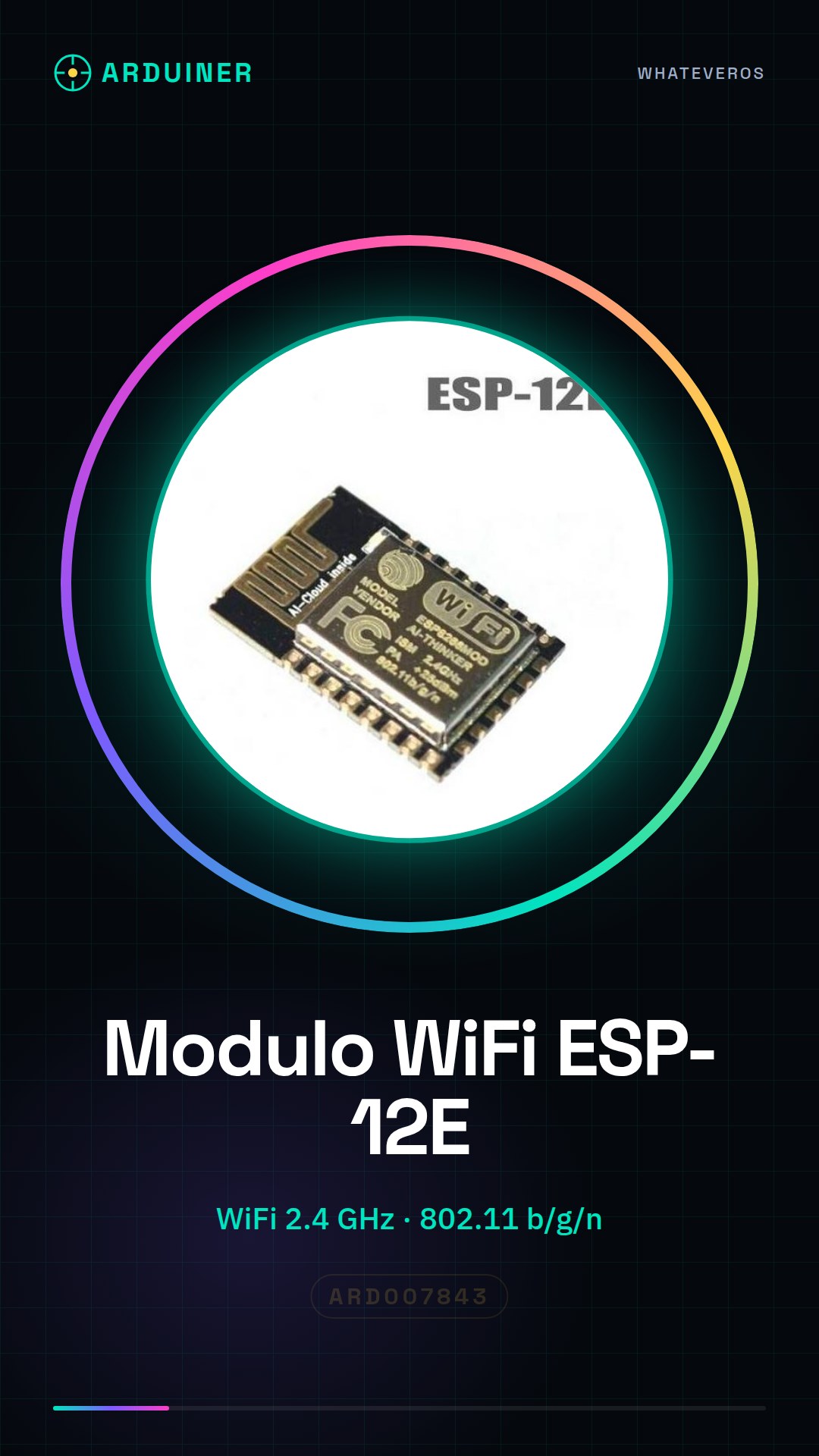
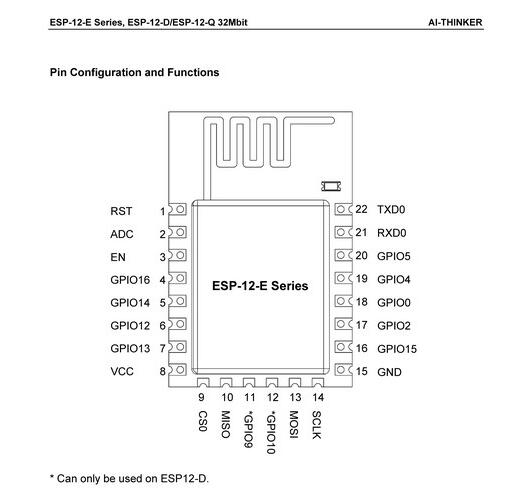
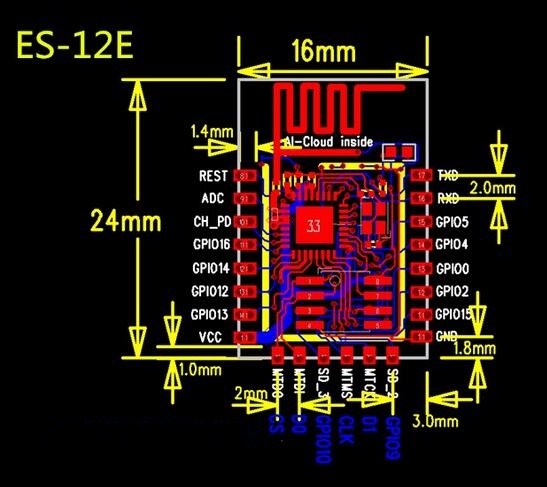
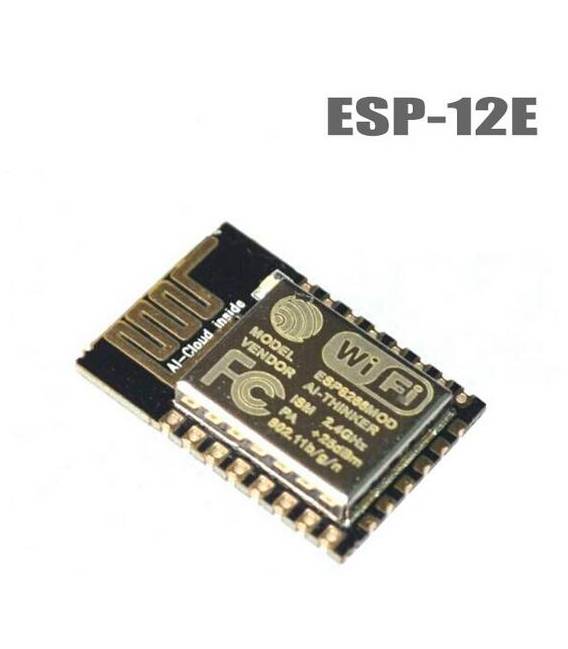
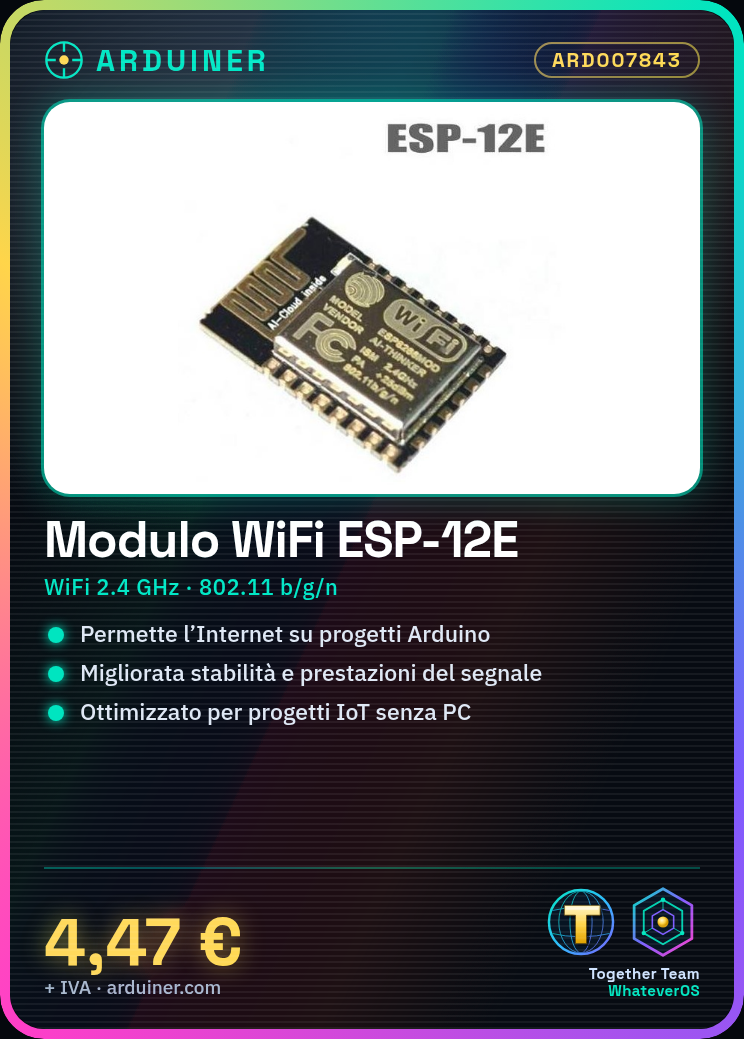
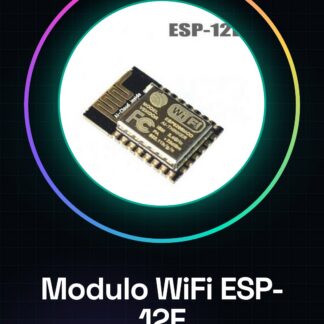
The ESP8266 ESP-12E WiFi module is an electronic component that allows Arduino-based devices to connect to the internet via WiFi protocol. It is an improved version of the ESP8266-12, with optimized peripheral circuits for better signal stability and performance.
Features
- Microcontroller: ESP8266
- Model: ESP-12E
- Connectivity: WiFi
- Frequency: 2.4 GHz
- Protocol: IEEE 802.11 b/g/n
What it is for
The ESP8266 ESP-12E WiFi module is ideal for IoT (Internet of Things) projects that require internet connectivity without the use of a central computer. Example usage: creating a device that periodically sends a test message to a push service. It is compatible with Arduino and other microcontrollers that support SPI communication.
Tutorial: How to use ESP-12E
The ESP8266 ESP-12E WiFi module allows your project to connect to the Internet. Useful for projects that require connectivity without a central computer.
What you need
- ESP-12E
- Arduino
- USB cable
- Arduino IDE software
Steps
- 1. Download and install the Arduino IDE.
- 2. Connect the ESP-12E to the Arduino with the cables.
- 3. Check the datasheet for proper power supply.
- 4. Configure the serial port in the IDE.
- 5. Load the ‘WiFi Scan’ example code into the ESP-12E.
- 6. Verify the WiFi connection.
- 7. Add personal features.
- 8. Test your project.
Example code
```
#include <ESP8266WiFi.h>

const char* ssid = "TUO_SSID";
const char* password = "TUO_PWD";

void setup() {
  Serial.begin(115200);
  WiFi.begin(ssid, password);
  Serial.println("Connecting...");
}

void loop() {
  if (WiFi.status() == WL_CONNECTED) {
    Serial.println("Connected.");
    break;
  }
}
```
Mini project
Create a device that sends a test message to a push service every 5 minutes.
Common mistakes
- Incorrect power supply.
- WiFi configuration error.
- Unstable USB connection.
- Incorrect Arduino code.
Recommended accessories
- Arduino Uno
- USB Cable
- WiFi Antenna
- LCD Display
Frequently asked questions
How to configure WiFi connection?
Enter your WiFi details in the code and upload the sketch.
Does the module turn off automatically?
No, you need to manage power yourself.
Can it work with Arduino Nano?
Yes, but check power compatibility.
What to do if it doesn’t connect?
Check WiFi configuration and power supply.
Reviews
There are no reviews yet.