 EN
 IT Italiano
 ES Español
 FR Français
 DE Deutsch
Description
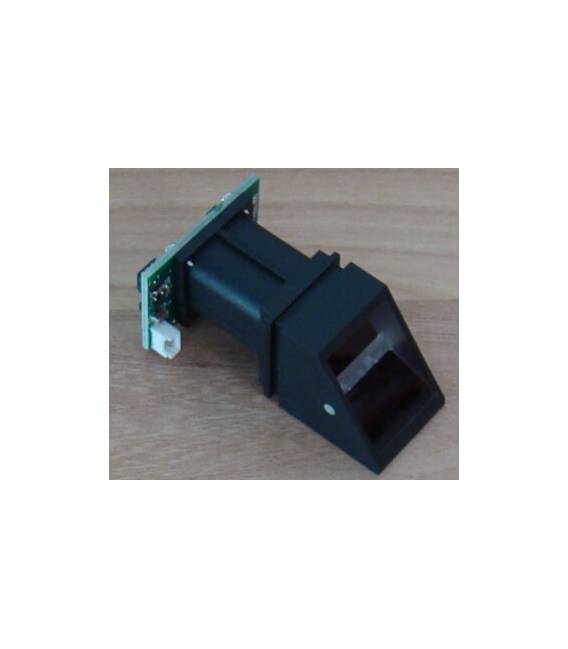
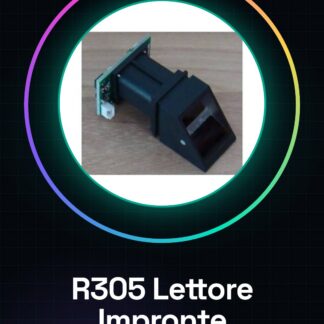
Fingerprint Reader Module R305 with fingerprint sensors, high-speed DSP processors, high-performance fingerprint matching algorithm, large capacity FLASH chip and other hardware and software configuration, stable performance, simple structure, with fingerprint input, image processing, fingerprint matching, search and model storage other functions
Tutorial: How to Use R305 Fingerprint Reader Module
The R305 is a fingerprint reader module ideal for security and access projects. Useful for beginners and intermediate makers.
What you need
- Arduino Uno
- USB cable
- PC with Arduino IDE
- Fingerprints
Steps
- 1. Connect Arduino to PC with USB cable.
- 2. Install UPM library on Arduino IDE.
- 3. Download and load sketch R305_Fingerprint_Example.
- 4. Connect R305 module: VCC to 5V, GND to GND, SDA to A4, SCL to A5.
- 5. Wait for the module to initialize.
- 6. Use command `fingerprint.readPrint()` to scan fingerprints.
- 7. Save fingerprints with `fingerprint.createModel()`.
- 8. Verify fingerprints with `fingerprint.verifyPrint()`.
- 9. Disconnect module when done.
Example code
```cpp
#include <UPM.h>

Fingerprint fingerprint(A4, A5);

void setup() {
  Serial.begin(9600);
  fingerprint.begin();
}

void loop() {
  fingerprint.readPrint();
  if (fingerprint.verifyPrint()) {
    Serial.println("Impronta riconosciuta!");
  }
}
```
Mini project
Create a door access system with R305 and Arduino. Set one or more fingerprints and control access.
Common mistakes
- Do not initialize the module correctly.
- Connect the wrong pins.
- Omit the installation of the UPM library.
- Set the serial speed too high.
Recommended accessories
- Arduino Mega
- 16×2 LCD Display
- 3.7V LiPo Battery 1000mAh
- 3D Printed Cases
Frequently asked questions
How to set the serial speed?
Set `Serial.begin(9600);` in the code.
Why does it not recognize the fingerprint?
Check the correct initialization and correct connection.
Which prints work best?
Clear and well-dried prints.
Reviews
There are no reviews yet.