 EN
 IT Italiano
 ES Español
 FR Français
 DE Deutsch
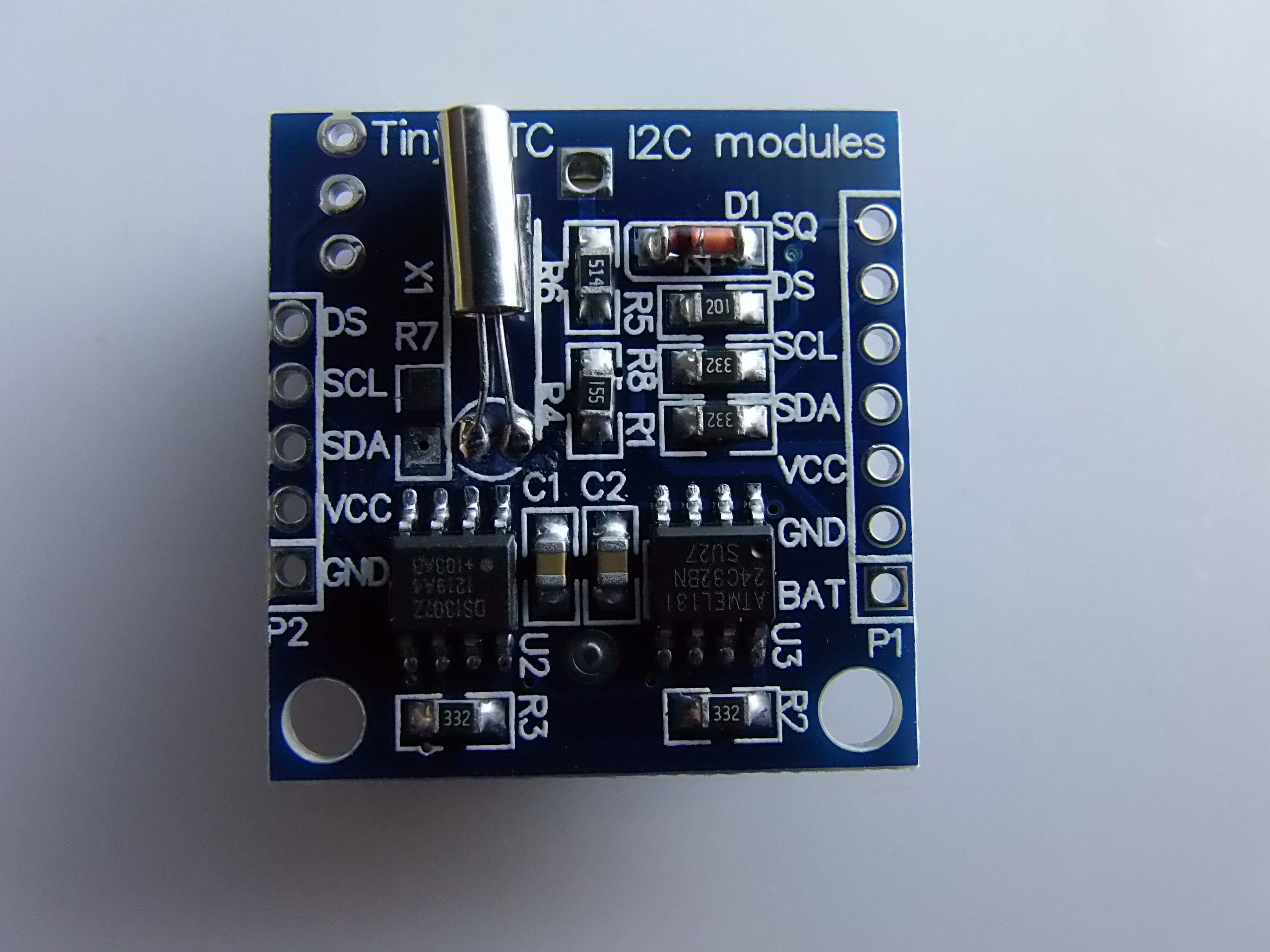
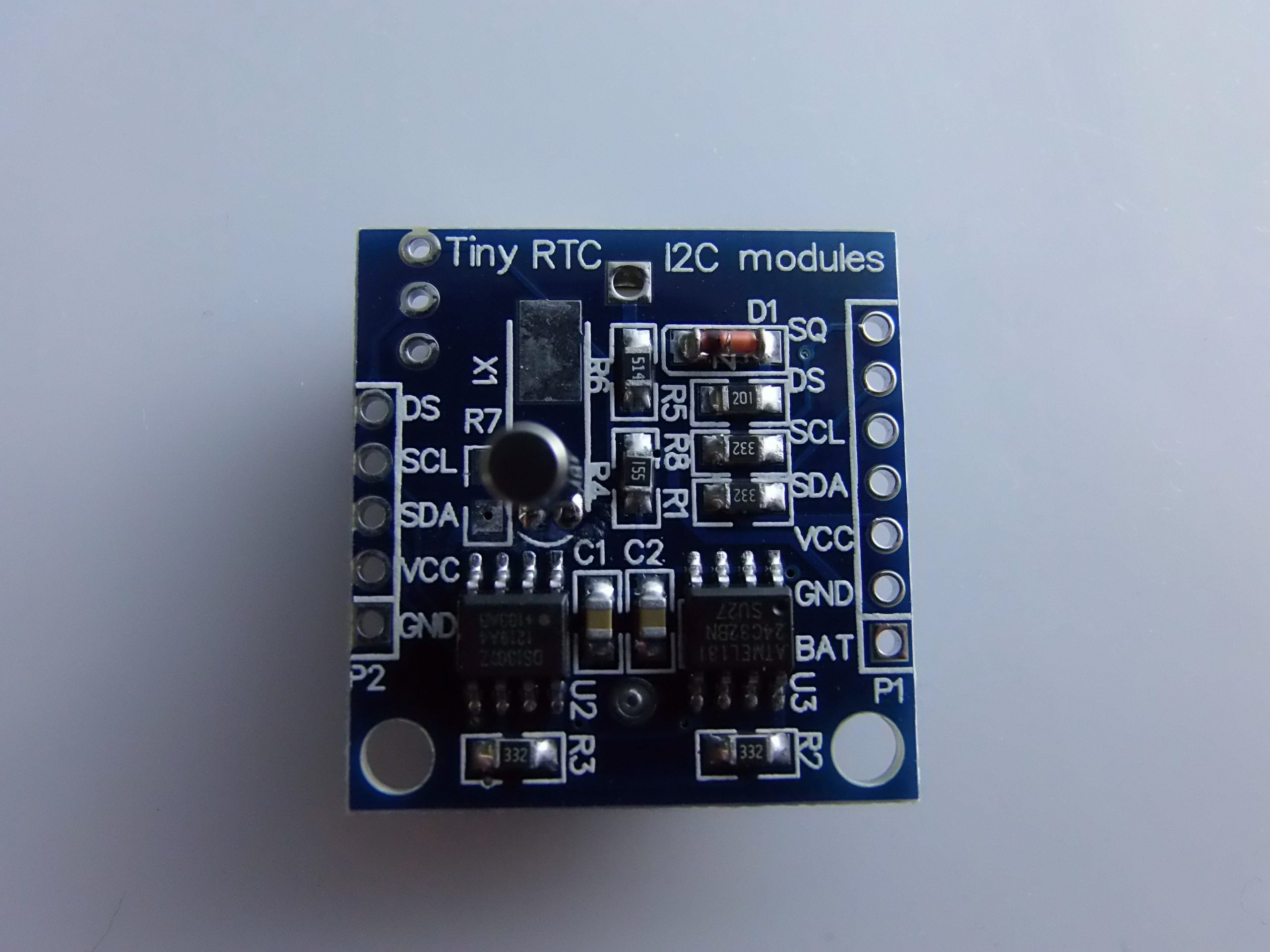
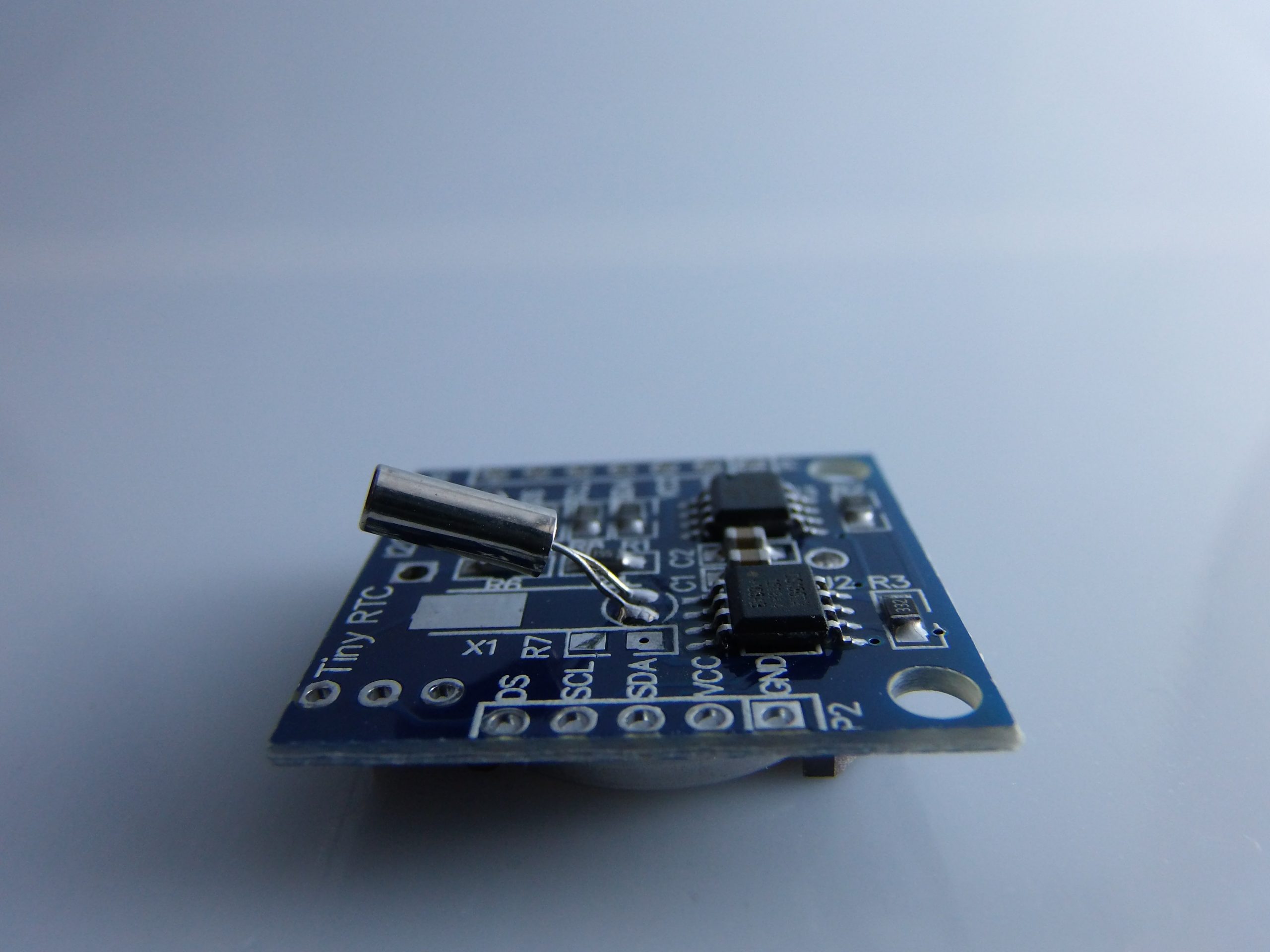
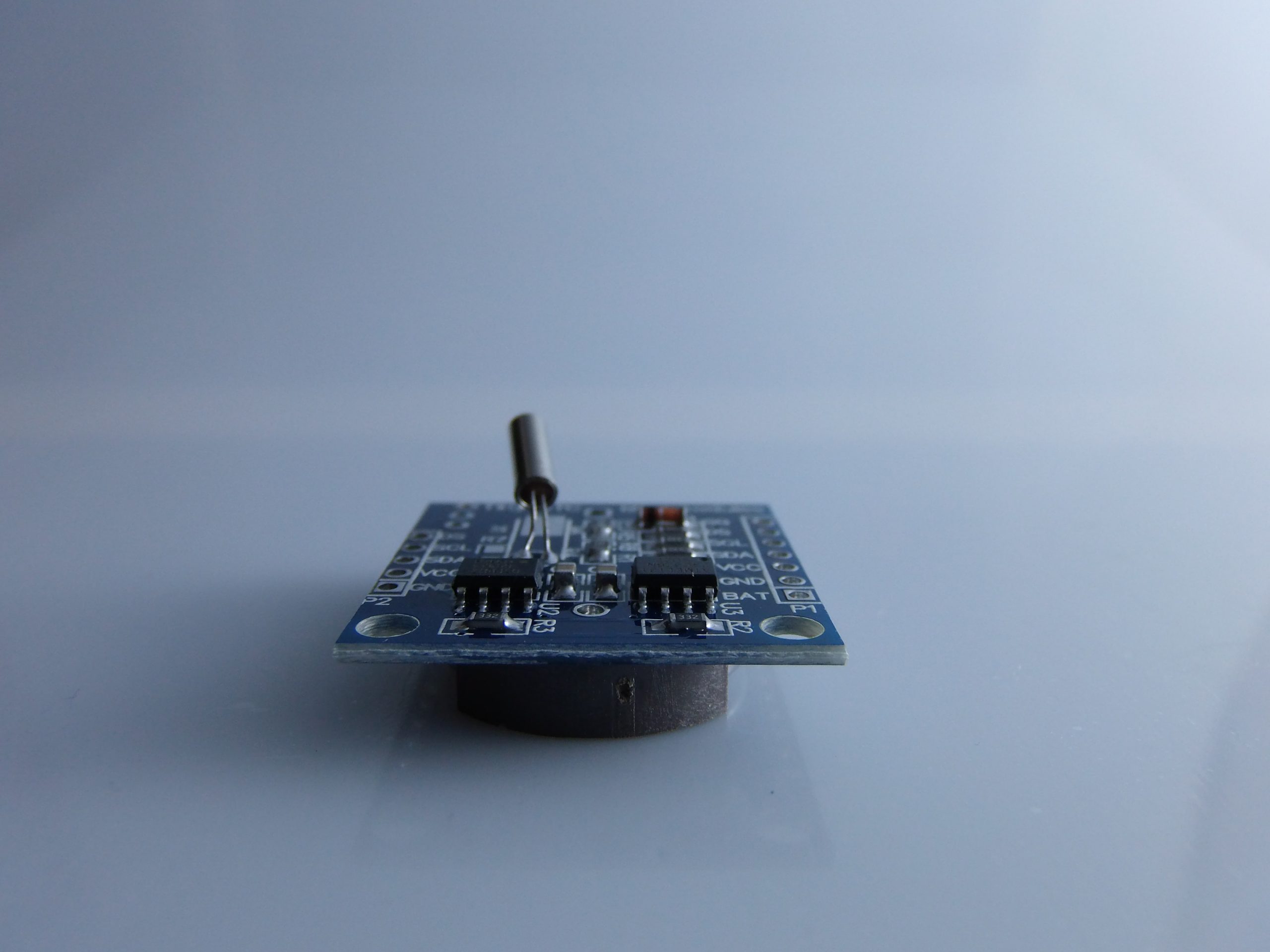
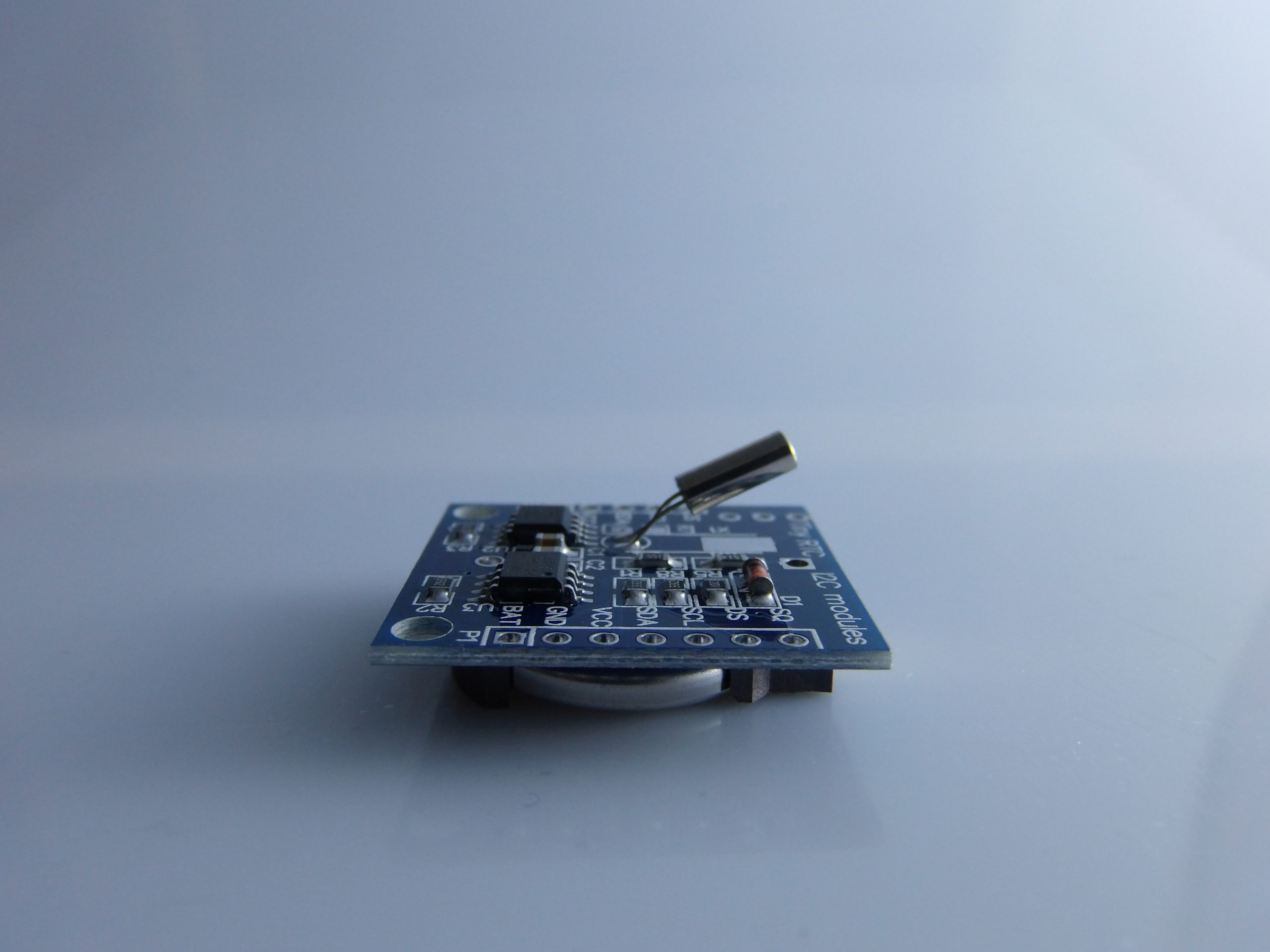
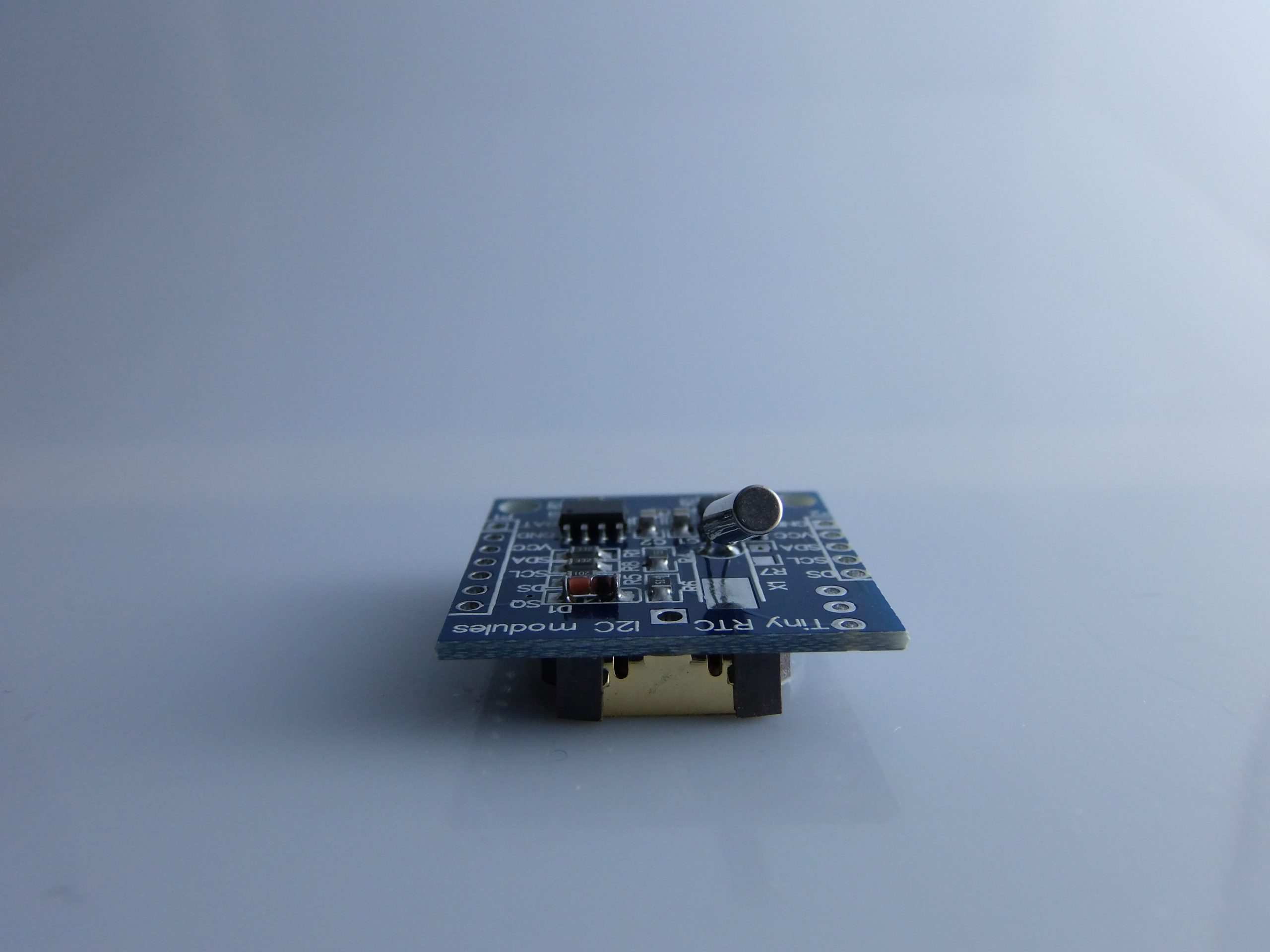
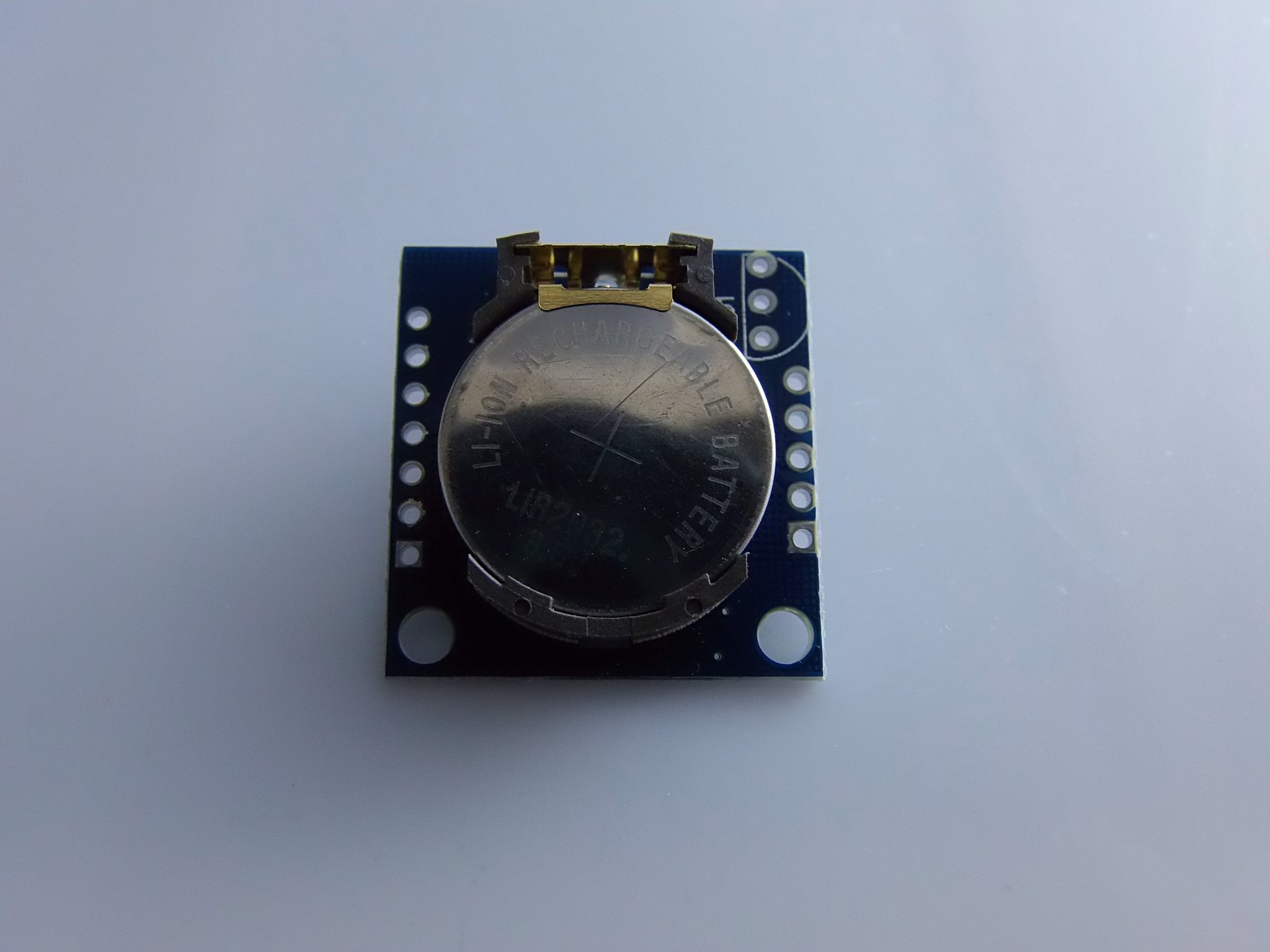
Description
What it is
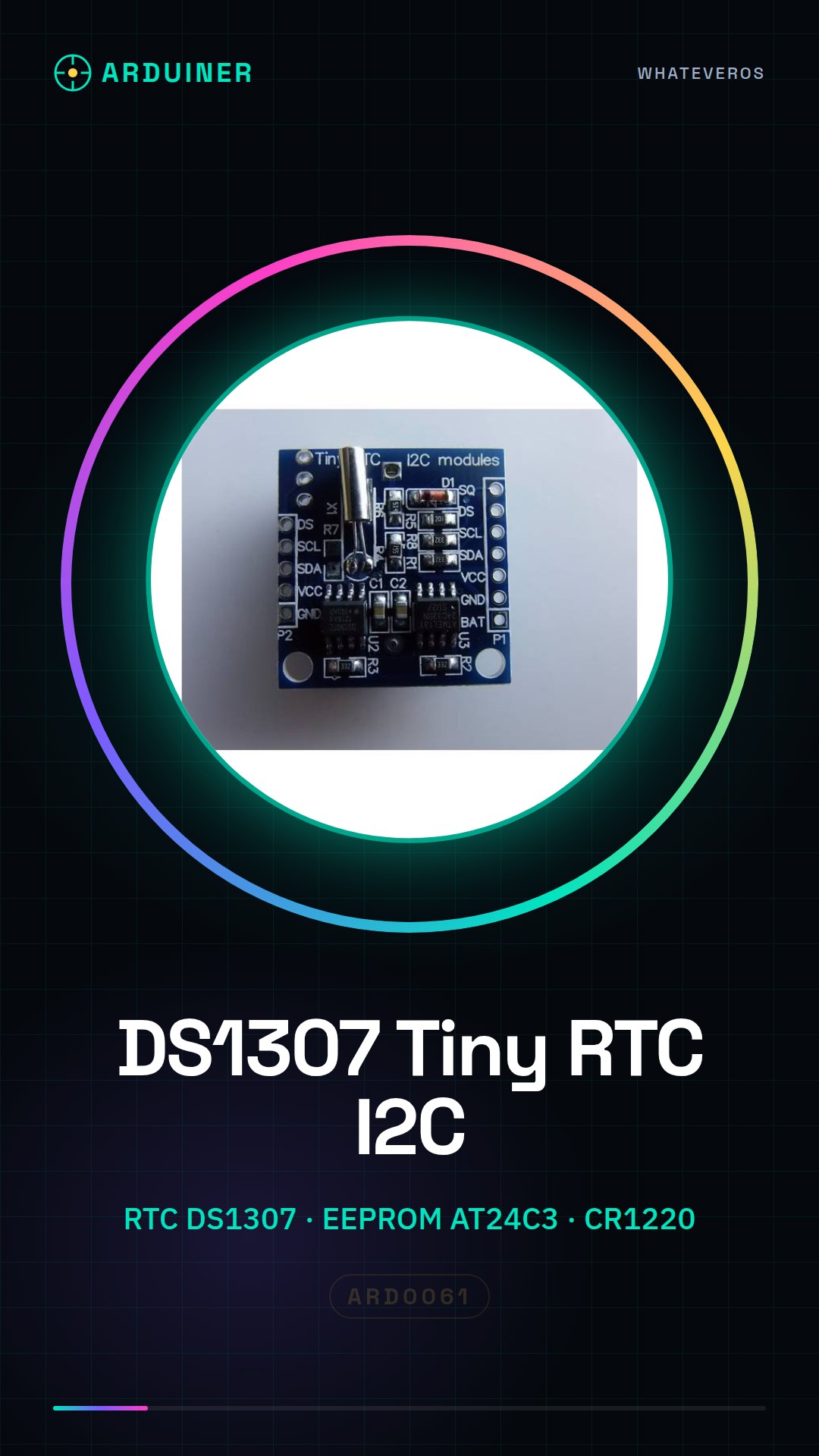
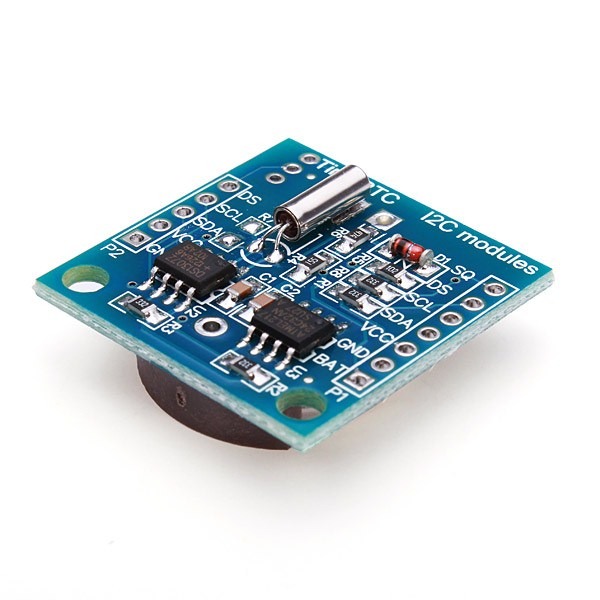
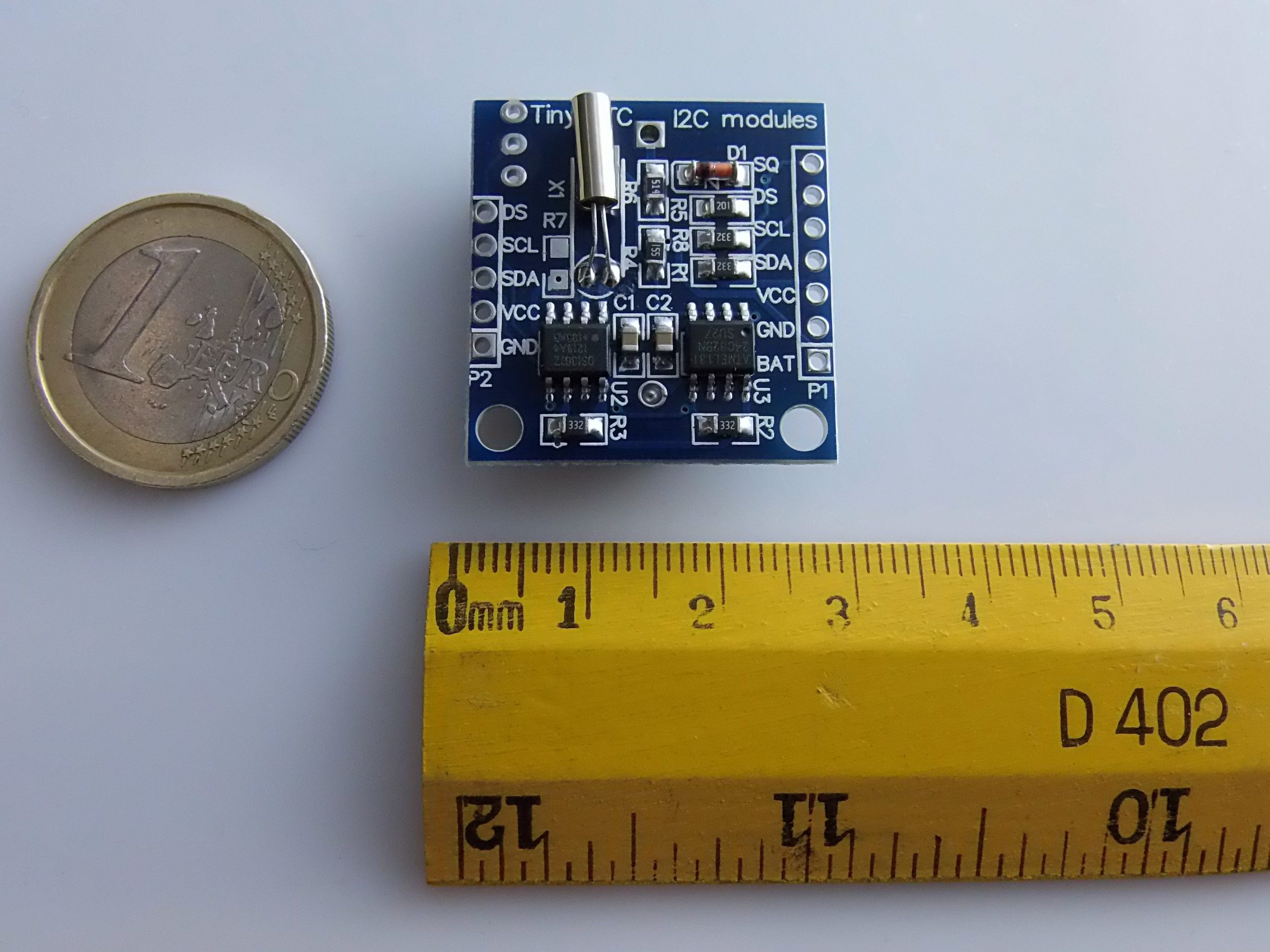
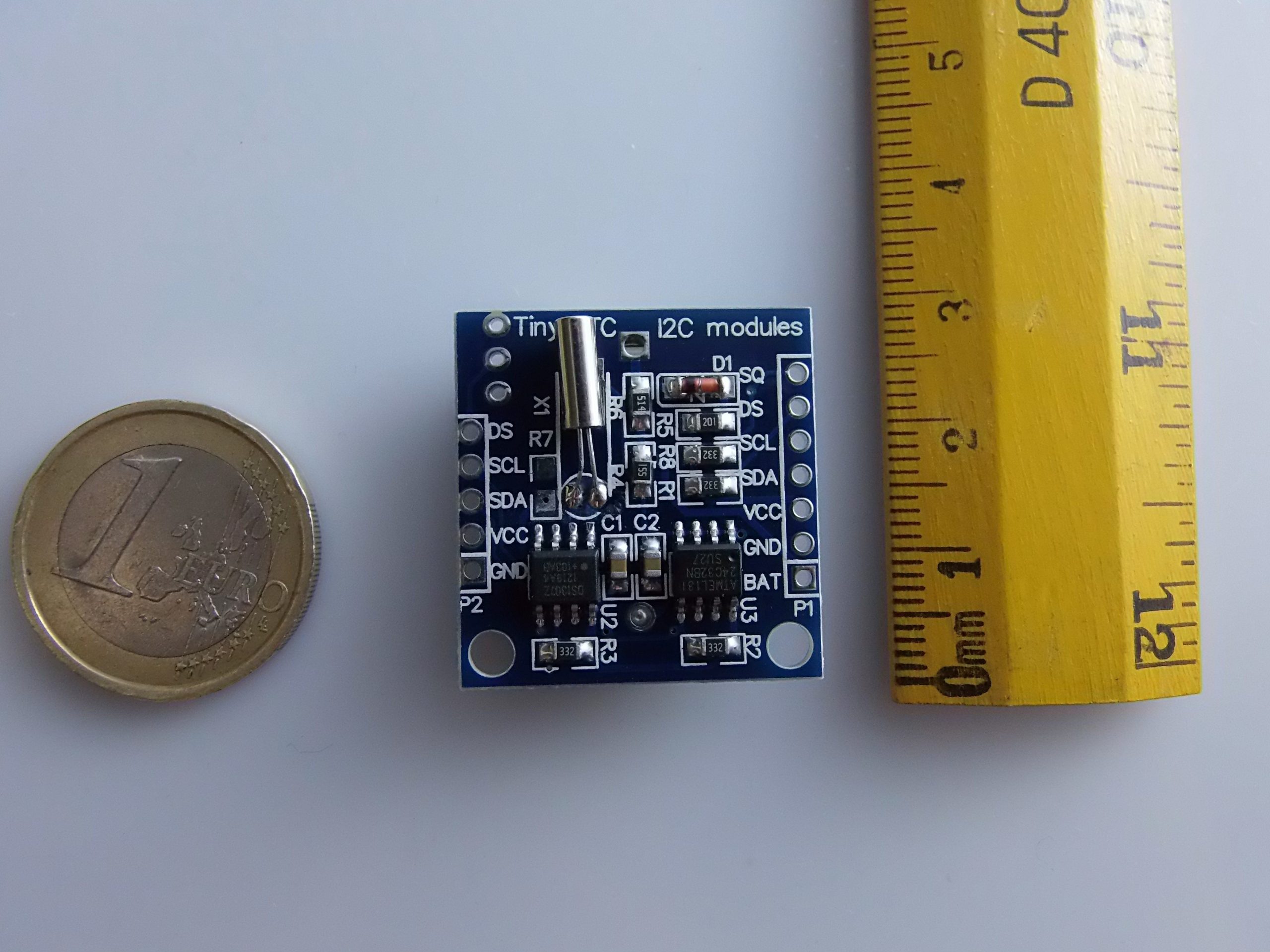
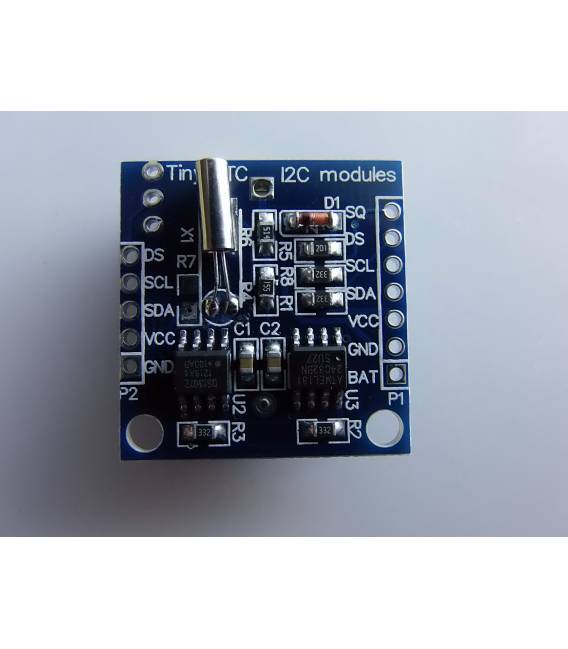
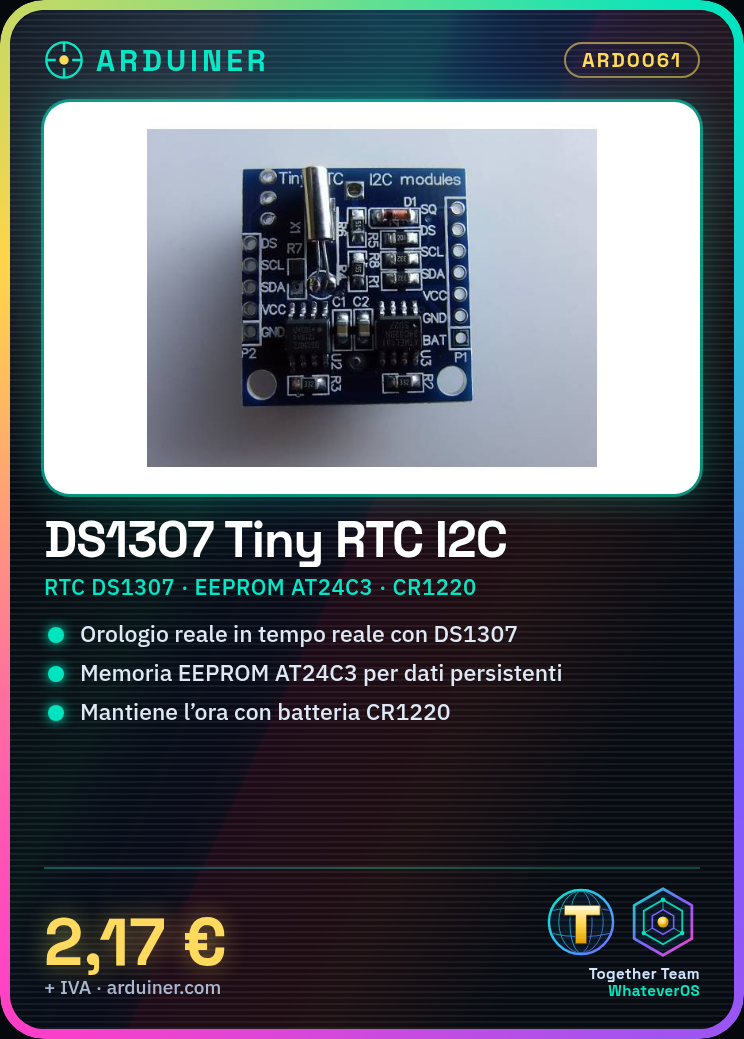
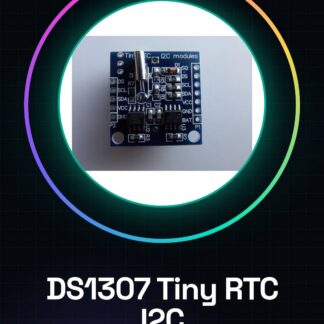
The DS1307 RTC I2C module with AT24C3 memory is an essential component for Arduino projects requiring accurate time and date management. This module integrates the real-time clock (RTC) DS1307 with an AT24C3 EEPROM memory, providing temporal precision and data retention capabilities even when the device is turned off.
Features
- DS1307 RTC I2C based module
- Includes AT24C3 EEPROM memory
- Maintains clock from a small CR1220 battery (not included)
What it is for
The DS1307 RTC I2C module is ideal for projects that require precise tracking of time and date, such as digital clocks, devices with time-based features, or any application that requires data retention when the device is not powered. It is compatible with Arduino and can be used in 3D printing and drone projects to add temporal precision.
Tutorial: How to Use DS1307 RTC I2C Module with AT24C32 Memory
The DS1307 RTC I2C module is an essential component for projects requiring accurate time and date. It is ideal for beginner and intermediate makers who want to add temporal features to their Arduino devices.
What you need
- Arduino Uno or compatible
- USB Type B cable
- Arduino IDE software
Steps
- Connect the DS1307 module to pins 5 (SDA) and 4 (SCL) of Arduino.
- Open the Arduino IDE and load the example sketch for the DS1307 (File > Examples > DateTime Library > Ds1307).
- Check that the date and time are correct in the sketch code.
- Save and upload the program to the Arduino microcontroller.
- Open the Arduino IDE serial monitor to view the real-time time and date data.
Example code
// Includi le librerie necessarie
#include <Wire.h>
#include <RTClib.h>

// Dichiarazione oggetto RTC
RTC_DS1307 rtc;

void setup() {
  Serial.begin(9600);
  if (!rtc.begin()) {
    Serial.println(F("Errore di inizializzazione del modulo DS1307."));
    while (true); // Blocca il programma se non riesce a connettersi
  }
}

void loop() {
  DateTime now = rtc.now();
  Serial.print(now.year(), DEC);
  Serial.print(F("-"));
  Serial.print(now.month(), DEC);
  Serial.print(F("-"));
  Serial.print(now.day(), DEC);
  Serial.print(F("T"));
  Serial.print(now.hour(), DEC);
  Serial.print(F(":"));
  Serial.print(now.minute(), DEC);
  Serial.print(F(":"));
  Serial.println(now.second(), DEC);
}
Mini project
Create a simple digital clock that displays the time and date in real-time on the Arduino serial monitor.
Common mistakes
- I2C Connection Error
- Date or Time not set correctly
- Issues with the module datasheet
Recommended accessories
- 16×2 LCD Module to display date and time
- CR1220 Battery for emergency power
- Precision NTP Clock for time synchronization
- Jumper Cable M/F
Frequently asked questions
How can I check if the module is connected properly?
Check the I2C connections and monitor the serial output.
Where can I find the complete technical specifications?
Consult the datasheet provided by the manufacturer.
Reviews
There are no reviews yet.