 EN
 IT Italiano
 ES Español
 FR Français
 DE Deutsch
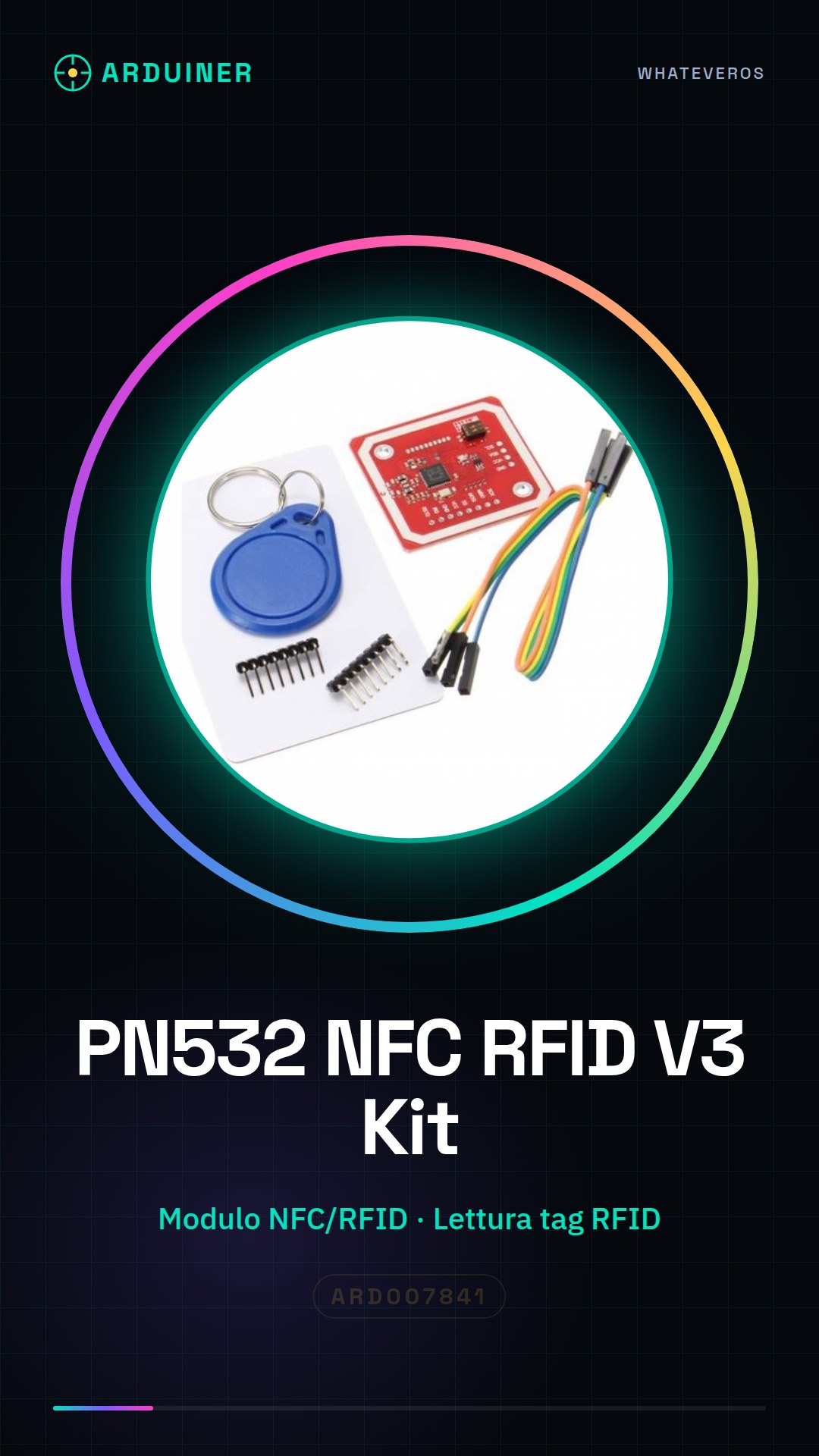
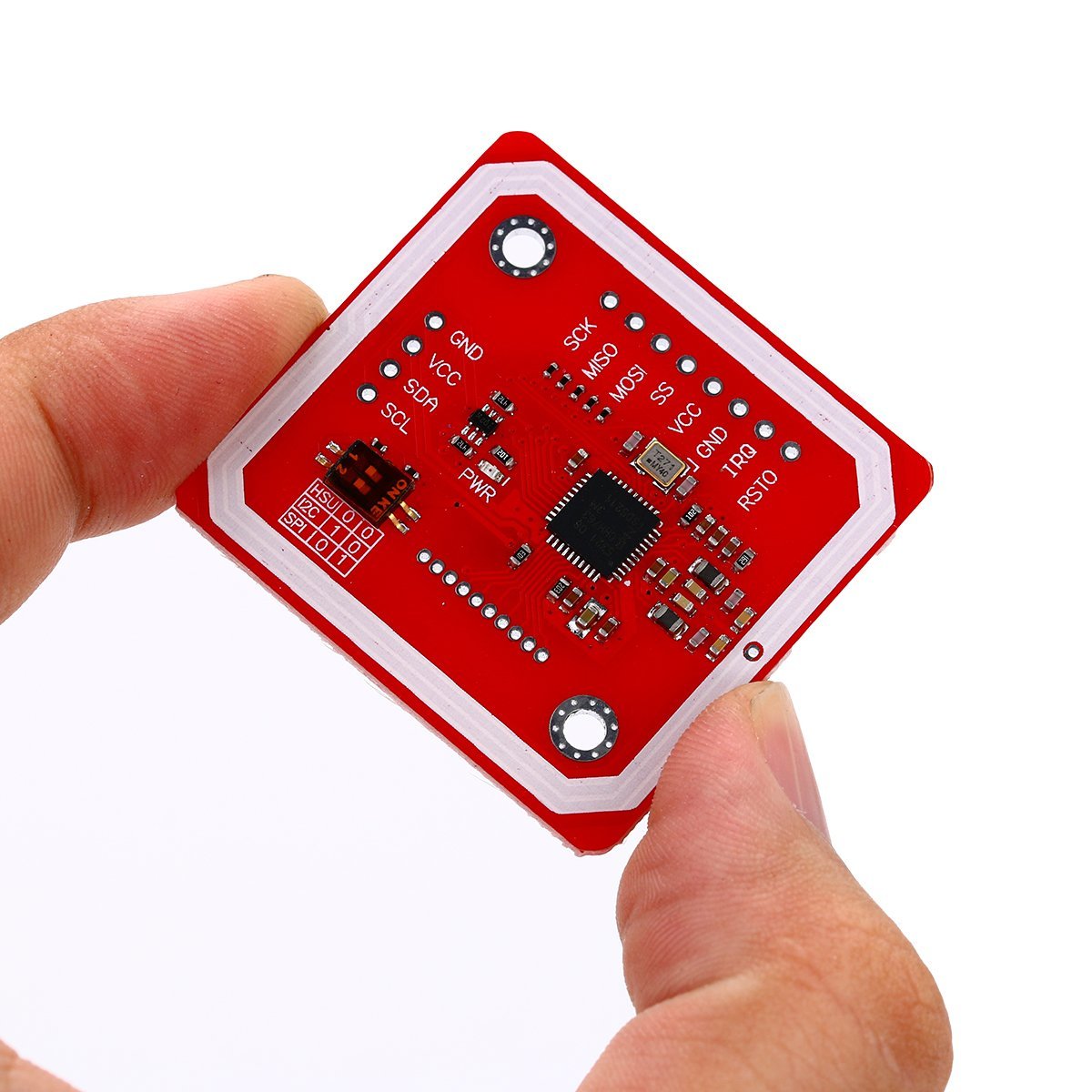
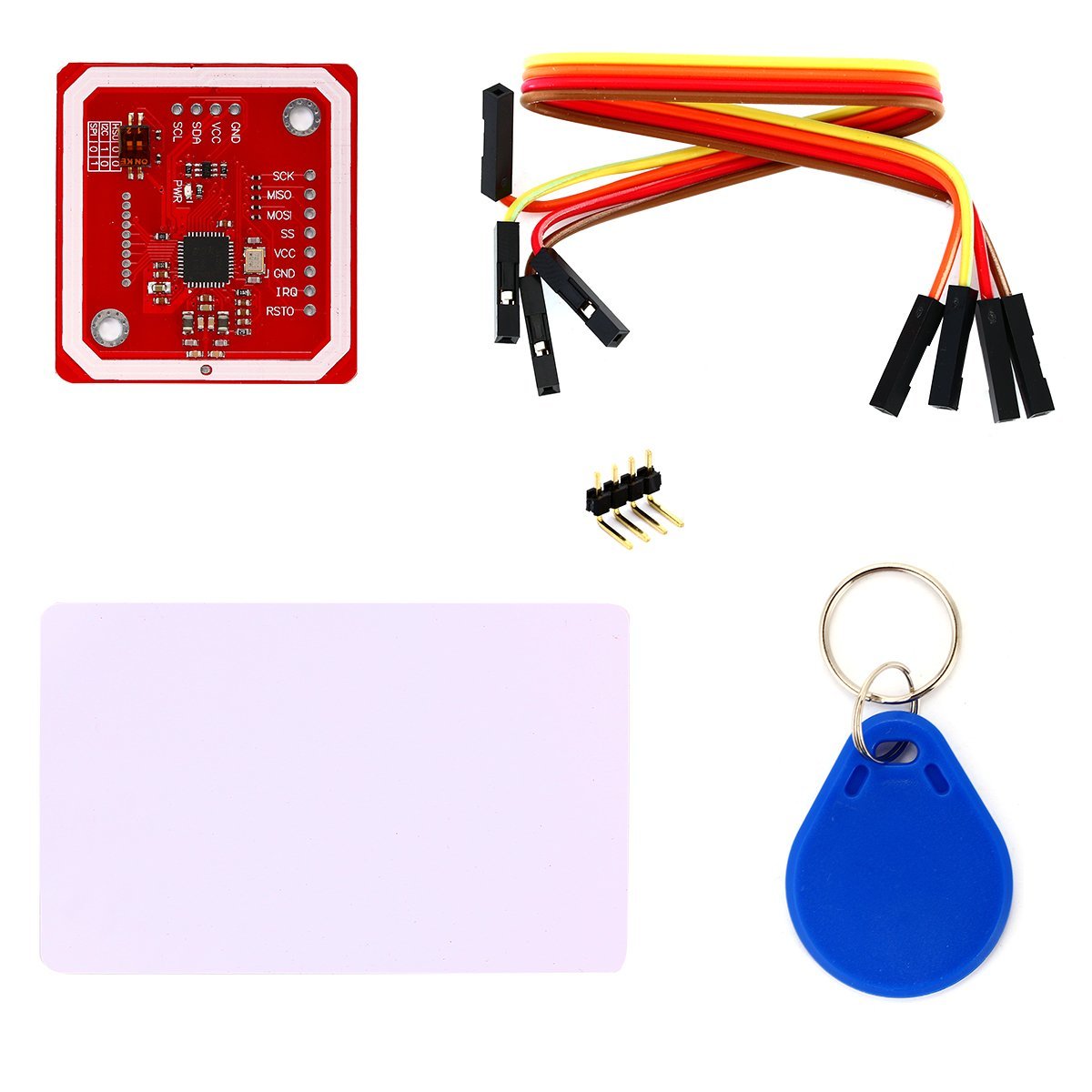
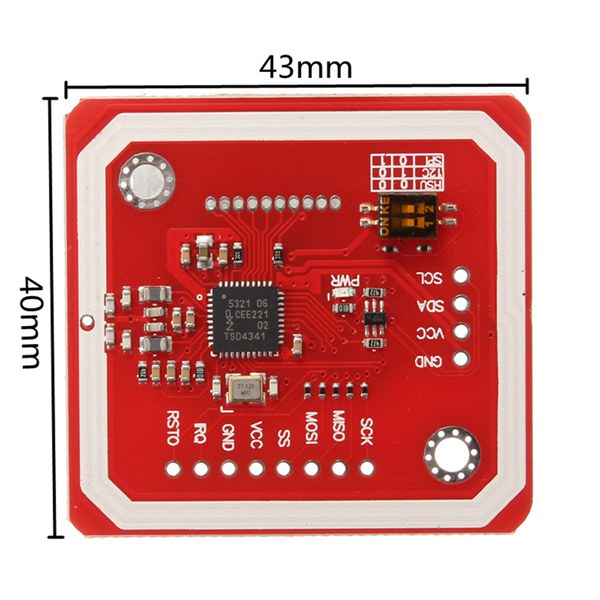
Description
What it is
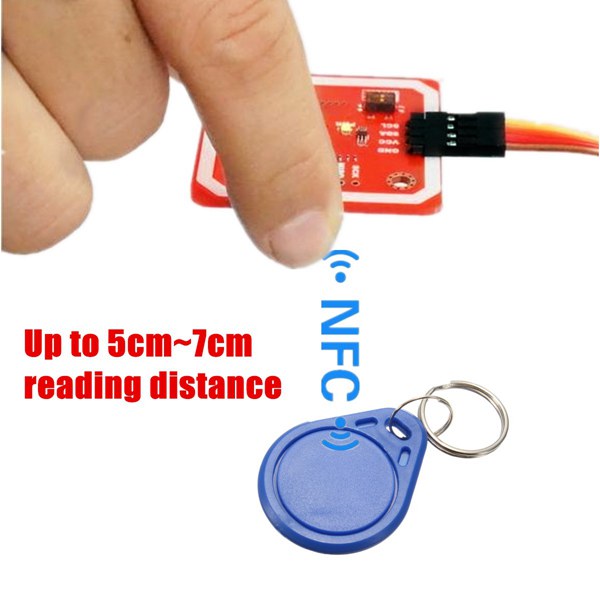
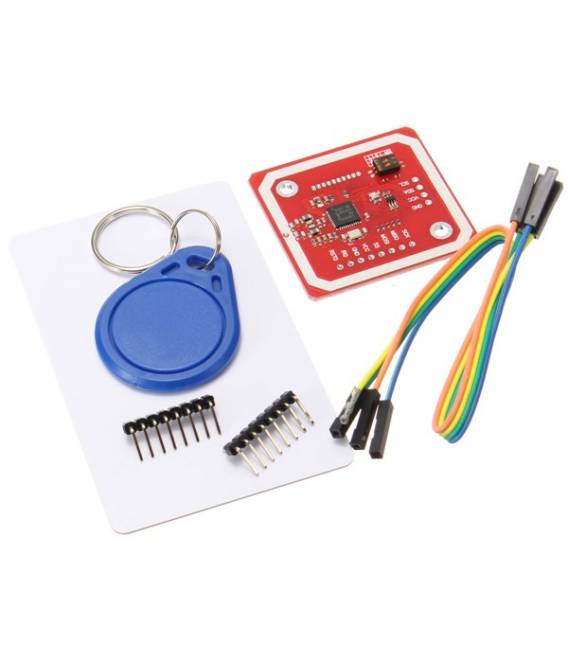
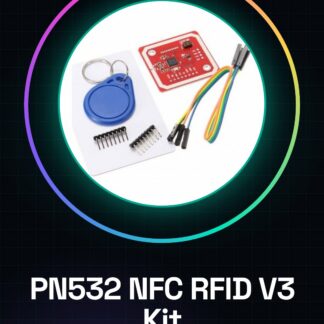
The PN532 NFC RFID V3 Kit is a module that allows reading and writing data to RFID tags and NFC smartphones. It is compatible with Arduino, Android, and smartphones.
Features
- NFC/RFID PN532 Module
- Read and write data to RFID tags and NFC smartphones
- Compatible with Arduino, Android, and smartphones
What it is for
This kit is ideal for electronic and IoT projects that require communication with RFID tags and NFC devices. It can be used to create NFC-based access systems, electronic payments, and similar projects.
Tutorial: How to use PN532 NFC RFID V3
The PN532 is an NFC/RFID module that allows reading and writing to RFID tags and NFC smartphones. Useful for access, electronic payment projects.
What you need
- PN532 NFC RFID V3
- Arduino
- USB cable
- RFID tag
- Smartphone with NFC
Steps
- 1. Download and install the PN532 library on Arduino IDE.
- 2. Connect PN532 to Arduino: VCC to 5V, GND to GND, SDA to A4, SCL to A5.
- 3. Connect an RFID tag to the PN532.
- 4. Load the provided source code.
- 5. Configure the code to read from or write to tags.
- 6. Try to read a tag with the PN532.
- 7. Try to write to a tag.
- 8. Test the connection with an NFC smartphone.
Example code
```void setup() { // Inizializza PN532 } void loop() { // Implementa funzionalità leggere/scrivere } ```Mini project
Create an NFC-based access system using an RFID tag and an Arduino with PN532.
Common mistakes
- Forget to install the PN532 library.
- Connect PN532 to Arduino with the wrong pins.
- Omit the code configuration.
- Do not test the connection with an NFC smartphone.
Recommended accessories
- Arduino Uno
- RFID tag
- Smartphone with NFC
- USB cable
Frequently asked questions
How can I check if my smartphone has NFC?
Check your smartphone settings or search for ‘NFC’ in the options.
Does the PN532 work with Arduino Mega?
Check the datasheet to see if the PN532 supports Arduino Mega.
Can I use a long-range RFID tag?
The PN532 supports short-range RFID tags, check the datasheet for further details.
Does the PN532 work with Arduino Nano?
Check the datasheet to see if the PN532 supports Arduino Nano.
Reviews
There are no reviews yet.