 EN
 IT Italiano
 ES Español
 FR Français
 DE Deutsch
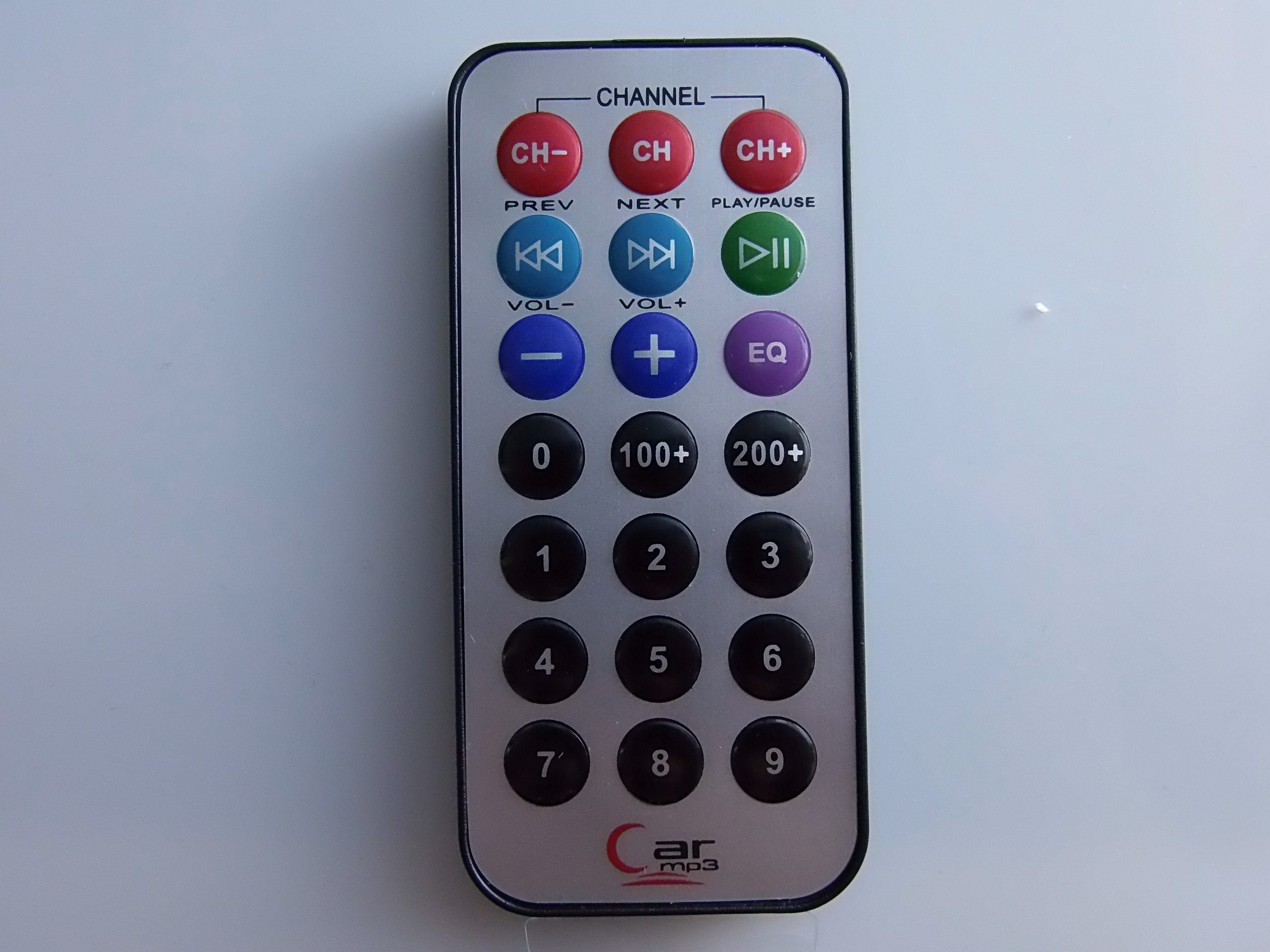
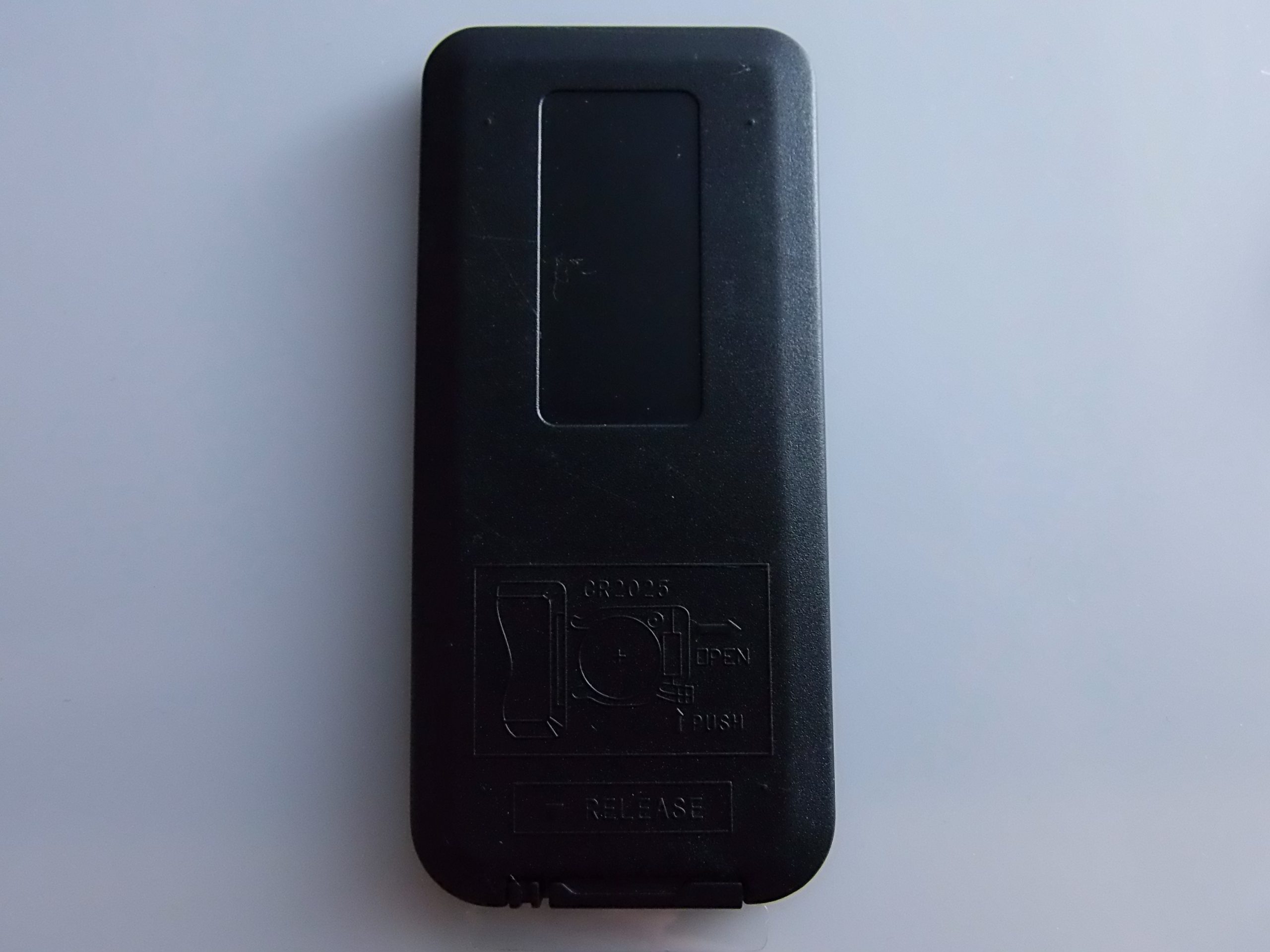
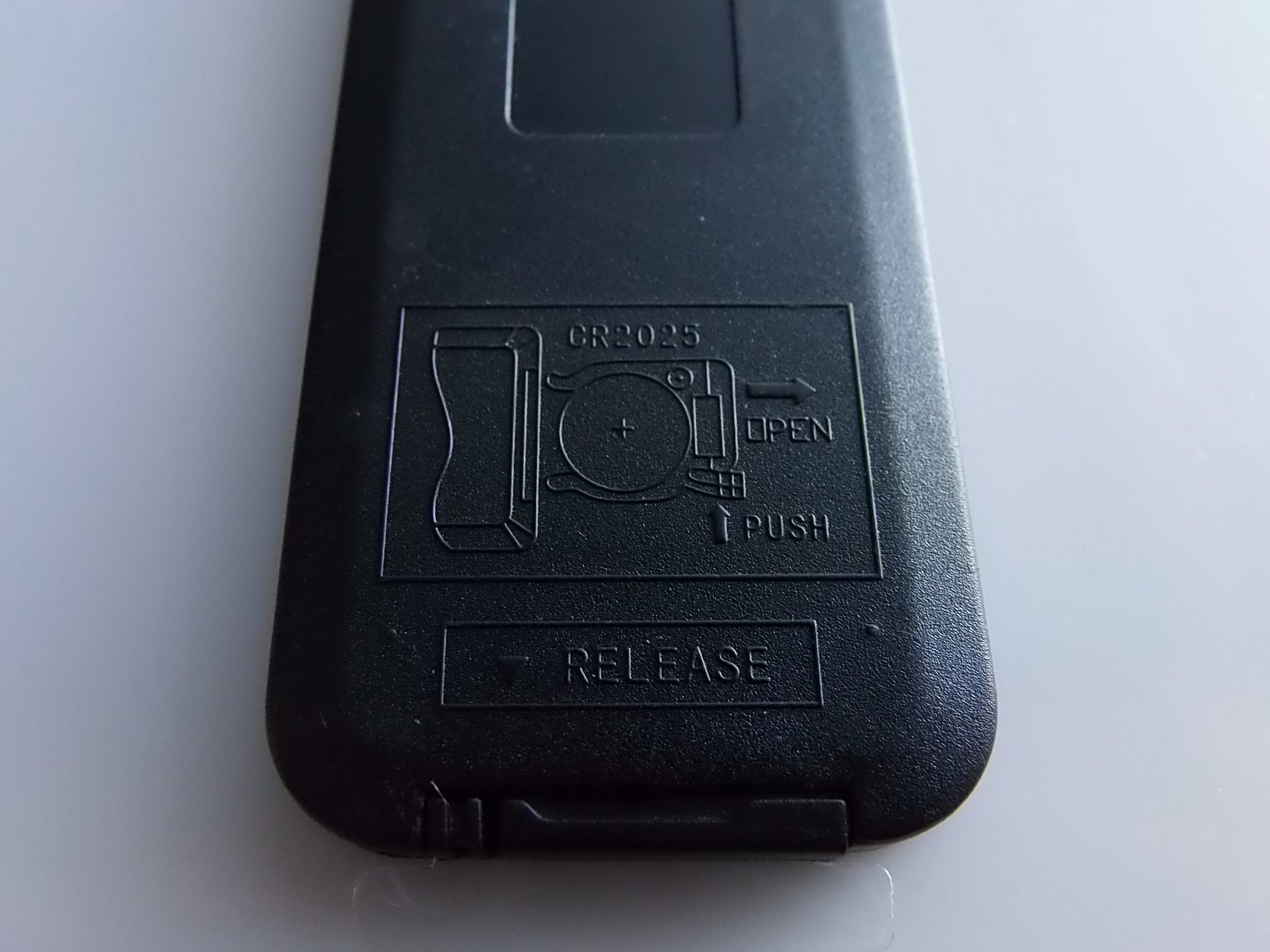
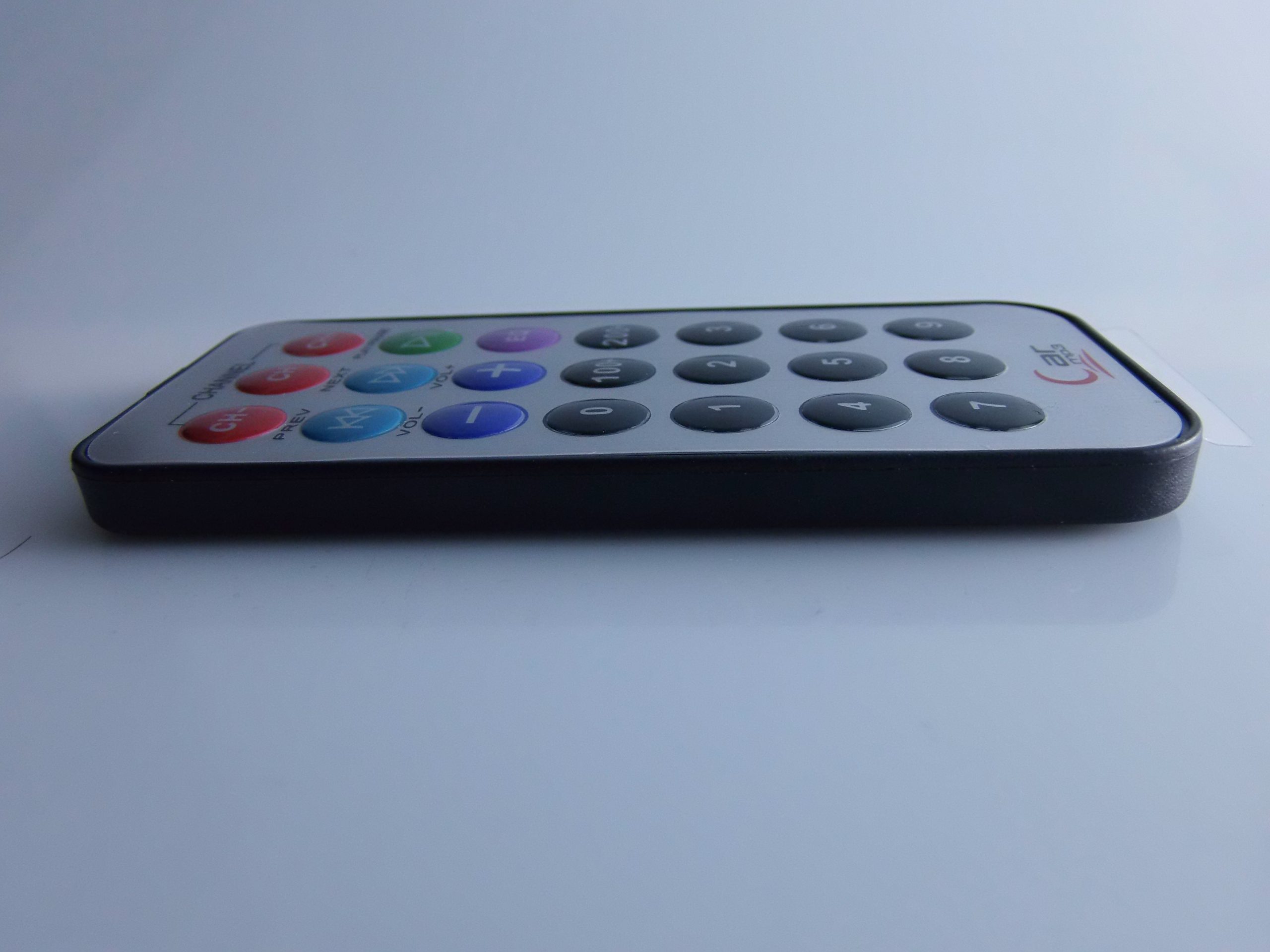
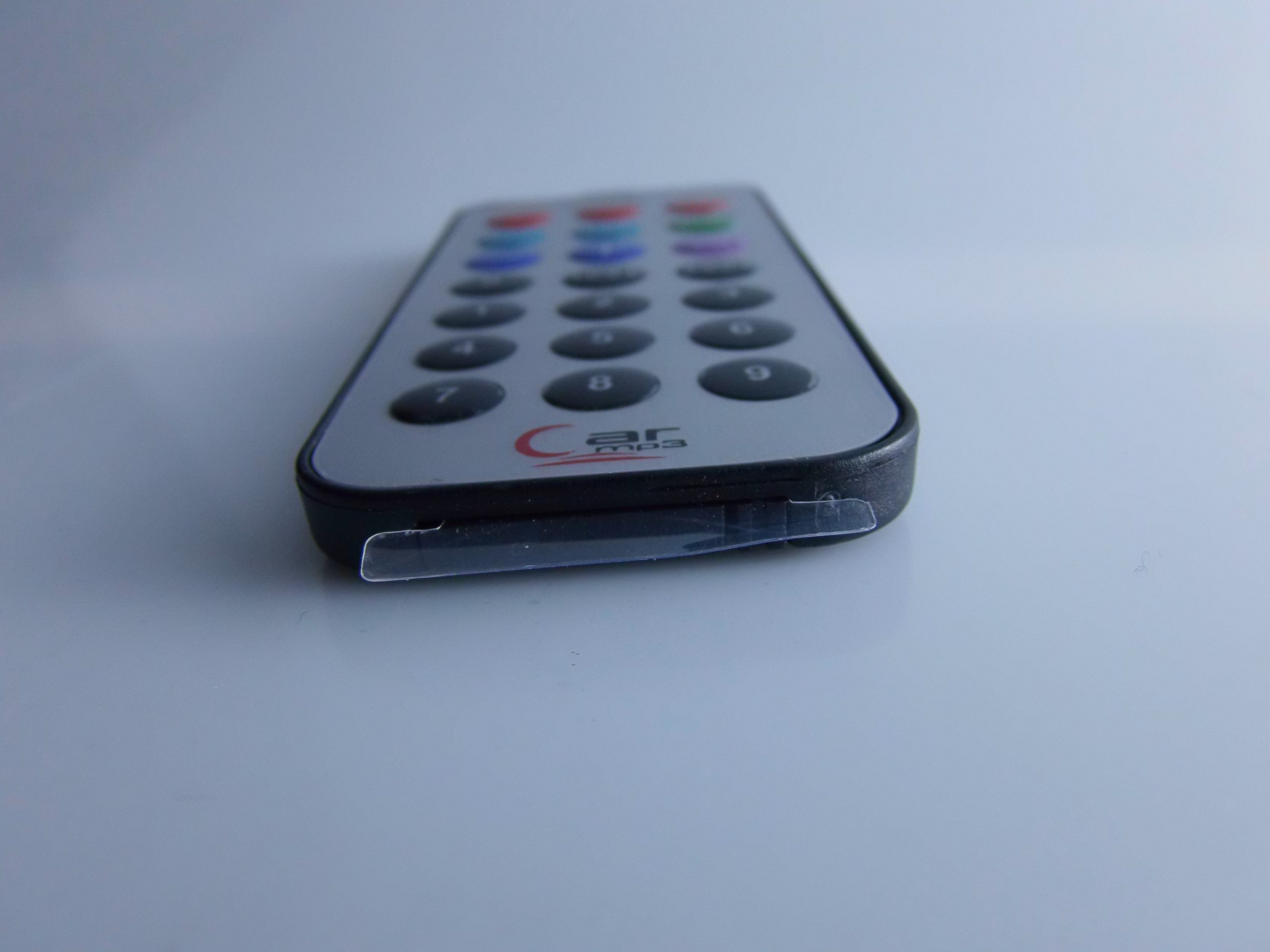
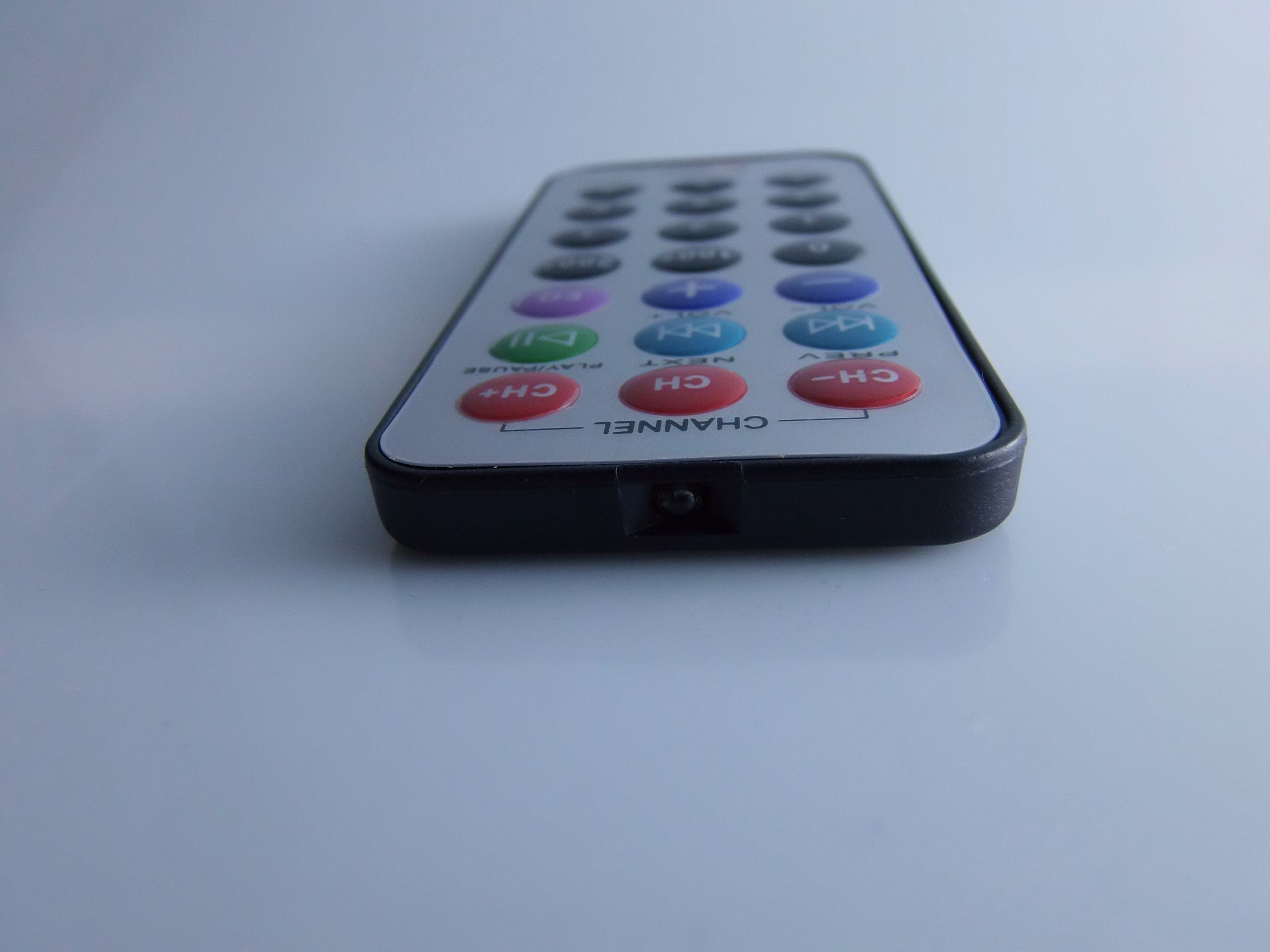
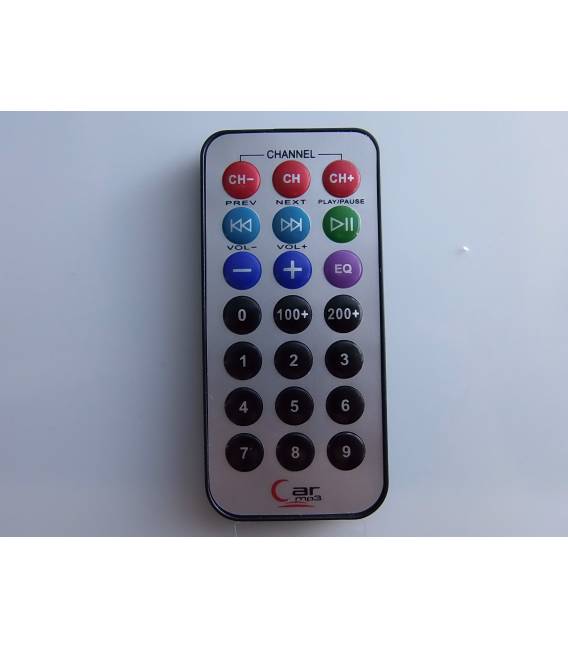
Description
What it is
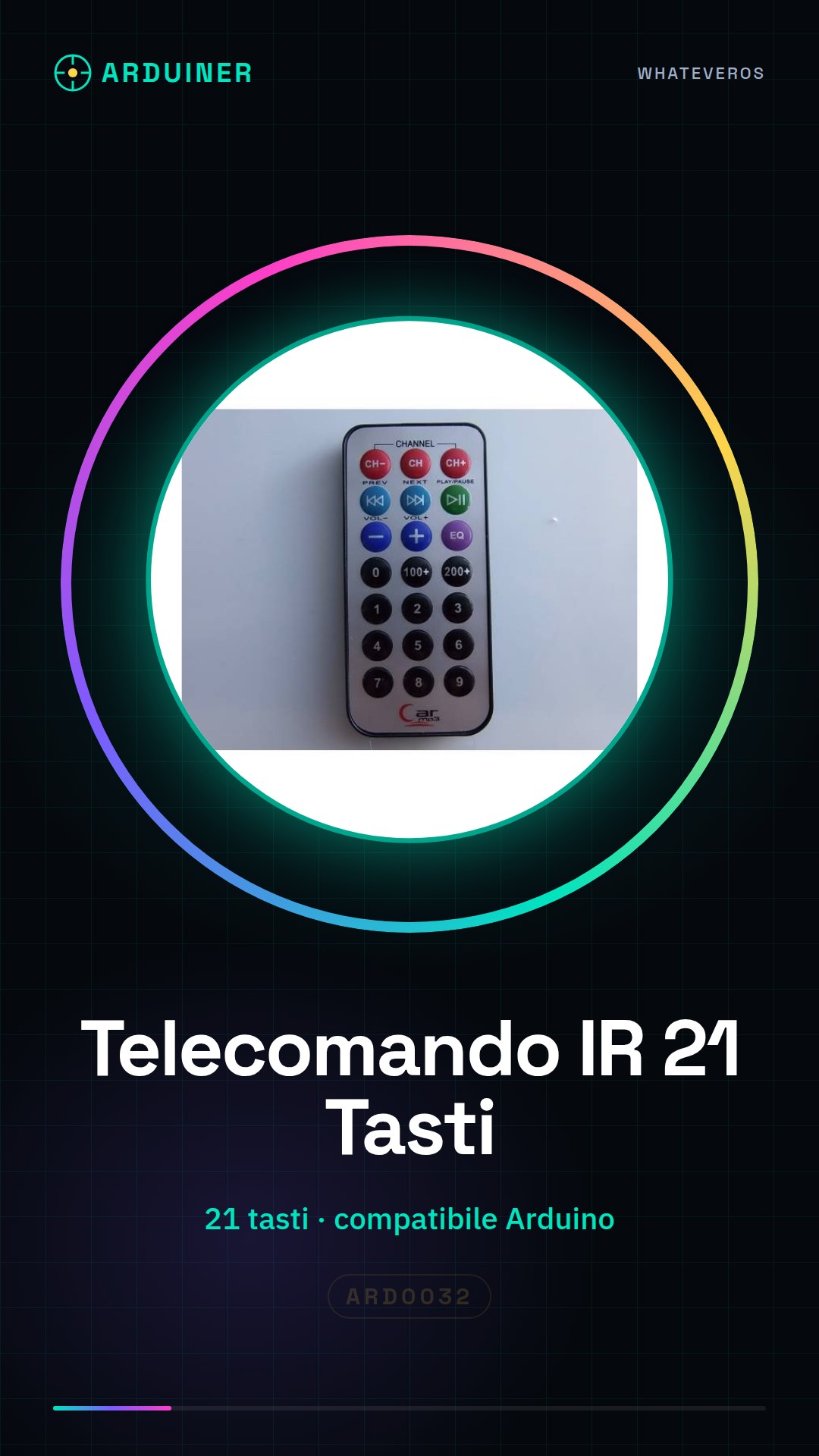
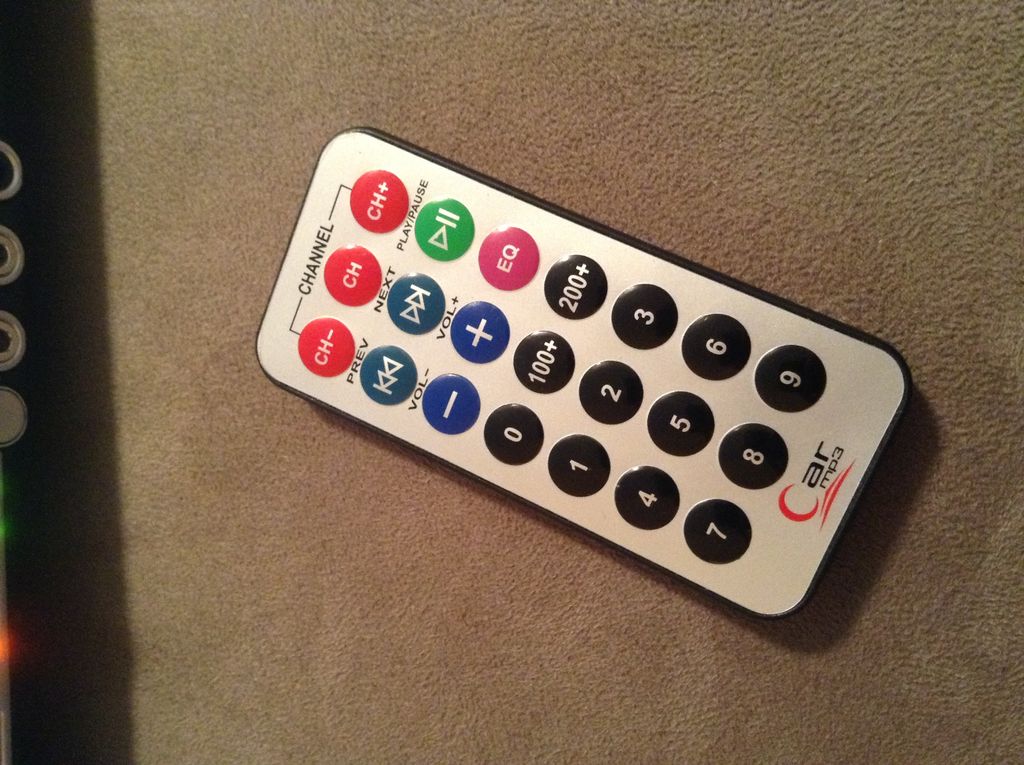
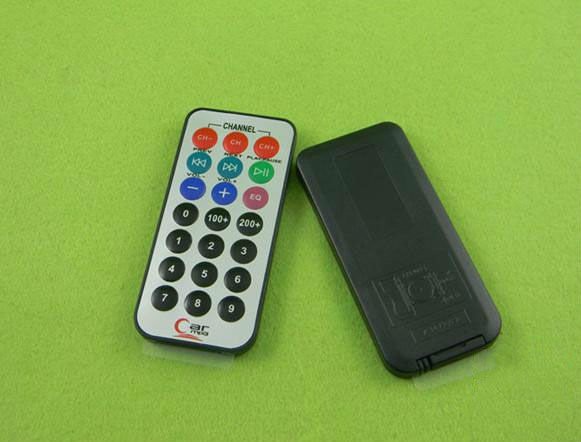
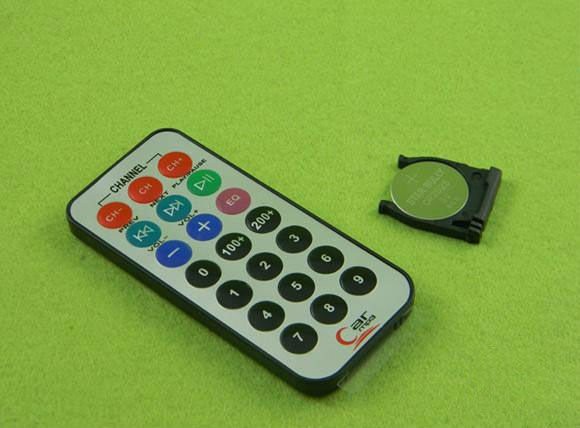
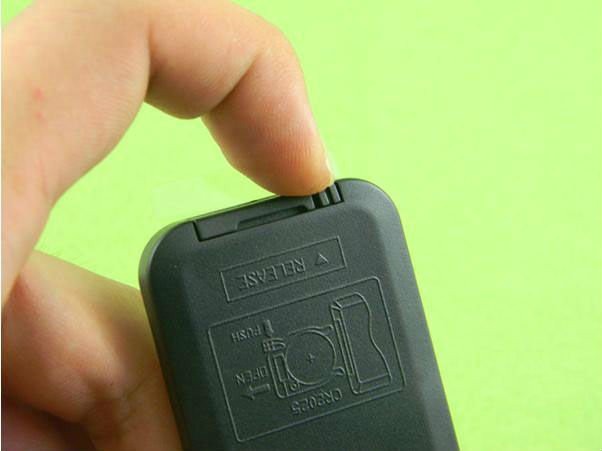
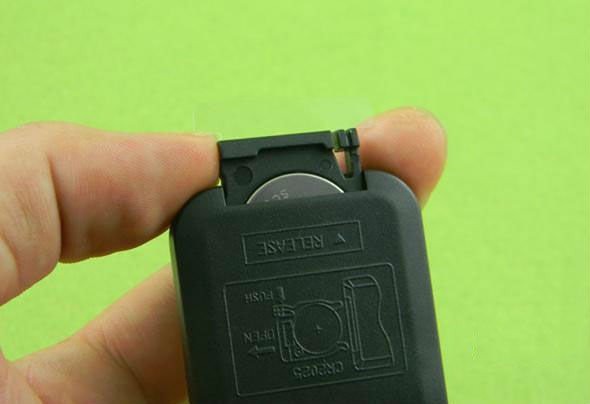
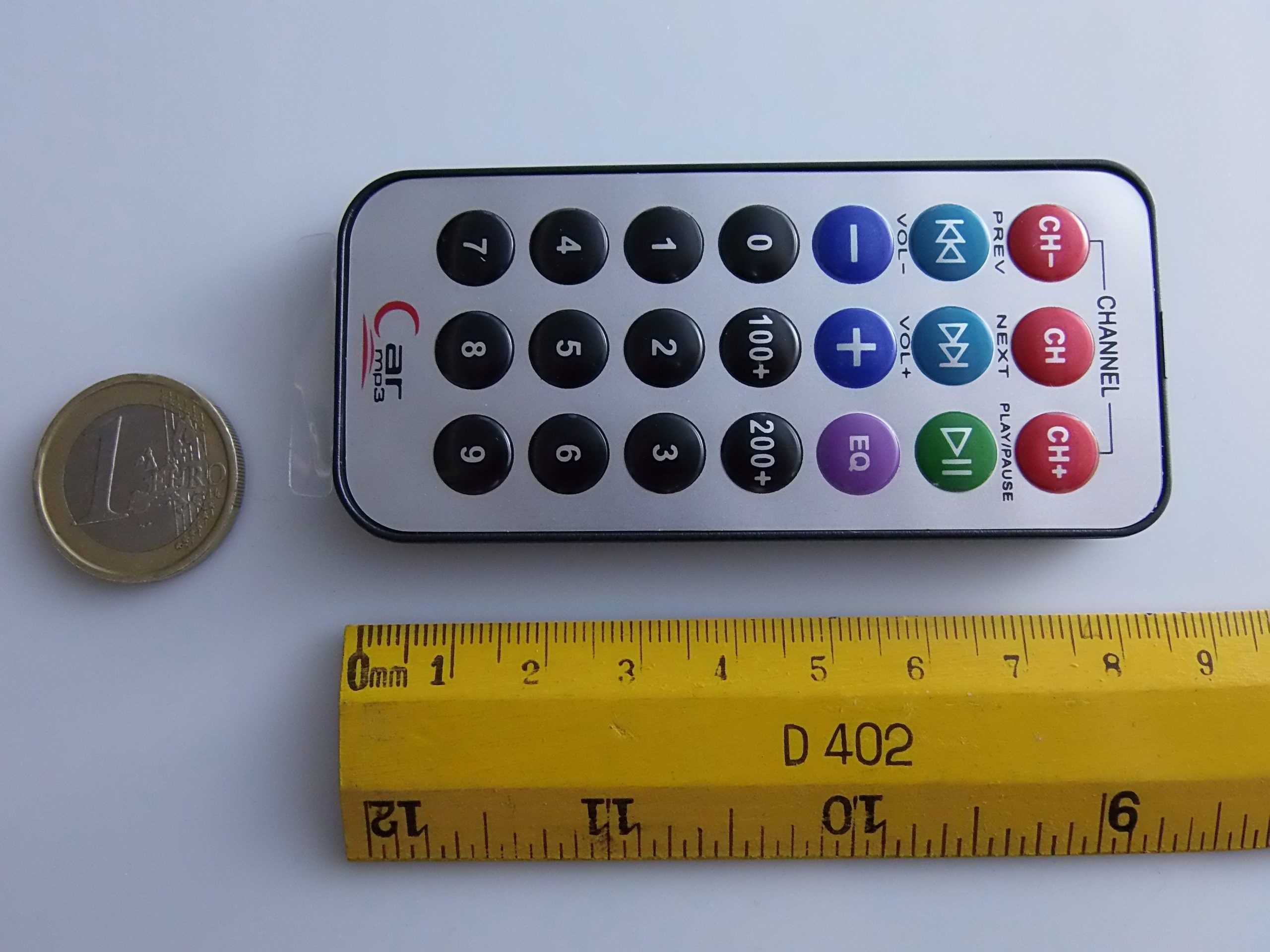
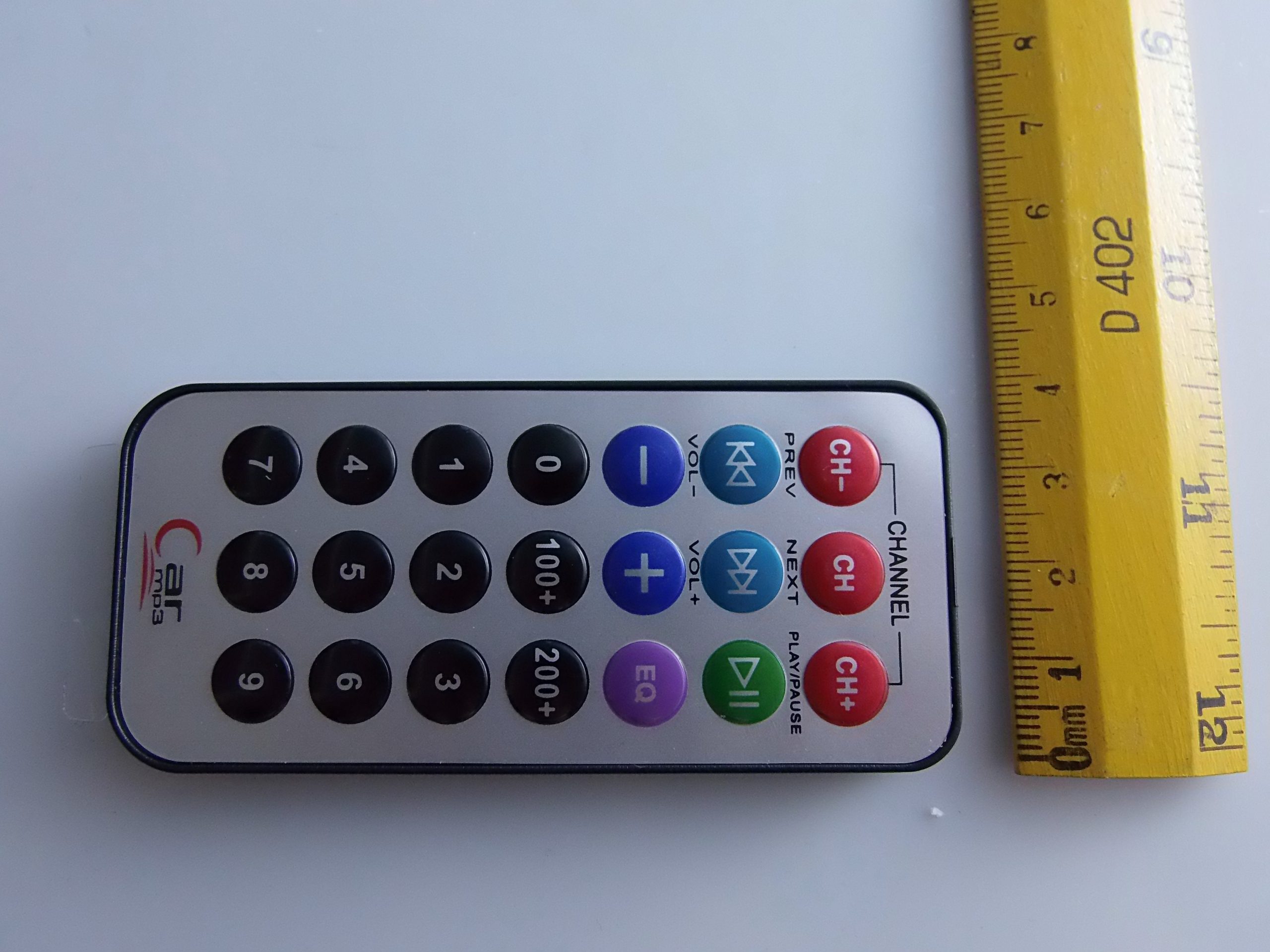
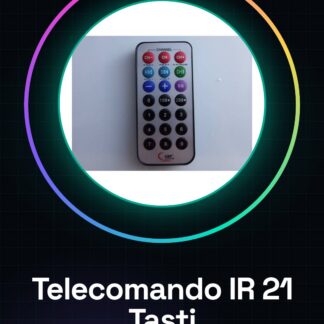
The infrared remote control with 21 buttons for Arduino is a device usable in various home automation projects and prototypes. Includes a battery, allowing remote control of devices through the use of infrared signals.
Features
- 21 buttons for diverse commands
- Compatible with Arduino and other microcontrollers
- Includes battery for power supply
What it is for
Used to control devices remotely, for example turning on lights, adjusting volume or opening doors. Ideal for home automation projects and prototypes.
Tutorial: How to use Infrared Remote Control 21 Buttons
This infrared remote control with 21 buttons is ideal for anyone who wants to control devices remotely. It is perfect for home automation projects, prototypes and small applications.
What you need
- Arduino
- USB cable
- Battery (included in the remote control)
- Arduino IDE software
Steps
- Connect the remote control to digital pin 11 of the Arduino using a JST cable or an appropriate connector.
- Install the IRremote library to handle infrared commands in the Arduino IDE software.
- Write a sketch that reads and interprets the buttons pressed on the remote control.
- Check the remote control datasheet to obtain precise connection and power supply specifications.
- Upload the sketch to the Arduino connected to the computer via USB.
- Press the various buttons on the remote control and observe the response of the application or prototype.
- Check the datasheet to correctly configure the interrupt pin if necessary.
- Test the user interface and associated scripts.
Example code
// Includi la libreria IRremote
#include <IRremote.h>

// Definizione dei pin
const int RECV_PIN = 11;
IRrecv irrecv(RECV_PIN);
decode_results results;

void setup() {
  Serial.begin(9600);
  irrecv.enableIRIn();
}

void loop() {
  if (irrecv.decode(&results)) {
    Serial.println(results.value, HEX);
    irrecv.resume(); // Resetta il ricevitore per la prossima lettura
  }
}
Mini project
Create a smart home system prototype that responds to remote control commands: turn on the lights, open the door, adjust the volume.
Common mistakes
- Do not verify the power supply and connections correctly.
- Use an incompatible remote control model library.
- Ignore the required pin interrupt configuration to receive commands.
- Swap the button functions in the Arduino code.
Recommended accessories
- Additional batteries
- External infrared antenna
- 3D printing prototype kit
- Motion sensors
Frequently asked questions
How can I customize the remote control commands?
Modify the Arduino sketch to map buttons to specific functions.
The remote control does not respond, what should I do?
Check the electrical connection and connection to the correct Arduino pin.
Reviews
There are no reviews yet.