 EN
 IT Italiano
 ES Español
 FR Français
 DE Deutsch
Description
What it is
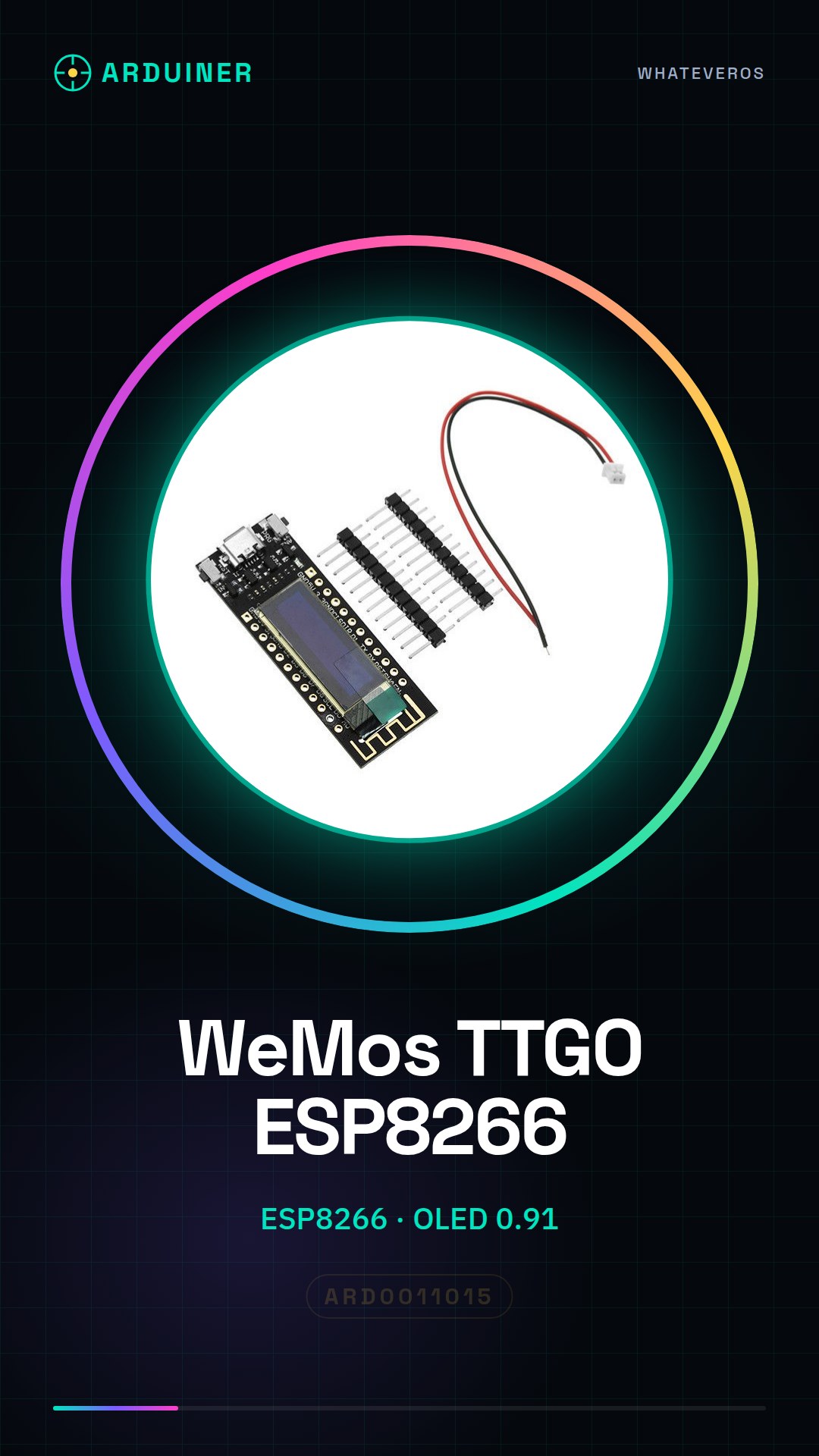
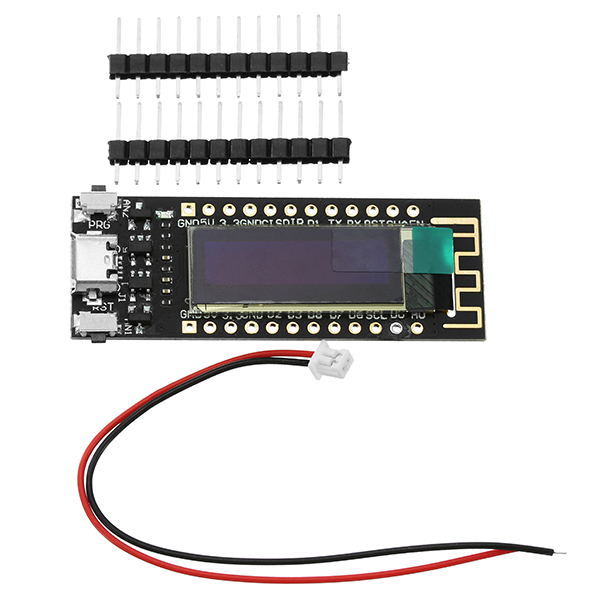
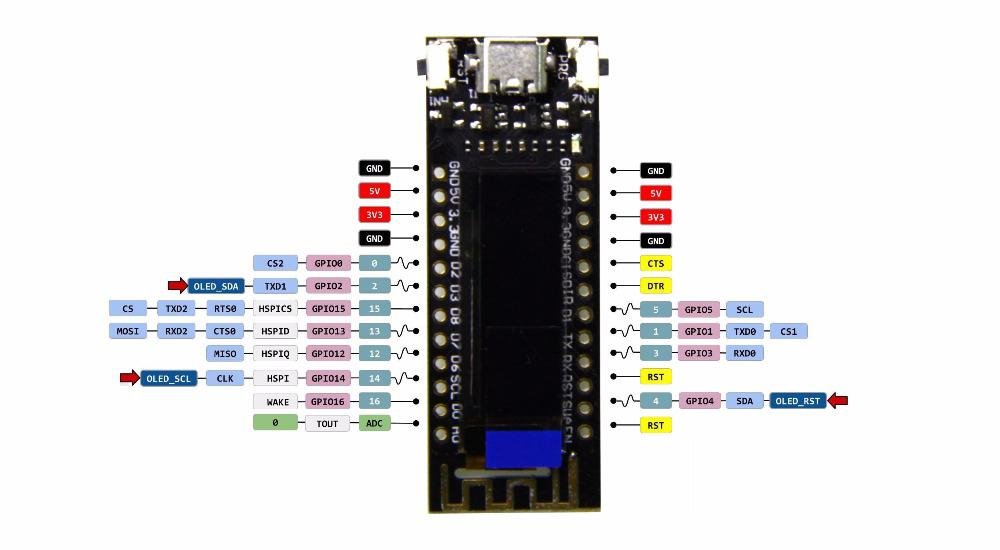
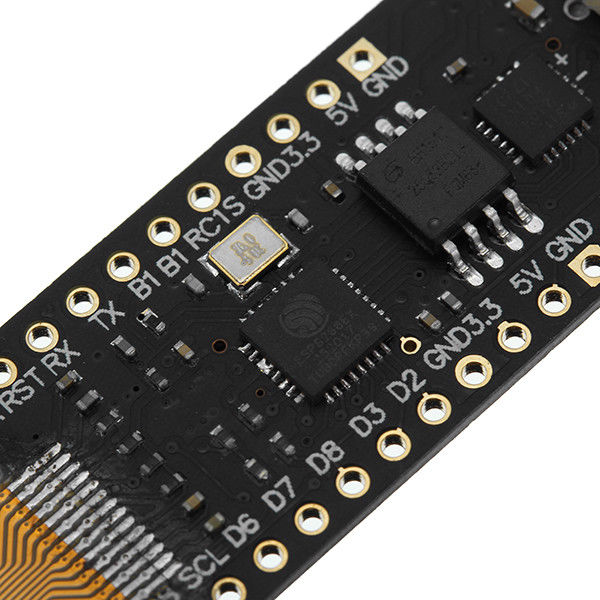
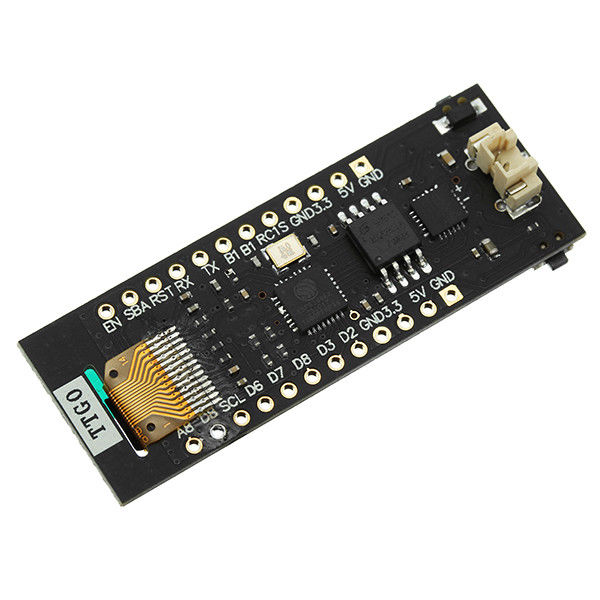
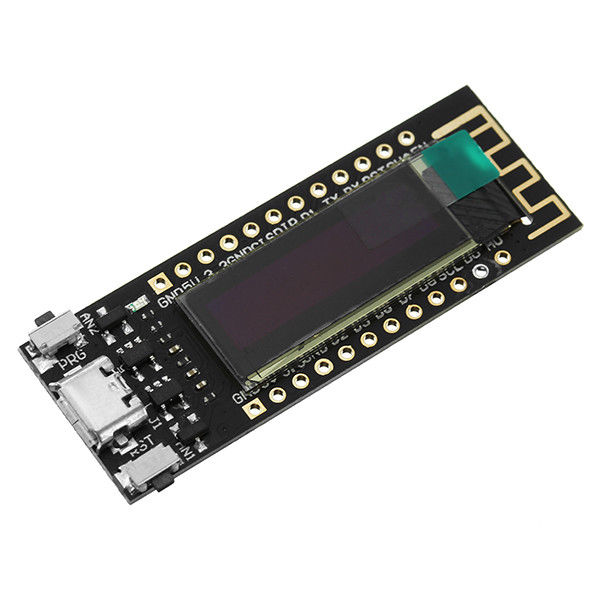
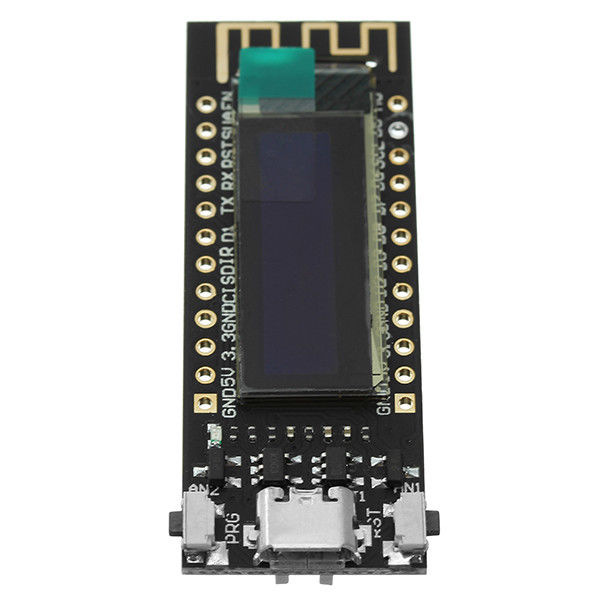
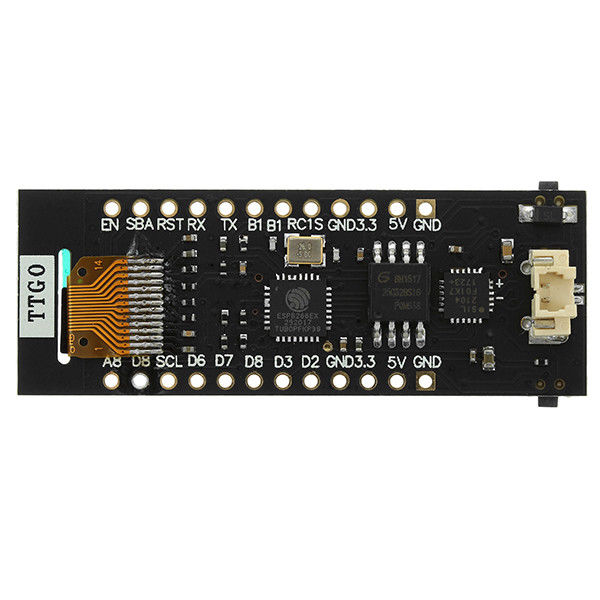
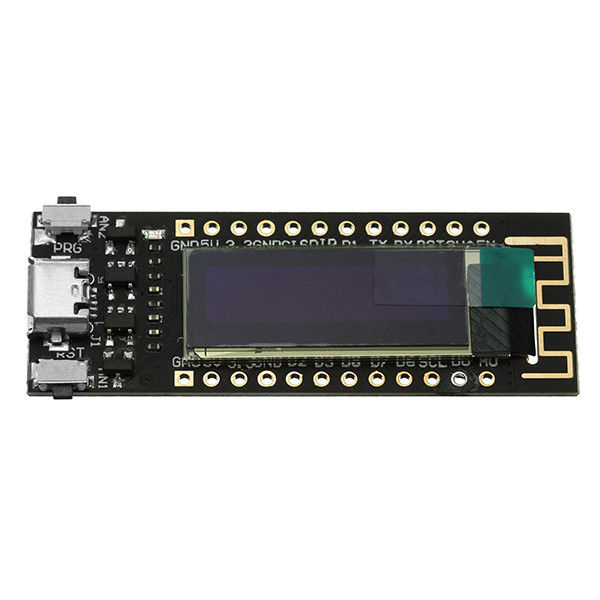
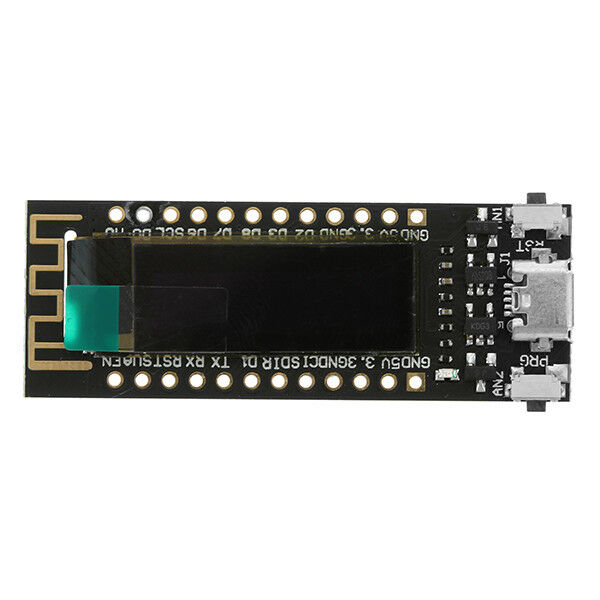
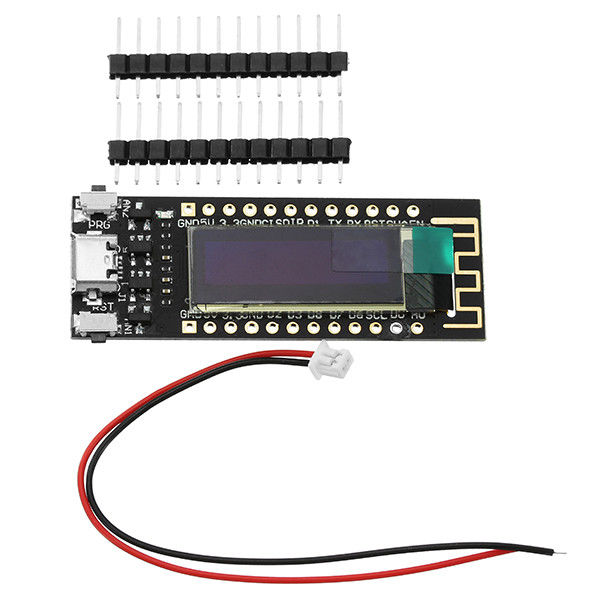
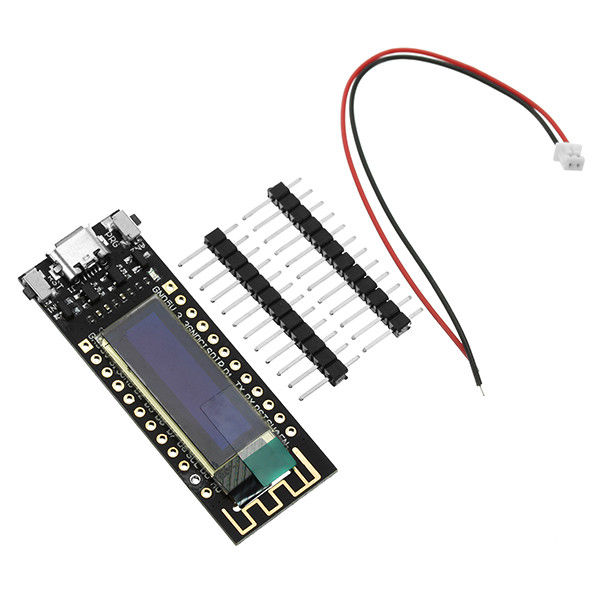
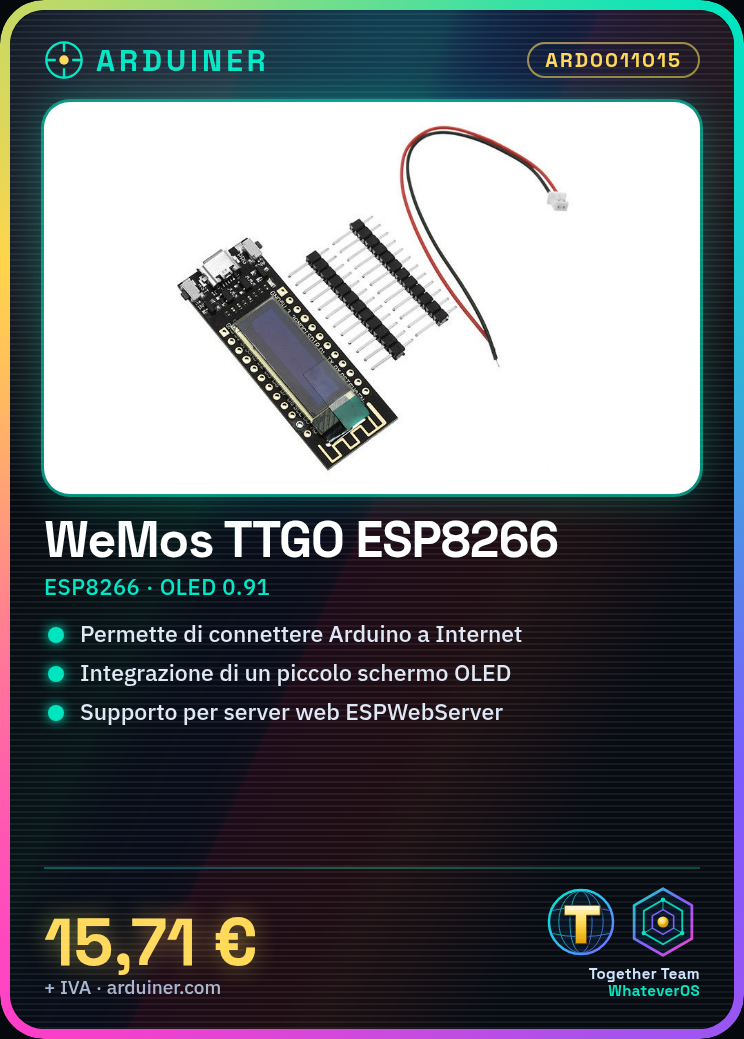
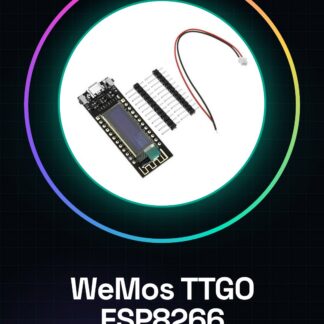
The WeMos TTGO ESP8266 is a WiFi module for Arduino featuring a small OLED screen. It allows integrating network functionalities into Arduino projects, making them interconnected and capable of interacting with the internet.
Features
- Chipset: ESP8266
- Display: OLED 0.91 inch CP2014
- Connectivity: WiFi
- Compatibility: Arduino
What it is for
The module is ideal for IoT projects, such as creating wireless sensors, remote-controlled devices, or monitoring systems. You can use libraries like ESPWebServer to develop simple web applications, such as a website with a button that sends a message when pressed.
Tutorial: How to use WeMos TTGO
The WeMos TTGO is a WiFi module for Arduino ideal for projects requiring internet connectivity. Useful for beginners and intermediates, it serves to integrate network features into your projects.
What you need
- WeMos TTGO
- Arduino IDE
- PC with internet connection
- USB cable
Steps
- Download and install Arduino IDE.
- Connect WeMos TTGO to PC with USB cable.
- Open a new sketch in Arduino IDE.
- Insert #include <WiFi.h> to include the WiFi library.
- Create variables for your WiFi password and name.
- Write connectWiFi() to connect the module.
- Test the connection with Serial.print.
- Save and upload the code to WeMos TTGO.
Example code
```
#include <WiFi.h>

const char* ssid = "TUO_SSID";
const char* password = "TUO_PSW";

void setup() {
  Serial.begin(115200);
  WiFi.begin(ssid, password);
  Serial.println("Connessione WiFi..." );
}

void loop() {
  if (WiFi.status() == WL_CONNECTED) {
    Serial.println("Connesso a WiFi");
    break;
  }
}
```
Mini project
Create a simple web site with a button that sends a message when pressed. Use a library like ESPWebServer.
Common mistakes
- Forgot to include the WiFi library.
- Incorrect WiFi password or name.
- USB connection error.
- Incorrect code in the sketch.
Recommended accessories
- ESPWebServer for Arduino
- Push button
- OLED display for visualization
- Various types of sensors
Frequently asked questions
How do I connect to the Internet?
Enter the WiFi data in your code and connect the module.
Which versions of Arduino IDE work?
I use the latest version for security.
What are the minimum requirements for the PC?
A PC with internet connection and Arduino IDE installed.
Can I use this module with other microcontrollers?
No, it only works with Arduino.
Reviews
There are no reviews yet.