 EN
 IT Italiano
 ES Español
 FR Français
 DE Deutsch
Description
What it is
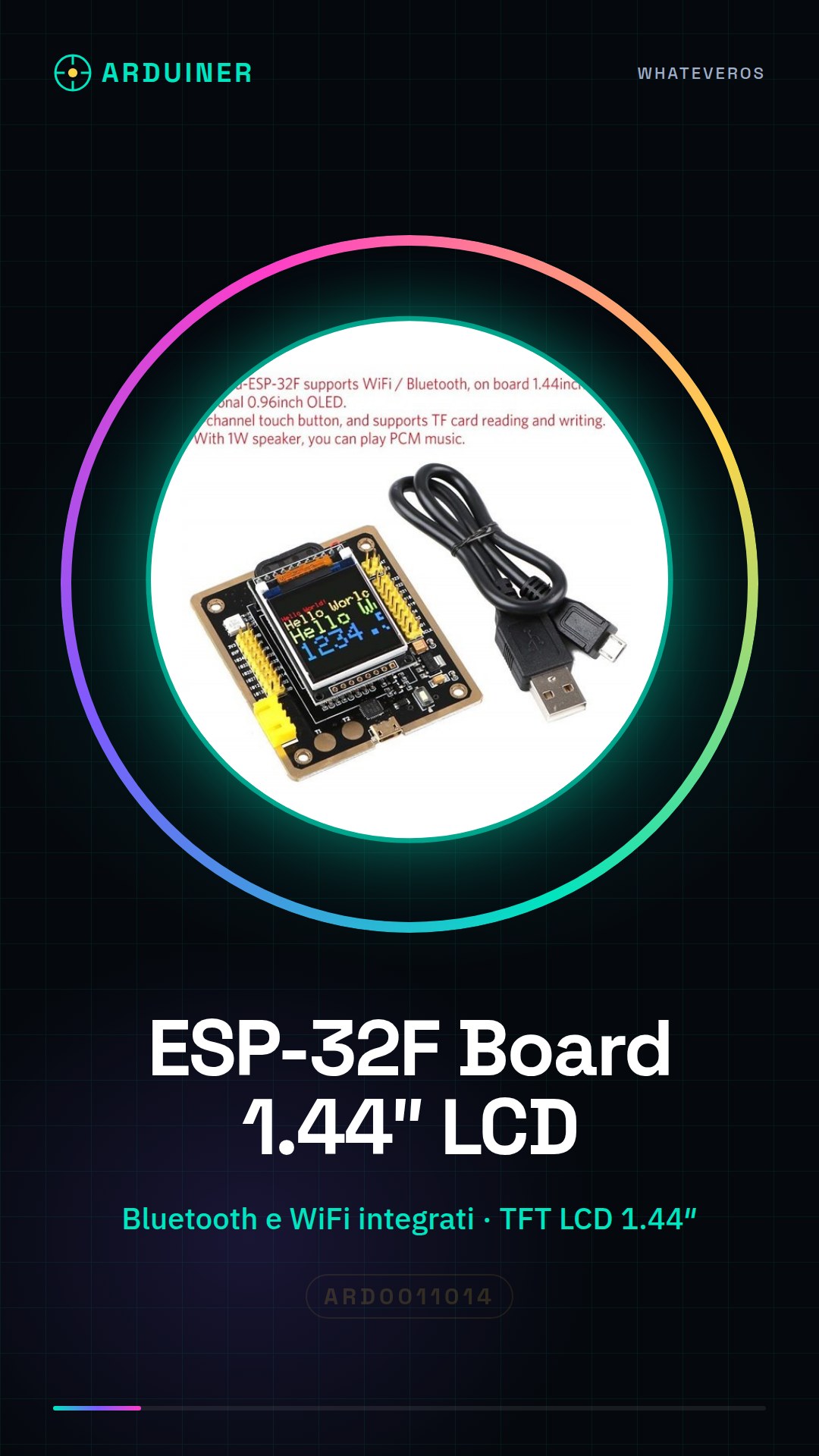
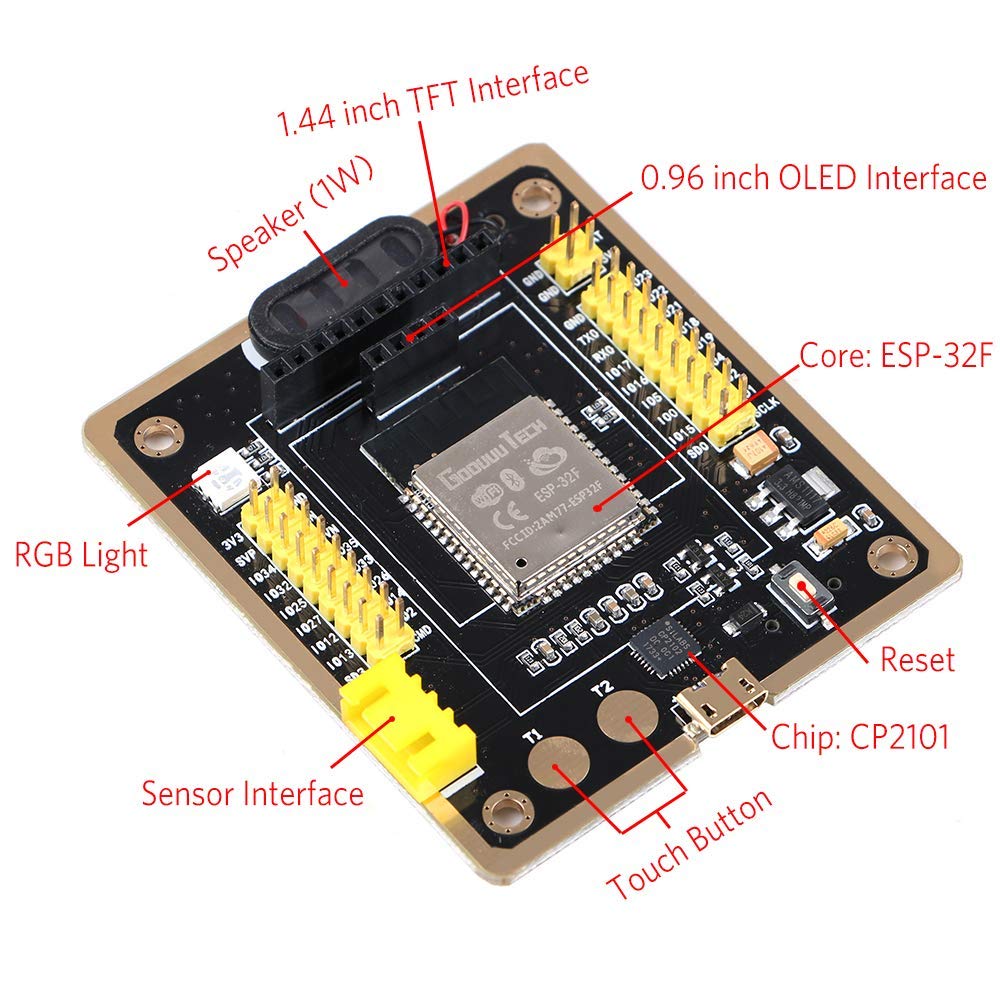
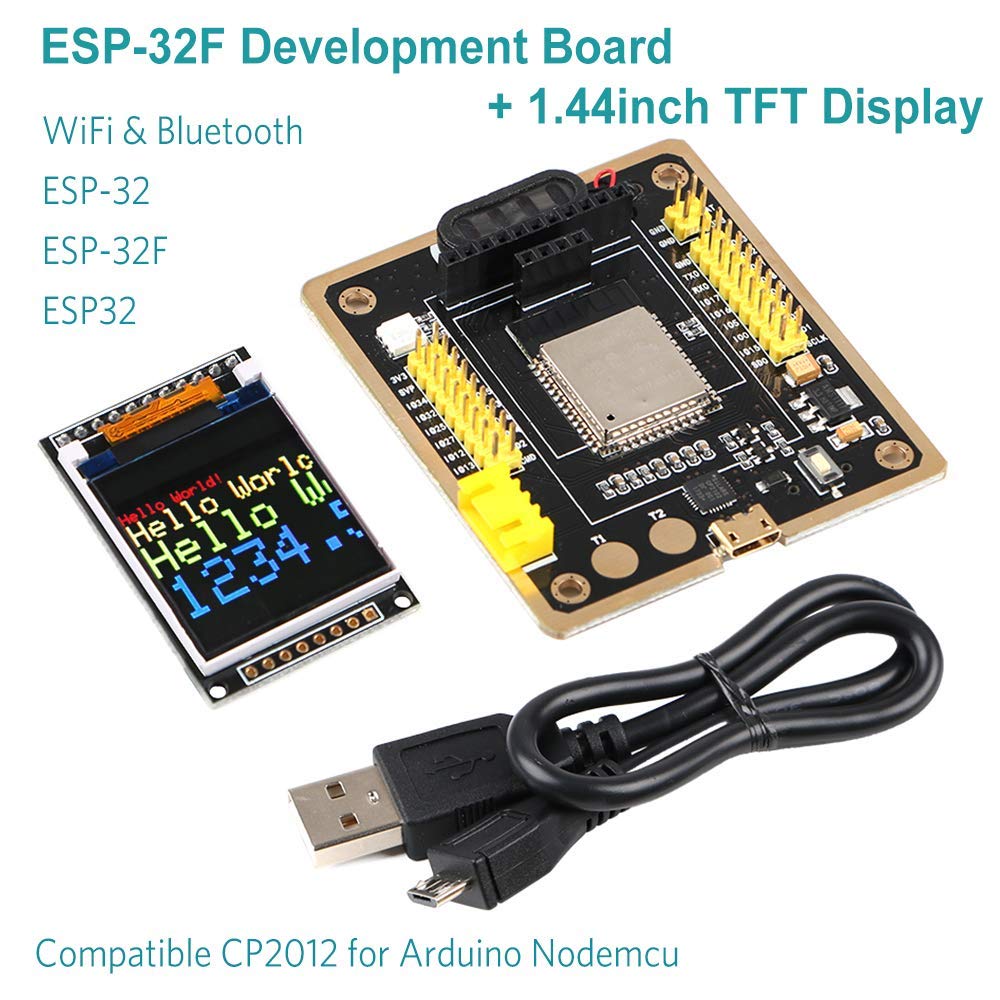
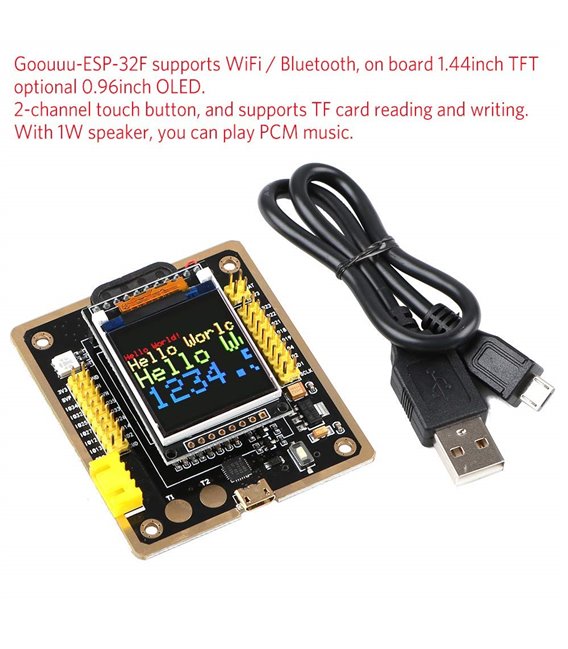
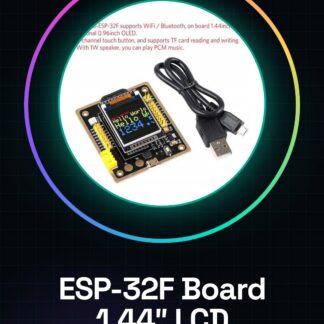
The ESP-32F Board with TFT LCD 1.44″ is a versatile development module for IoT projects, ideal for beginners and intermediates who want to integrate WiFi and Bluetooth functionalities into control applications.
Features
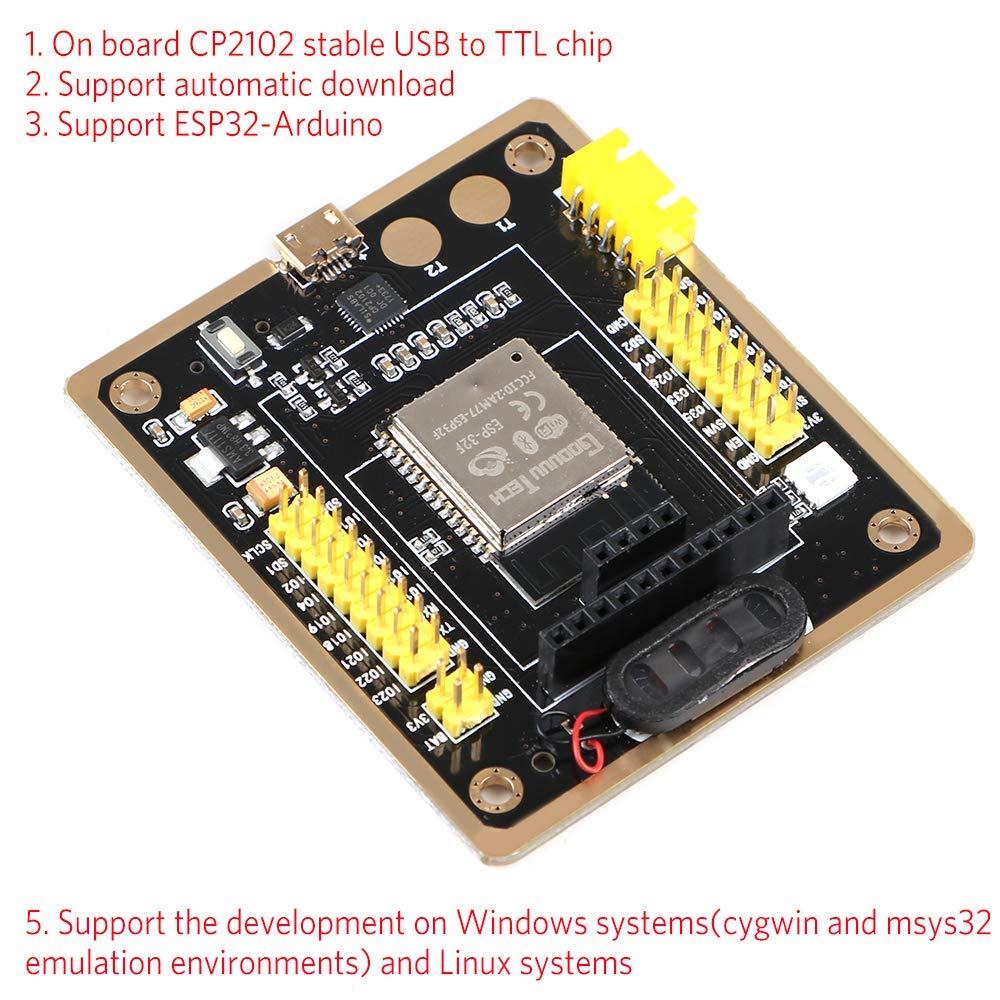
- ESP32F Development Module
- Integrated Bluetooth and WiFi
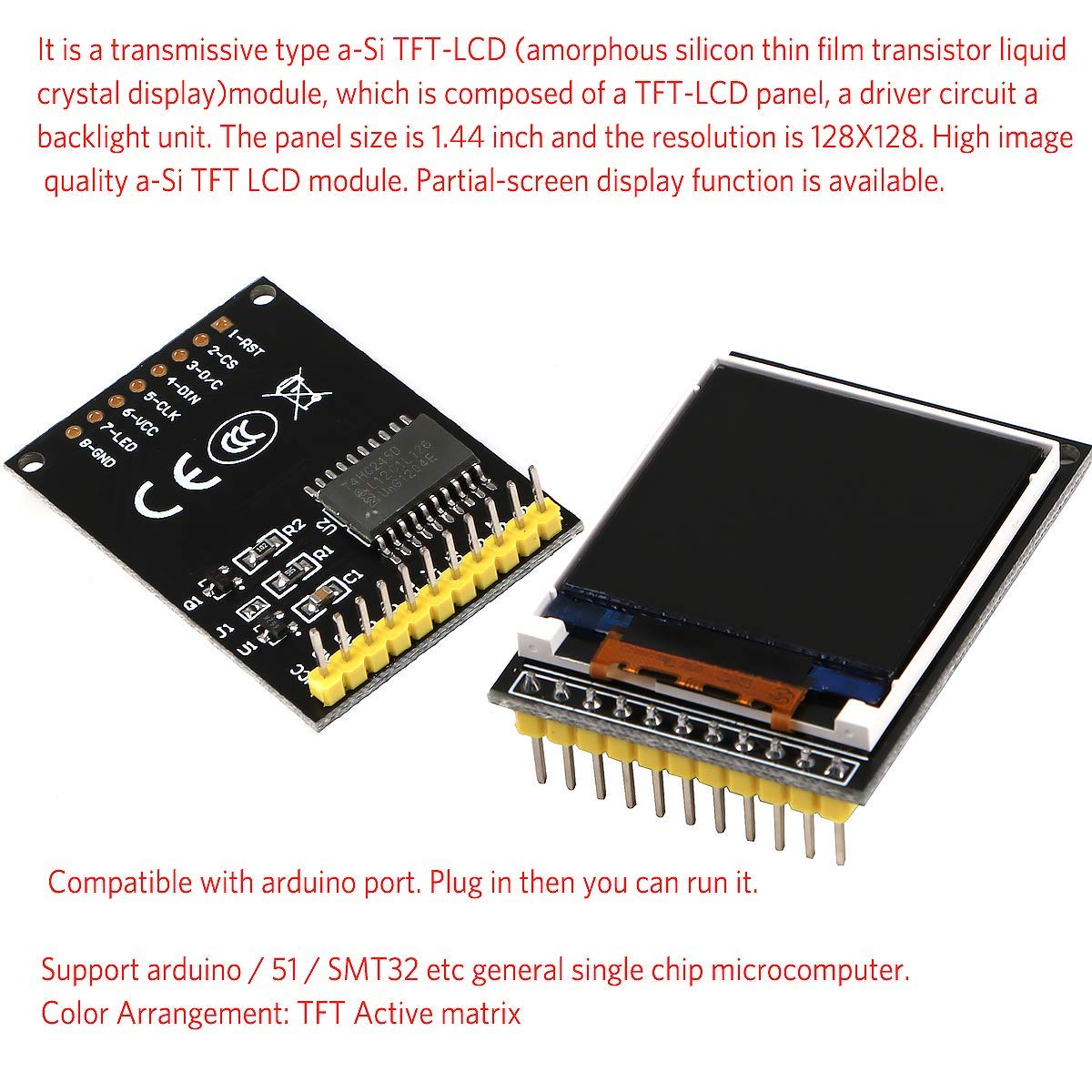
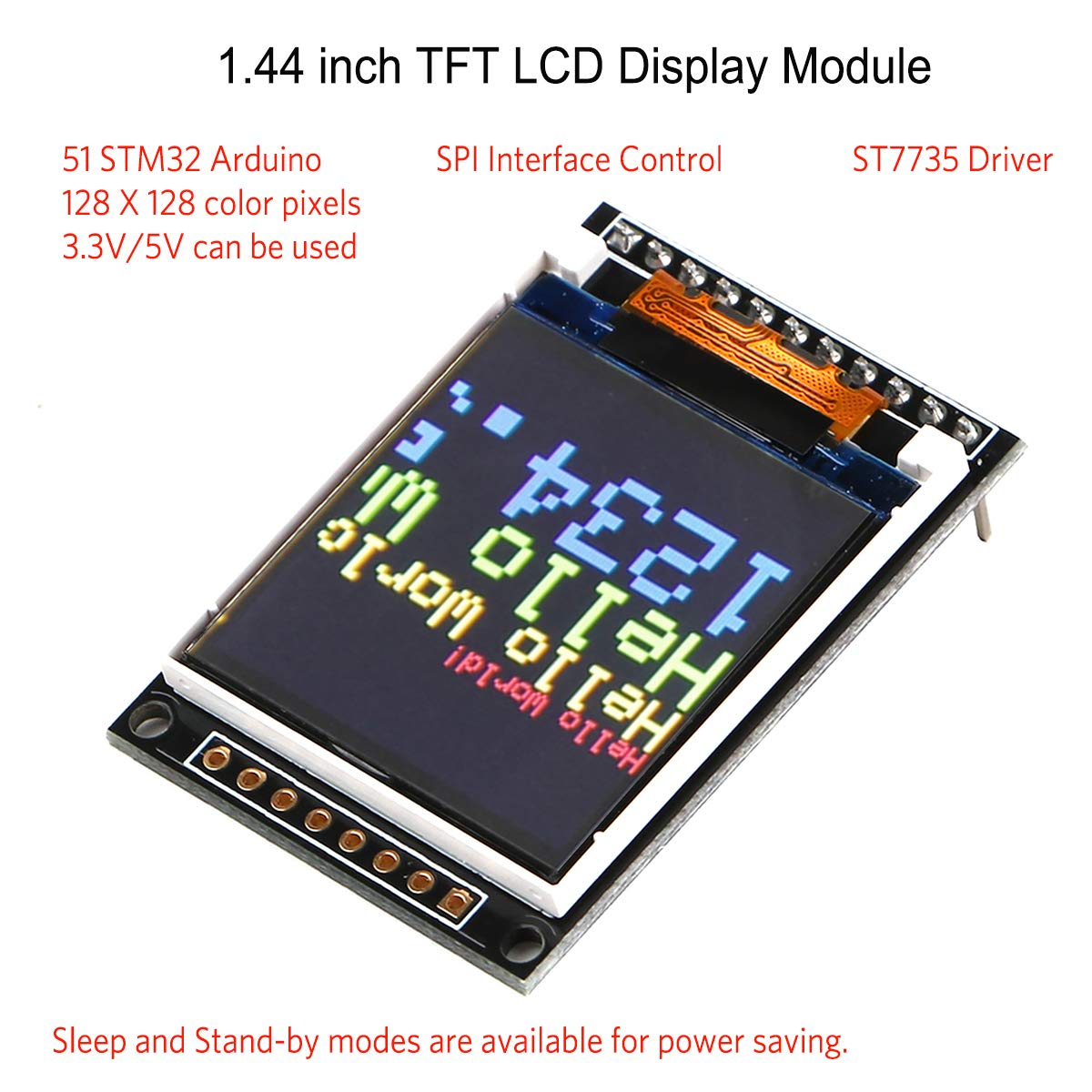
- TFT LCD 1.44″
What it is for
Allows creating IoT projects with an integrated graphical display. Suitable for those who want to integrate control functionalities with WiFi and Bluetooth.
Tutorial: How to Use ESP-32F Board
The ESP-32F Board is a versatile development module for IoT projects, ideal for beginners and intermediates who want to integrate WiFi and Bluetooth functionalities into control applications.
What you need
- ESP-32F Board
- Arduino IDE
- USB cable
- TFT LCD 1.44″
- 10kΩ Resistor
Steps
- 1. Download and install the Arduino IDE.
- 2. Connect the ESP-32F Board to the computer via USB cable.
- 3. Check the datasheet for the internal pull-up specification.
- 4. Connect the TFT LCD 1.44″ to pin D2 of the ESP-32F.
- 5. Add the Adafruit GFX and Adafruit SSD1306 libraries.
- 6. Write the code to initialize the TFT LCD.
- 7. Load the code onto the ESP-32F.
- 8. Check that the TFT LCD displays correctly.
Example code
```cpp
#include <Adafruit_GFX.h>
#include <Adafruit_SSD1306.h>

#define OLED_RESET -1
Adafruit_SSD1306 display(OLED_RESET);

void setup() {
  display.begin(SSD1306_SWITCHCAPVCC, 0x3C);
  display.display();
}

void loop() {
  display.clearDisplay();
  display.drawString(0, 0, "ESP-32F Board");
  display.display();
}
```
Mini project
Create a welcome display with the name of your project on the TFT LCD.
Common mistakes
- Forget to connect the TFT LCD correctly.
- Insert the wrong library.
- Do not verify the internal pull-up specification.
- Load the code onto an unconfigured ESP-32.
Recommended accessories
- Temperature sensors
- Stepper motors
- LiPo battery
- USB 2.0 cable
Frequently asked questions
How can I verify the internal pull-up specification?
Check the datasheet or an Arduino forum.
Which libraries do I need to install for the TFT LCD?
Adafruit GFX and Adafruit SSD1306.
Can I use this module for Bluetooth connections?
Yes, the ESP-32F supports Bluetooth.
What are the minimum requirements for the Arduino IDE?
The latest IDE supports the ESP-32 correctly.
Reviews
There are no reviews yet.