 EN
 IT Italiano
 ES Español
 FR Français
 DE Deutsch
Description
What it is
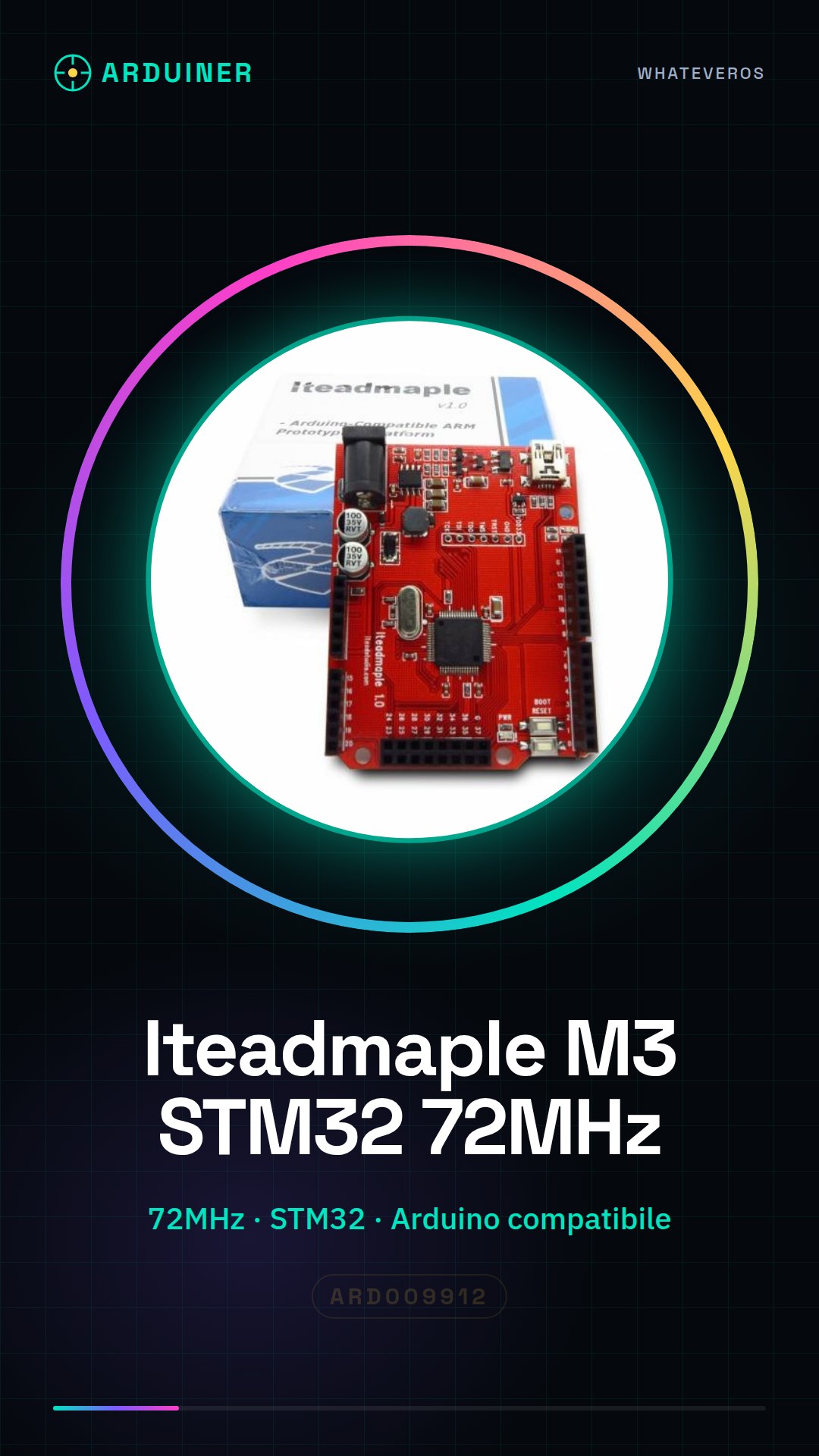
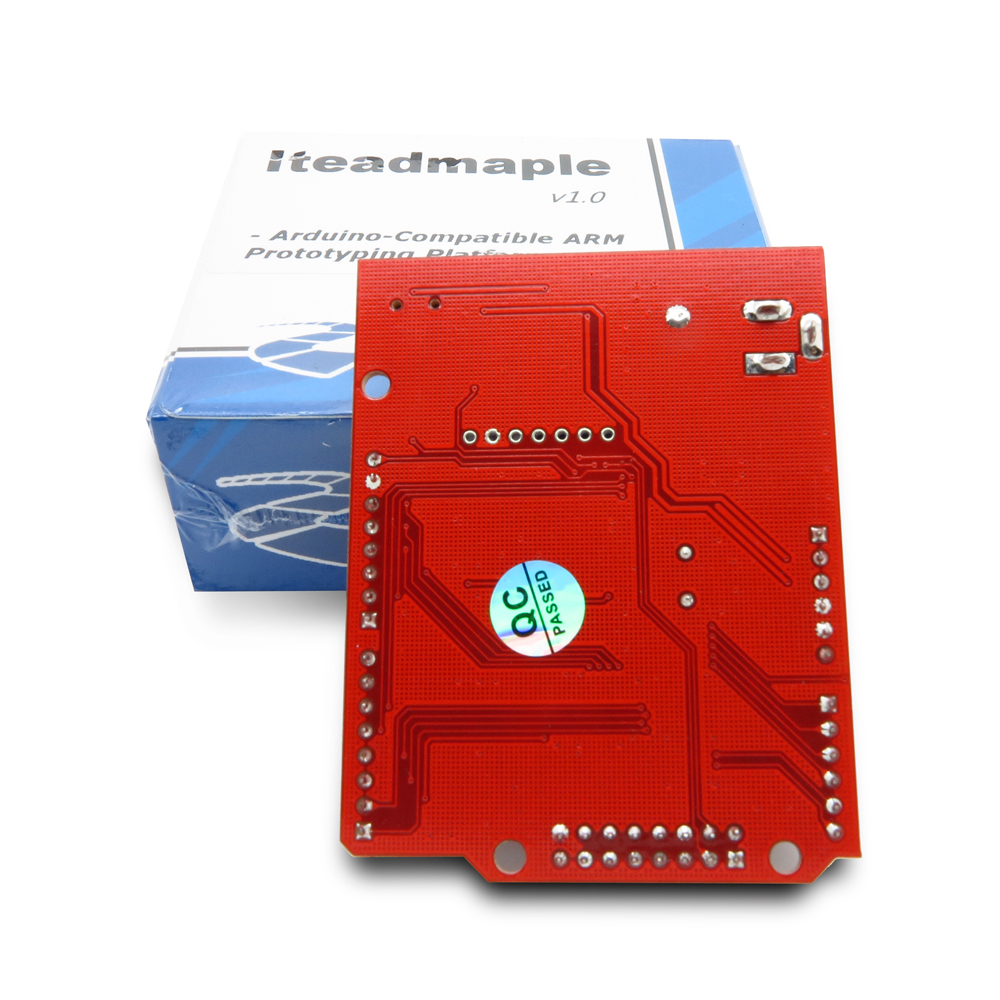
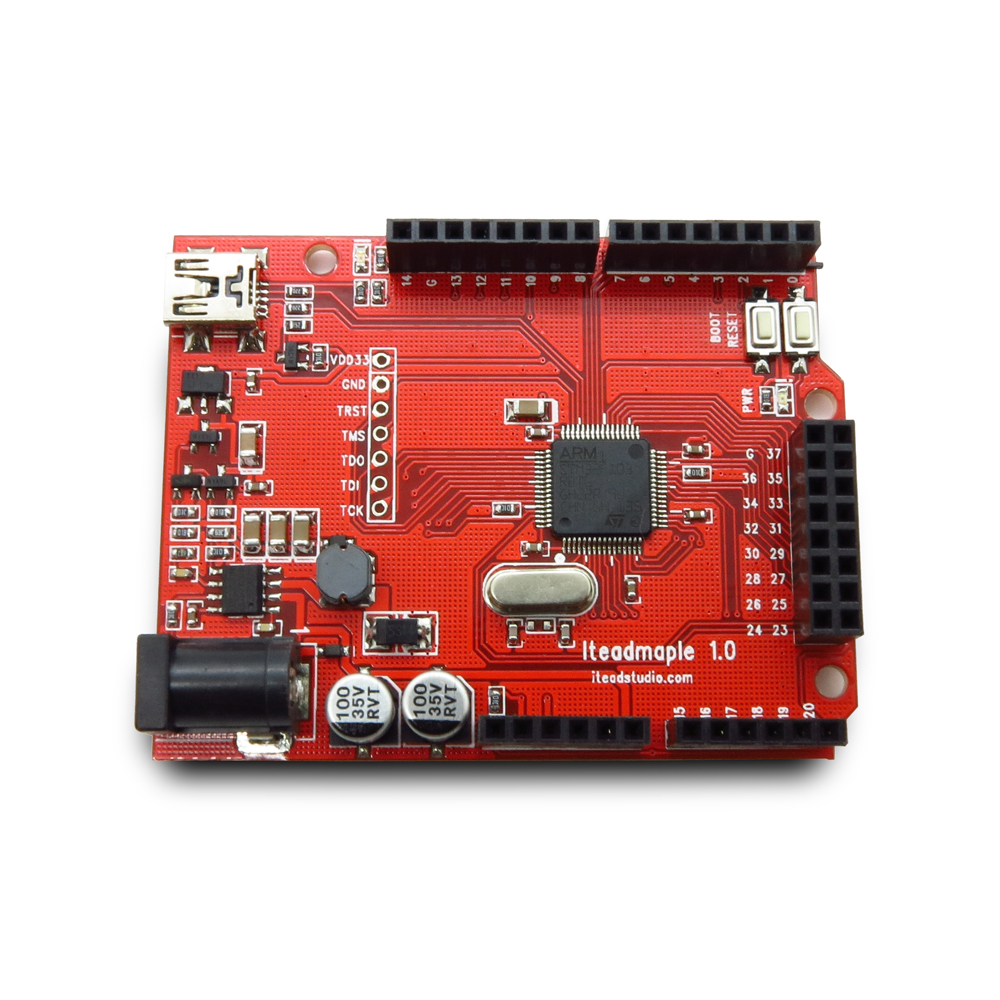
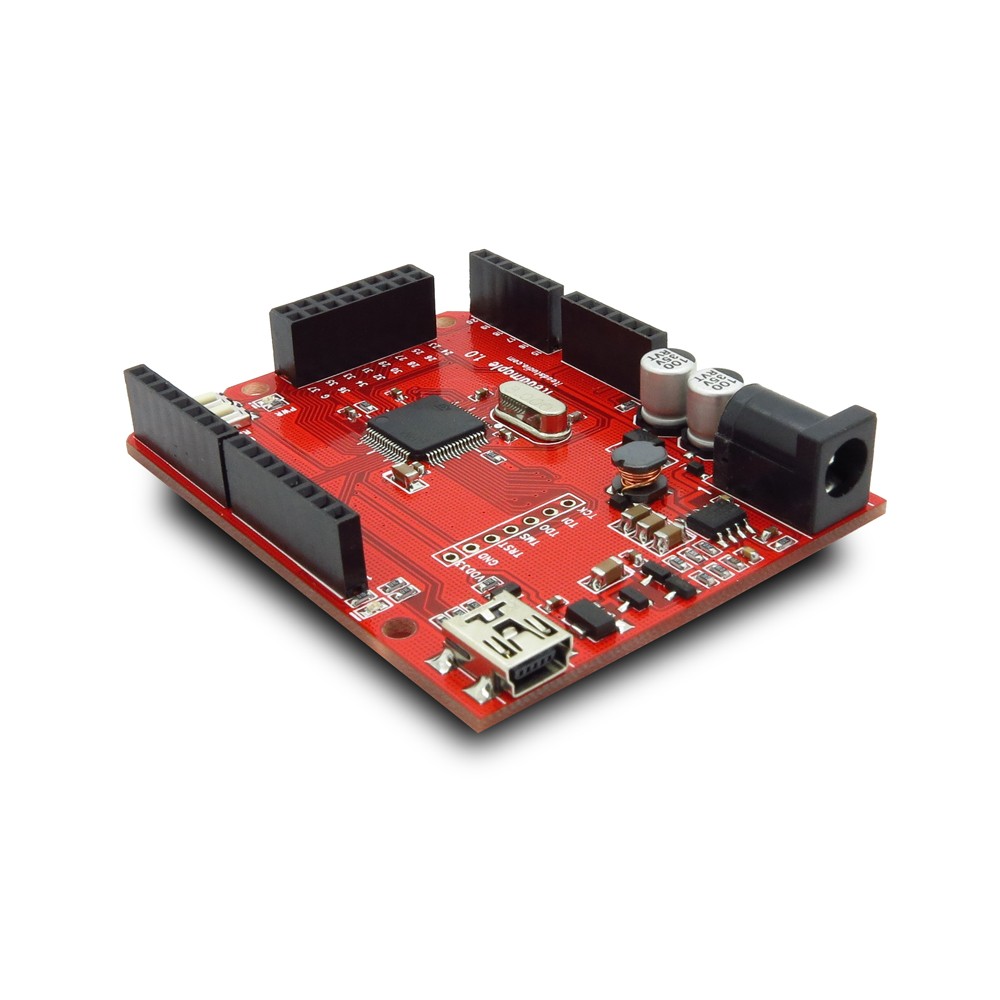
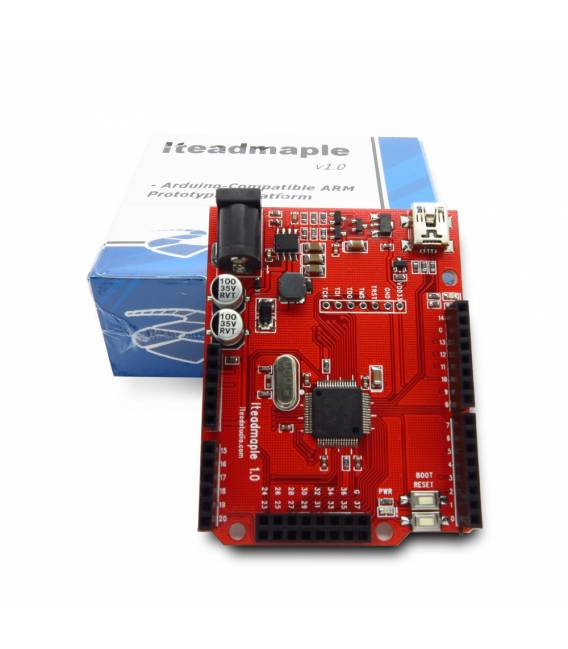
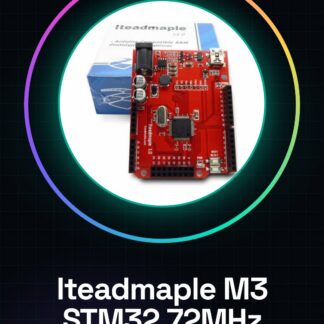
The Iteadmaple M3 STM32 is a 72MHz Arduino-compatible board produced by Itead. This device integrates an STM32 processor and offers high performance for developing advanced electronics projects.
Features
- 72MHz Arduino-compatible board
- STM32 processor integration
What it is for
The Iteadmaple M3 STM32 is ideal for projects requiring high performance and advanced features. You can use it to develop electronics applications, drones, 3D printers, or any other Arduino-compatible project.
Tutorial: How to use Iteadmaple M3
The Iteadmaple M3 is a 72 MHz Arduino-compatible board with an STM32 processor, ideal for projects requiring high performance and advanced features.
What you need
- Iteadmaple M3
- Arduino IDE
- USB cable
- 10kΩ resistor
- LED
Steps
- Download and install the Arduino IDE.
- Connect the Iteadmaple M3 to your computer via the USB cable.
- Select ‘Arduino M3’ as board in the menu ‘Tools > Board’.
- Select ‘USB’ as serial port in the menu ‘Tools > Port’.
- Upload the example sketch ‘Blink’ to the M3.
- Check the datasheet for the pins used in the sketch.
- Connect the led to pin 13 and to the 10kΩ resistor.
- Remove the USB cable and observe the led blinking.
Example code
void setup() { pinMode(13, OUTPUT);}void loop() { digitalWrite(13, HIGH); delay(1000); digitalWrite(13, LOW); delay(1000);}Mini project
Create a simple LED blinker that blinks at 1 Hz.
Common mistakes
- Forgetting to select the correct board.
- Connecting the led to the wrong pin.
- Omitting the selection of the serial port.
- Failing to check the datasheet for the pins used.
Recommended accessories
- Led
- 10kΩ Resistor
- USB Cable
- Proteus or Fritzing
Frequently asked questions
How can I check the firmware version?
Open the terminal console in the Arduino IDE.
Which pins are used for serial communication?
Check the datasheet.
Can I use the Iteadmaple M3 for control projects?
Yes, it is designed for advanced control projects.
Why doesn’t the LED blink?
Check the connection and the code.
Reviews
There are no reviews yet.