 EN
 IT Italiano
 ES Español
 FR Français
 DE Deutsch
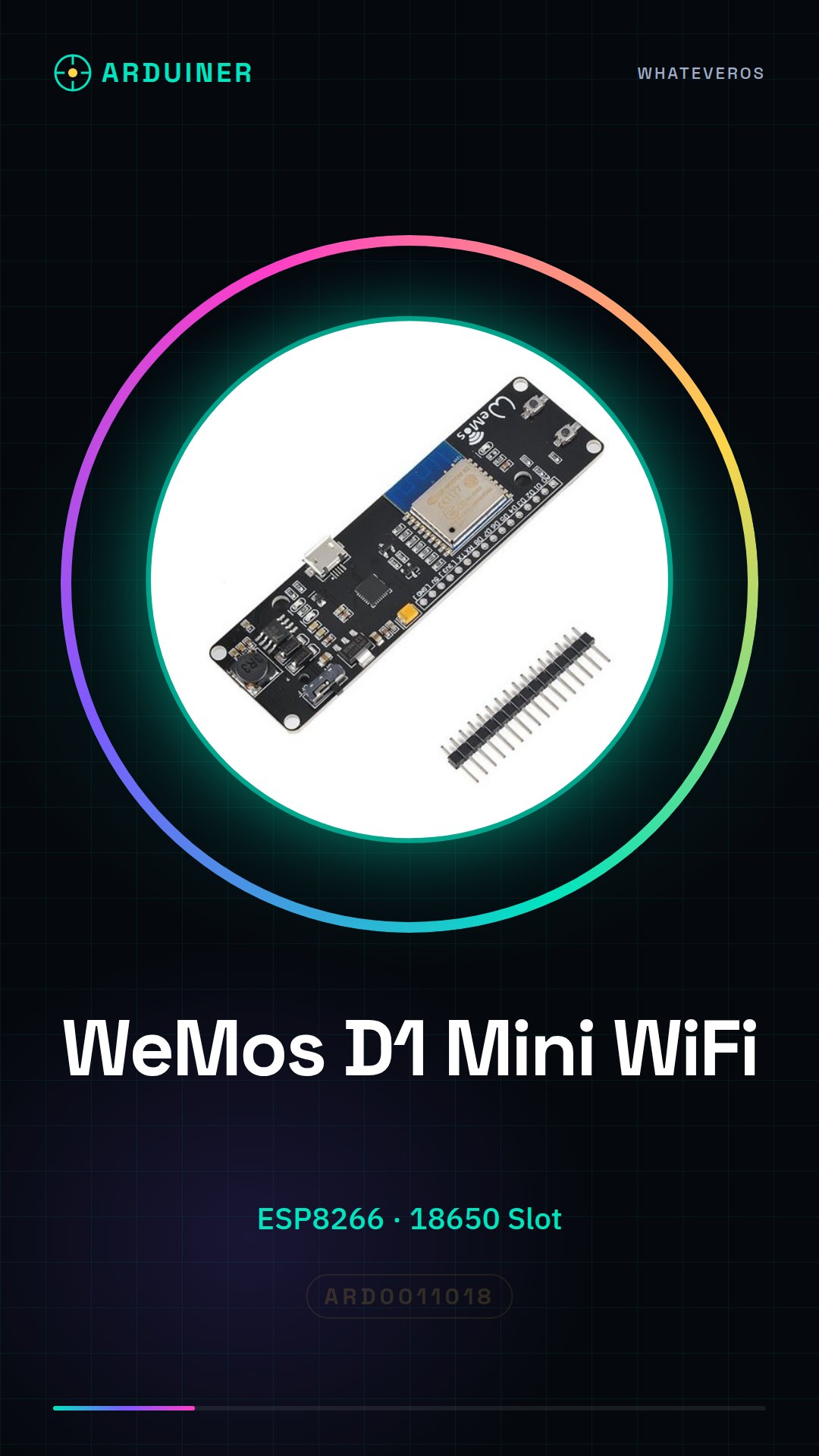
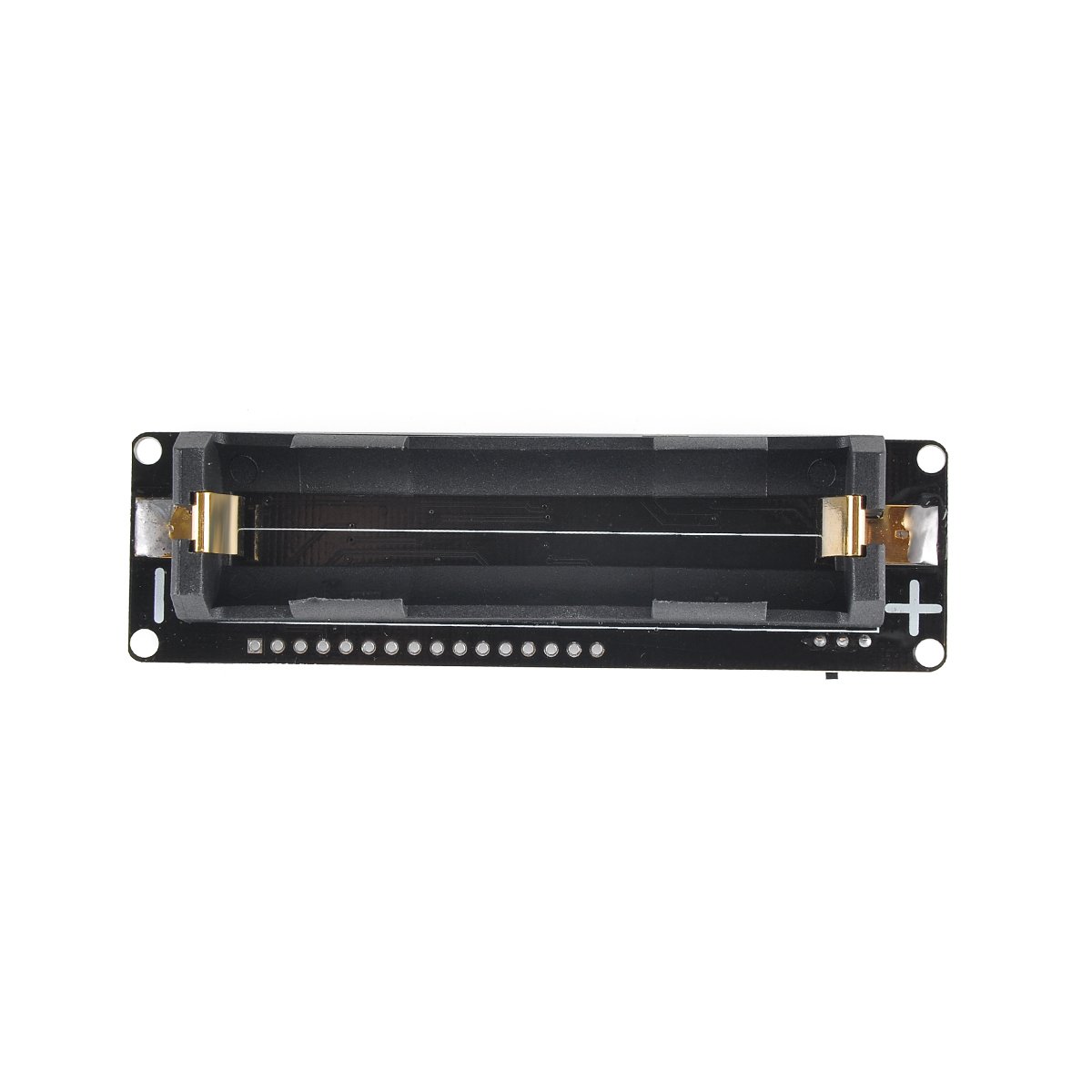
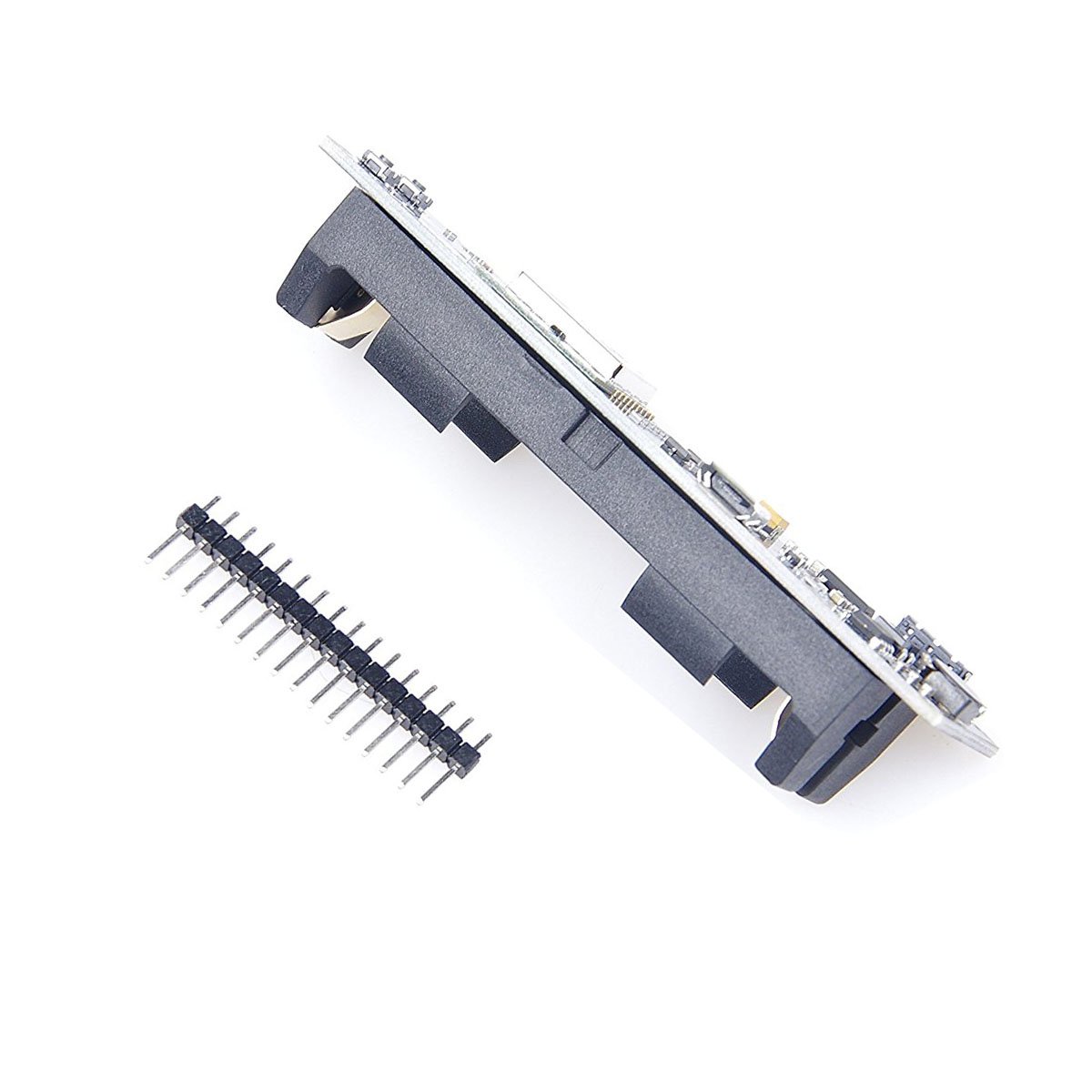
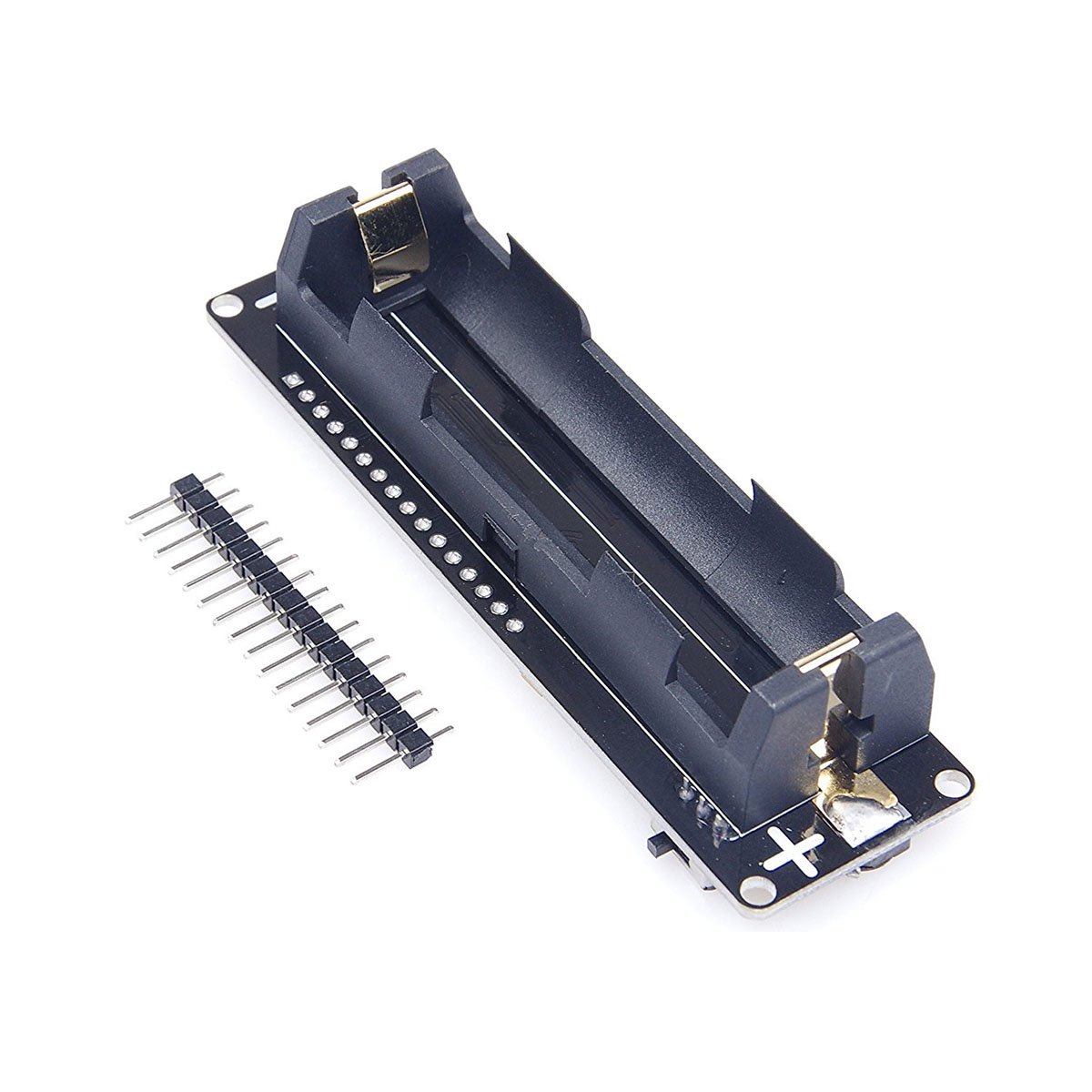
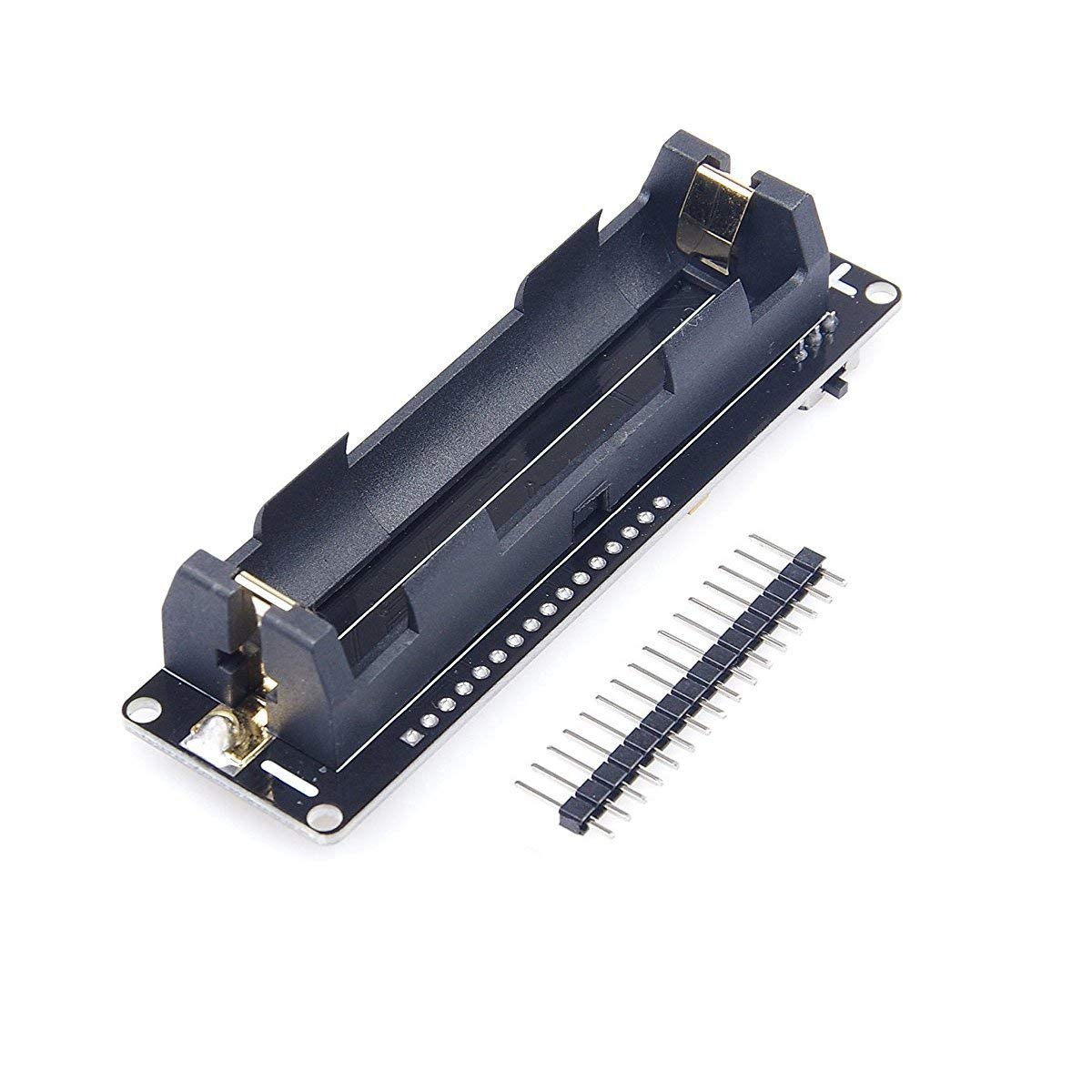
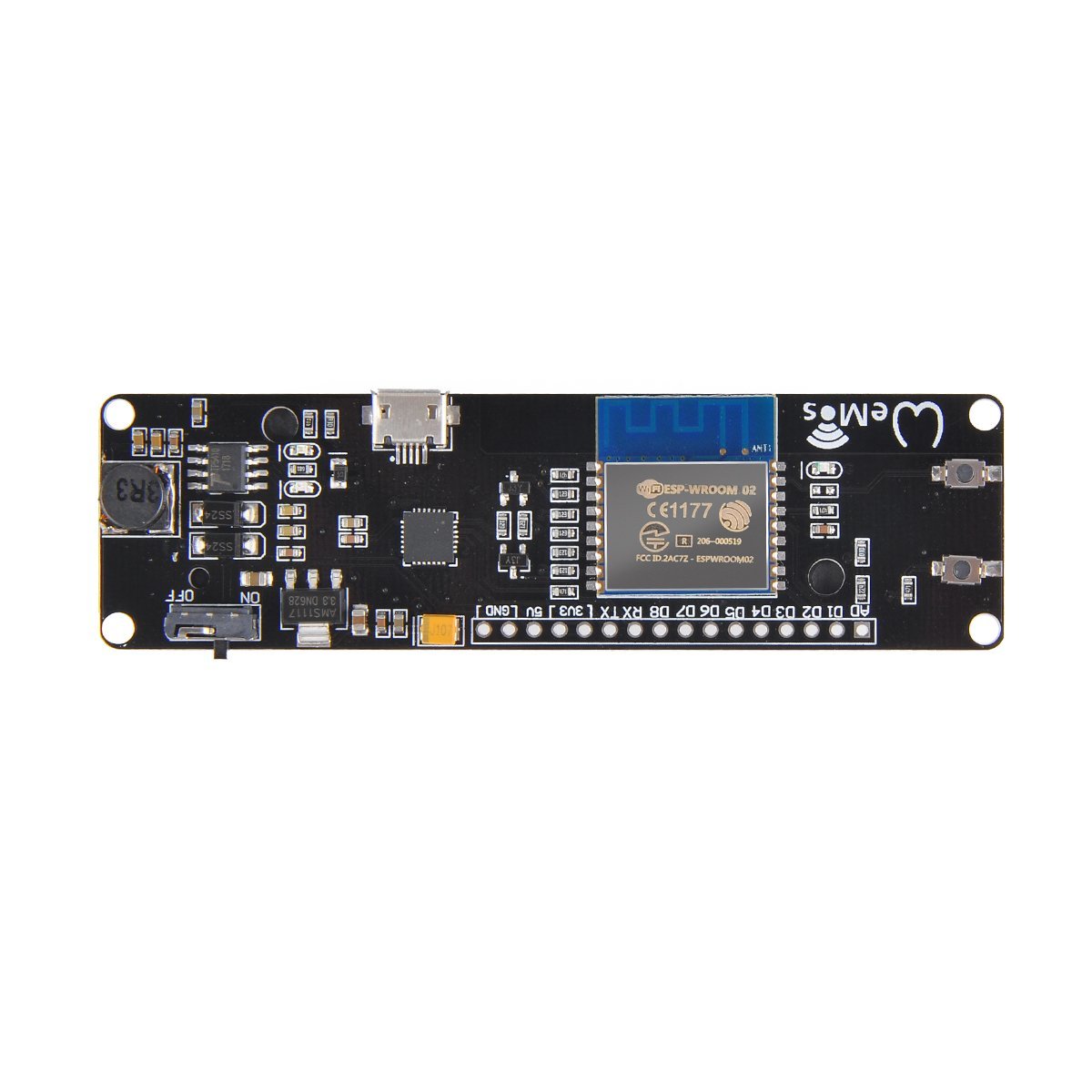
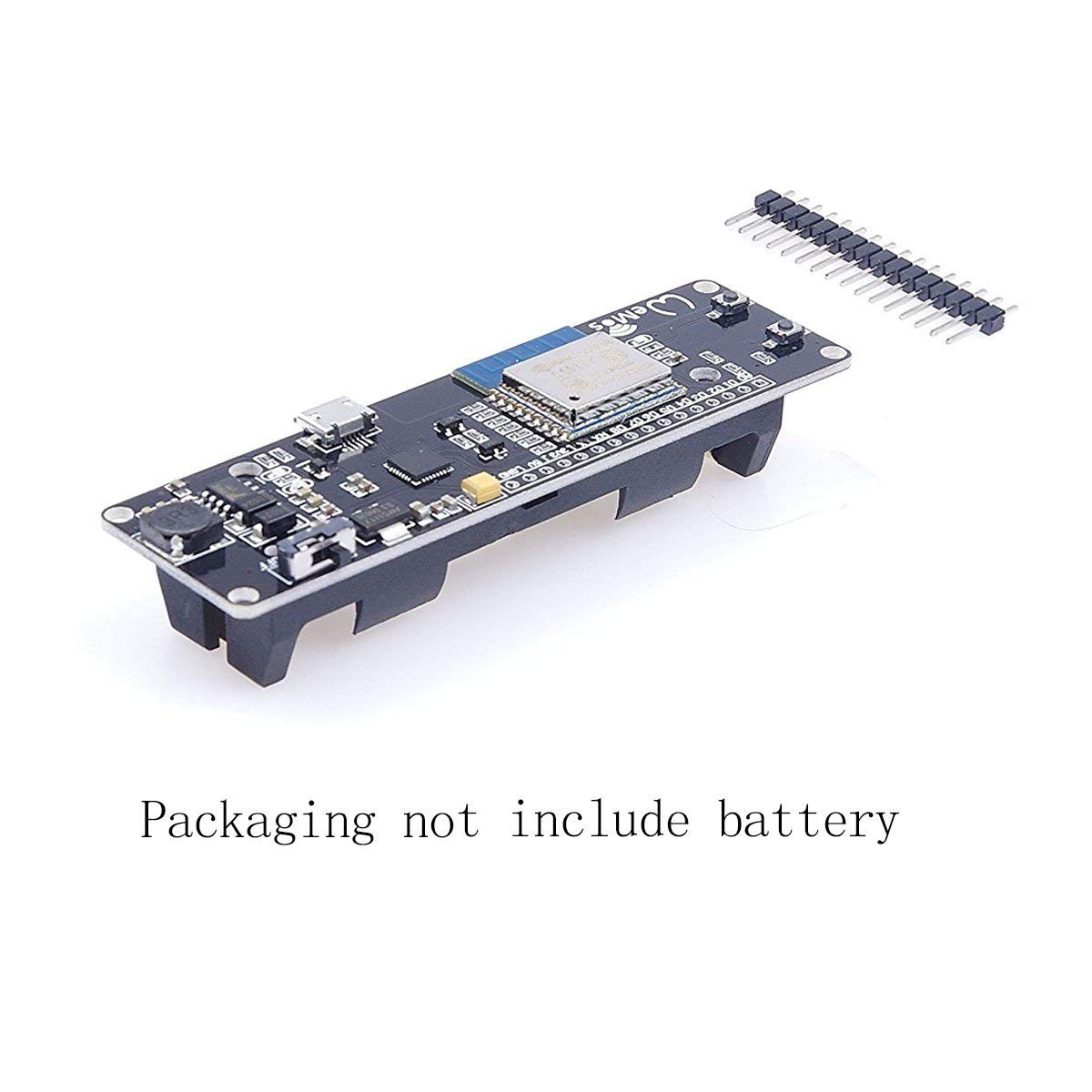
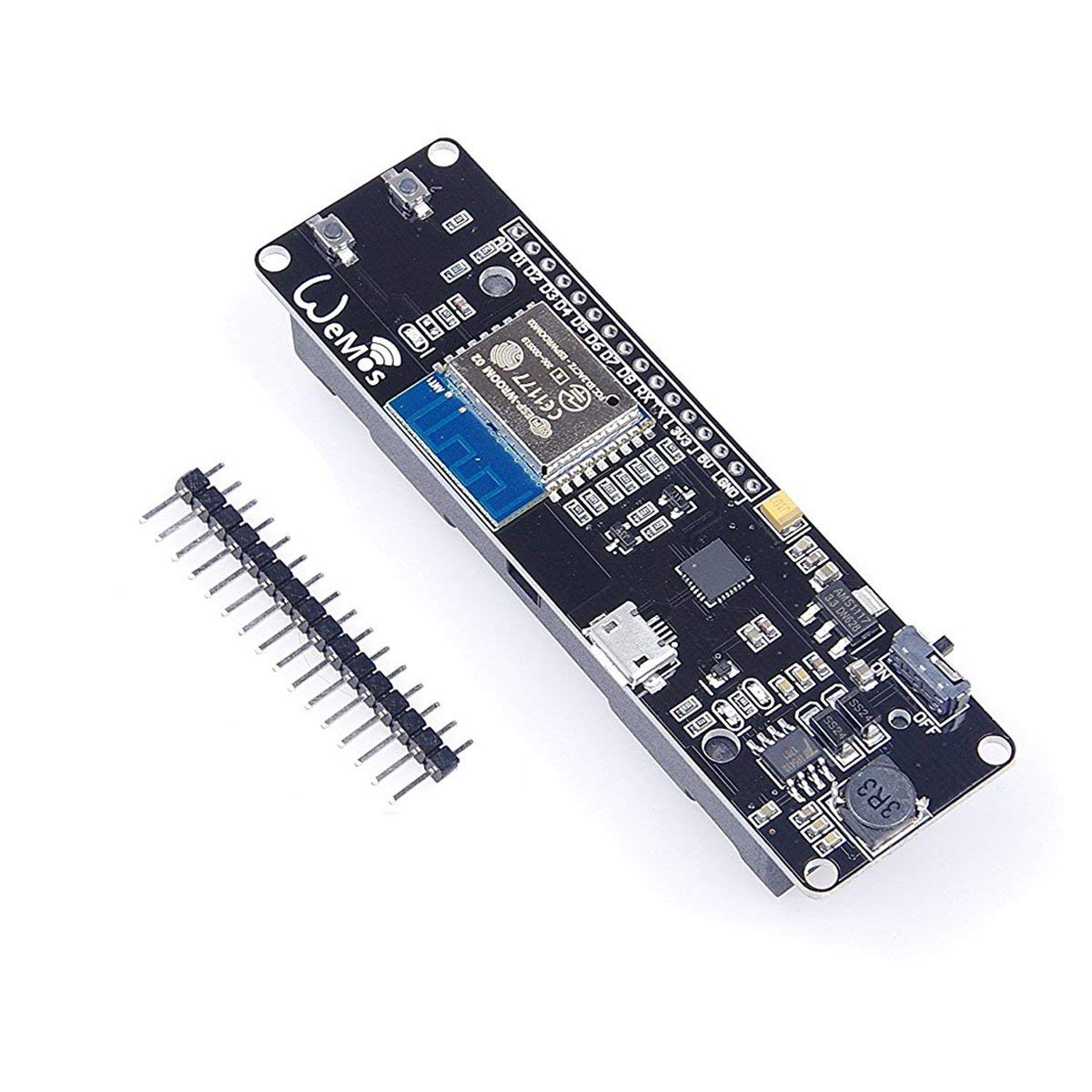
Description
What it is
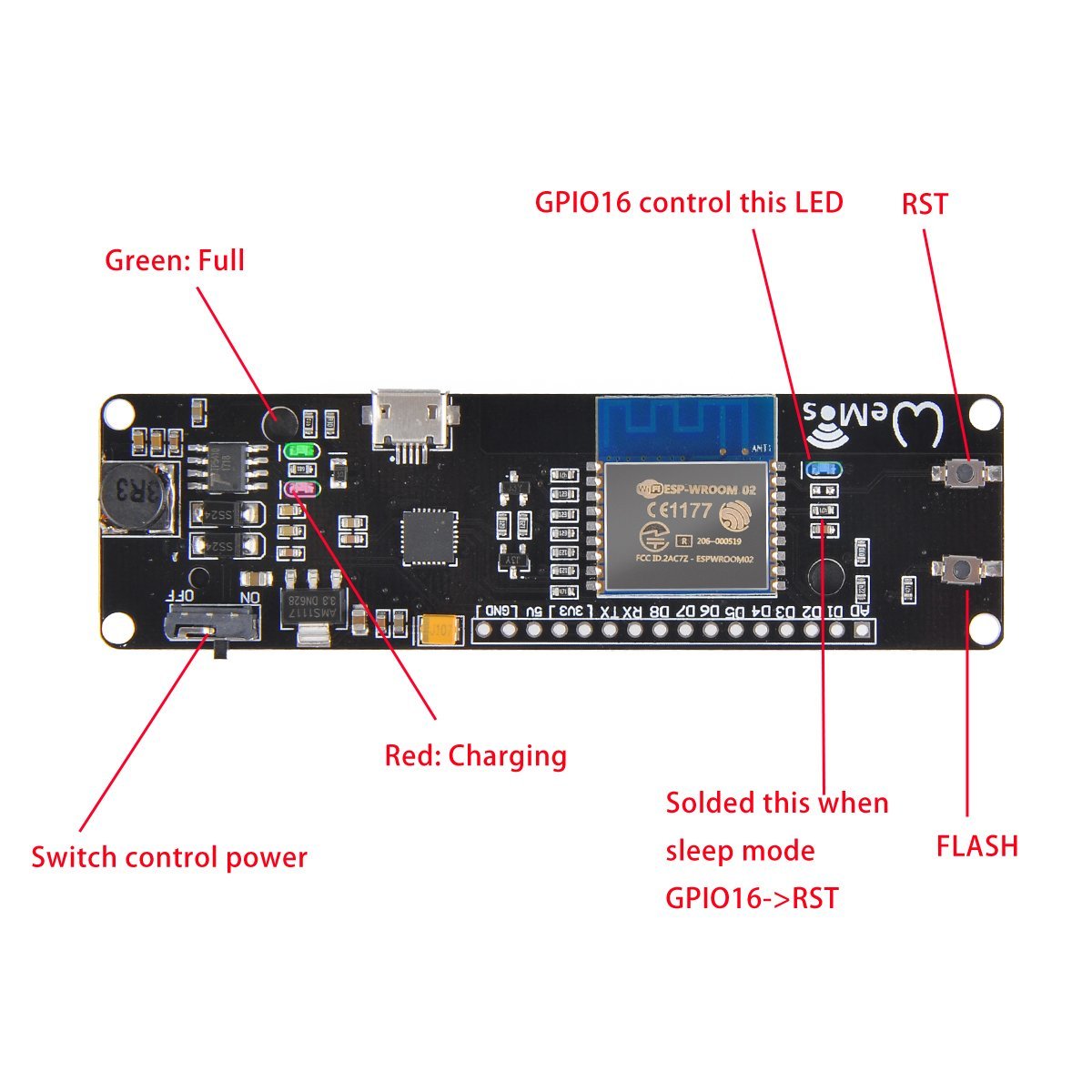
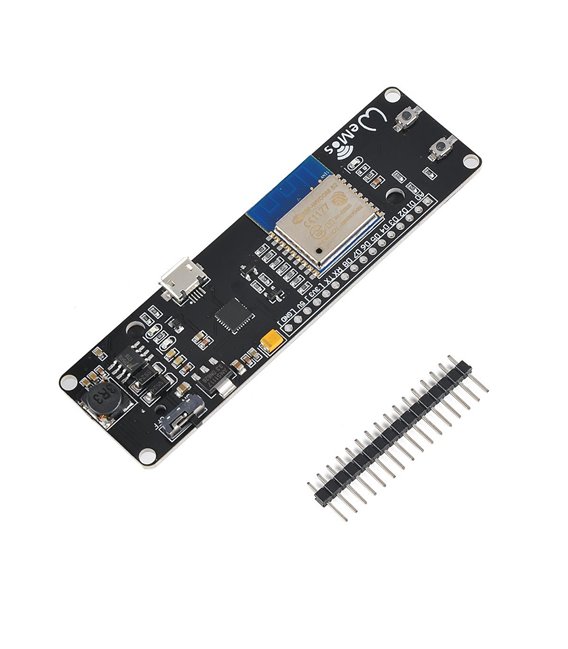
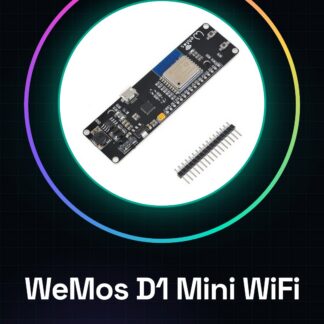
WeMos D1 Mini is a WiFi module based on the ESP8266 chip, designed to connect your electronic projects to the Internet. Compact and powerful, it is compatible with NodeMCU and offers a wide range of features for developing IoT applications.
Features
- ESP8266 Chip
- Integrated WiFi Module
- 18650 Battery Slot
- Compatibility with NodeMCU
What it is for
The WeMos D1 Mini is ideal for creating sensors, IoT devices, and programming projects that require a WiFi connection. It can be used to send data over the network, control remote devices, and interact with online services. Compatibility with NodeMCU simplifies the development and use of this module.
Tutorial: How to Use WeMos D1 Mini WiFi Module
The WeMos D1 Mini is a small and powerful WiFi module based on ESP8266, ideal for IoT and programming projects. This tutorial will guide you through the initial steps to use it.
What you need
- Arduino IDE
- USB Type B Cable
- USB Power Supply (optional)
- 18650 Battery (optional)
Steps
- Install the Arduino development environment and the ESP8266 compilation adapter
- Connect the WeMos D1 Mini to the computer via the USB cable
- Open Arduino IDE and select ‘ESP8266 Module’ as the board type
- Select ‘Generic ESP8266 Module’ as the model and ‘WeMos D1 R2 & mini’ as the upload port
- Load a sample sketch such as ‘Blink’ to verify functionality
- If necessary, load a sketch that uses the WiFi function
- If desired, connect an 18650 battery to power the module autonomously
- Test the autonomous power function
Example code
void setup() {
  pinMode(LED_BUILTIN, OUTPUT);
  Serial.begin(115200);
  WiFi.begin(ssid, password);
  while (WiFi.status() != WL_CONNECTED) {
    delay(1000);
    Serial.println("Connettendo...");
  }
  Serial.println("Connesso!");
}

void loop() {
  digitalWrite(LED_BUILTIN, HIGH);
  delay(1000);
  digitalWrite(LED_BUILTIN, LOW);
  delay(1000);
}
Mini project
Create a temperature sensor that sends data over the network using WeMos D1 Mini
Common mistakes
- WiFi Connection Error
- Power Supply Issues
- Incorrect Arduino IDE Configuration
- Sketch Upload Error
Recommended accessories
- USB Type B Cable
- 18650 Battery
- Temperature Sensors
- External WiFi Antennas
Frequently asked questions
How can I upload a sketch to WeMos D1 Mini?
Select the correct board in Arduino IDE and connect the module to the computer
Which sensors can I connect?
You can practically connect any type of digital or analog sensors
How can I use the 18650 battery?
Connect the battery pins to the VCC and GND pins of the WeMos D1 Mini
Reviews
There are no reviews yet.