 EN
 IT Italiano
 ES Español
 FR Français
 DE Deutsch
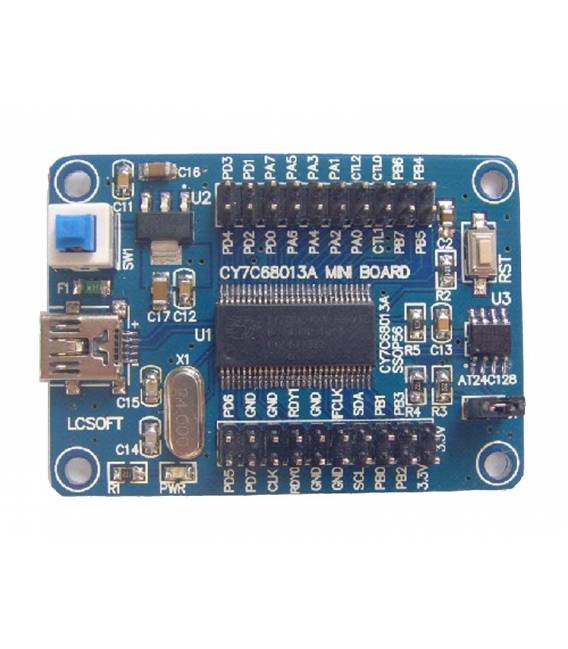
Description
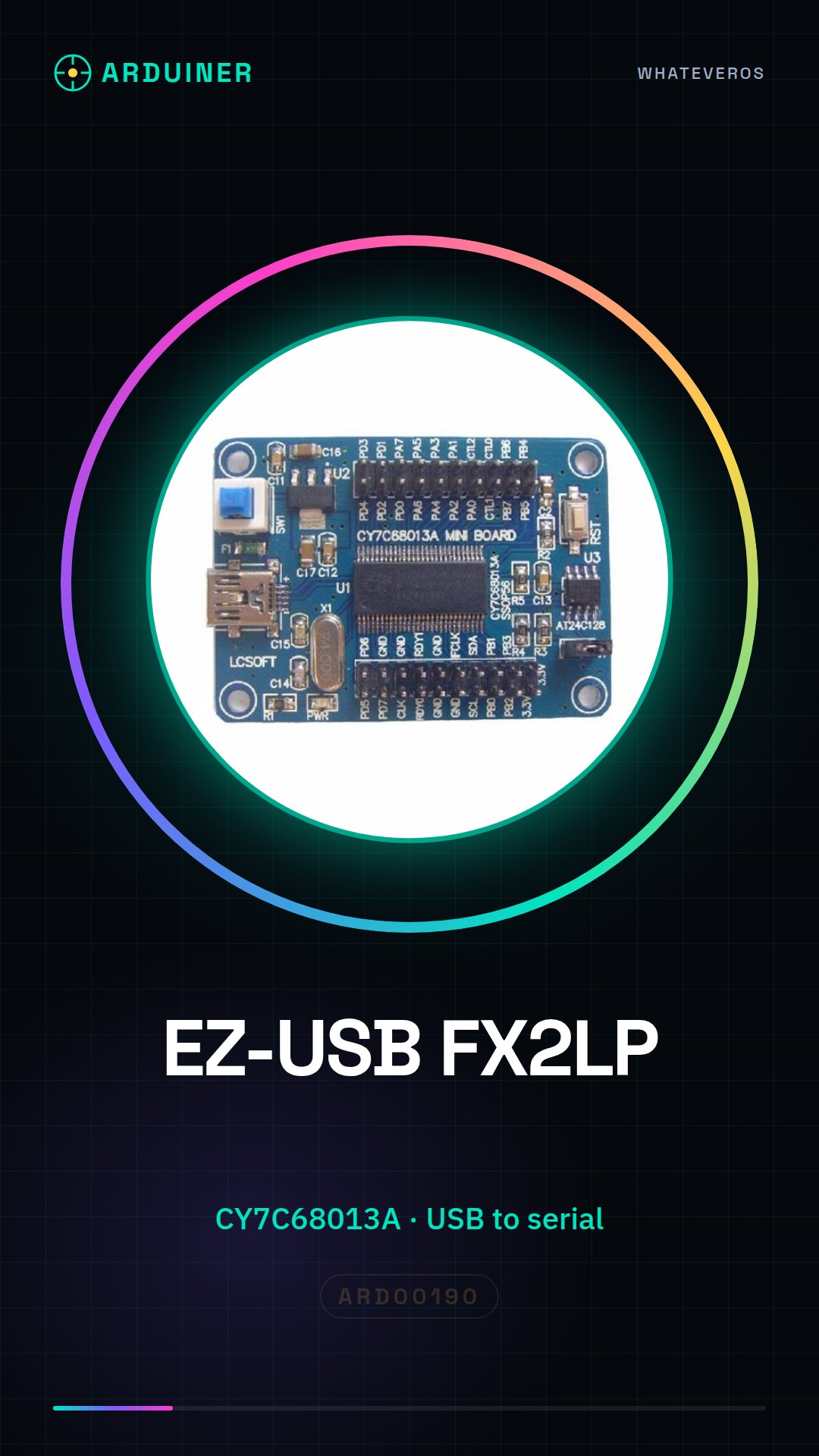
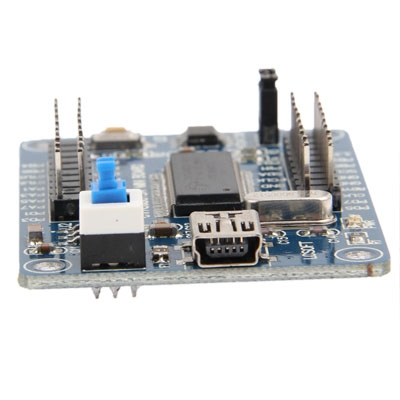
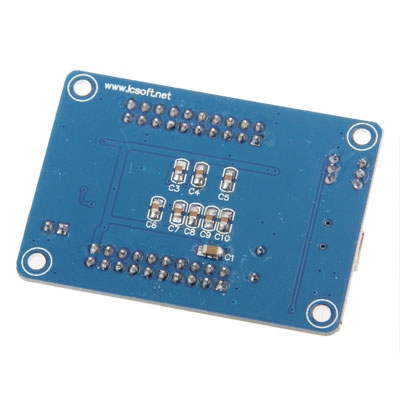
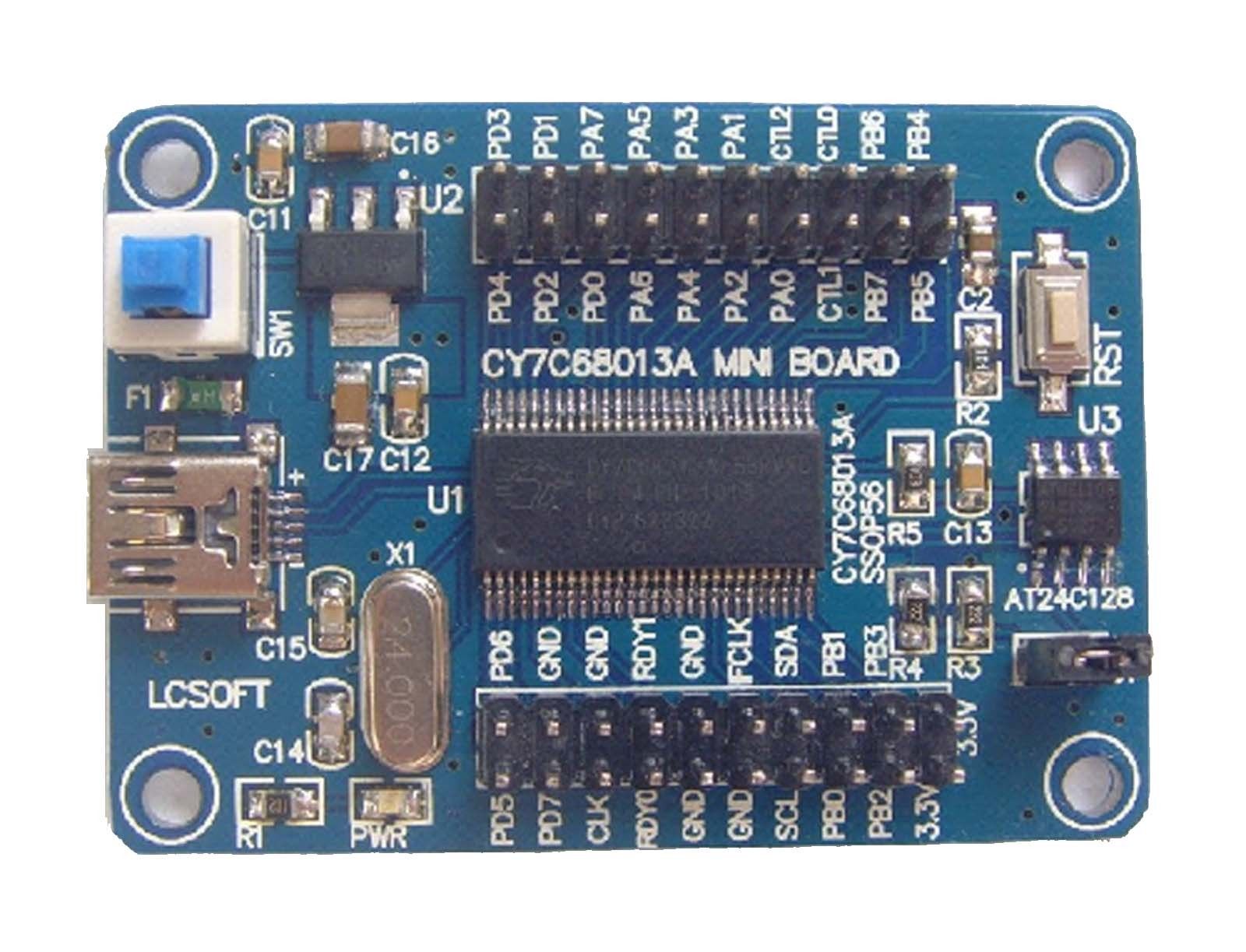
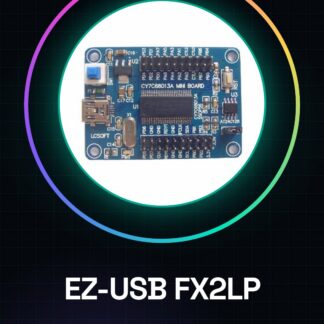
The EZ-USB FX2LP development board provides system control information reading. The board’s output is a logic signal that can be read by a computer or another development platform. Tutorial: How to use the EZ-USB FX2LP Development Board The EZ-USB FX2LP CY7C68013A development board is a versatile component for projects requiring a USB interface and logic analysis. Ideal for makers, students, and professionals exploring digital electronics. What you need Arduino Uno or compatible USB A-B cable PC with development environment installed Steps Install the EZ-USB FX2LP driver on the PC from . Connect the board to an Arduino using the USB A-B cable. Download and install the Arduino IDE on a computer. Upload a sample sketch to the Arduino (see code). Open the serial monitor to view the communication between the board and the Arduino. Check the datasheet for configuring the logic analyser correctly. Try sending data from the PC to the Arduino via USB. Analyse the logic signals with the analysis software. Sample code #include void setup() { Serial.begin(9600); } void loop() { if (Serial.available()) { char incoming = Serial.read(); // Add your code here to handle received data. } } Mini-project Create a USB device that sends logic signals for real-time monitoring. Common errors EZ-USB FX2LP driver installation error. Incorrect logic analyser configuration. Serial communication issues between Arduino and PC. Missing correct pin configuration for logic analysis. Recommended accessories USB A-B cable Portable logic analyser Arduino prototyping kit Cypress development software Frequently asked questions How do I configure the EZ-USB FX2LP driver? Visit the Cypress website for detailed instructions. What is the maximum data transfer speed? Check the datasheet for technical details. Can I use this board with Raspberry Pi? Yes, but a USB A-B adapter may be required.
Reviews
There are no reviews yet.