 EN
 IT Italiano
 ES Español
 FR Français
 DE Deutsch
Description
What it is
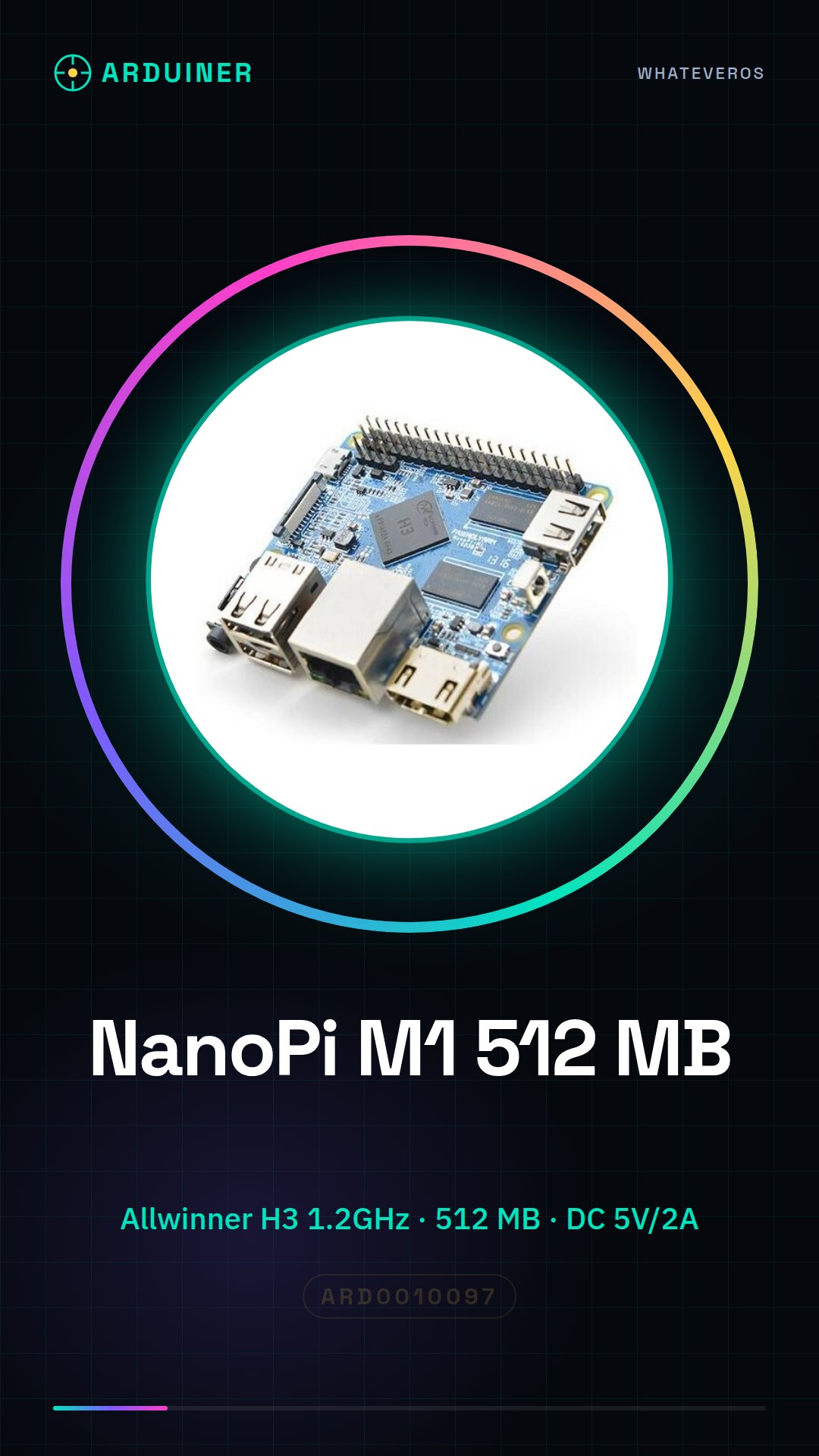
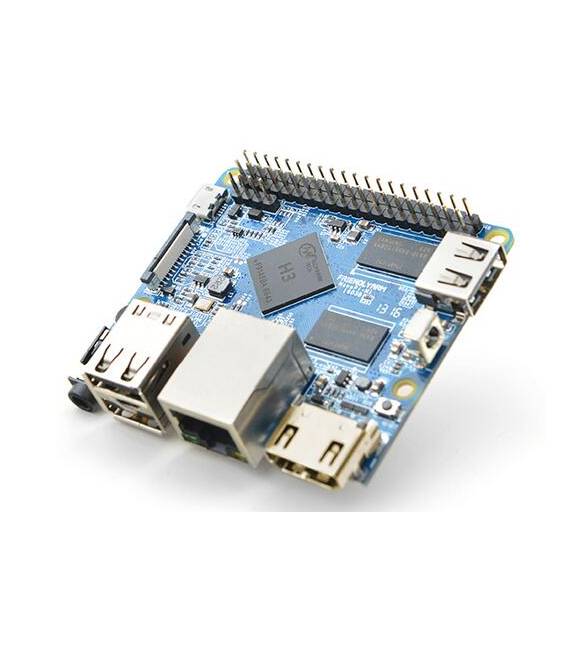
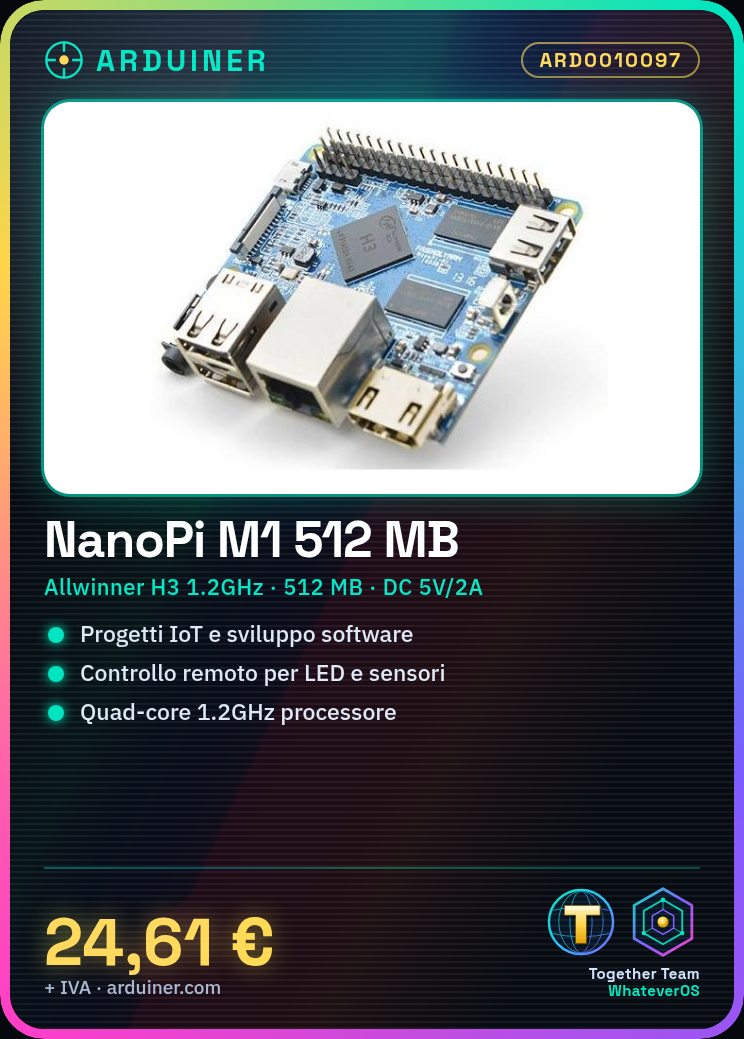
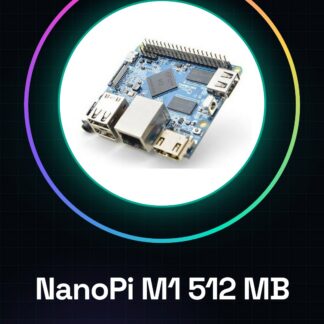
NanoPi M1 512 MB is a mini-computer board based on the Allwinner H3 quad-core 1.2GHz processor. Ideal for Internet of Things (IoT) projects and software development, it is designed for beginner and intermediate makers.
Features
- Processor: Allwinner H3 quad-core 1.2GHz
- Memory: 512 MB
- Power Supply: DC 5V / 2A
What it is for
The NanoPi M1 is suitable for creating remote control devices, IoT prototypes, and software development projects. It can be used to create simple remote control devices for LEDs, sensors, and other electronic components.
Tutorial: How to use NanoPi M1
The NanoPi M1 is a mini-computer based on Allwinner H3, ideal for IoT projects and software development. Perfect for beginner and intermediate makers.
What you need
- NanoPi M1
- DC Power Supply 5V / 2A
- MicroSD with operating system
- HDMI Monitor
- HDMI Cable
Steps
- 1. Check the datasheet for your NanoPi M1 specifications.
- 2. Connect the 5V / 2A DC power supply to the NanoPi M1.
- 3. Insert the MicroSD card with the operating system into the dedicated slot.
- 4. Connect the NanoPi M1 to the HDMI monitor with the HDMI cable.
- 5. Turn on the power supply and the monitor.
- 6. Wait for the operating system to load.
- 7. Connect the NanoPi M1 to the internet via Wi-Fi.
- 8. Install the necessary applications to start developing.
Mini project
Create a simple remote control device for an LED with a button. In 30 minutes you can have a working prototype.
Common mistakes
- Do not check the power supply before use.
- Connect the NanoPi M1 to an unsupported monitor.
- Insert a MicroSD card with an unsupported operating system.
- Forget to update the firmware.
Recommended accessories
- Button
- LED
- USB cable for updates
- Wi-Fi antenna
Frequently asked questions
Which operating systems does the NanoPi M1 support?
It supports Linux, Android and other compatible operating systems.
Can it work with USB power?
No, it requires a 5V / 2A DC power supply / adapter.
How can I update the firmware?
Connect the NanoPi M1 to a computer via USB and use the provided software.
Can I use a power supply other than 5V?
No, the power supply must be 5V.
Reviews
There are no reviews yet.