 EN
 IT Italiano
 ES Español
 FR Français
 DE Deutsch
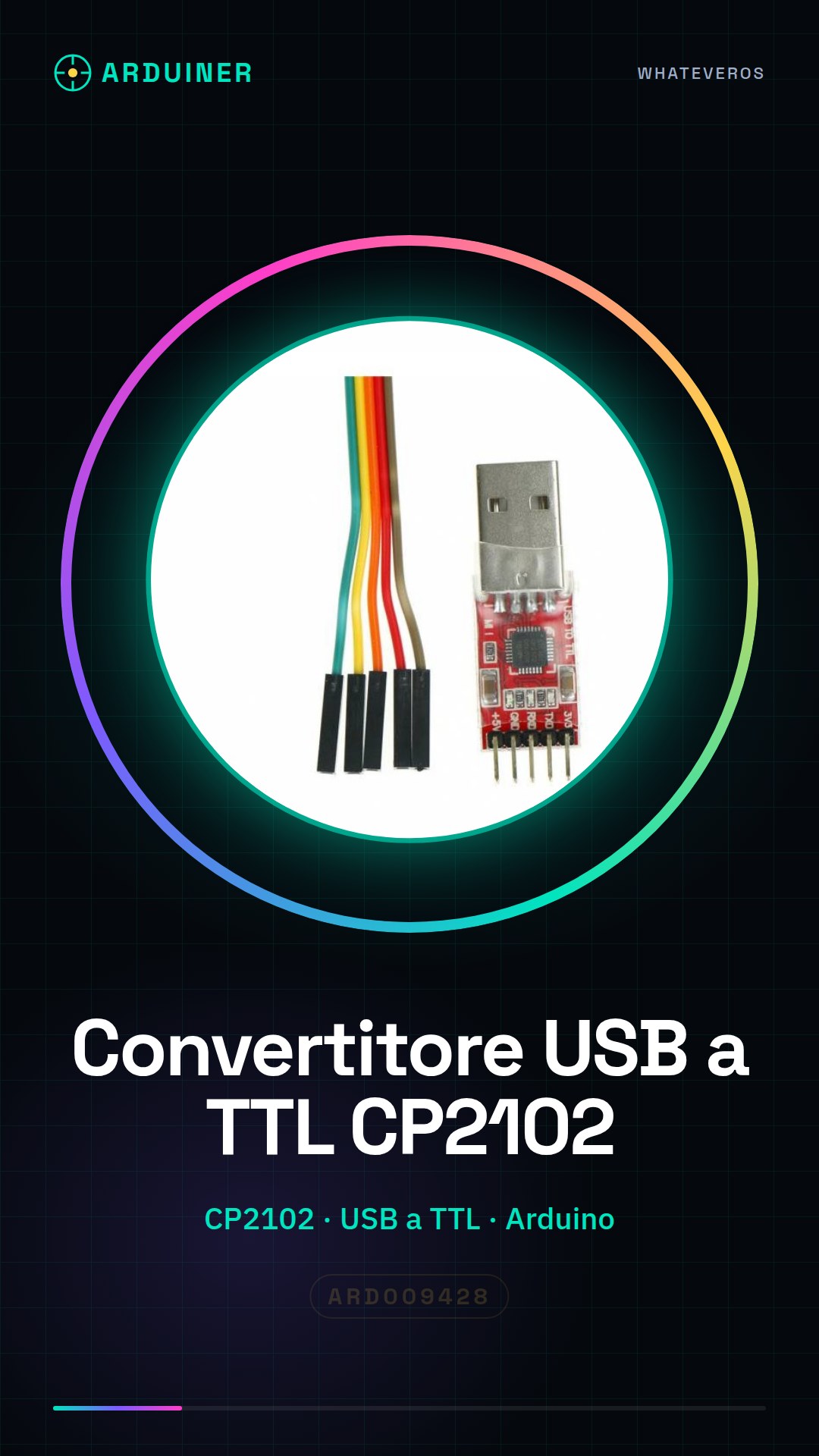
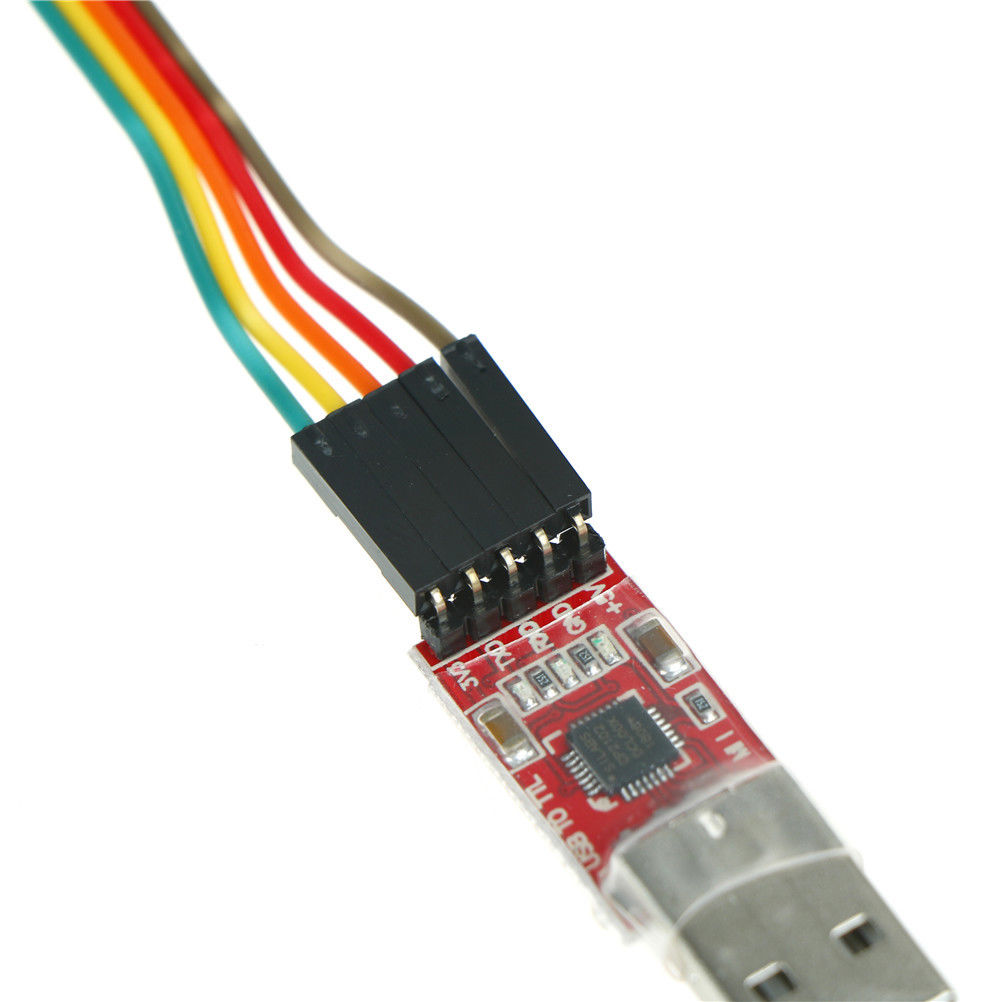
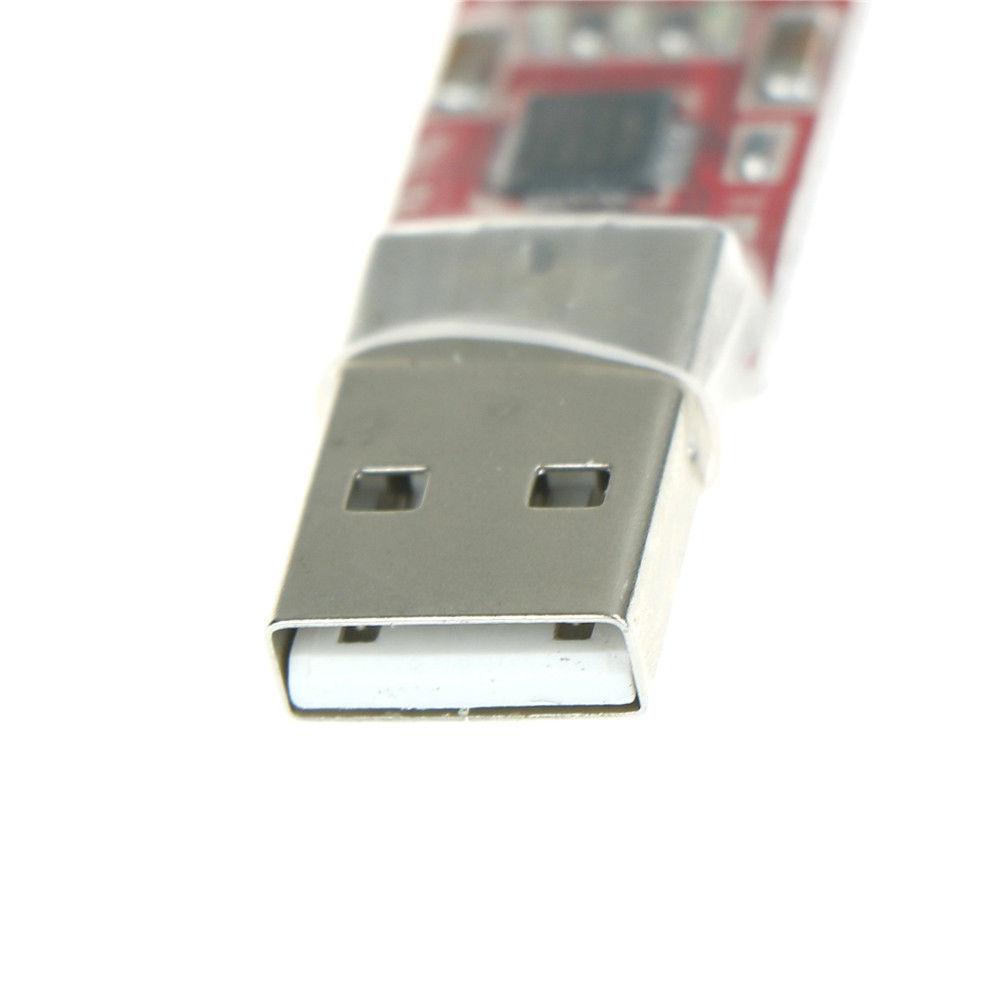
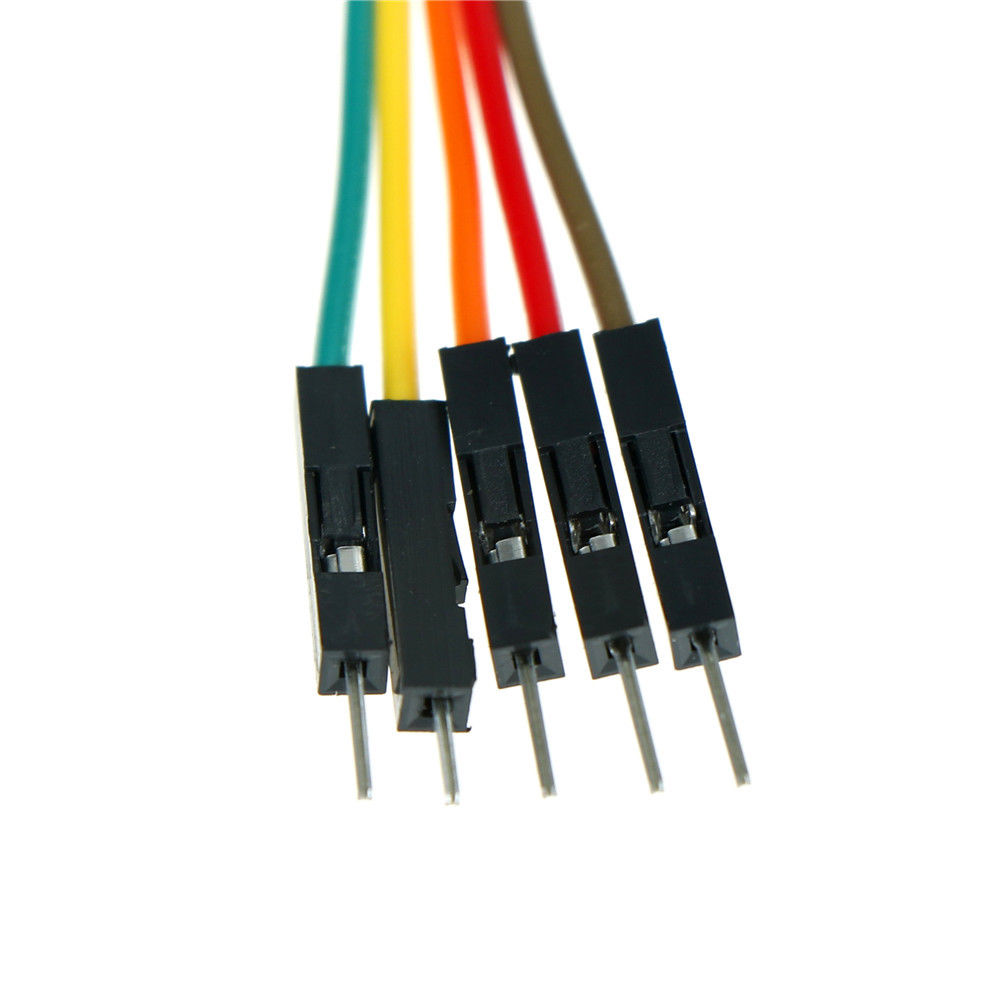
Description
What it is
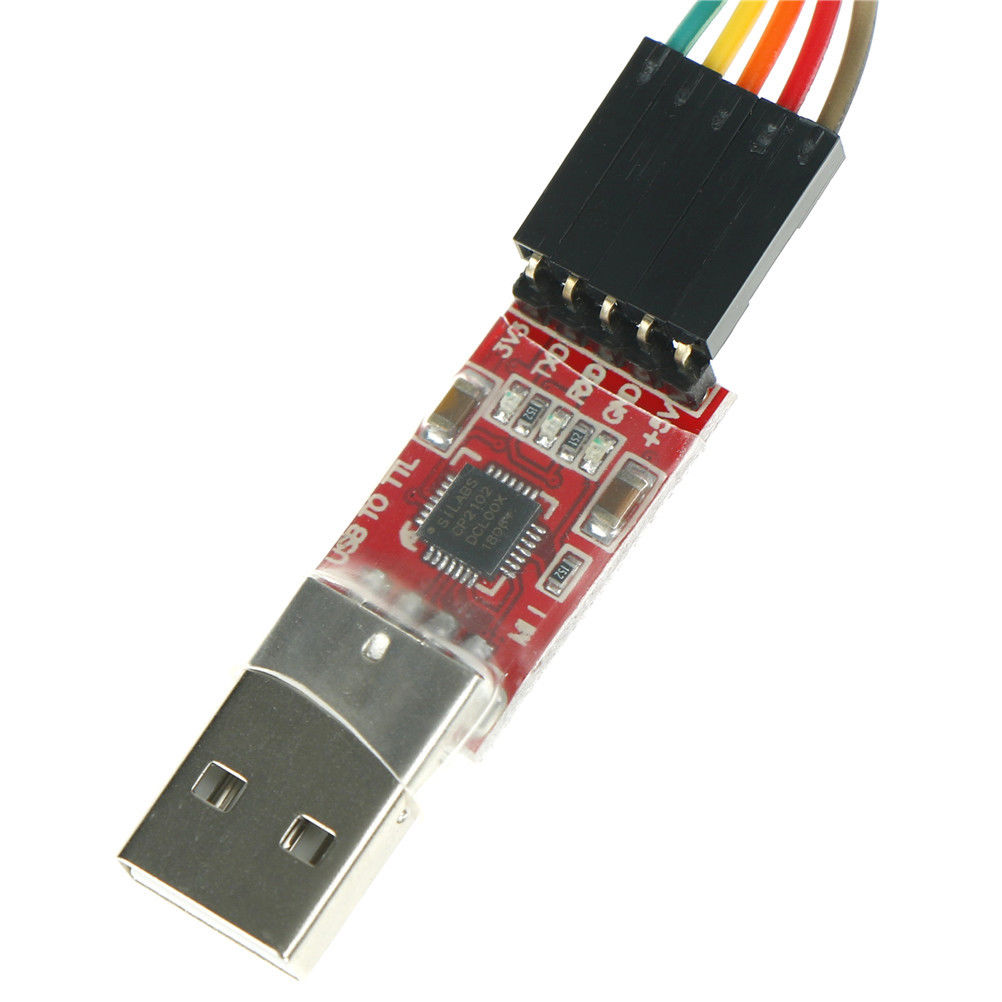
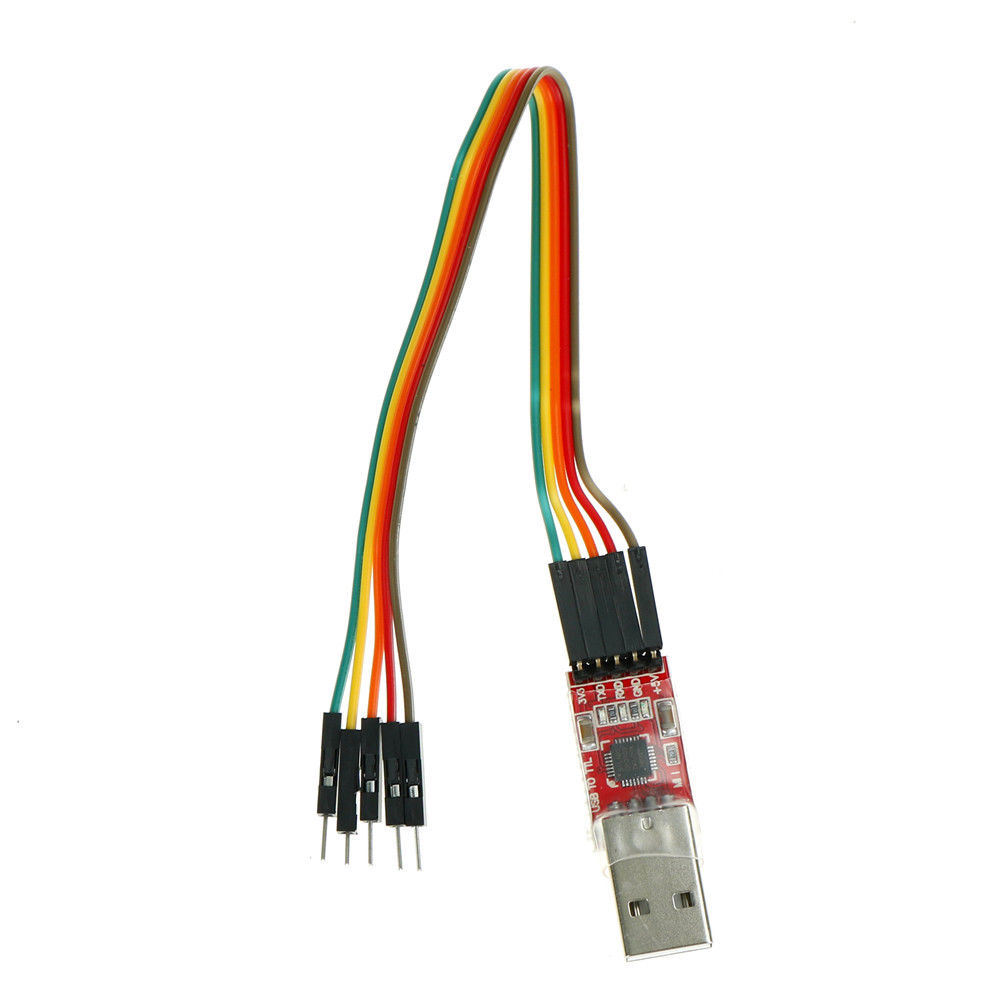
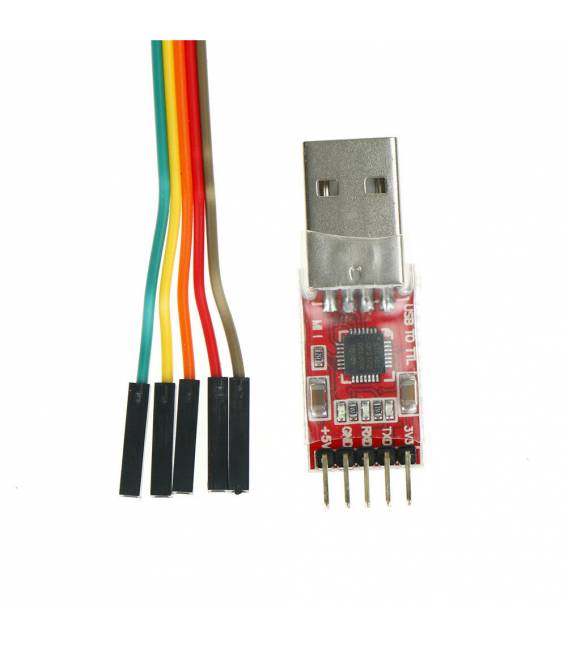
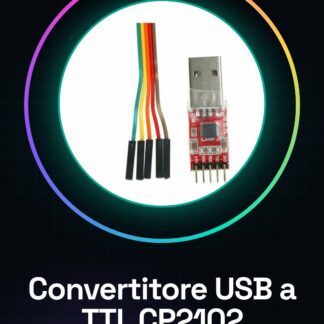
The CP2102 USB to TTL Serial Converter Module is a device that allows you to establish a serial connection between your computer and devices like Arduino. This converter facilitates data communication through the computer’s USB interface, transforming USB signals into TTL signals compatible with microcontrollers.
Features
- CP2102 chip for USB to TTL serial conversion
- Optimized to facilitate serial connections between computers and Arduino
What it is for
The module is ideal for those learning to work with microcontrollers or developing projects that require a stable connection. You can use it to create an LCD display that shows data sent from the computer via USB, or for any other device that requires serial communication.
Tutorial: How to use USB to TTL Serial Converter Module CP2102
The CP2102 USB to TTL Serial Converter module is an essential device for serial communication between computers and microcontrollers like Arduino. It is ideal for anyone learning to work with microcontrollers or developing projects that require a stable connection.
What you need
- Arduino Uno
- Computer with USB port
- USB A/B cable
Steps
- Connect the Serial Converter module to the USB port of the computer.
- Connect the TX and RX pins of the module to the corresponding pins on the Arduino microcontroller (check the datasheet for the exact configuration).
- Install the latest version of Arduino IDE on a computer running Windows, macOS, or Linux.
- Open the preferences menu in Arduino IDE and select ‘Serial Ports’. Verify that the converter is recognized as a COM port (Windows) or /dev/ttyUSB* (Linux/MacOS).
- Upload a test sketch to the Arduino. For example, a simple print loop.
- Open the Serial Monitor window in Arduino IDE and check that the data is being sent correctly.
Example code
void setup() {
  Serial.begin(9600);
}

void loop() {
  Serial.println("Prova di comunicazione");
}
Mini project
Create an LCD display that shows the data sent from the computer via USB. Use the Serial Converter CP2102 module to establish the connection and an Arduino sketch to display the messages.
Common mistakes
- The converter is not recognized as a COM port or /dev/ttyUSB*
- The serial communication between the computer and Arduino is intermittent
- The TX/RX pins of the module are incorrectly connected to the microcontroller
Recommended accessories
- 16×2 LCD Display
- RTC (Real Time Clock) Module
- Temperature Sensors
Frequently asked questions
Does the converter work only with Arduino?
No, it can be used with any microcontroller that supports serial communication.
Where can I find the driver for CP2102?
Drivers are often installed automatically. If not, visit the SiLabs (Silicon Laboratories) website.
Reviews
There are no reviews yet.