 EN
 IT Italiano
 ES Español
 FR Français
 DE Deutsch
Description
What it is
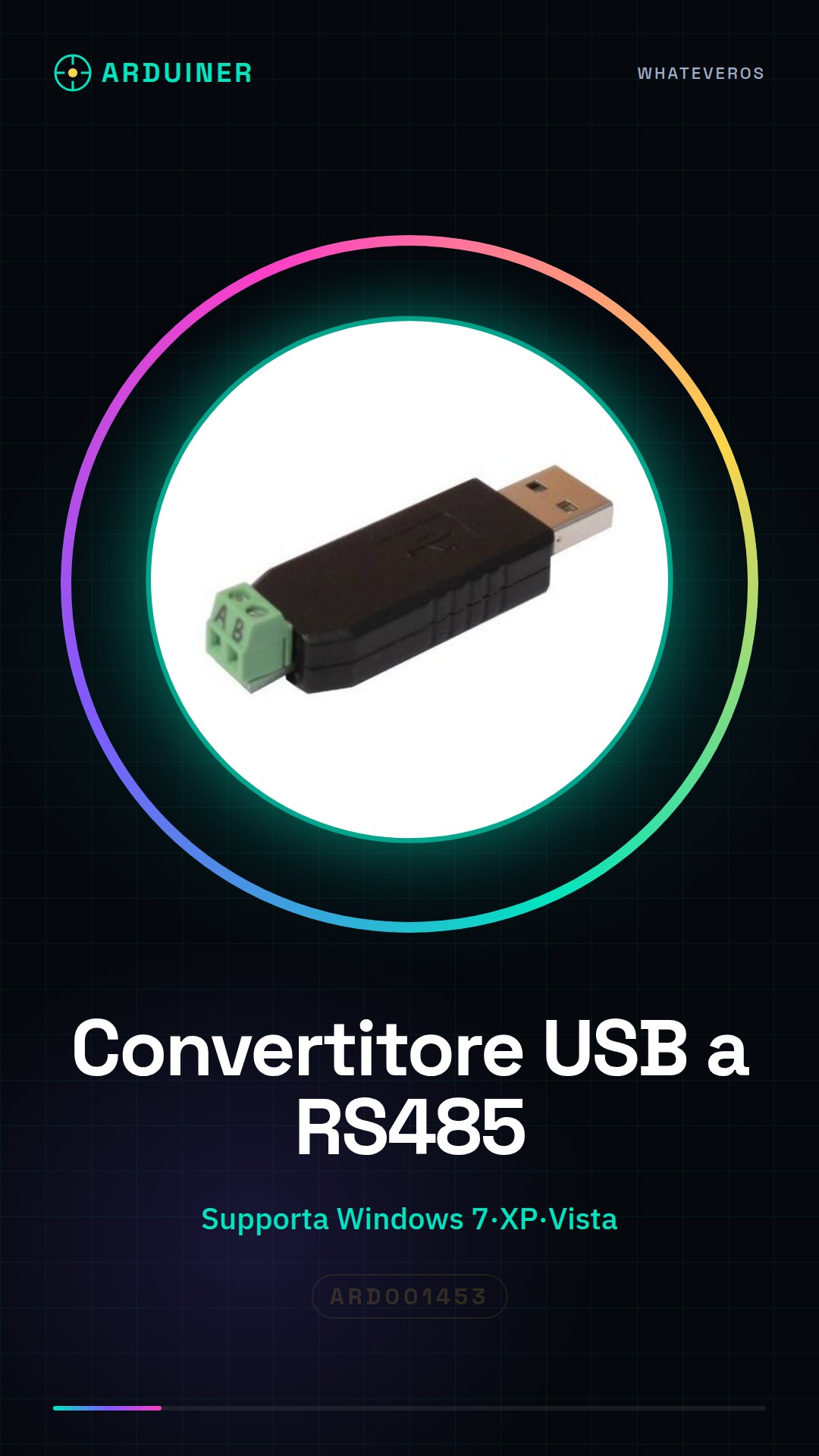
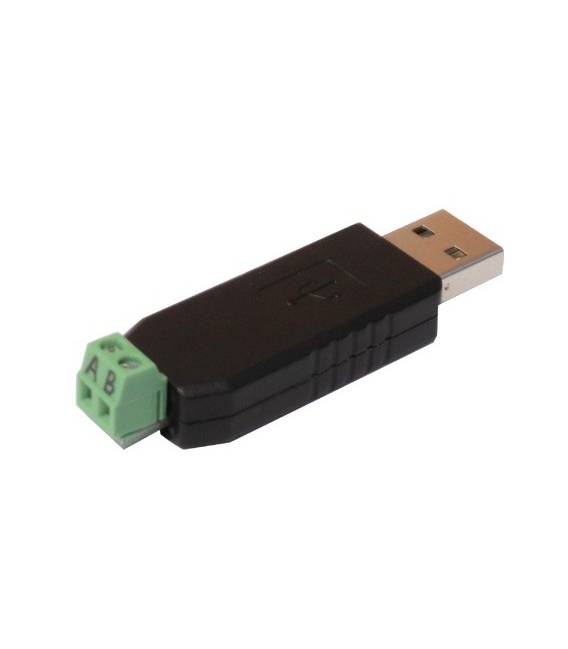
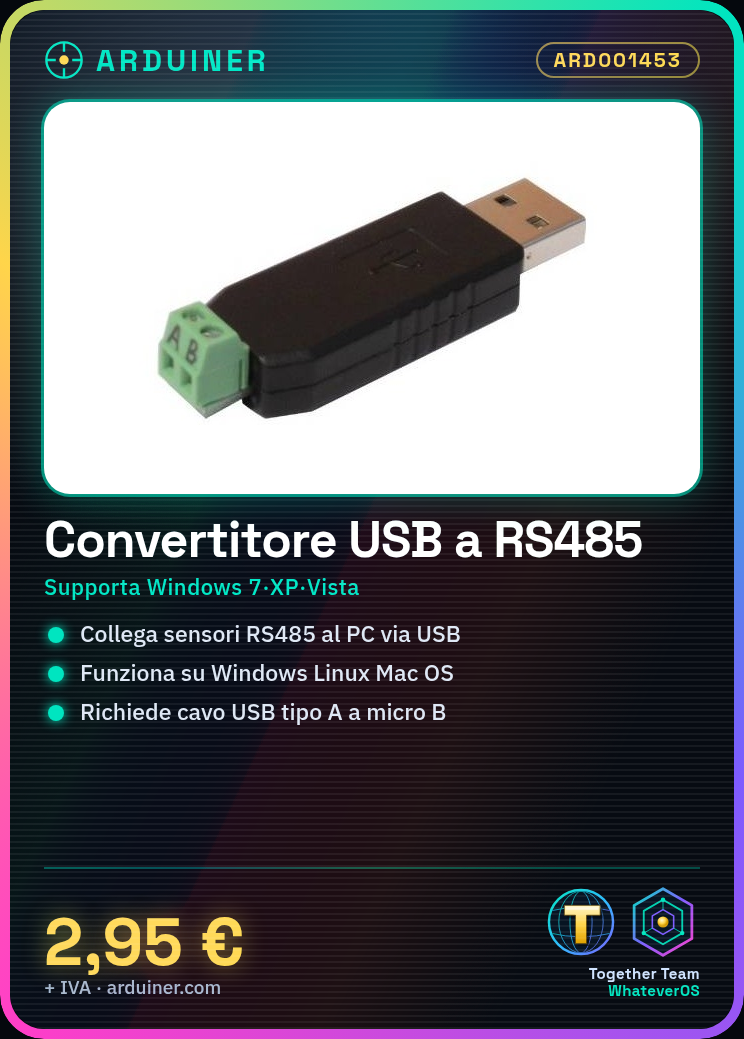
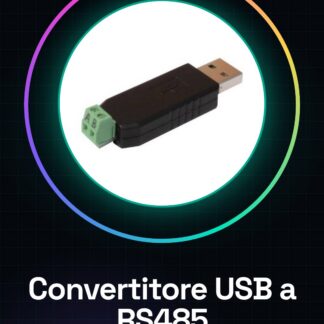
The USB to RS485 Adapter Converter is a device that allows connecting RS485 protocol devices to computers via USB port. This converter is compatible with various operating systems such as Windows 7, XP, Vista, Linux, and Mac OS.
Features
- Supports various operating systems (Windows 7, XP, Vista, Linux, Mac OS)
- Enables communication between RS485 devices and USB computers
- Check the datasheet for detailed technical specifications
What it is for
The converter is ideal for connecting sensors or other RS485 devices to computers for real-time data collection and analysis. It is useful for Arduino or ESP32 projects that require RS485 communication.
Tutorial: How to use USB to RS485 Adapter Converter
The USB to RS485 converter is a useful device for connecting RS485 protocol devices to computers via USB port. It is ideal for beginners and tech enthusiasts who want to expand their communication capabilities.
What you need
- Computers with Windows, Linux, Mac OS operating systems
- USB type A to micro B or type A to type A cable
- Required software for configuration (check the datasheet)
Steps
- Connect the converter to the computer via USB cable.
- Install any necessary drivers and/or device configuration software (check the datasheet).
- Configure the RS485 settings in the communication software (check the datasheet).
- Connect the RS485 device to the converter following the provided documentation.
- Verify that the devices are properly connected and configured for communication.
- Test the interface with a simple script or Arduino sketch (see example code).
- Resolve any issues by comparing the converter specifications and the provided datasheet.
- Use the device for more complex projects following the product guide.
Example code
void setup() {
Serial.begin(9600);
}

void loop() {
if (Serial.available()) {
  String received = Serial.readStringUntil('n');
  // Maneggiare i dati ricevuti qui
}
}
Mini project
Connect to an RS485 sensor and display its data in real-time on an Arduino console.
Common mistakes
- Incorrect communication settings
- RS485 device not properly connected
- Missing drivers or software
- Power supply issues
Recommended accessories
- USB A to micro B cable
- RS485 sensor
- RS485 configuration software (check the datasheet)
- 3D print for the converter enclosure
Frequently asked questions
Does the converter support Windows XP?
Check the datasheet to see if the converter is compatible with Windows XP.
How can I configure the RS485 settings?
Follow the configuration guide provided in the product datasheet.
Which devices can be connected through this adapter?
Devices that use the RS485 protocol, such as industrial sensors and actuators.
Reviews
There are no reviews yet.