 EN
 IT Italiano
 ES Español
 FR Français
 DE Deutsch
Description
What it is
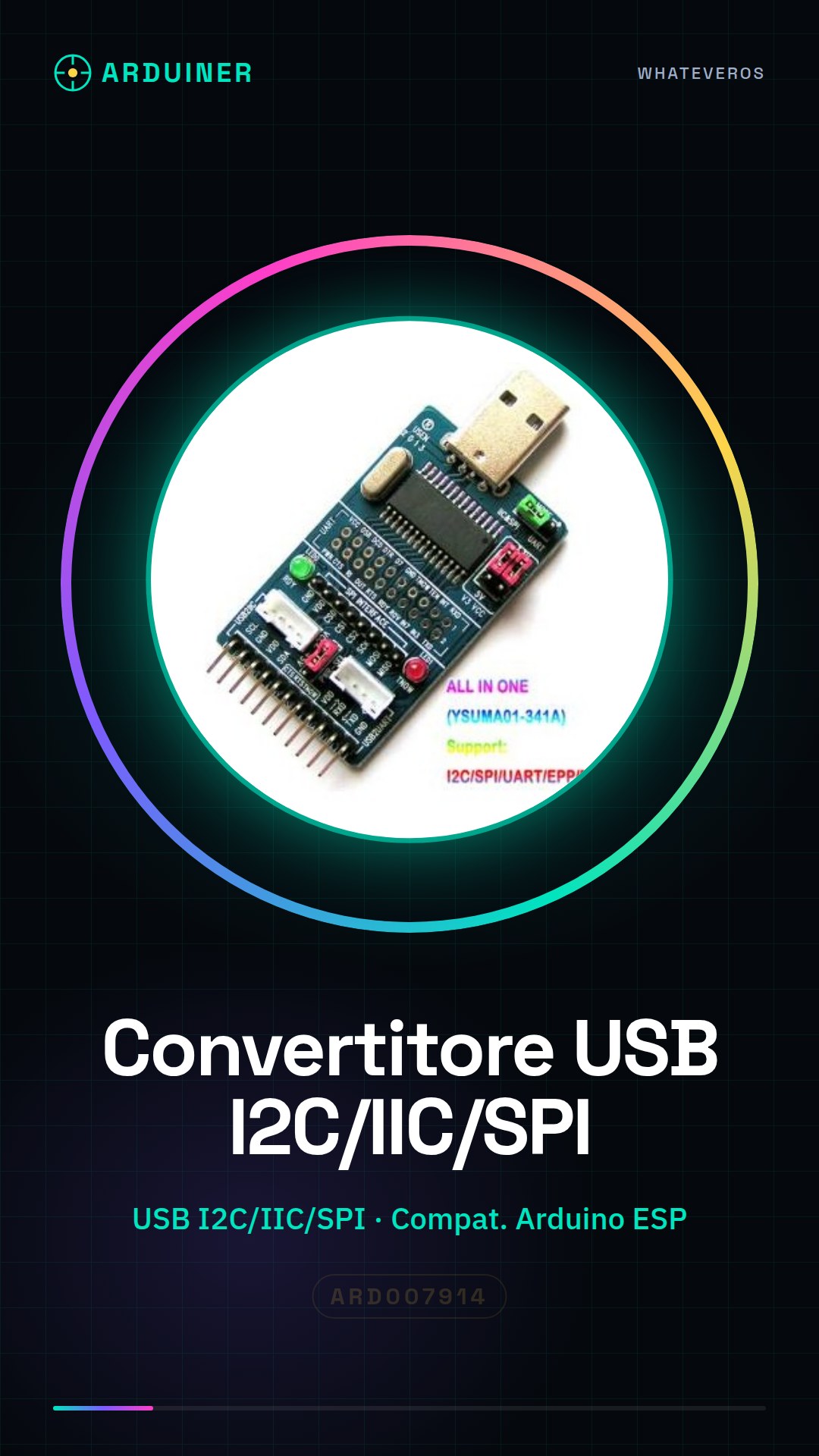
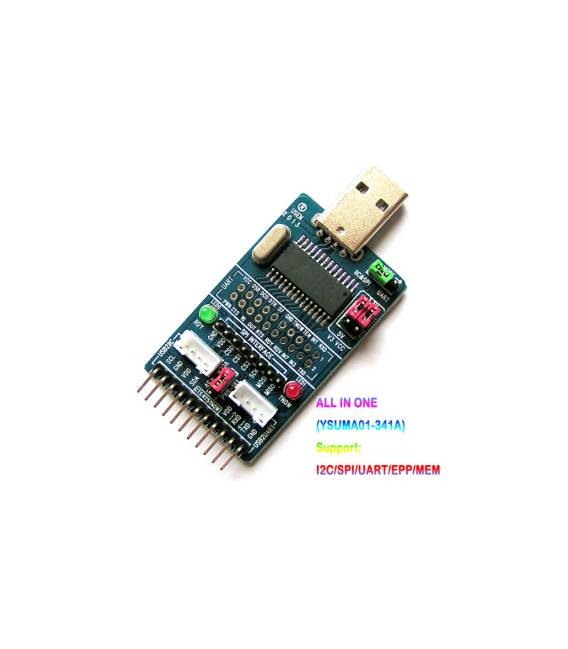
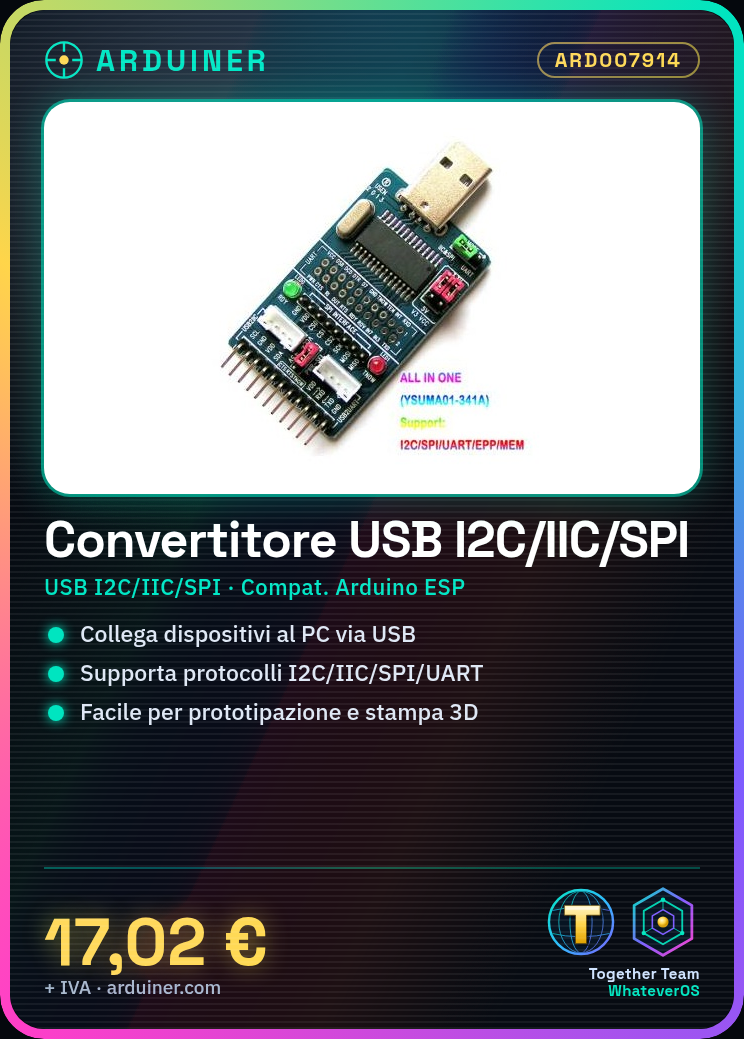
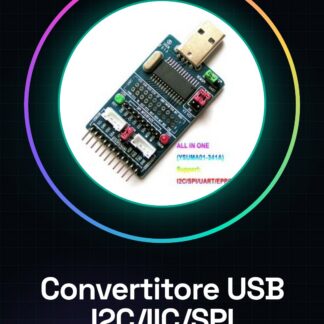
The CH341A is a USB to I2C/IIC/SPI/UART/TTL/ISP converter that allows electronic devices to be connected to a computer via various serial protocols through the USB interface. It is ideal for electronics projects, 3D printing, and prototyping with Arduino.
Features
- USB to I2C/IIC/SPI/UART/TTL/ISP Converter
- EPP/MEM Adapter
- Ideally compatible with Arduino and ESP
What it is for
It is used to connect electronic devices to a computer via the USB interface, allowing the use of various serial protocols. It is useful for projects such as creating weather monitoring systems with Arduino or other applications that require data communication between sensors and the development system.
Tutorial: How to use CH341A USB to I2C/IIC/SPI/UART/TTL/ISP EPP/MEM Adapter
The CH341A converter is a versatile device that allows connecting electronic devices via various serial protocols to the computer through the USB interface. It is ideal for tech enthusiasts who want to explore the world of electronic prototyping without complications.
What you need
- Computer with USB port
- Arduino or other microcontroller
Steps
- Connect the CH341A adapter to the computer via a USB cable
- Check that the driver is installed on the operating system (if not already present)
- Connect the converter to the pins of the desired microcontroller or electronic device following the specifications of the protocol in use
- Open the Arduino IDE or preferred development tool for serial data management
- Configure the communication through the ‘File > Preferences > Advanced settings’ menu
- Verify the USB port settings in the ‘Tools > Port’ menu
- Write and upload a simple sketch that communicates with the CH341A adapter
- Monitor communication through the serial monitor of the Arduino IDE
Example code
void setup() {
  Serial.begin(9600);
}

void loop() {
  if (Serial.available()) {
    char receivedChar = Serial.read();
    Serial.print("Ricevuto: ");
    Serial.println(receivedChar);
  }
}
Mini project
Create a simple weather monitoring system with Arduino, where the CH341A converter acts as a bridge between the sensors and the Arduino IDE to send data such as temperature and humidity to the computer.
Common mistakes
- Adapter not recognized by the operating system due to missing or incorrectly installed driver
- Incorrect serial communication settings causing issues in data reception
- Unreliable physical connection between the converter and connected devices
- Use of baud rates incompatible with the connected hardware
Recommended accessories
- Temperature and humidity sensors DHT22 (SKU: ARD014589)
- 16×2 LCD with I2C/SPI interfaces (SKU: ARD007321)
- MicroSD Shield for Arduino (SKU: ARD008912)
- LiPo battery and TP4056 charger (SKU: ARD009876)
Frequently asked questions
Does the CH341A support all protocols simultaneously?
No, only one at a time. Check the datasheet for the correct mode.
Is a specific driver required for the CH341A?
Yes, it is recommended to install the driver provided by the manufacturer.
Can it be used with Raspberry Pi?
Yes, but it may require the installation of additional drivers.
Reviews
There are no reviews yet.