 EN
 IT Italiano
 ES Español
 FR Français
 DE Deutsch
Description
What it is
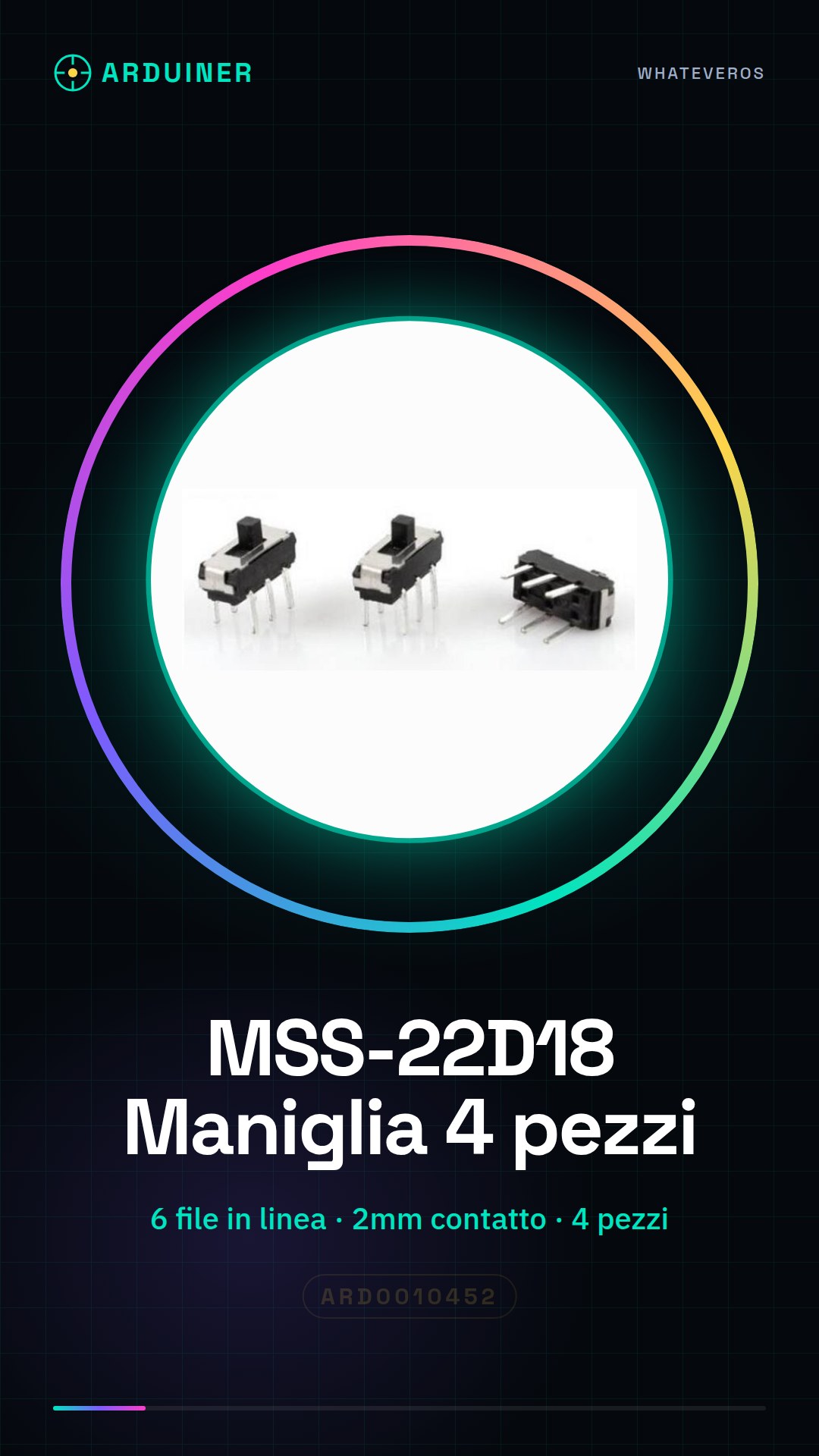
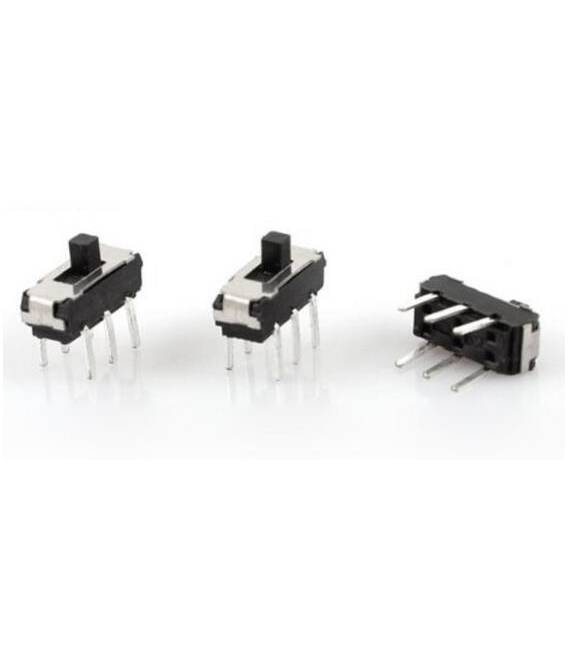
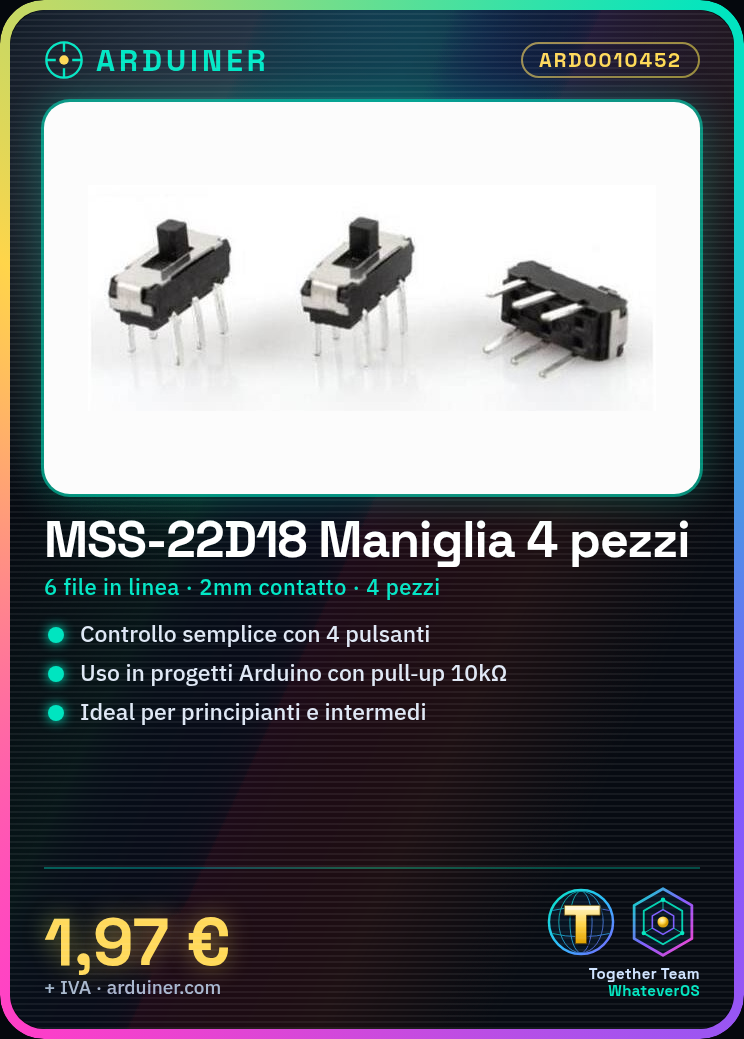
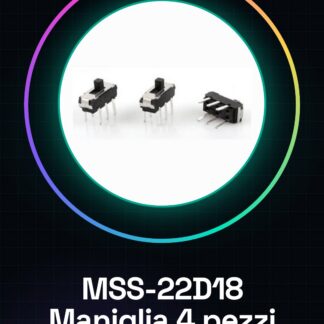
The MSS-22D18 knob kits are an electronic component used to create simple user interfaces in Arduino projects or prototypes. This kit contains 4 pieces of six-pin inline knobs, ideal for beginners and intermediates.
Features
- Type: MSS-22D18
- Pieces in kit: 4
- Number of pins: 6
- Contact length: 2mm
What it is for
The six-pin MSS-22D18 buttons are useful for projects requiring simple human-machine interactions. They are ideal for creating a presence counter or other devices that need to detect user input through a button.
Tutorial: How to use 4 Pieces MSS-22D18
These six-pin buttons are ideal for projects requiring simple human-machine interactions. Useful for beginners and intermediates.
What you need
- 4 pieces MSS-22D18
- Arduino
- Pull-up resistor (10kΩ)
- Power cable
Steps
- 1. Check the datasheet for specifications and dimensions.
- 2. Mount the buttons on a PCB or protoboard.
- 3. Connect the buttons to an Arduino pin using pull-up resistors.
- 4. Run the provided Arduino code.
- 5. Test the buttons to ensure they work correctly.
- 6. Add a display or LED to show the state of the buttons.
- 7. Check the contact stability.
- 8. Install the product in a final project.
Example code
```
int buttonPin = 2;
int buttonState;

void setup() {
  pinMode(buttonPin, INPUT_PULLUP);
}

void loop() {
  buttonState = digitalRead(buttonPin);
  if (buttonState == LOW) {
    Serial.println("Pulsante premuto");
  }
}
```
Mini project
Create a simple presence counter using MSS-22D18 buttons as switches.
Common mistakes
- Connect the buttons without pull-up resistors.
- Use pins different from those indicated in the code.
- Omit the button testing.
- Do not use a PCB or protoboard.
Recommended accessories
- Arduino Uno
- 10kΩ Resistors
- 16×2 LCD Display
Frequently asked questions
How can I test the buttons?
Connect the buttons and the pull-up resistor to an Arduino pin and run the provided code.
Which pins should I use for the buttons?
Use the digital pins of Arduino.
Can I use an Arduino Mini?
Yes, but make sure the pins are compatible.
What to do if the buttons don’t work?
Check the connection and pull-up. Check the Arduino code.
Reviews
There are no reviews yet.