 EN
 IT Italiano
 ES Español
 FR Français
 DE Deutsch
Description
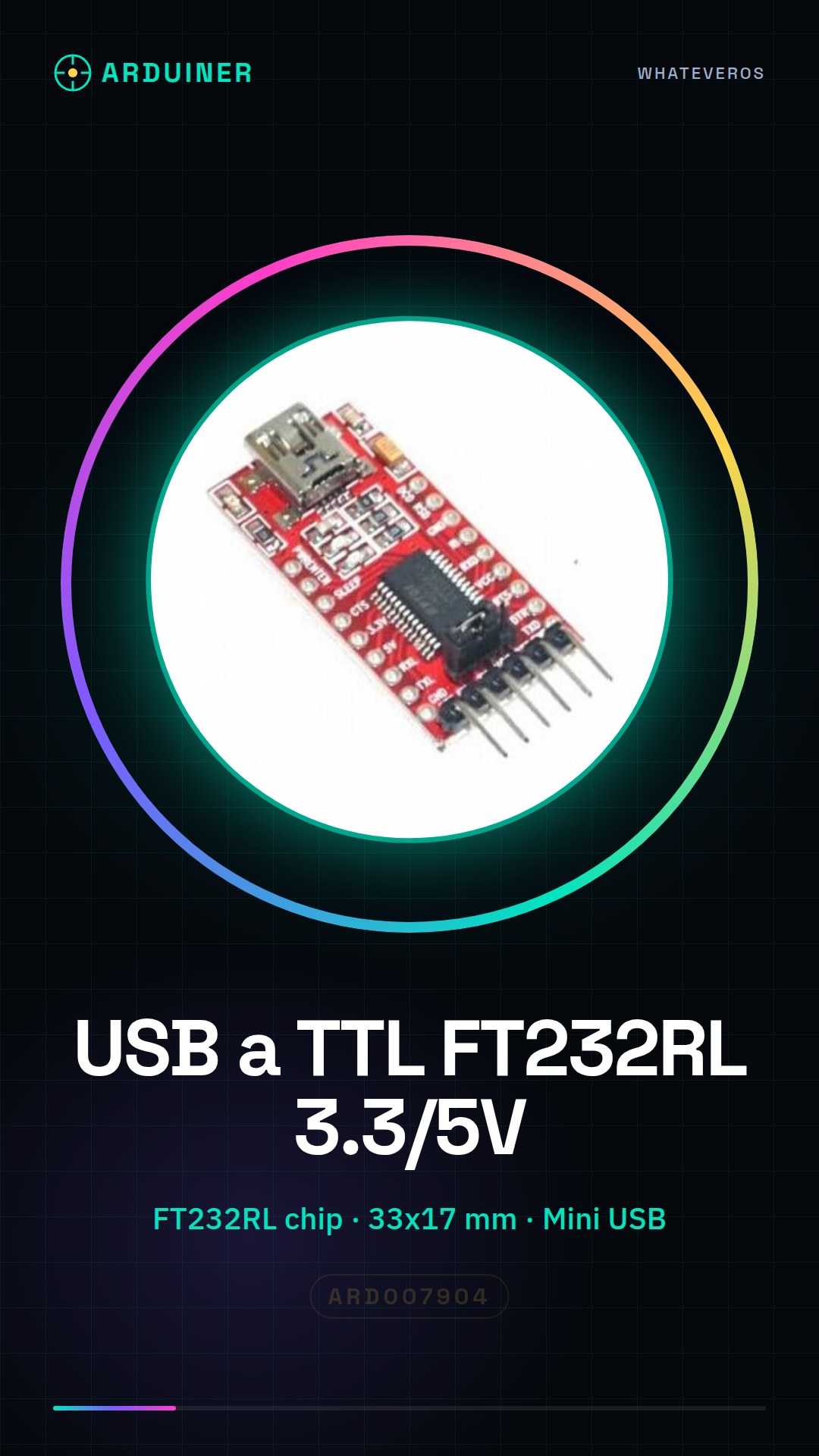
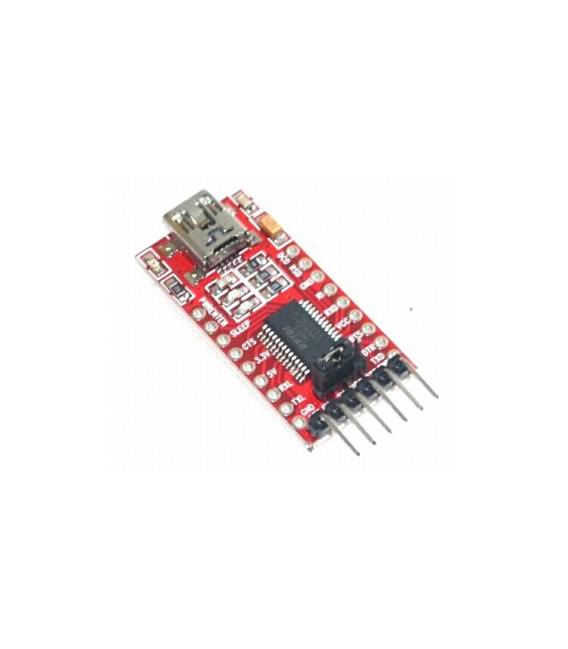
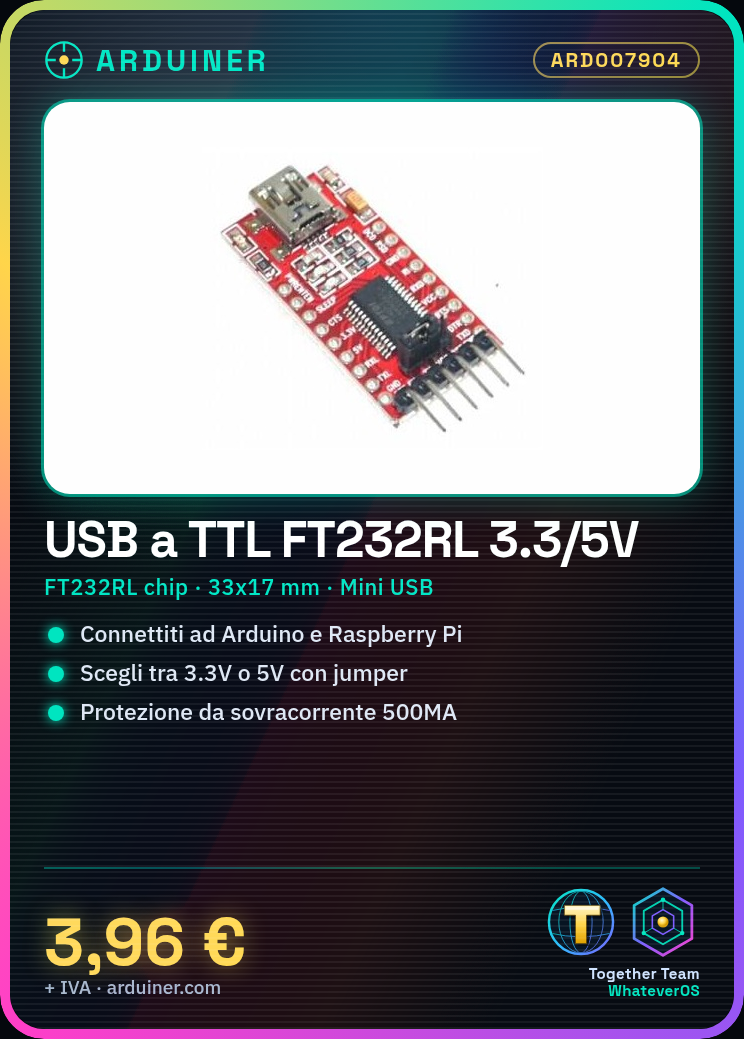
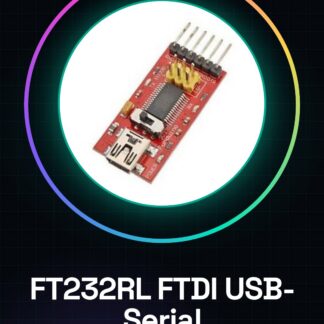
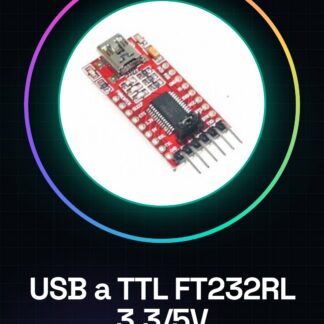
USB to TTL 3.3V 5V FT232RL chip converter for Arduino Raspberry
Features :
- Brand new and high quality
- Chip: FT232RL
- Draws the entire signal pinout of the FT232RL chip.
- Communication indicator for the transceiver RXD / TXD.
- USB power supply, can choose 5V or 3.3V, set by jumper.
- With overcurrent protection, using a self-resetting fuse of 500MA.
- Pin definition: DTR, RXD, TX, VCC, CTS, GND
- Pitch: 2.54 mm
- Module size: 33mm (length) * 17mm (width)
- Interface: Mini USB
Tutorial: How to use USB to TTL FT232RL converter
This converter is ideal for connecting your Arduino or Raspberry Pi to USB-based devices. Useful for projects requiring serial communication.
What you need
- USB to TTL FT232RL Converter
- Arduino or Raspberry Pi
- USB cable
- FTDI cable (optional)
Steps
- 1. Download and install the FTDI driver (check the datasheet).
- 2. Connect the USB cable to the converter.
- 3. Connect the converter to your Arduino or Raspberry Pi.
- 4. Verify that the converter is recognized (check the datasheet).
- 5. Configure the baud rate in your Arduino code.
- 6. Write Arduino code to send data (example: ‘Serial.println(“Hello”);’).
- 7. Upload the code to Arduino.
- 8. Verify communication (check the datasheet).
Example code
Serial.begin(9600); Serial.println("Ciao");Mini project
Create a simple Arduino sketch that sends serial messages to the converter and view them on the serial monitor.
Common mistakes
- Not recognized: make sure you have installed the drivers.
- Incorrect baud rate: check the configuration.
- Incorrect connections: check the pins.
- Drivers not up to date: check the version.
Recommended accessories
- FTDI cable (for testing on PC)
- Arduino Uno
- Raspberry Pi
- ESD protection
Frequently asked questions
FTDI drivers do not install?
Check the driver version and OS support.
Why don’t I see the pins on Arduino?
Use an FTDI cable to test on PC.
Which baud rates does it support?
Check the datasheet.
Reviews
There are no reviews yet.