 EN
 IT Italiano
 ES Español
 FR Français
 DE Deutsch
Description
What it is
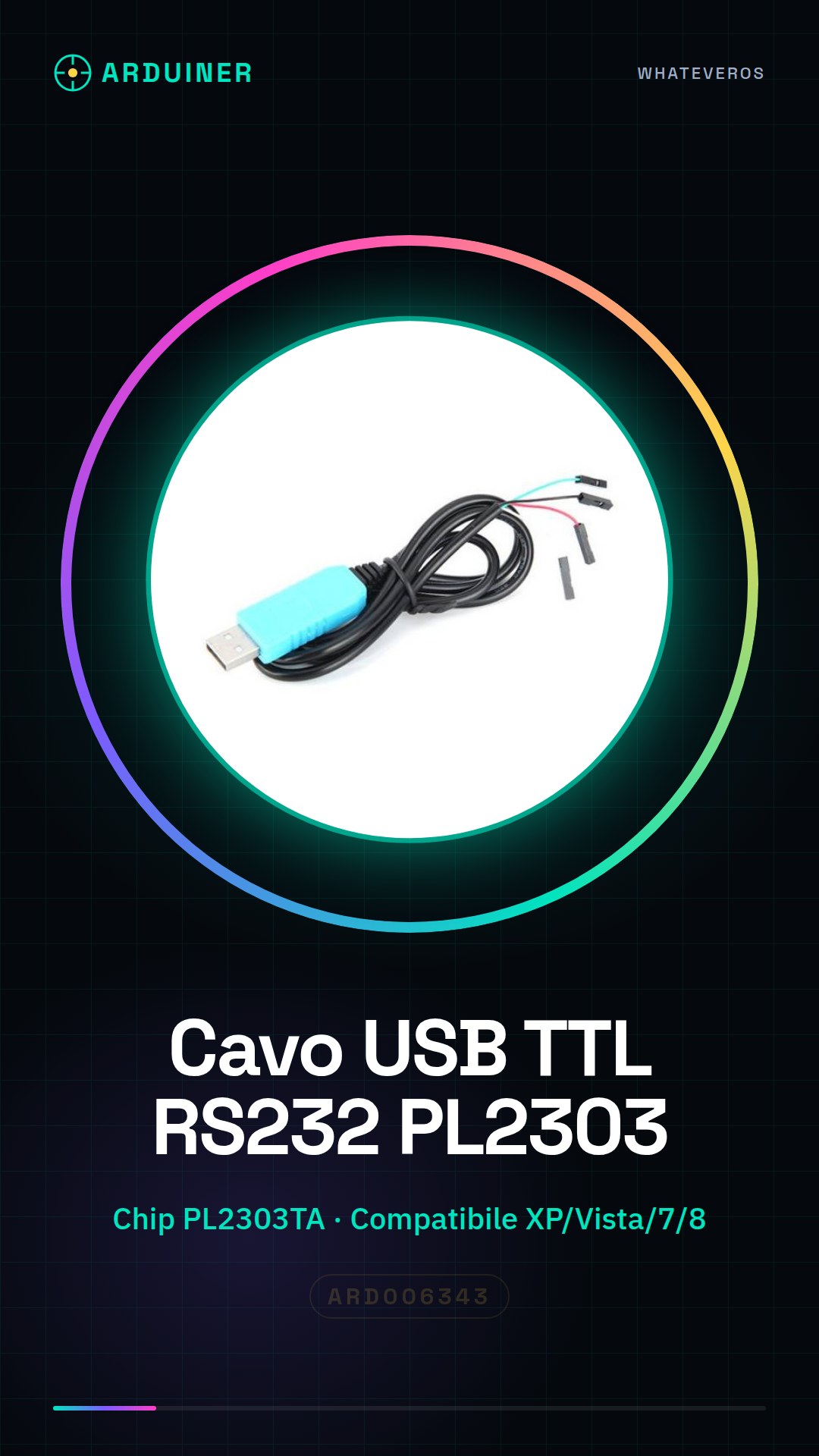
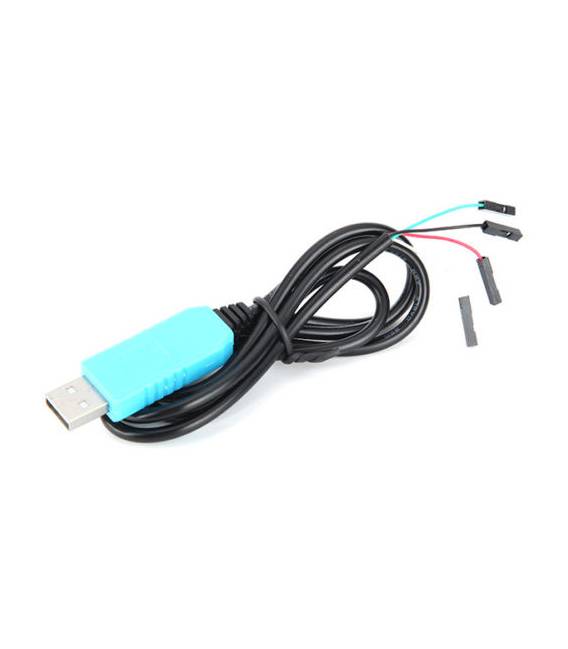
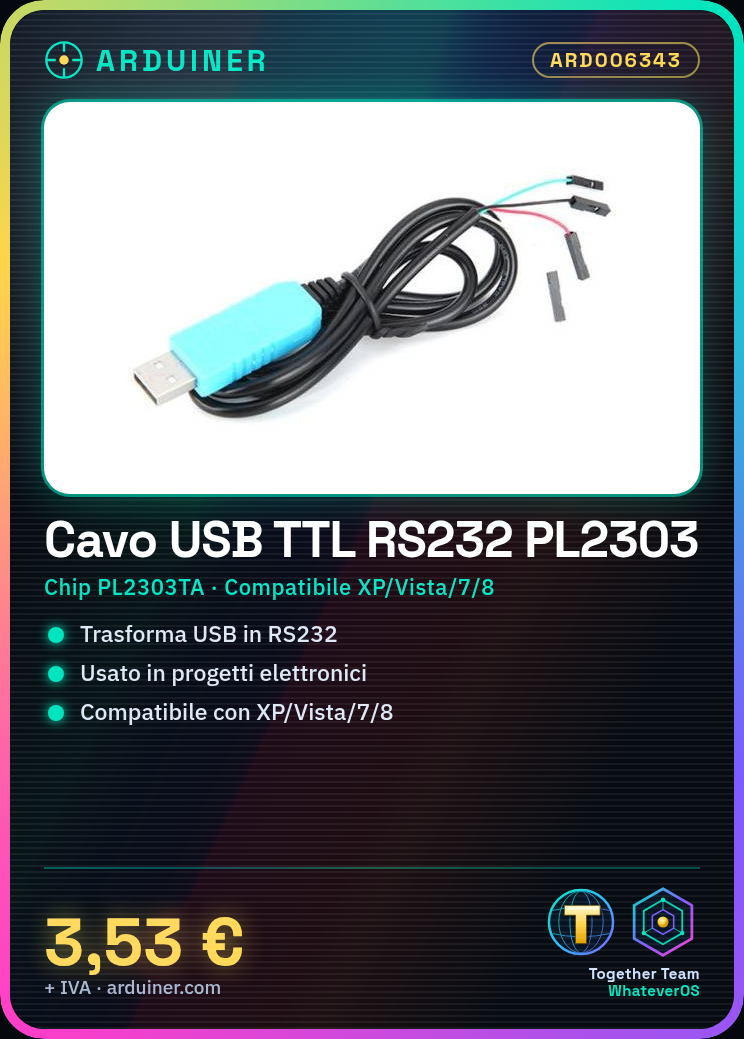
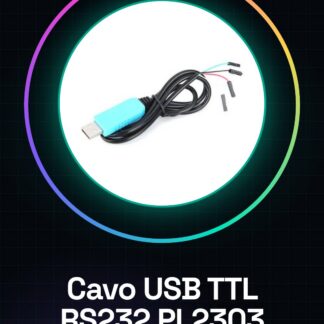
The USB TTL to RS232 Adapter Converter with PL2303TA chip is a device that allows connecting serial devices using the RS232 protocol to modern computers equipped with a USB port. This adapter is ideal for serial communication in various electronic projects.
Features
- USB TTL to RS232 Adapter Cable
- Integrated PL2303TA chip
- Compatible with Windows XP/Vista/7/8
What it is for
This cable is useful for creating serial connections in electronic projects, from programming microcontrollers to remote control interfaces. It can be used for serial communication between a computer and devices that require the RS232 protocol.
Tutorial: How to use USB TTL to RS232 Adapter Converter Cable
This adapter converter is ideal for anyone who wants to connect devices that use the RS232 protocol to modern computers with a USB port. It is useful for serial communication in various electronics projects, from programming microcontrollers to remote control interfaces.
What you need
- Computer with USB port
- Device that supports RS232
Steps
- Connect the converter to the computer via the USB port.
- Check that the driver is installed correctly (if necessary, download from the manufacturer’s website).
- Connect the other end of the adapter to the RS232 device.
- Open a serial communication software such as PuTTY or Tera Term to establish the connection.
- Check the transmission speed (baud rate) on the datasheet of the RS232 device and set the same value in the software.
Mini project
Create a remote monitoring system with a weather sensor that sends data to a base station via RS232 connection.
Common mistakes
- The driver does not install correctly.
- Serial communication has delays or reading errors.
- Cannot establish a connection with the RS232 device.
- Data sent from the sensor is inconsistent.
Recommended accessories
- DHT11 Weather Sensor
- 16×2 LCD Display
- Laptop or desktop computer
- RS232 Serial Cable
Frequently asked questions
Is the converter compatible with Windows 10?
Check the datasheet to see if the PL2303TA chip supports the desired version of Windows.
How can I know what speed (baud rate) I should set?
Check the RS232 device manual to find the default serial communication speed.
Reviews
There are no reviews yet.