 EN
 IT Italiano
 ES Español
 FR Français
 DE Deutsch
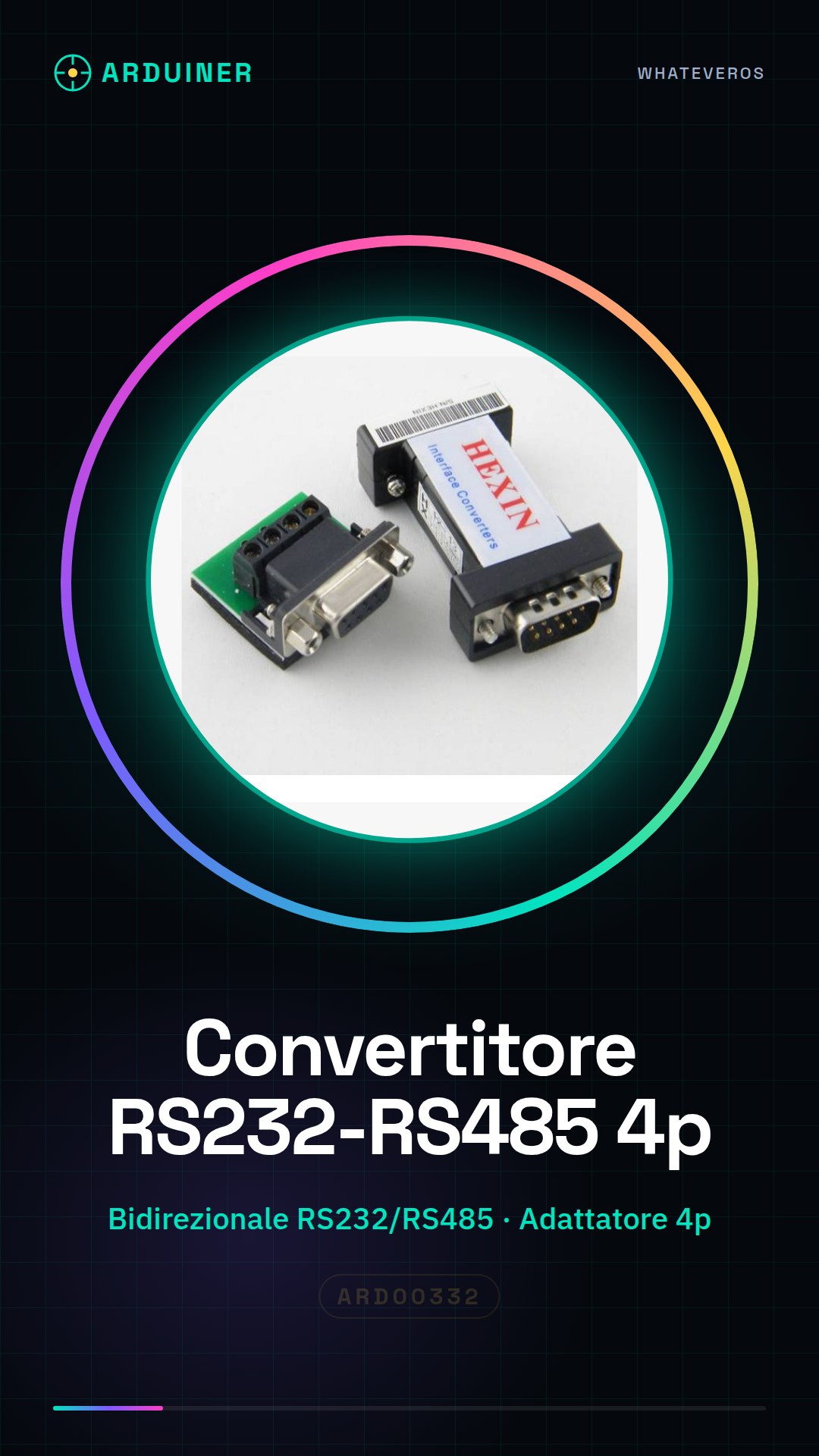
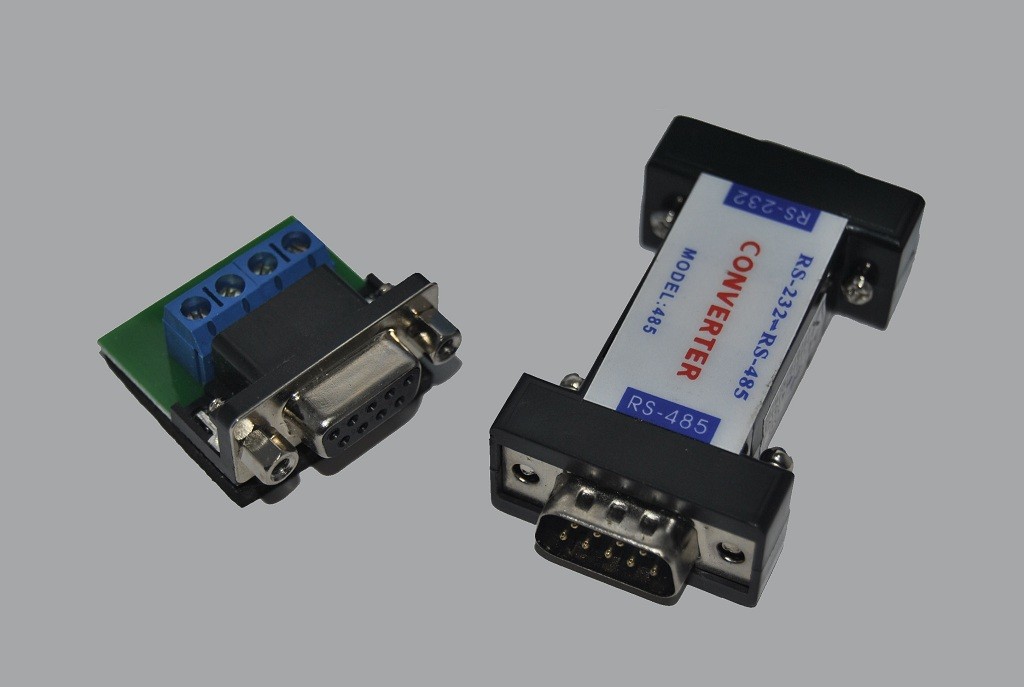
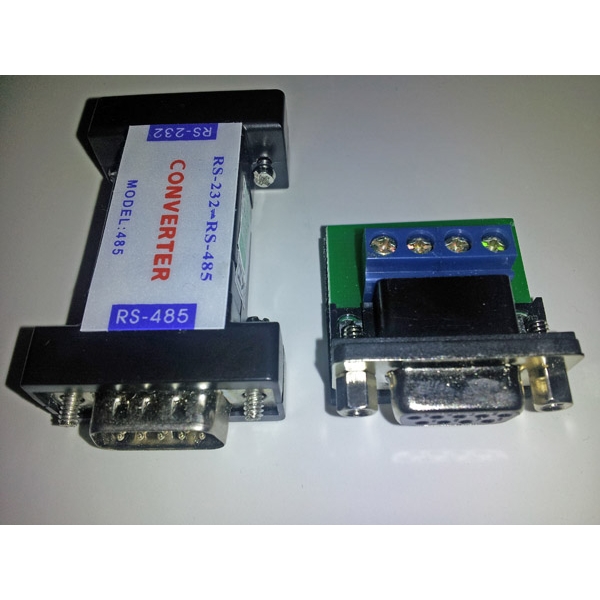
Description
What it is
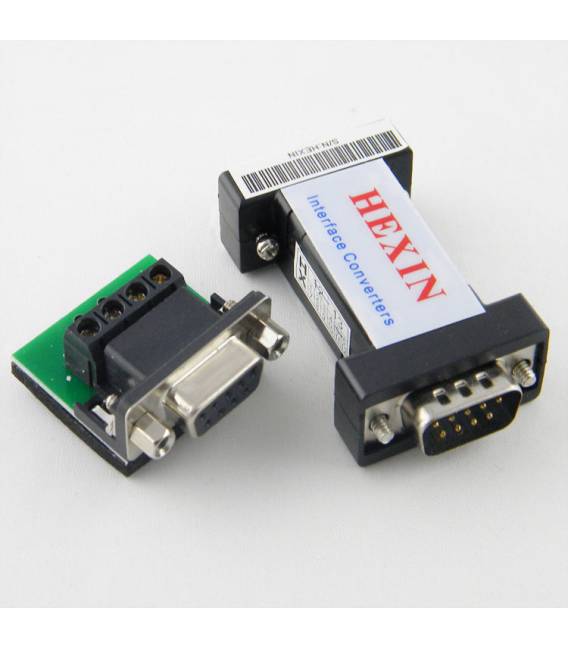
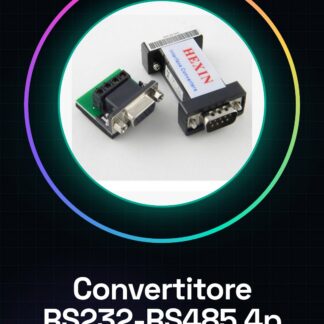
The bidirectional RS232-RS485 converter with a 4-pin adapter is a device that allows communication between devices using the RS232 protocol and RS485-based networks. This tool is essential for integrating electronic components in projects that require bidirectional communication.
Features
- Bidirectional RS232-RS485 Converter
- 4-pin Adapter
What it is for
This converter is useful for projects that require bidirectional communication between different devices, such as connecting Arduino or other microcontrollers to RS485 networks. It is perfect for applications that require the flexible interconnection of electronic components.
Tutorial: How to Use RS232 RS485 Converter
This converter allows connecting RS232 devices to RS485 networks. Perfect for communication projects.
What you need
- Arduino
- RS232 RS485 Converter
- TX/RX Lead
Steps
- Connect the converter to your Arduino using the TX and RX pins of the microcontroller.
- Check the pin configuration on the datasheet for the 4-pin adapter.
- Install the necessary library to manage RS232/RS485 on Arduino.
- Write the sketch that establishes communication between two devices through the converter.
- Verify the transmitted data using a serial monitor or another connected device.
- Test the bidirectional functionality of the converter by sending and receiving messages.
- Configure settings as needed, such as enabling/disabling the common RS485 line.
- Verify that the converter works correctly in both directions.
Example code
Serial.begin(9600); // Imposta la velocità di trasmissione
while (Serial.available() > 0) {
   char incoming = Serial.read();
   Serial.print("You sent:");
   Serial.println(incoming);
}
Mini project
Create a bidirectional communication system between two Arduinos using the RS232 RS485 converter.
Common mistakes
- Configure the wrong pins
- Do not install the necessary library
- Incorrect transmission settings
- Unstable physical connection
Recommended accessories
- USB to Arduino Serial Cable
- RS232 Sensors
- Arduino Uno R3
- RS485 Adapter
Frequently asked questions
How can I configure the converter for RS485?
Check the settings on the datasheet and configure the control pins.
Which libraries do I need to install on Arduino?
Install a library that supports RS232/RS485 communication, such as ‘SoftwareSerial’ or ‘AltSoftSerial.’
What does it mean if I don’t receive data?
Check the transmission settings and the physical connection between devices.
Reviews
There are no reviews yet.