 EN
 IT Italiano
 ES Español
 FR Français
 DE Deutsch
Description
What it is
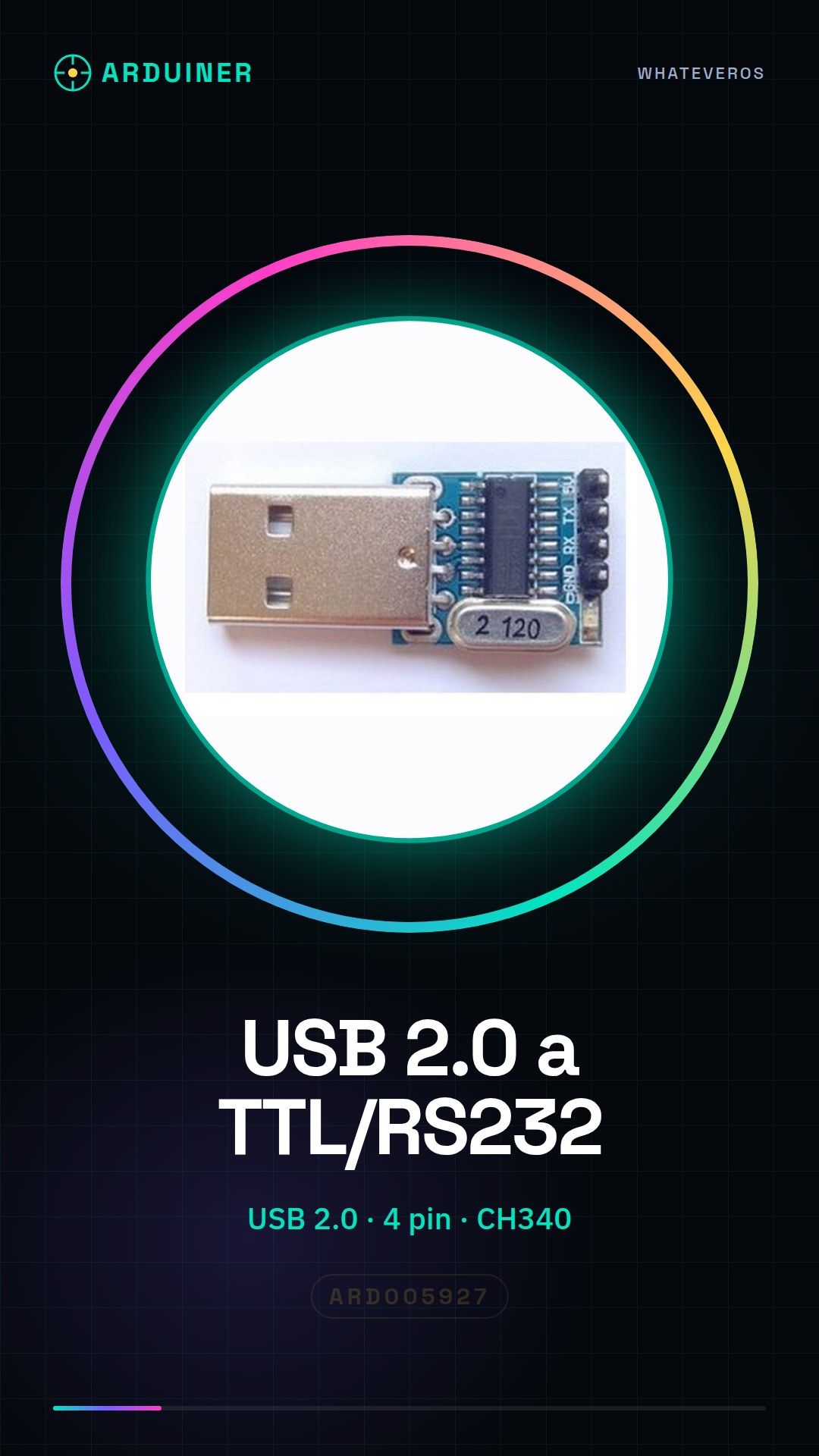
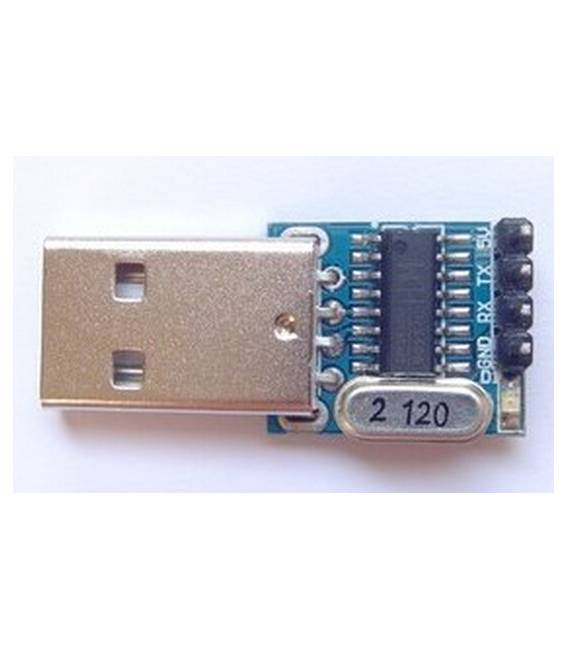
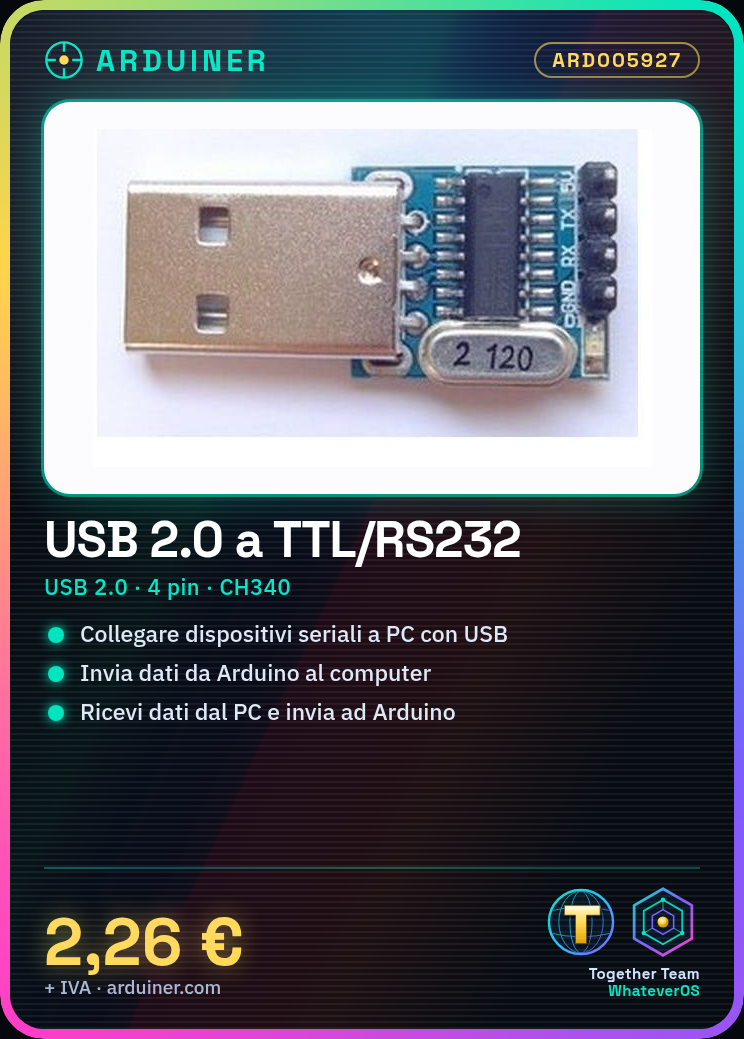
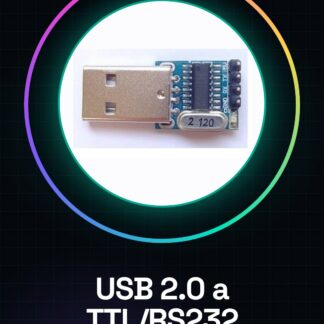
The USB 2.0 to TTL/RS232 Serial Converter module is an adapter that allows connecting devices with a serial interface (TTL/RS232) to a computer via a USB 2.0 port.
Features
- Connection: USB 2.0 (male) – TTL/RS232 (female)
- Integrated chip: CH340
- Pins: 4
- SKU: ARD005927
- Price: 2.26 €
What it is for
This module is useful for connecting serial interface-based devices to a computer, for example:
– Transmitting data from an Arduino device to a computer.
– Receiving data from a computer and sending it to an Arduino device.
– Connecting serial devices with programming or monitoring software.
Tutorial: How to use the USB 2.0 to TTL/RS232 Serial Converter
This module allows you to connect serial-based devices to a computer. Useful for Arduino prototypes and projects.
What you need
- Computer with USB
- Arduino or other serial device
- USB cable
- Serial connection cable
Steps
- 1. Check the datasheet for the specifications of your Arduino.
- 2. Connect the USB cable to the CH340 module.
- 3. Connect the serial cable to the CH340 module.
- 4. Connect the CH340 module to your Arduino.
- 5. Install the CH340 driver on your computer.
- 6. Load the Arduino code to test the connection.
- 7. Check the serial port in the Arduino serial monitor.
- 8. Verify the communication between Arduino and computer.
Example code
Serial.begin(9600); Serial.println("Ciao, mondo!");Mini project
Create a simple Arduino sketch that sends a serial message to the computer.
Common mistakes
- Do not install the CH340 driver.
- Connect the serial cable to the wrong pin.
- Forget to check the serial port.
- Not having an appropriate serial cable.
Recommended accessories
- Arduino
- USB cable
- Serial cable
- Serial monitor
Frequently asked questions
Which drivers to install?
Install the CH340 driver specific to your operating system.
Why isn’t the communication working?
Check the pin configuration and serial speed.
Can I use this module with a Raspberry Pi?
Yes, but make sure the Raspberry Pi supports the CH340 connection.
Reviews
There are no reviews yet.