 EN
 IT Italiano
 ES Español
 FR Français
 DE Deutsch
Description
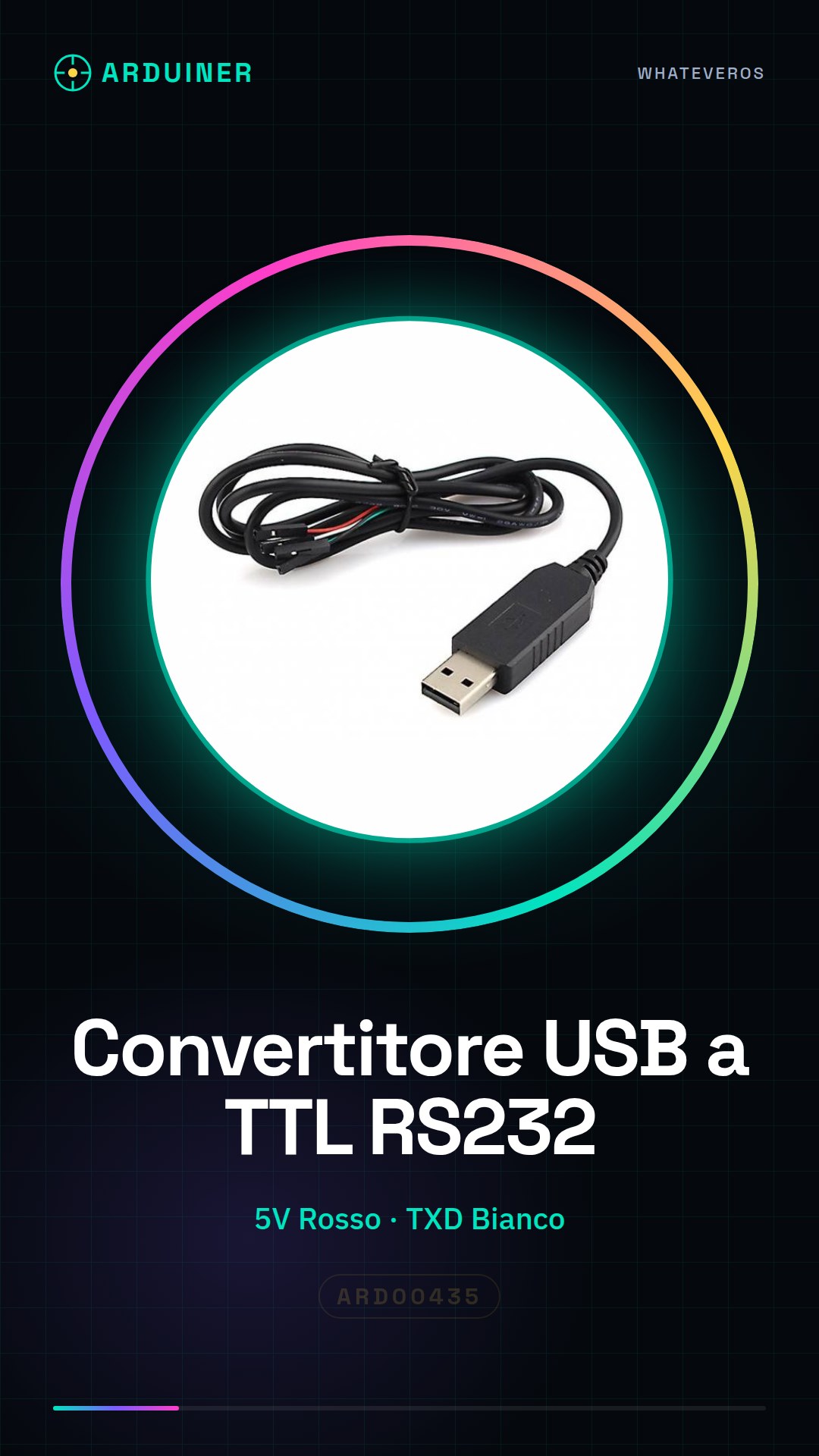
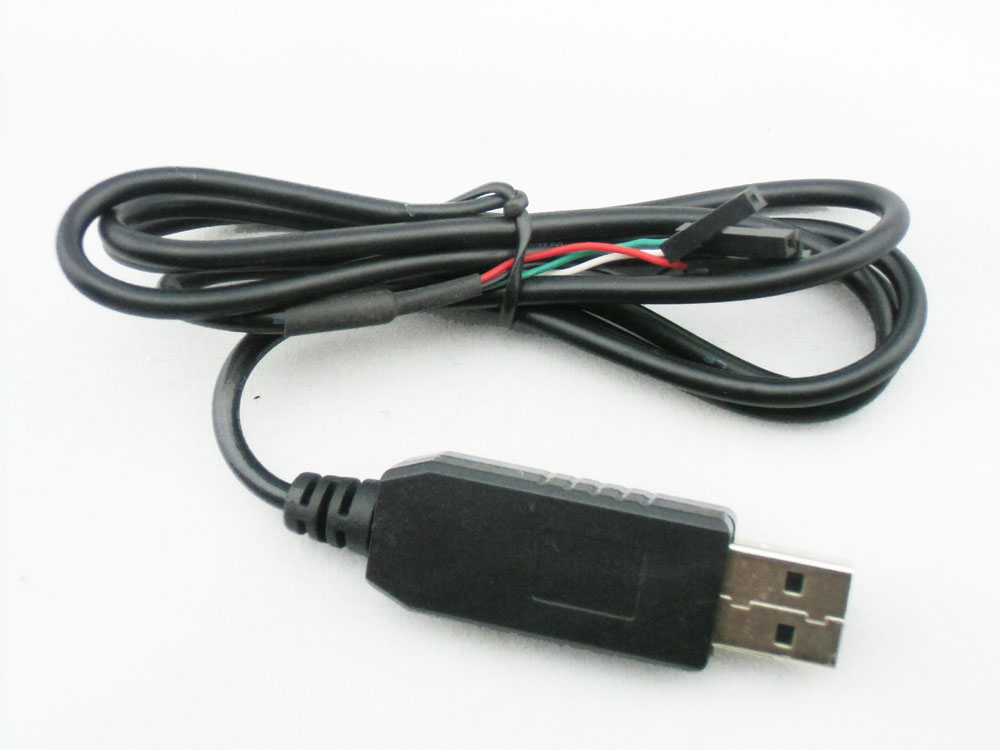
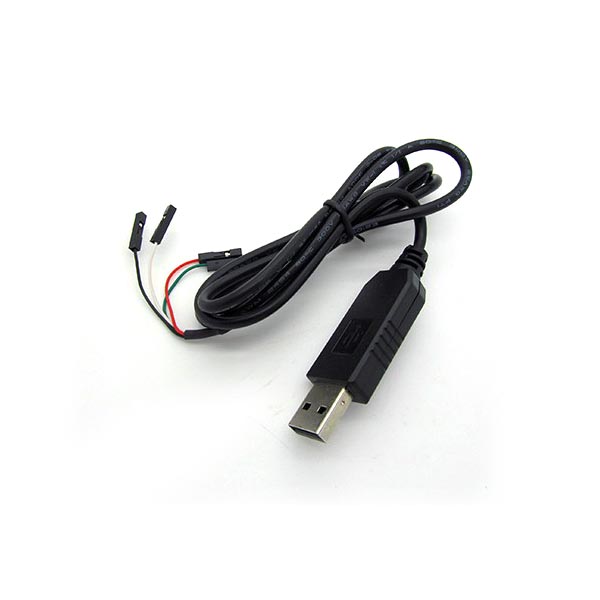
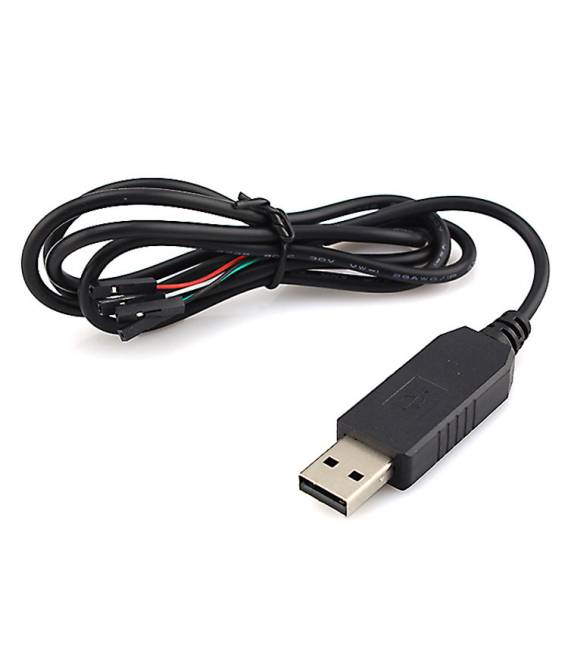
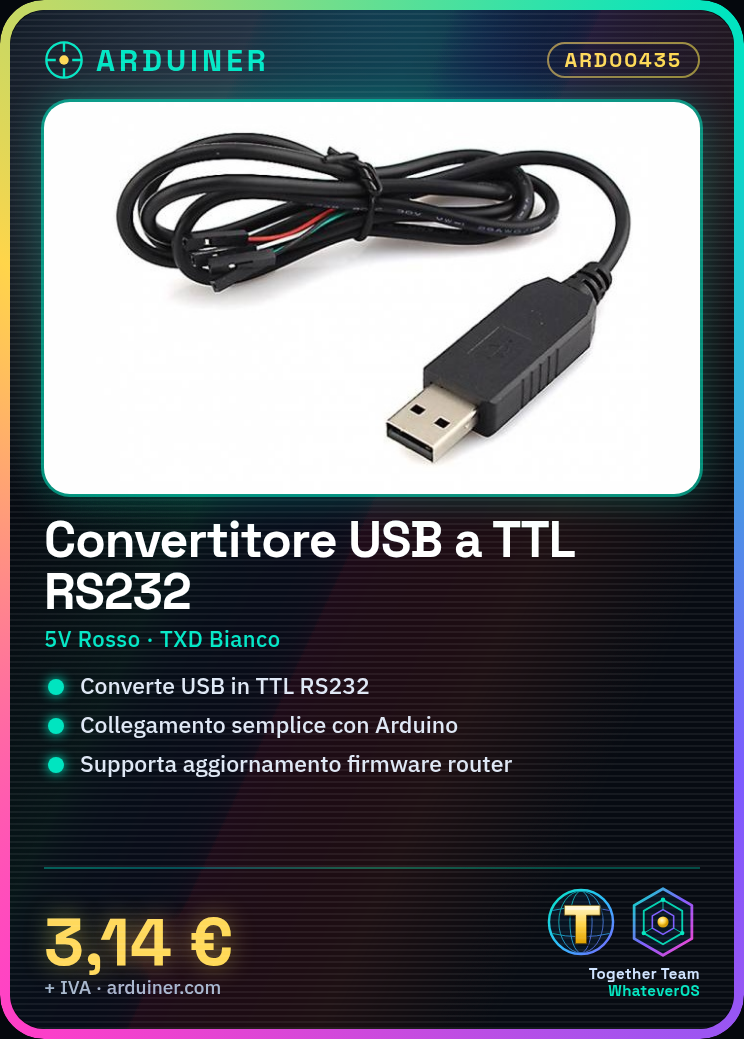
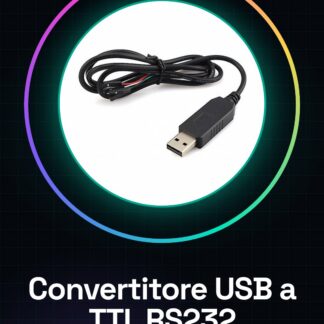
PL2303HX USB to TTL RS232 UART Arduino Converter Cable
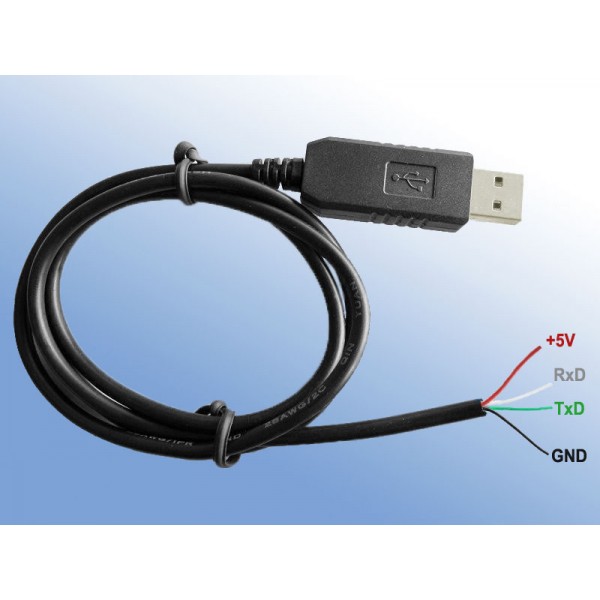
configuration:
Red +5 V
GND black
RXD white
TXD green
Connection mode:
RX to TX;
TX to RX;
Surface-to-surface (from GND to GND)
USB to serial board function:
1 simple serial communication.
2 or router ADSL firmware update.
3 Serial GPS communication.
4 Disk firmware update.
5 Convenient use, RX receives MCU TX; TX MCU RX received at Shangdi. No MAX232 conversion used.
6 super-terminal to use; common serial debug tools.
7 satellite machine update types.
We have datasheets available for all components. If it’s not present in the product download sheet, send us a message through the contact form and we will publish it as soon as possible on our website.
Tutorial: How to Use the USB to TTL RS232 UART Converter
The PL2303HX converts USB signals to TTL RS232 for Arduino. Ideal for beginners.
What you need
- Arduino
- Computer with USB port
- Serial communication software
Steps
- Connect the converter between the Arduino and the computer’s USB port
- Install the PL2303HX drivers from the official website
- Open the serial communication software (e.g., Arduino Serial Monitor)
- Set the correct transmission speed in the software
- Send data from Arduino to the computer and vice versa
Mini project
Create an LCD display that shows messages sent from the computer
Common mistakes
- Physical connection error between Arduino and converter
- Drivers not installed correctly
- Incorrect serial settings in software
Recommended accessories
- TTL RS232 interface LCD display
- Variable sensors for data monitoring
- USB Type A to micro B cable
- Jumpers and test connectors
Frequently asked questions
Where can I find PL2303HX drivers?
On the Prolific Technology website.
Is the converter compatible with Raspberry Pi?
Check the datasheet for specific compatibility.
Reviews
There are no reviews yet.