 EN
 IT Italiano
 ES Español
 FR Français
 DE Deutsch
Description
What it is
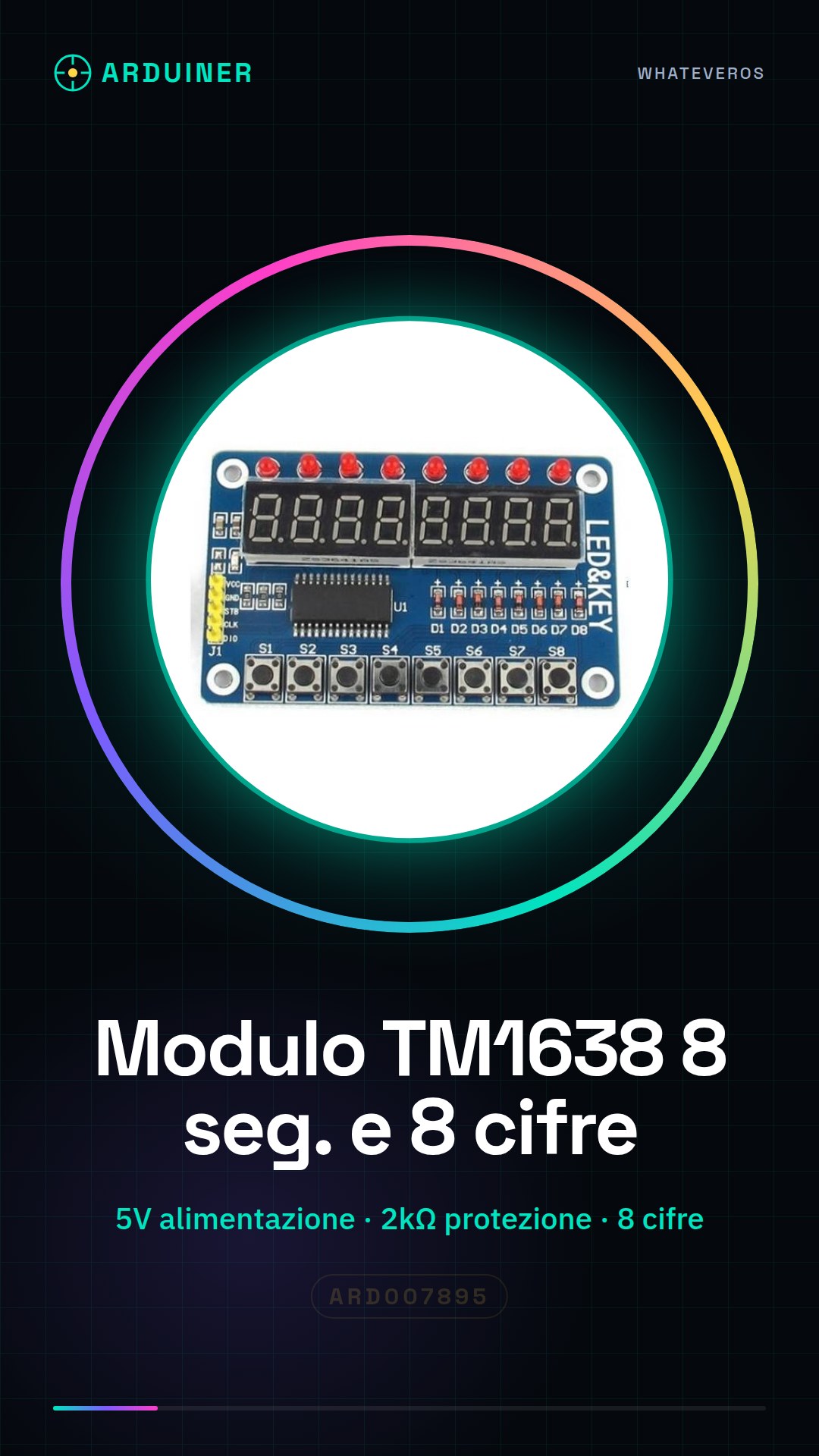
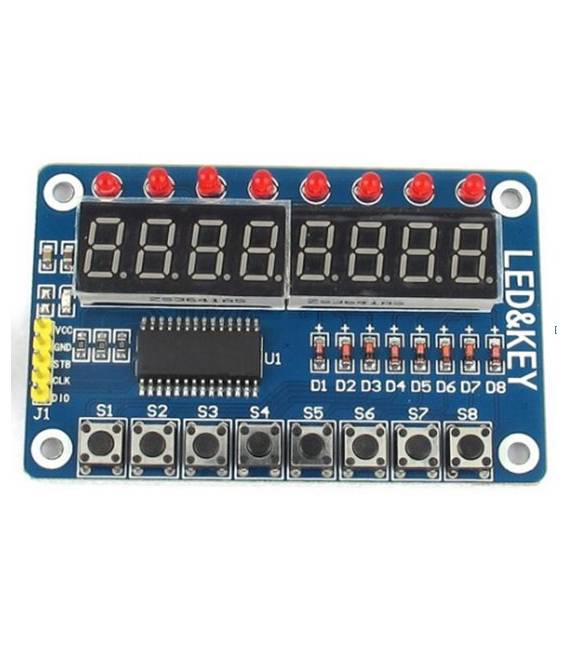
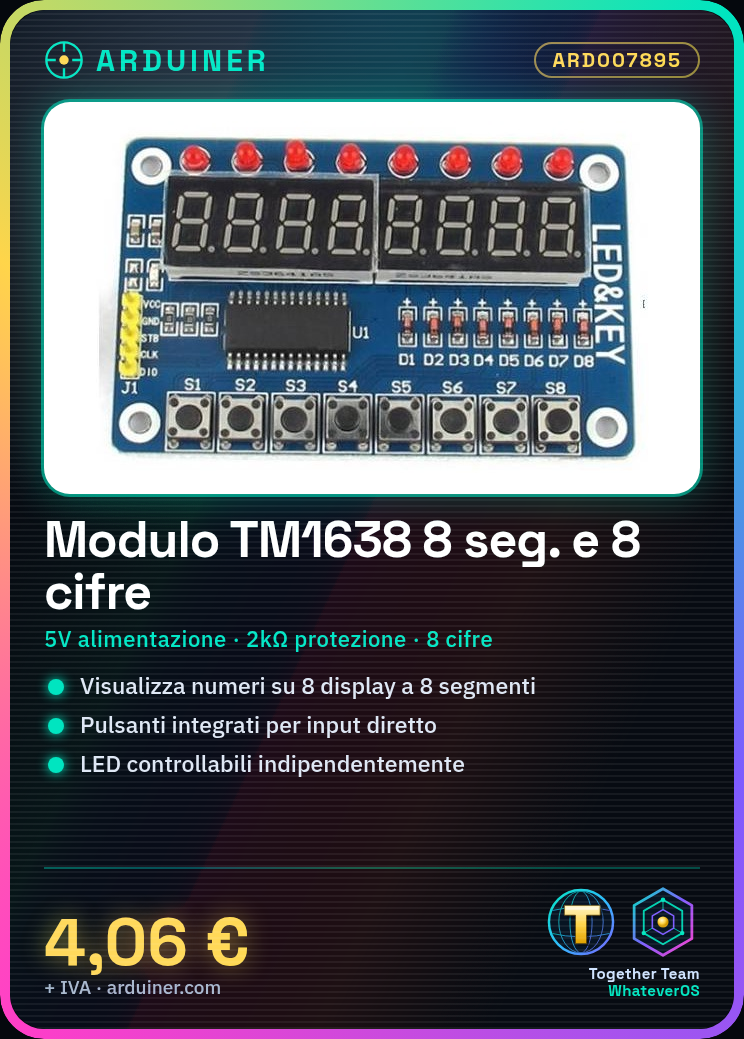
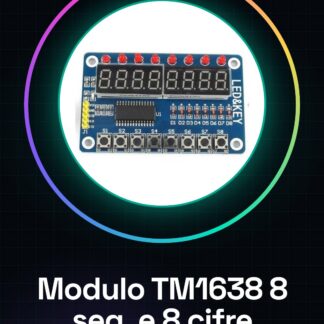
The TM1638 module is a component for Arduino and microcontrollers that integrates input/output functionalities, including buttons, LEDs, and an 8-segment display with 8 digits. This module is designed to facilitate the creation of interactive user interfaces.
Features
- Integrated buttons
- Individually controllable LEDs
- 8-segment display with 8 digits
What it is for
TM1638 modules are used to create visual and interactive user interfaces in Arduino projects. Common examples include the creation of stopwatches, counters, or any other device that requires numerical data display with control buttons.
Tutorial: How to Use the TM1638 Module
The TM1638 module is ideal for displaying data visibly with an 8-digit 8-segment display. Useful for Arduino and microcontroller projects.
What you need
- Arduino or compatible microcontroller
- 5V power cable
- 2kΩ resistor
- 8-digit 8-segment display
- Optional buttons
Steps
- 1. Connect the TM1638 module to the microcontroller using the following pins: VCC to 5V, GND to GND, DIO to a digital pin, WR to another digital pin, STROBE to a third digital pin.
- 2. Connect the 8-digit 8-segment display to the TM1638 module using the DIO, COM, and GND pins.
- 3. Connect a 2kΩ resistor between the VCC pin and DIO to protect the microcontroller.
- 4. Connect the buttons (if present) to the TM1638 module.
- 5. Upload the following code to the microcontroller.
- 6. Check that the display correctly shows the numbers.
- 7. Add functionality such as button control.
- 8. Check the datasheet for further settings.
Example code
```
#include <TM1638.h>

TM1638 tm1638(DIO, WR, STROBE);

void setup() {
  tm1638.begin();
}

void loop() {
  tm1638.show(12345678);
}
```
Mini project
Create a simple stopwatch using the TM1638 module and an 8-digit 8-segment display. Set the buttons to start and stop the stopwatch.
Common mistakes
- Connect the TM1638 module pins correctly.
- Check that the 2kΩ resistor is correctly installed.
- Ensure that the display is correctly connected.
- Check that the microcontroller is properly powered.
Recommended accessories
- 8 digit 8 segment display
- Buttons
- 2kΩ resistor
- 5V power supply cable
Frequently asked questions
Does the module work with Arduino Uno?
Yes, the TM1638 module is compatible with Arduino Uno.
Which pins of the microcontroller should I use?
Use the digital pins DIO, WR and STROBE.
Can I use a different display?
Yes, but make sure it is compatible with the TM1638 module.
Reviews
There are no reviews yet.