 EN
 IT Italiano
 ES Español
 FR Français
 DE Deutsch
Description
What it is
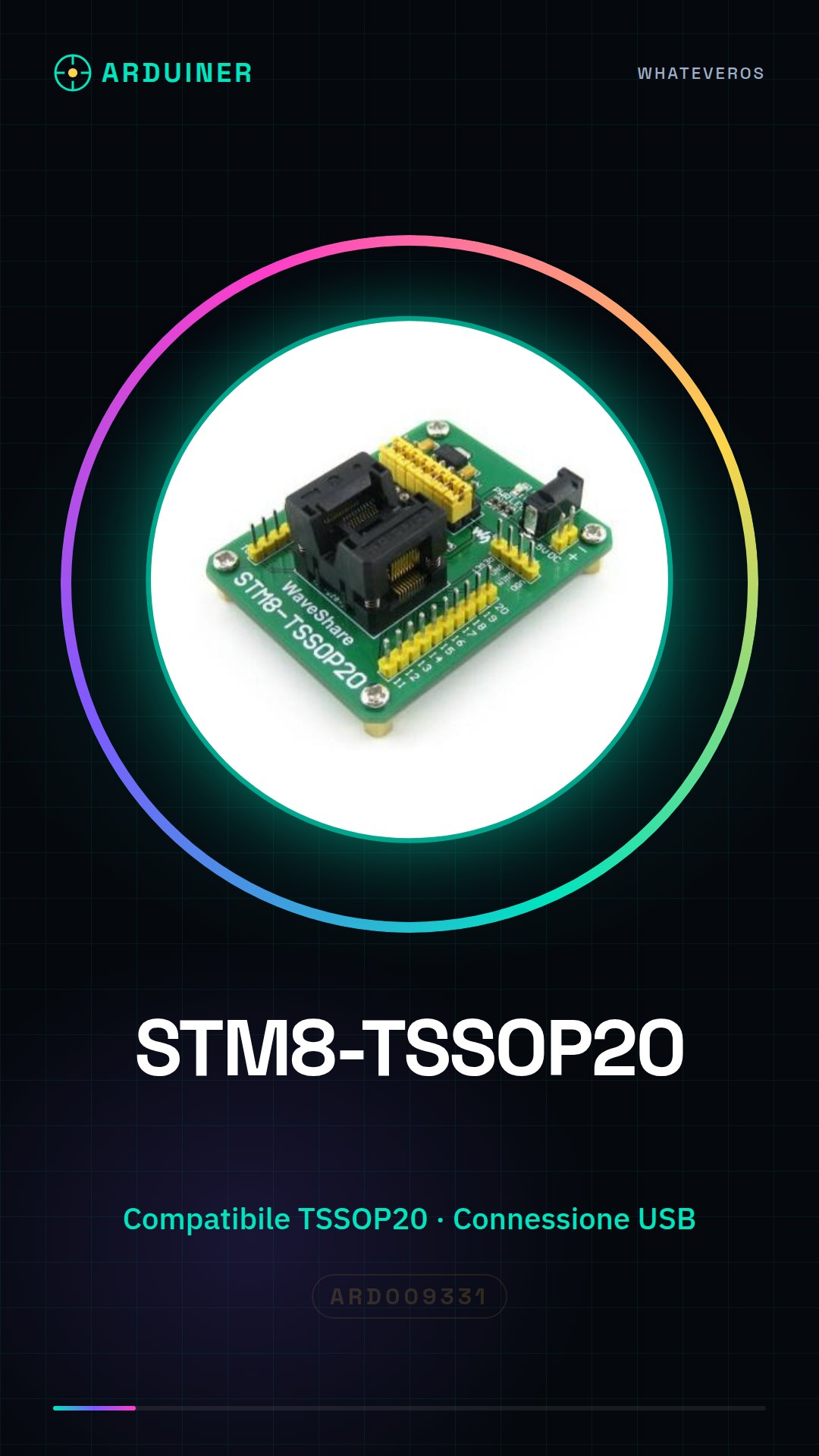
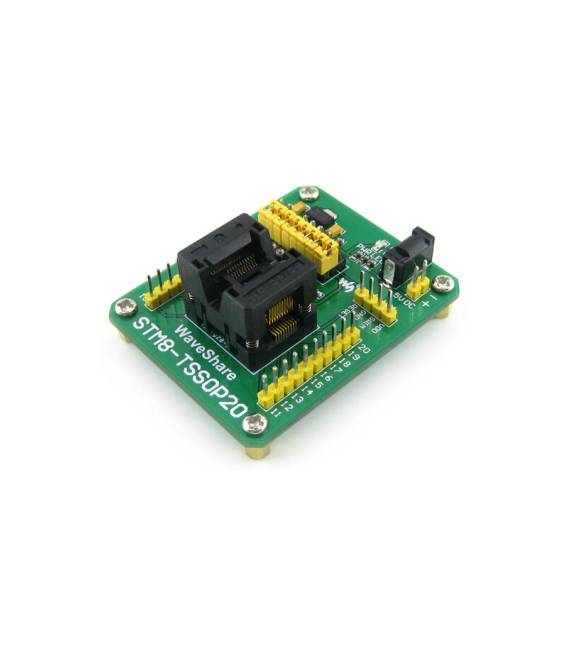
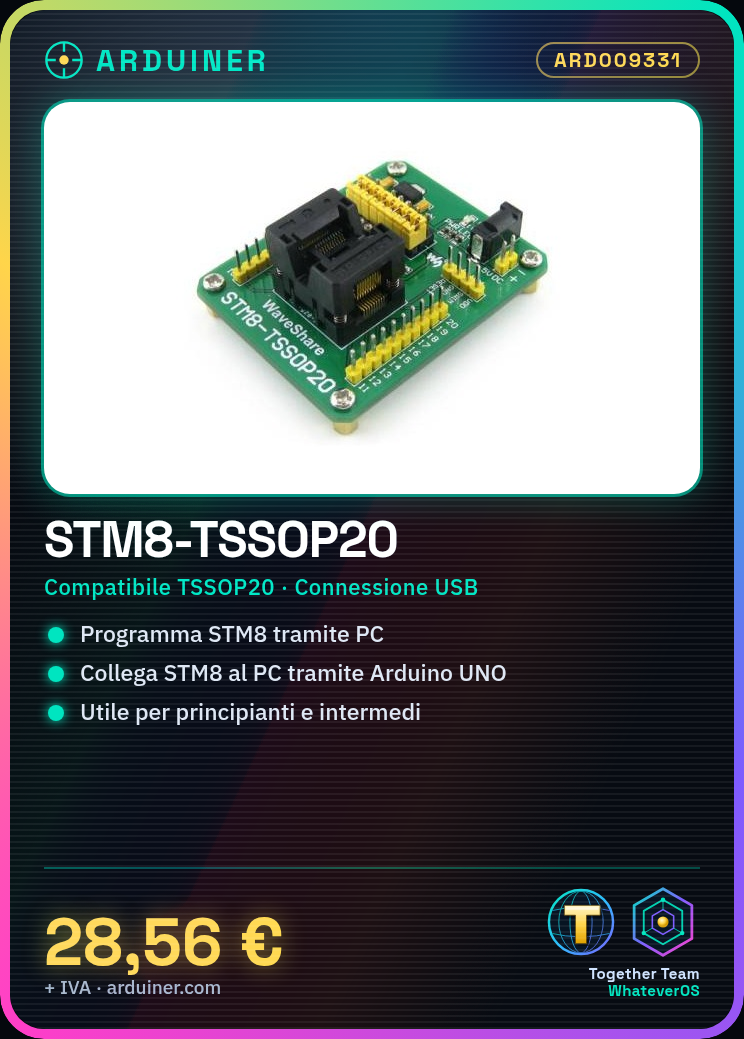
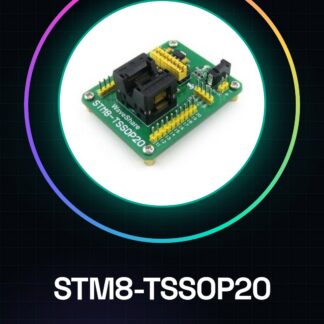
The STM8-TSSOP20 is a programmer adapter for STM8 microcontrollers in TSSOP20 format. It allows programming these microcontrollers via a computer.
Features
- Compatible with STM8 microcontrollers in TSSOP20 format
- Connection via USB
- SKU: ARD009331
- Price: 28.56 €
What it is for
The STM8-TSSOP20 adapter is useful for programming STM8 microcontrollers in TSSOP20 format. It can be used to create simple electronic projects based on microcontrollers, such as a button counter.
Tutorial: How to use STM8-TSSOP20
The STM8-TSSOP20 is a programmer adapter for STM8 microcontrollers. Useful for beginners and intermediate programmers working with STM8 microcontrollers.
What you need
- Arduino UNO or compatible
- USB cable
- STM8 microcontroller
- PC with Arduino IDE
Steps
- 1. Download and install the Arduino IDE.
- 2. Connect the Arduino UNO to the PC.
- 3. Download and install the USBasp plugin.
- 4. Connect the STM8 microcontroller to the STM8-TSSOP20.
- 5. Connect the STM8-TSSOP20 to the Arduino UNO.
- 6. Configure the Arduino sketch for the STM8 microcontroller.
- 7. Load the sketch onto the Arduino UNO.
- 8. Load the STM8 microcontroller via the STM8-TSSOP20.
Mini project
Create a simple button counter based on the STM8 microcontroller.
Common mistakes
- Forget to install the USBasp plugin.
- Connect the pins of the STM8 microcontroller correctly.
- Fail to configure the Arduino sketch correctly.
- Forget to update the Arduino IDE version.
Recommended accessories
- STM8 microcontroller
- USBasp
- Breadboard
- Buttons and display
Frequently asked questions
How to configure the Arduino sketch?
Check the microcontroller’s datasheet and the Arduino website for specific instructions.
Why does the programmer not recognize the microcontroller?
Check the correct pin configuration and the USBasp plugin.
Can I use this programmer with other STM8 microcontrollers?
Check compatibility on the microcontroller’s datasheet.
Reviews
There are no reviews yet.